Why AI Ruins Hands in Photo Edits — and 7 Ways to Stop It
Your original photo had two perfectly normal hands. The edit came back with a thumb growing out of a palm, or a coffee cup held by four and a half fingers. Everything else looks great, which somehow makes it worse.
Hands are the most reliable tell that a photo was AI-edited, and the frustrating part is that the model had a correct hand right there in your source. Here is why it throws that away, and what actually keeps hands intact.
Why It Happens
A hand is a small object with a huge number of valid configurations. Fingers overlap, bend at three joints each, and hide behind one another constantly. Faces have a fixed layout — two eyes above a nose above a mouth, always — so a model that gets a face slightly wrong still produces a face. Get a hand slightly wrong and you get an anatomical impossibility.
The second problem is size. In most portraits a hand takes up a tiny fraction of the pixels, so there is very little detail for the model to work from, and errors there are cheap for it to make.
The critical thing to understand: an edit is a regeneration, not a filter. When you ask for a new background, the model redraws the whole image, hands included. It is not preserving your hands and changing the sky. That is why hands that were fine in your source come back broken.
Fix 1: Say Hands Explicitly
Most prompts never mention hands, so nothing in them protects hands. Adding one clause does a surprising amount of work, for the same reason the identity clause works — the model weights what you actually asked for.
Keep the hands exactly as they are in the original photo:
same position, same number of fingers, same grip on the object.
Do not redraw the hands.
Fix 2: Prefer Photos Where Hands Are Simple
Not all hands are equally hard. In rough order from safest to worst:
- Hands out of frame entirely — nothing to break
- Hands relaxed at the sides, fingers together
- One hand resting flat on a surface
- A hand holding a simple object — a mug, a book
- Interlocked fingers, a peace sign, hands near the face
- Two people’s hands overlapping
If you have a choice of source photos and one of them has hands tucked away, use that one. This is not giving up; it is picking the fight you can win — and the rest of what makes a source easy to edit is in our source photo checklist.
Fix 3: Change Less
The more of the image you ask the model to rebuild, the more likely hands get rebuilt too. A colour-and-light change (“warm afternoon sunlight, pastel film tones, keep everything else identical”) barely touches structure. A full scene swap (“put me in a Paris café”) regenerates everything.
If you want a dramatic scene change and the hands matter, expect to run it several times.
Fix 4: Crop, Edit, Recombine
If the hand is small and stubborn, take it out of the equation. Crop to the part of the photo you actually want transformed, edit that, and leave the hand region alone. For a portrait where only the background needs changing, this is often faster than fighting the prompt.
Fix 5: Fix the Hand in a Second Pass
Do not restart from scratch when one hand is wrong. Feed the broken result back in and ask for a targeted repair:
This image is correct except for the left hand, which has the wrong
number of fingers. Redraw only the left hand as a natural human hand
with five fingers, in the same position and lighting.
Change nothing else in the image.
Second passes work far better on hands than on faces, because you are not asking the model to preserve an identity — only to produce a plausible hand.
Fix 6: Count Before You Post
This sounds obvious and it is the step people skip. Zoom in on every hand at full size before the photo goes anywhere. Count fingers. Check that the thumb is on the side of the hand it belongs on, and that fingers that pass behind an object come out the other side in the right place.
A subtle error — four fingers plus a thumb, but one knuckle too many — is the kind that slips past at thumbnail size and gets spotted instantly by everyone in the comments.
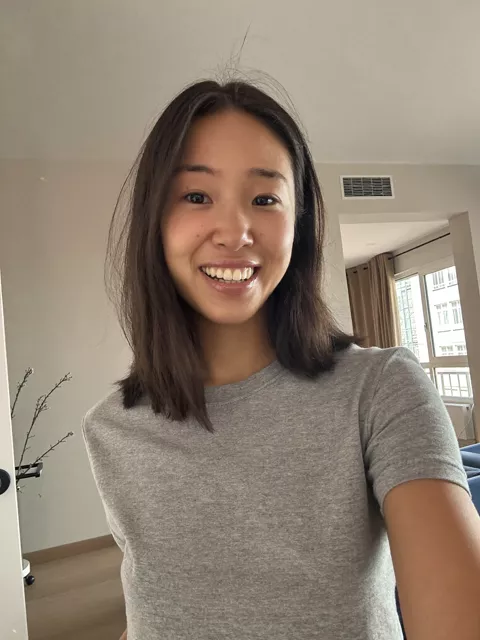
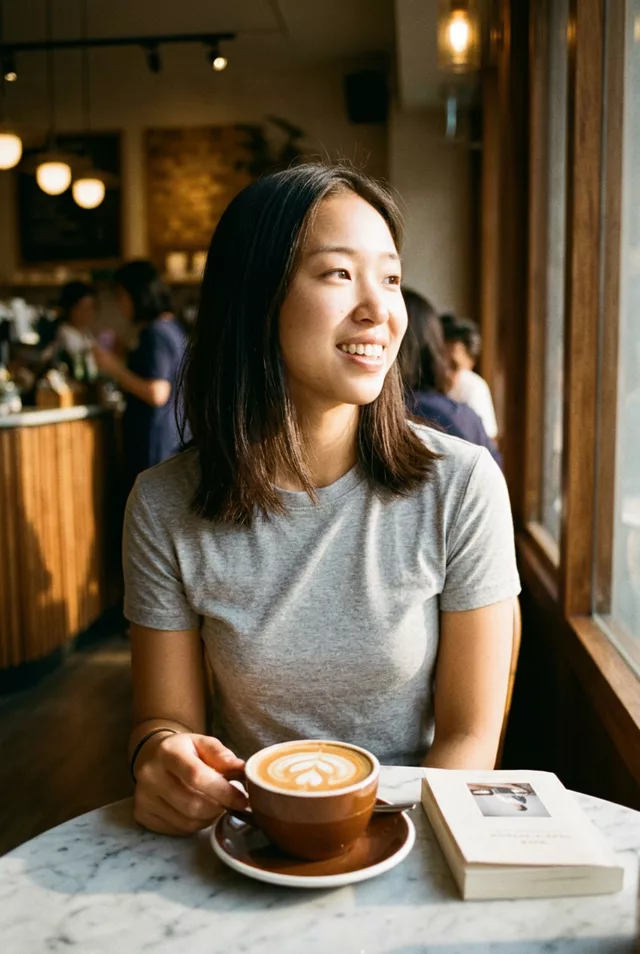
Fix 7: Do Not Ask for Extra Fingers to Be Removed
When a result has six fingers, the instinct is to write “remove the extra finger.” That tends to go badly, because the model has to identify which one is extra and reason about counting, which is exactly what it is bad at.
Describe the correct end state instead — “a natural hand with five fingers, thumb on the left, holding the cup” — and let it regenerate the whole hand. Positive descriptions of the target beat negative corrections of the error.
Putting It Together
Name the hands in the prompt, pick source photos where hands are simple, change as little as possible, and repair in a second pass rather than starting over. And check at full size before posting.
The clause in Fix 1 is designed to be pasted onto the end of any prompt, including every one in our prompt library and anything you build in the prompt generator. Most of those prompts do not carry it by default, because it only earns its place when hands are visible and doing something — so add it yourself when yours are.
FAQ
Are hands still a problem in current models?
They are much better than they were, and simple hands usually survive an edit now. Complex hand poses — interlocked fingers, hands near faces, two people’s hands together — still fail regularly. The gap between “usually fine” and “reliable” is where the frustration lives.
Feet and teeth go wrong too. Same approach?
Yes. Anything with repeated similar parts is vulnerable, and the same fixes apply: name the part in the prompt, keep it simple in the source, and repair in a second pass. Teeth respond especially well to “natural, slightly uneven teeth” — asking for perfect ones is what produces the unsettling results.
Should I just crop hands out of every photo?
If a photo is going somewhere that matters and the hands add nothing, cropping is a legitimate answer. But hands doing something — holding a cup, resting on a dog — are often what makes a photo feel real, so it is worth a few retries before you cut them.