What Makes a Good Source Photo for AI Edits — A Checklist
Most of the time people spend fixing a bad AI edit is spent on the prompt. They rewrite it, add clauses, try a different model. And often the prompt was never the problem — the photo they fed it was.
An image model cannot use detail that is not in your file. If your face occupies 200 pixels, that is all the face it has to work from, and everything past that point is invention. Choosing a better source takes ten seconds and does more than an hour of rewording.
Here is what actually matters, roughly in order of how much difference it makes.
1. The Face Has to Be Big Enough
This is the single biggest factor, and it is the one people get wrong most often, because the photo they love is usually a nice full-body shot.
Aim for the head taking up at least a third of the frame’s height. If you are going to crop, crop before you upload — the model works from what you give it, not from what the original file could have been.
2. Boring Light Beats Dramatic Light
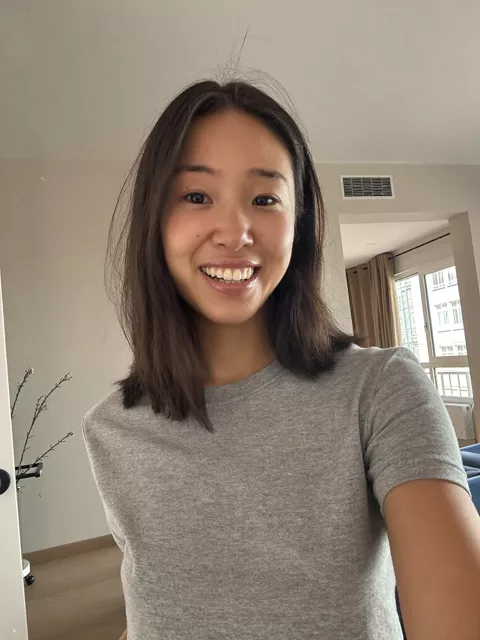
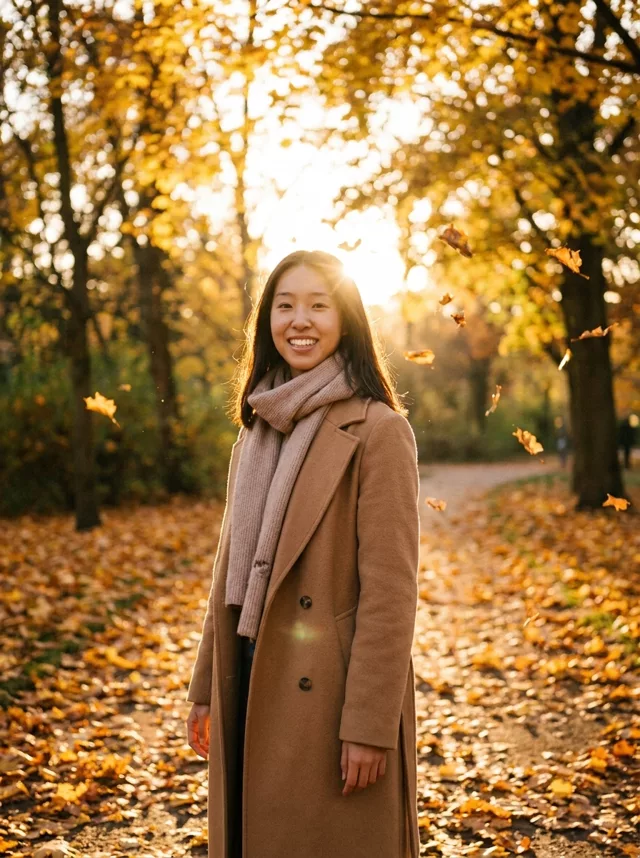
Soft, even light on the face is what you want. Overcast daylight, a window on a grey day, shade on a sunny one, ordinary indoor light with the source in front of you rather than behind.
What causes trouble: strong sun that puts half the face in shadow, backlight that turns you into a silhouette, a single colored light source, and phone flash close up. In all of those, part of your face is either missing or the wrong colour, and the model fills it in with an average face.
Dramatic light is a thing you ask the prompt for. It is not something the source needs to already have.
3. Face the Camera, Or Nearly
A straight-on or three-quarter angle gives the model both sides of your face. A sharp profile gives it one, and everything on the hidden side has to be fabricated — which is why profile sources so often come back looking like a sibling.
Neutral or lightly smiling reads better than an extreme expression. A wide open-mouth laugh or a heavy squint hides landmarks the model uses to hold a likeness.
4. Resolution Is a Floor, Not a Target
Anything from a modern phone is fine. The realistic problems are old scans, screenshots of photos, images saved from messaging apps, and anything that has been re-sent enough times to go soft.
The test is simple: open it at full size and look at the eyelashes and the edge of the iris. If those are mush at 100%, they will be mush in the result too, and any sharpness that comes back is the model’s guess rather than your face.
If the photo is old and it is the only one you have, that is a restoration job first and a transform second. Restore it, save the result, then use that as your source.
5. Watch What Is Behind You
A plain wall is the safest background. Not because clutter is forbidden, but because everything in the frame is something the model has to redraw, and things it cannot read clearly it will invent.
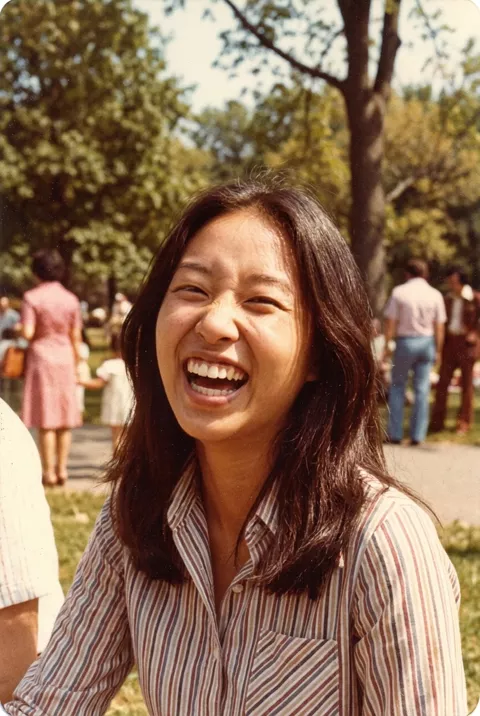
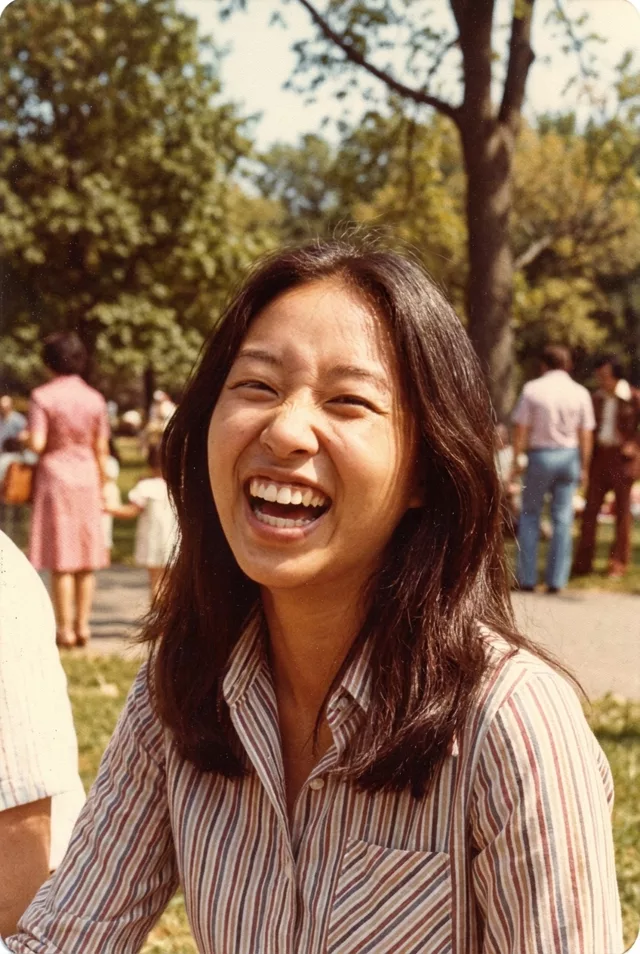
Other people in the background are the specific case to watch. If they are strangers you did not photograph deliberately, crop them out — it improves the edit and it is the right thing to do.
6. Do Not Feed It Something Already Processed
Beauty filters, skin smoothing, heavy presets and previous AI edits all remove the texture the model would otherwise use to keep your face yours. A filtered source is already partway toward an average face, and the edit finishes the job.
Use the original camera file where you have it. Screenshots of an already-edited photo are the worst case: filtered, recompressed and cropped down all at once.
7. The Fiddly Parts
Glasses, jewelry, complicated hands and text on clothing are all things that break in a rebuild. You do not always get a choice, but where you do, a source that keeps them simple gives you a cleaner result:
- Hands out of frame or relaxed, rather than interlocked or near the face
- Glasses without heavy reflections across the lenses
- No text or logos that need to survive intact
- One person, unless the transform is specifically about two
Our guide to hands and fingers in AI edits goes deeper on that one, since it is the most common of the four.
The Thirty-Second Check
Before you upload, look at the photo at full size and ask:
- Is the head at least a third of the frame height?
- Is the whole face lit, with no half in shadow and nothing behind me blowing out?
- Am I facing the camera, or close to it?
- Are the eyelashes sharp at 100%?
- Is the background simple, with no strangers in it?
- Is this the original file, not a filtered or re-saved version?
Four out of six is usually fine. If you fail the first two, pick a different photo — no prompt rescues those.
Once you have a source that passes, the prompt library has the transform prompts — every one involving a person already carries an identity clause — and the prompt generator builds one from a style and a subject if you want something specific.
FAQ
Do I need a professional photo?
No, and a studio portrait is often worse. Professional shots are retouched, dramatically lit and sometimes shot in profile — three of the things on this list. A plain phone selfie in daylight beats them.
Should I upscale a small photo before editing it?
It helps a little and it does not create information that was not there. An upscaler guesses at detail the same way the editor would, so you are choosing which model does the guessing. Worth doing for an old photo you cannot reshoot; not a substitute for using the better source when one exists.
My photo fails half of this and the edit still looked great. Why?
Because these are odds, not rules. A source that ticks every box works most of the time on the first run; one that fails a few works sometimes, and you pay for it in retries. If a photo is working for you, keep using it.