Step 2 · Photo → Video
Before / After Reveal
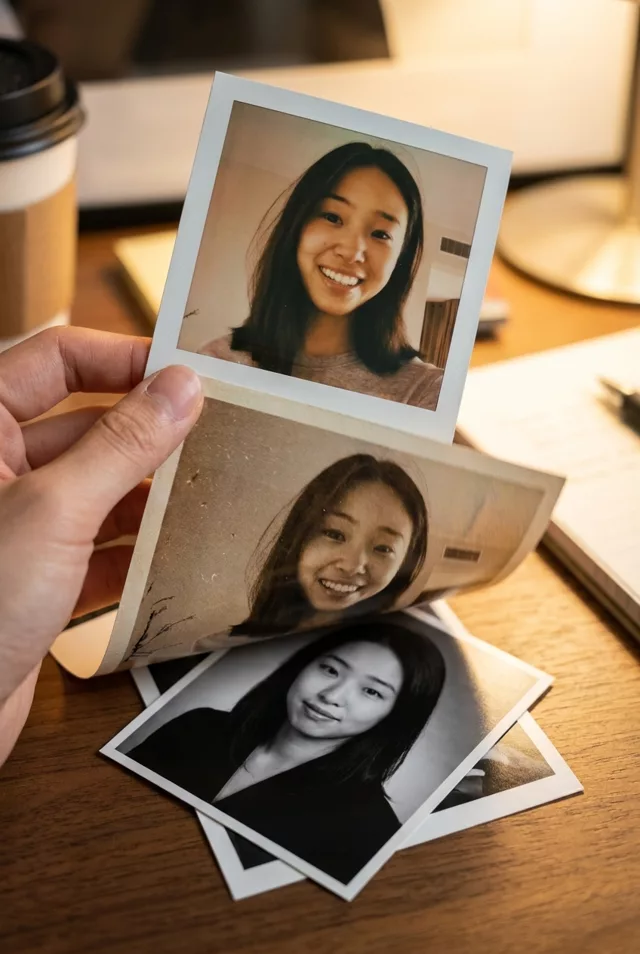
A light sweeps across and restores the photo on screen — the perfect reveal for restoration content.
Start on this damaged old photo, then a soft light sweeps across the frame from left to right, restoring it to vivid repaired condition as it passes. Keep every face exactly the same through the transition. Gentle satisfying pace, subtle sparkle at the light's edge, vertical 9:16 framing, 4 seconds.
How to use it
- Pick the photo you want to animate (a transformed aesthetic photo works great).
- Open an image-to-video tool — Kling / Veo (image-to-video) or similar — and upload the photo.
- Paste the prompt below and generate. Regenerate once or twice for the best take.
- Download the clip and label it as AI-made when you share it.
 Reels Transitions
  Reels Transitions