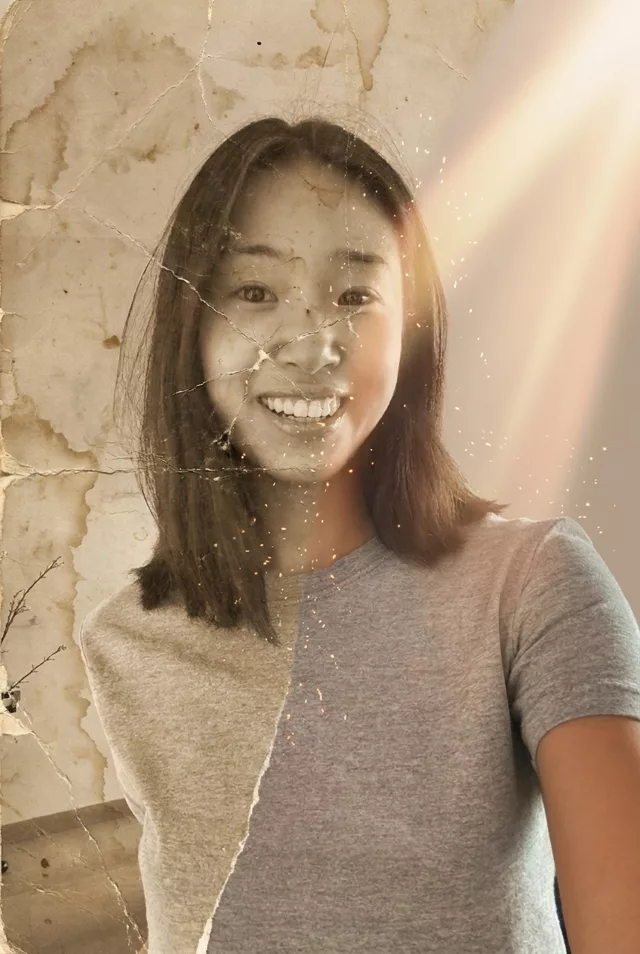
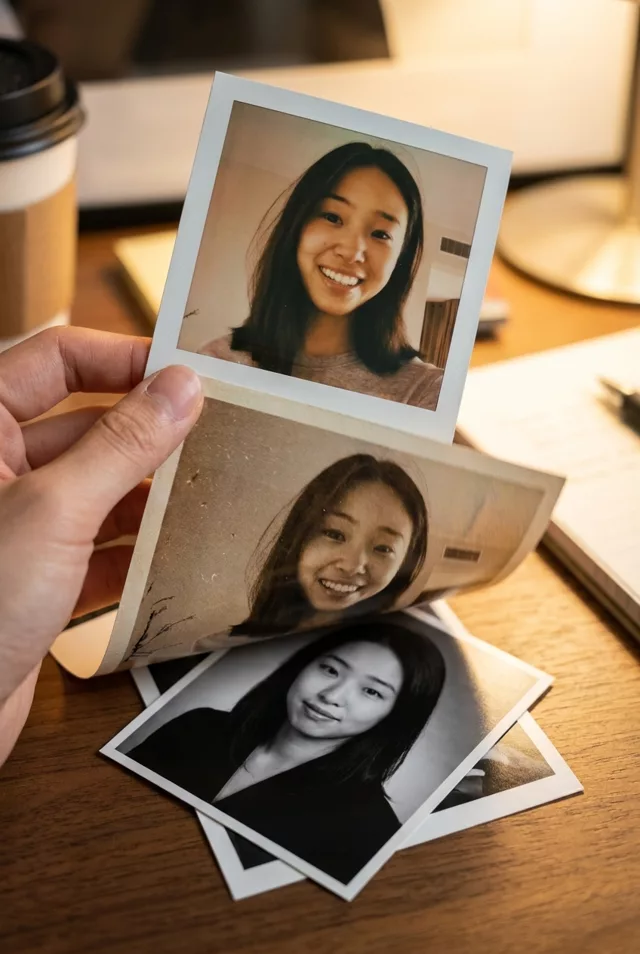
Step 2 · Photo → Video
Outfit-Change Spin
One spin, new outfit, new scene — the classic transition, automated.
The prompt
The person in this photo spins once, and mid-spin their outfit transforms into a completely different elegant look while the background shifts to match. Keep the face exactly as in the photo through the whole spin. Smooth fast-then-slow motion, energetic but clean, vertical 9:16 framing, 4 seconds.
How to use it
Only edit photos you have permission to use, including permission from the people pictured.
- Choose a portrait with the body visible and space around the arms for a turn; compose for the prompt’s vertical frame.
- Upload the source to an image-to-video tool compatible with this prompt (Kling / Veo (image-to-video)), then paste the prompt. Name the target outfit and ask for the change to be fully finished by the end of the clip. Request 4 seconds where the tool allows it; this is the requested clip length, not a generation-time estimate.
- Watch the change frame by frame and check that it finishes. Reject a half-changed outfit, a replacement face, or shifting frame edges.
- Download the accepted clip and label it as AI-made when sharing. Keep the source still so you can compare later revisions.
What happened when we tested it
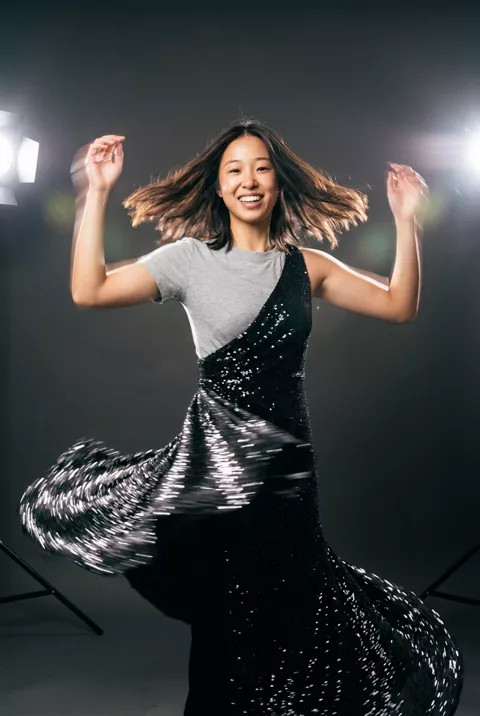
Ours never finished the change. Five seconds in, the outfit was still half grey t-shirt and half sequin gown on the same body — the spin happened, the swap did not resolve. Both raised hands were malformed in every frame. The face, oddly, held perfectly. If you need this for a Reel, plan on several runs, ask explicitly for the outfit to be 'fully changed by the end of the clip', and use a source with room around the body to turn in.