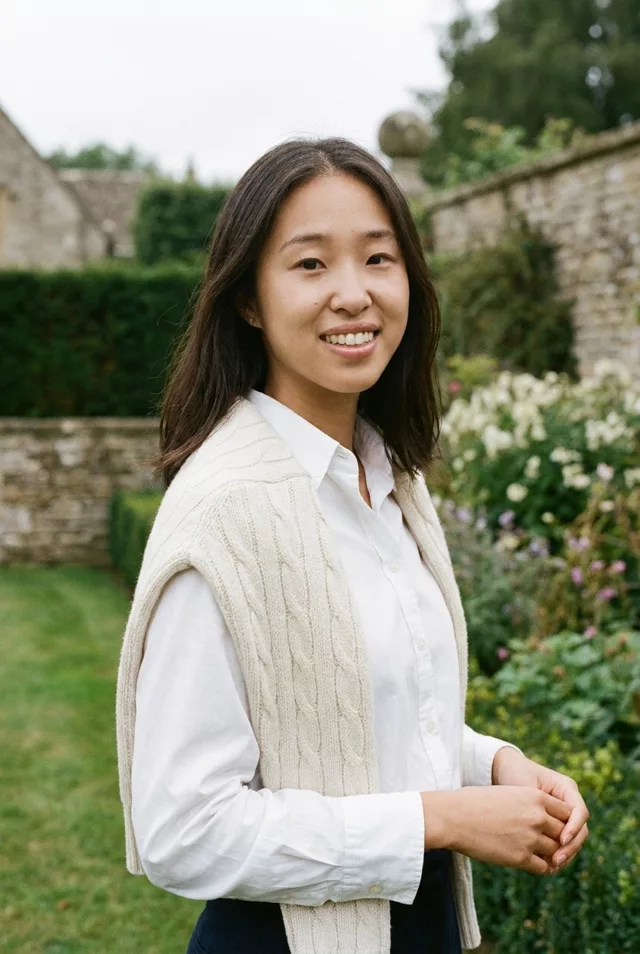
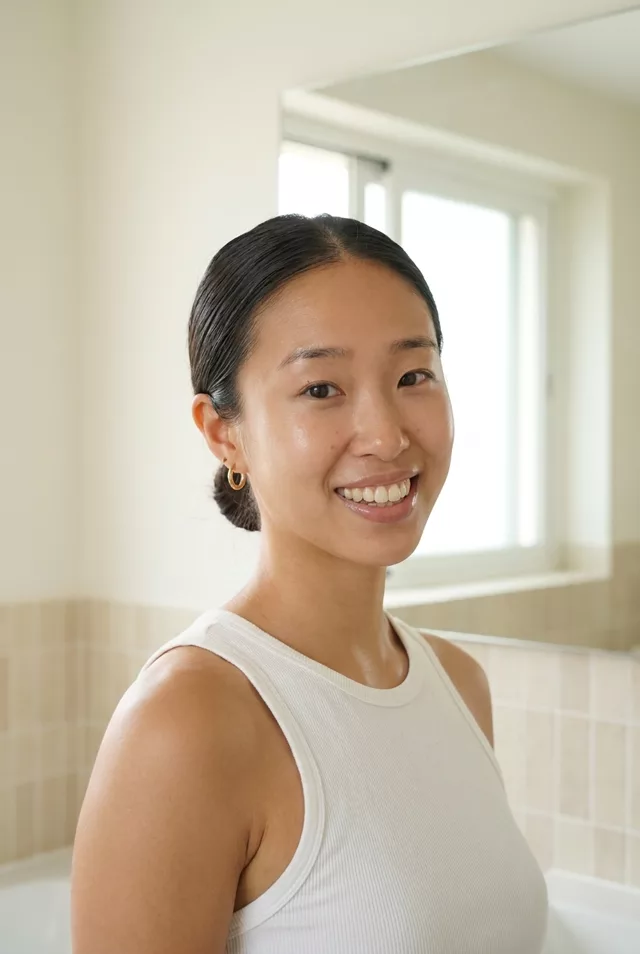
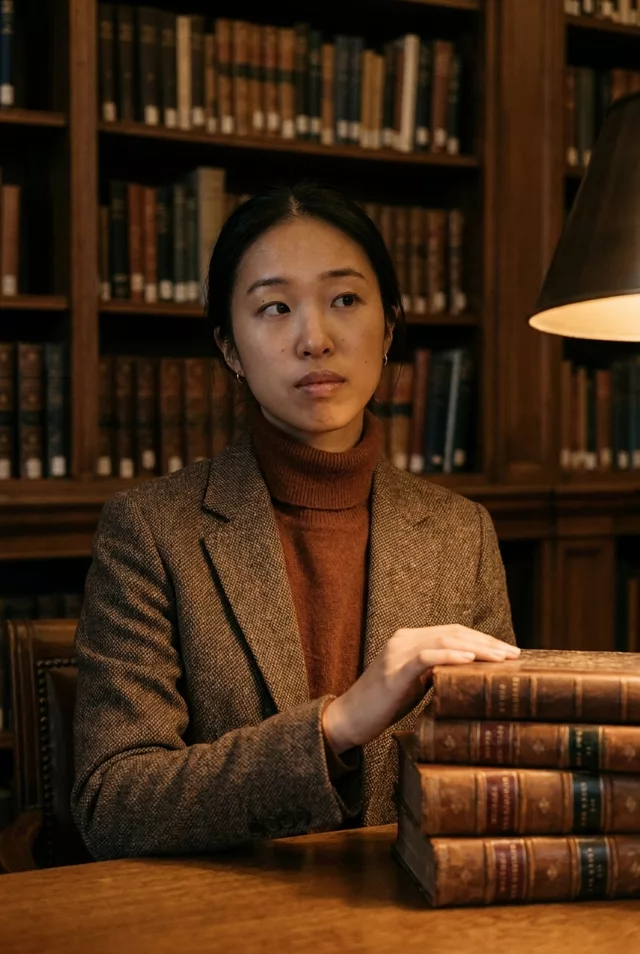
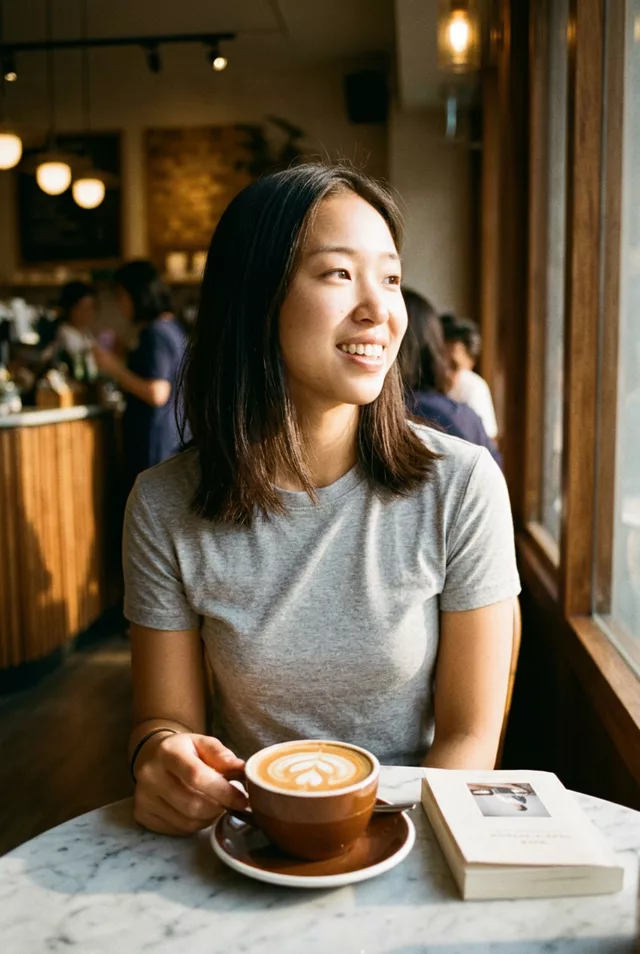
Step 1 · Photo → Aesthetic
Coquette Soft Portrait
Ribbons, lace, pearls and dreamy backlight — a romantic coquette-style edit.
The prompt
Transform this photo into a coquette aesthetic portrait. Keep my exact facial features, do not change my face. Soft pink and cream palette, delicate ribbon bows in the hair, lace details, dreamy backlight with gentle haze, pearl accents, romantic vintage bedroom setting with flowers, shot like soft-focus film photography.
How to use it
Only edit photos you have permission to use, including permission from the people pictured.
- Pick a source whose pose and expression already suit the mood, so fewer changes to the person are needed.
- Attach the source in an AI image editor compatible with this prompt (Gemini · ChatGPT (any AI image editor)), then paste the prompt. Choose the wardrobe and setting before generating. Remove conflicting pose or expression requests if you want to keep those from the source.
- Check that the new light still leaves the face recognizable. Inspect hands near props and simplify the prop or pose if they are distorted.
- Save the accepted image separately from the original and label it as AI-edited when sharing. Use the saved edit as the source if you choose to animate it next.
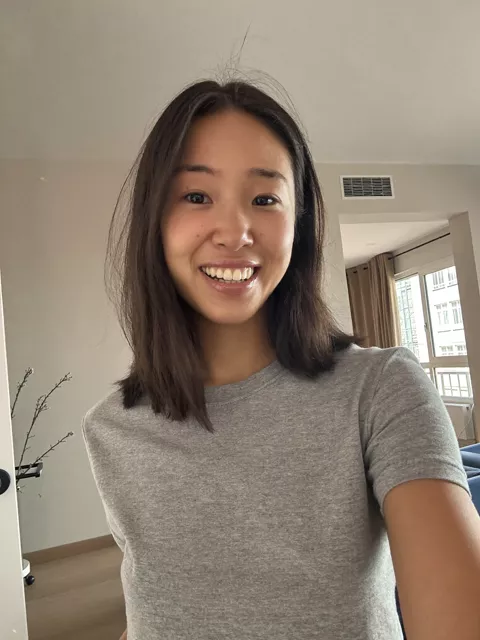
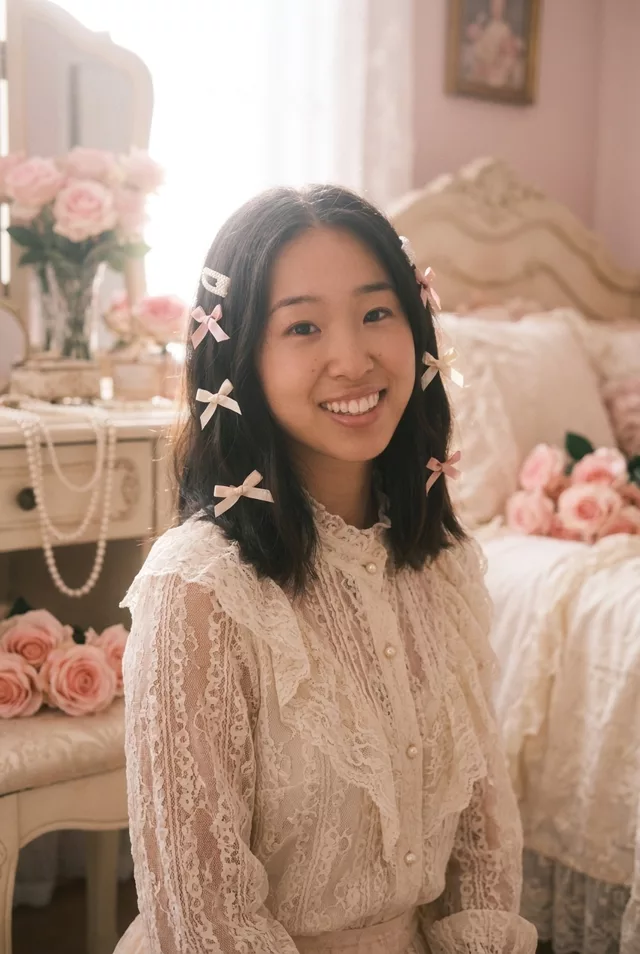
What happened when we tested it
Say how many bows. 'Delicate ribbon bows' as a plural produced about seven in ours, several floating in the hair with no clip attaching them. 'Two small bows, one above each ear' fixes it. Everything else is dependable: lace with pearl buttons, pearls on the vanity, roses and the hazy backlight. Skin texture survived here better than in most of our soft-focus prompts, moles included.