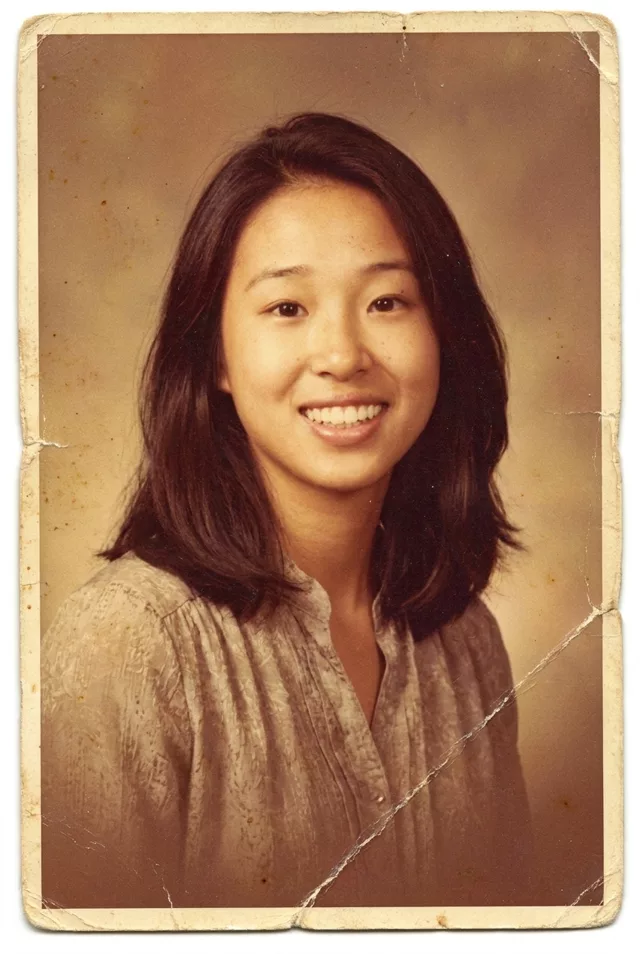
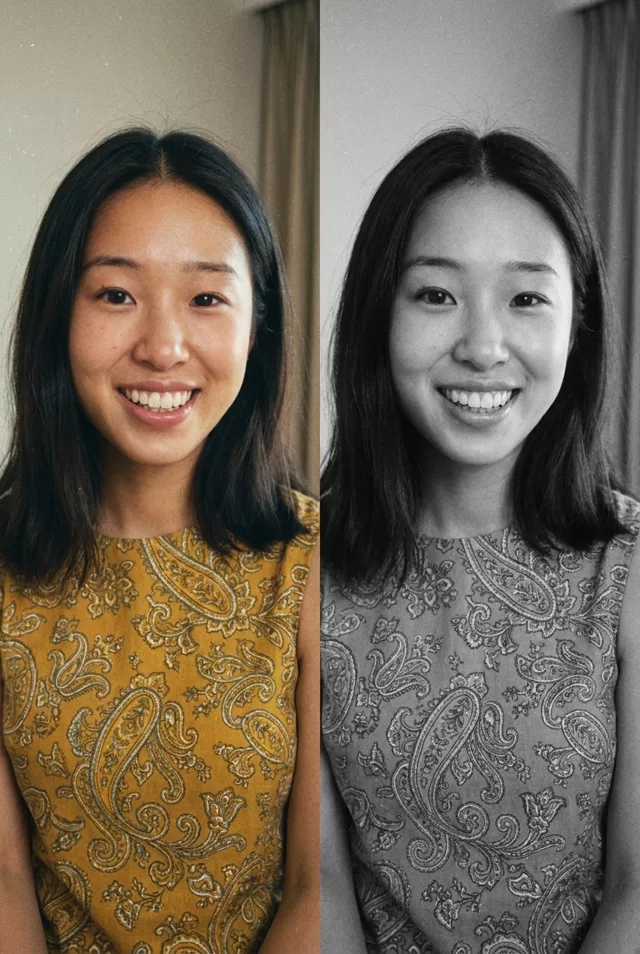
Step 1 · Photo → Aesthetic
Sharpen a Blurry Memory
Rescue blurry, low-res photos without changing what made the moment real.
The prompt
Enhance this blurry low-quality photo. Keep every person's exact facial features unchanged — do not replace or beautify faces. Reduce blur and noise, gently recover detail in faces and clothing, correct the color cast, and increase resolution while keeping the photo natural and true to the original moment.
How to use it
Only edit photos you have permission to use, including permission from the people pictured.
- Keep an untouched copy and upload the best available scan, including damaged edges you want repaired.
- Attach the source in an AI image editor compatible with this prompt (Gemini · ChatGPT (any AI image editor)), then paste the prompt. Start with gentle blur and noise reduction. Keep the instruction not to replace or beautify faces rather than asking for invented sharp detail.
- Compare the eyes, mouth, hairline, and clothing with the source at a similar display size. Reject newly invented detail even if it looks sharper.
- Save the accepted image separately from the original and label it as AI-edited when sharing. Use the saved edit as the source if you choose to animate it next.
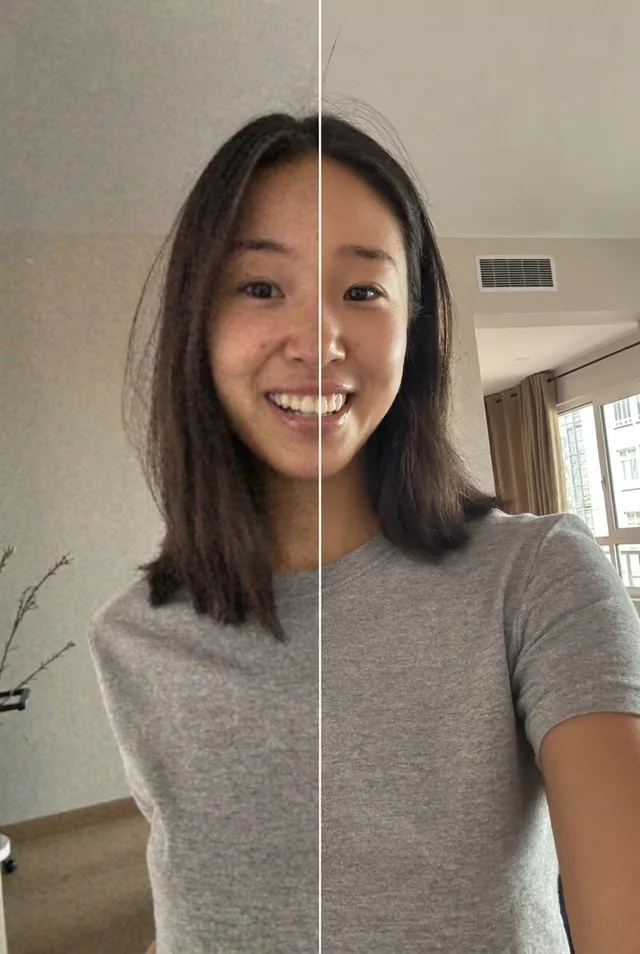
What happened when we tested it
Recovery is invention. Ours is split down the middle, blurry on one side and enhanced on the other, and the halves do not meet cleanly — the hairline is offset and the eye heights differ, because the sharp half was redrawn rather than sharpened. For a photo of someone you know, check the recovered features against another photo of them before you keep it. Some brightening and smoothing creeps in too, so add the no-beautify clause.