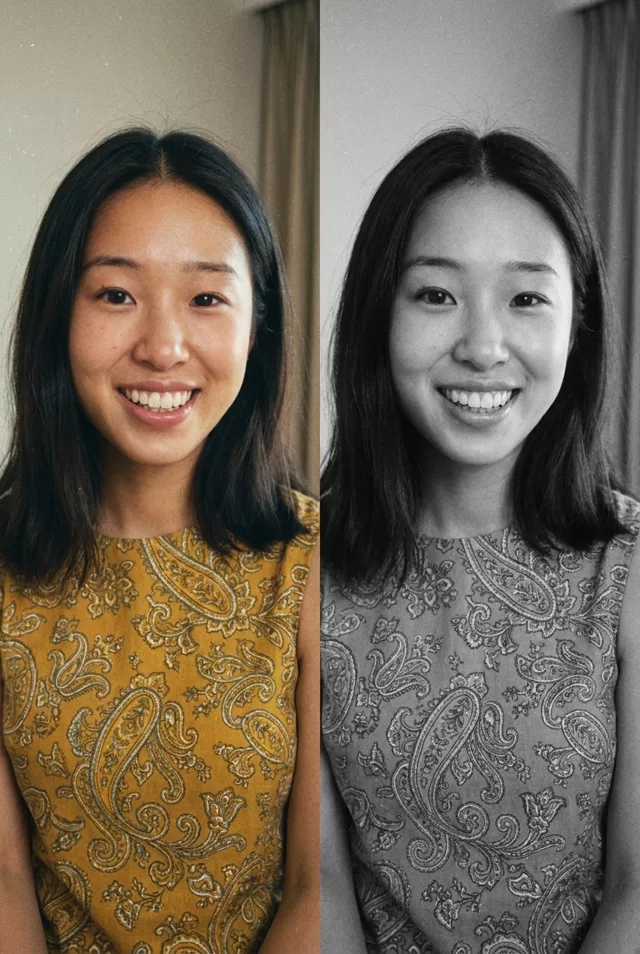
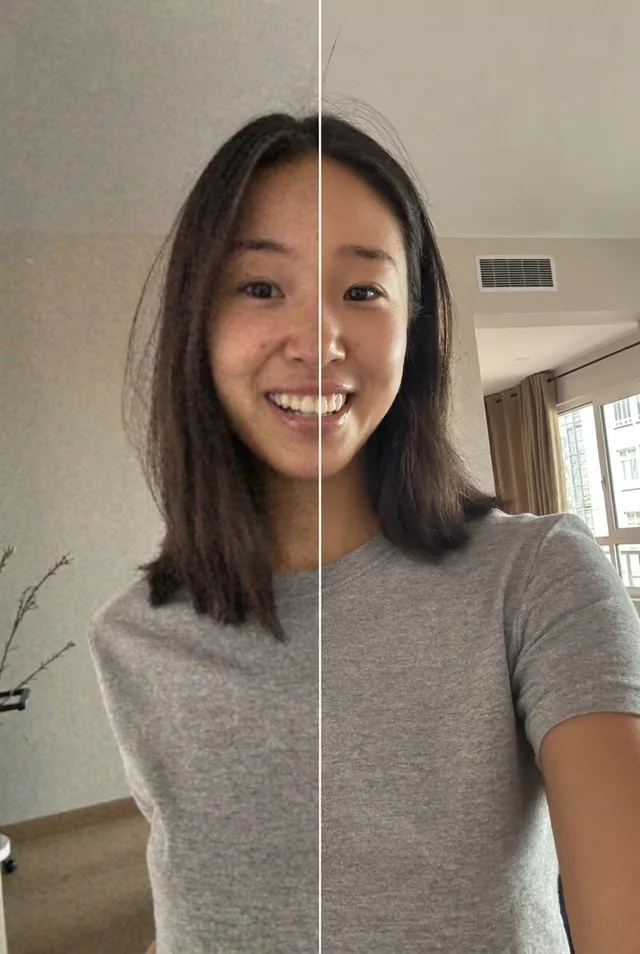
Step 1 · Photo → Aesthetic
Restore a Damaged Photo
Repair scratches, tears and fading while keeping every face true to the original.
The prompt
Restore this old damaged photograph. Repair scratches, tears, stains and faded areas. Keep every person's exact facial features and expressions unchanged — do not invent or alter faces. Sharpen soft details gently, recover natural contrast, and keep the authentic character of the original photo without making it look artificially modern.
How to use it
Only edit photos you have permission to use, including permission from the people pictured.
- Keep an untouched copy and upload the best available scan, including damaged edges you want repaired.
- Attach the source in an AI image editor compatible with this prompt (Gemini · ChatGPT (any AI image editor)), then paste the prompt. Request the correction described below without adding new clothes, expressions, or a replacement setting.
- Compare faces, clothing, and background details with the original. If new detail is invented, reduce the enhancement request; keep the original alongside the edit.
- Save the accepted image separately from the original and label it as AI-edited when sharing. Use the saved edit as the source if you choose to animate it next.
What happened when we tested it
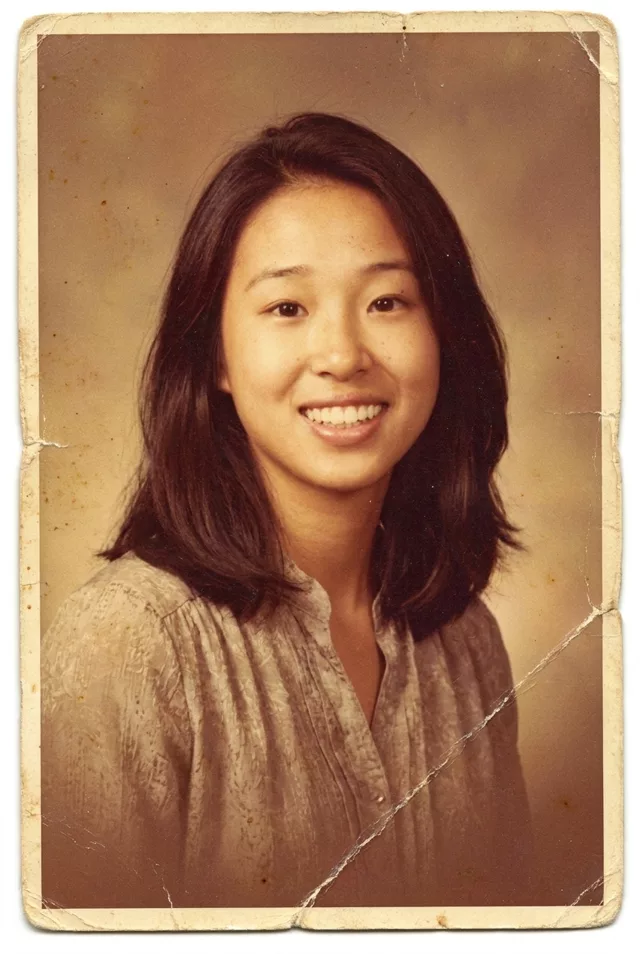
Check that the damage actually left. Some runs hand back a photo that still carries its creases and stained border — the model treated the damage as part of the style rather than something to repair. Say 'remove all scratches, creases and stains completely' and go again. Where damage crossed a face, the model is guessing: compare the nose and eyes against your scan before you call it finished, and keep the untouched original either way.