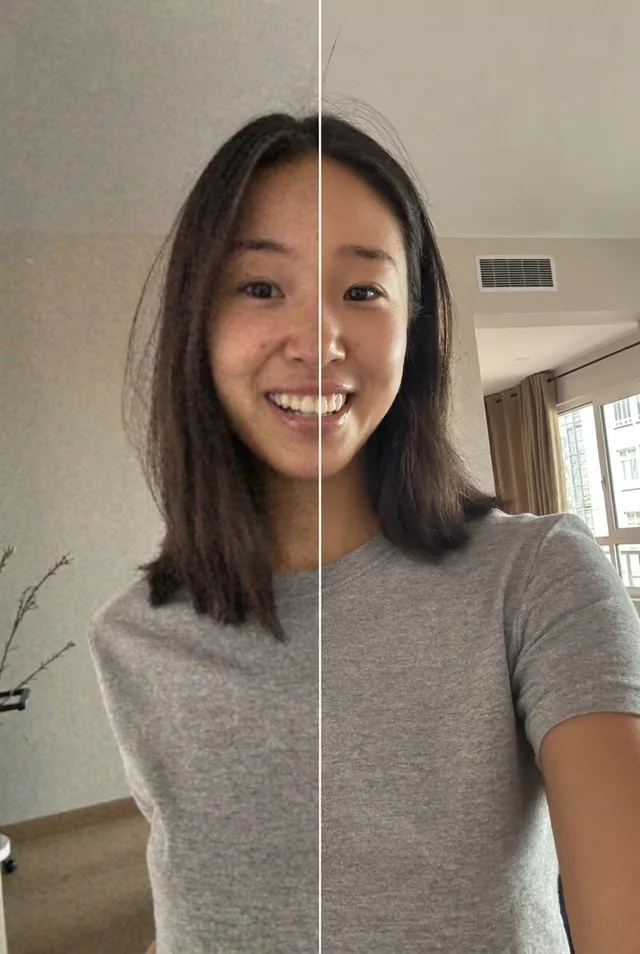
 Photo Restoration
 Step 1 · Photo → Aesthetic
Sharpen a Blurry Memory
Rescue blurry, low-res photos without changing what made the moment real.
Enhance this blurry low-quality photo. Keep every person's exact facial features unchanged — do not replace or beautify faces. Reduce blur and noise, gently recover detail in faces and clothing, correct the color cast, and increase resolution while keeping the photo natural and true to the original moment.
How to use it
- Open Gemini or ChatGPT and attach your photo.
- Paste the prompt below — tweak details like clothing or setting if you like.
- If the face drifts, add: 'Do not alter my facial features in any way.'
- Save the result — then animate it with a Step 2 prompt.
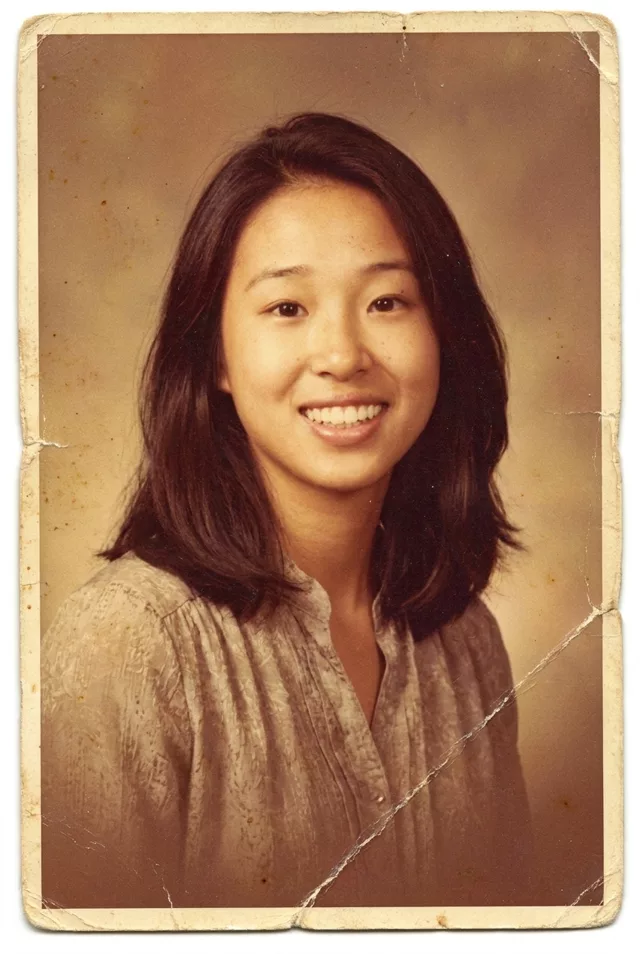 Photo Restoration
 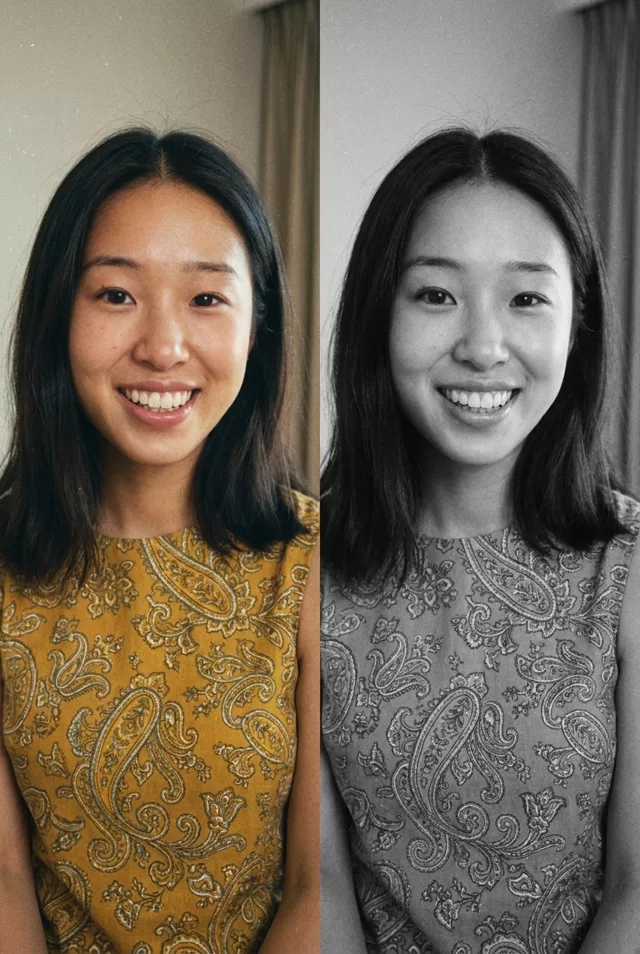 Photo Restoration