Step 2 · Photo → Video
Outfit-Change Spin
One spin, new outfit, new scene — the classic transition, automated.
The person in this photo spins once, and mid-spin their outfit transforms into a completely different elegant look while the background shifts to match. Keep the face exactly as in the photo through the whole spin. Smooth fast-then-slow motion, energetic but clean, vertical 9:16 framing, 4 seconds.
How to use it
- Pick the photo you want to animate (a transformed aesthetic photo works great).
- Open an image-to-video tool — Kling / Veo (image-to-video) or similar — and upload the photo.
- Paste the prompt below and generate. Regenerate once or twice for the best take.
- Download the clip and label it as AI-made when you share it.
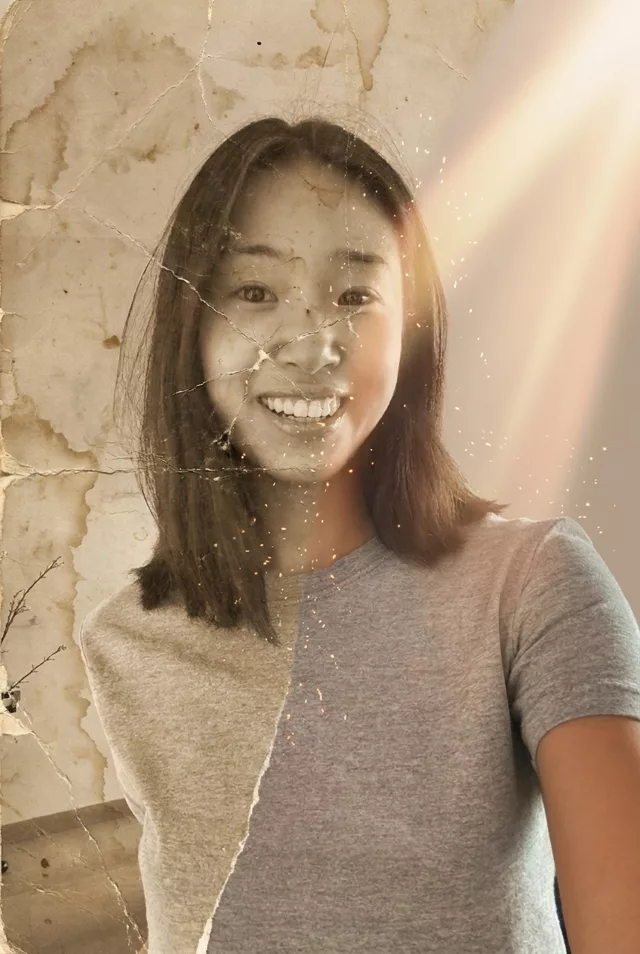 Reels Transitions
 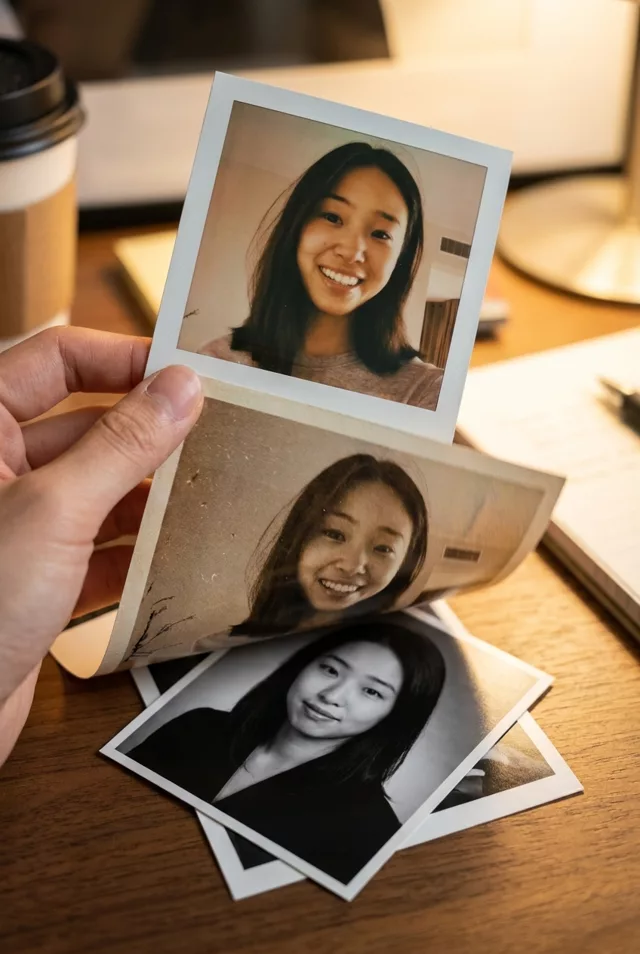 Reels Transitions