Gemini Won't Edit Your Photo? Why It Refuses and What Actually Works
You paste a prompt that worked fine last month, attach your selfie, and Gemini answers with a paragraph of text instead of a picture — or a polite “I can’t help with that.” Nothing is broken. The model’s rules around photos of people tightened noticeably in early 2026, and most refusals now come from a handful of predictable triggers. Each one has a rewording fix.
First: is it the “can’t edit images yet” message?
If the reply you got was this exact line:
Sorry, I can’t edit images for you yet. Can I generate an image instead, or help with something else?
then stop here — none of the fixes on this page apply. That sentence is about a missing capability rather than a decision about your photo, so rewording will not move it. We cover it separately in what that message means and how to fix it.
Everything below is for genuine refusals: the ones where the model has looked at what you asked for and declined.
Why it refuses
Image models refuse photo edits for reasons they rarely explain well:
The fixes, in order
1. Say “edit this photo”, not “create”. Start the prompt with “Transform this photo of me…” or “Edit this photo…” — framing it as an edit of an image you own, of yourself, is the framing the rules are most comfortable with. Every prompt in our library is written this way for exactly this reason.
2. Claim the photo as yours. “This is a photo of me” or “my baby”, “my pet” — first person matters. Third-person wording (“this woman”, “this child”) reads as editing a stranger.
3. Drop the comparison. Remove any “like [famous person]” or “in the style of [photographer]” phrasing and describe the look in plain visual terms instead — lighting, colors, clothing, film stock. You’ll also get more predictable results.
4. Start a fresh chat and re-attach the photo. Refusals stick to a conversation. A clean thread with the image attached and the full prompt in one message resolves a surprising share of “it worked yesterday” cases.
5. Regenerate once before rewriting. Borderline requests sometimes pass on a second run. If the same refusal repeats twice, the wording is the problem — change it rather than retrying a third time.
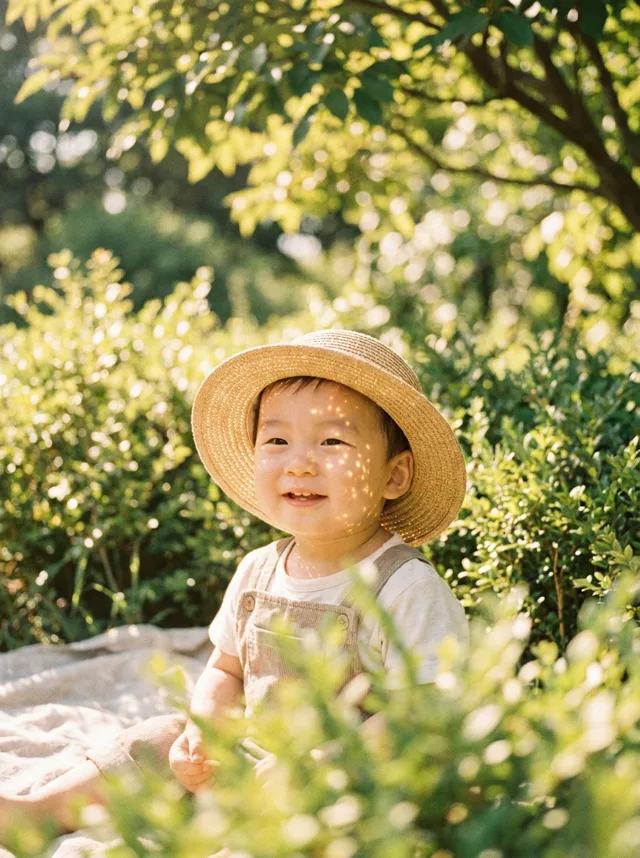
6. For kids’ photos, keep it gentle. Styles that change the child’s appearance heavily are the most likely to be blocked. Aesthetic edits that keep the child exactly as they are — like our baby summer film prompts — pass far more reliably than costume or fantasy transformations.
If the output is the problem, not a refusal
Two related complaints worth naming: results coming back square when your photo wasn’t, and results looking softer than the original. Both are normal model behavior, not errors. Ask for the aspect ratio explicitly (“keep the original 3:4 aspect ratio”) and add “sharp, high-resolution output” at the end of the prompt. If sharpness still bothers you, run the result through your phone’s built-in enhance once — it’s usually enough.
FAQ
Is there a magic phrase that always bypasses a refusal? No — and anything sold as one stops working after the next model update. Honest first-person framing of your own photo is the durable approach.
Does this apply to ChatGPT too? The same principles help there. The exact triggers differ by model, which is one reason our prompts stay model-neutral — try the other tool when one refuses.
Where do I start over? Grab a clean, tested prompt from the prompt library or assemble one in the generator, then attach your photo in a fresh chat.