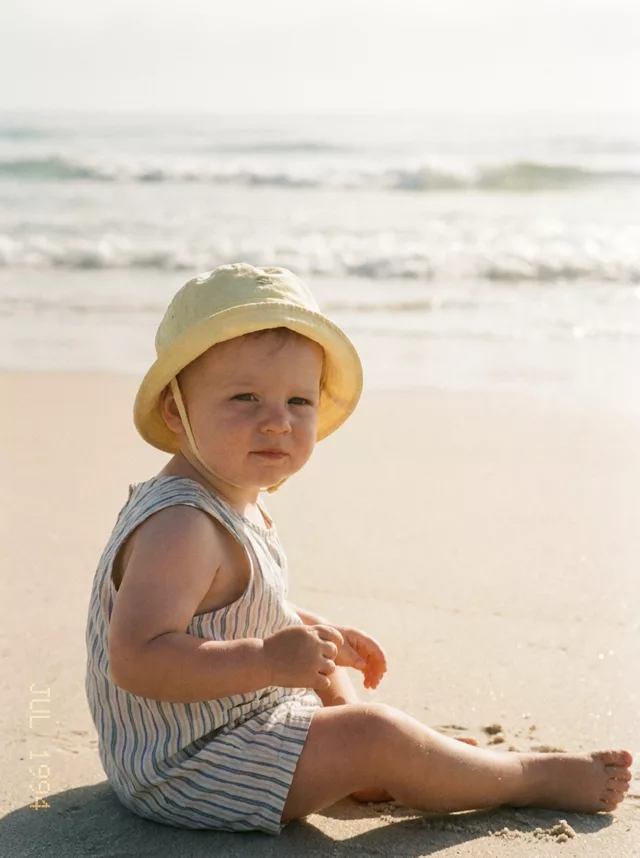
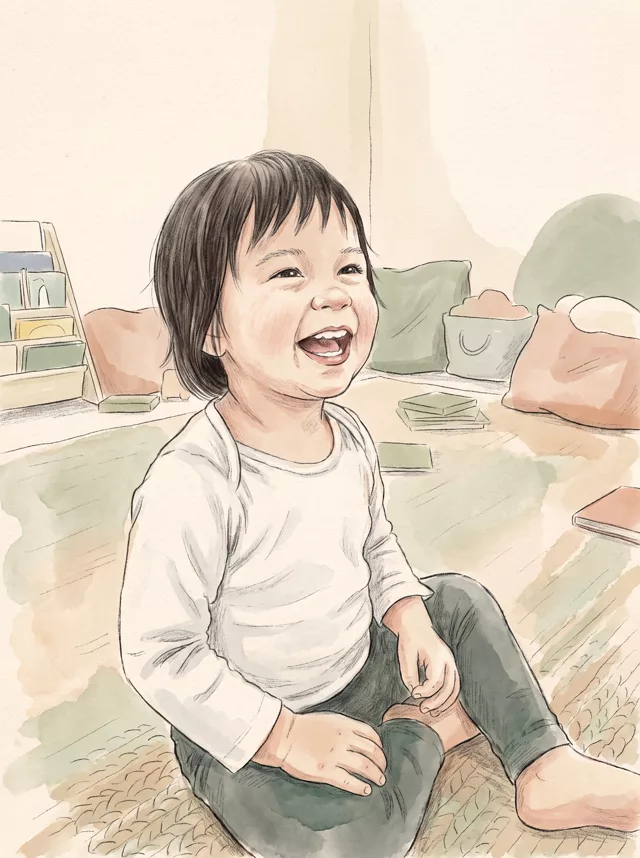
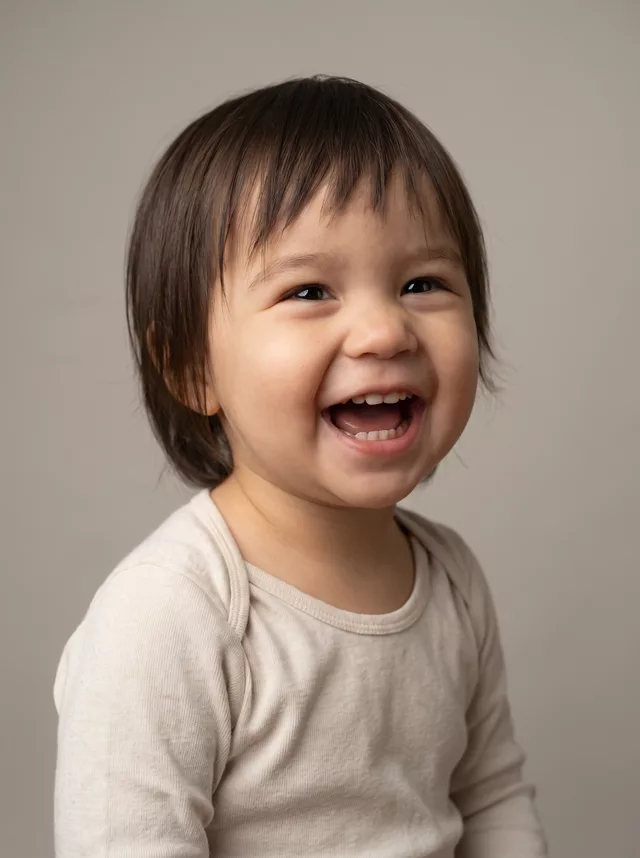
Step 1 · Photo → Aesthetic
Baby Summer Straw Hat
The viral summer film look for baby photos: straw hat, dappled light through leaves, warm Kodak tones — face kept exactly.
The prompt
Transform this photo of my baby into a warm summer film portrait. My baby wears a woven straw sun hat, with dappled sunlight filtering through leaves casting soft sparkling light patterns across their face and shoulders. Background of lush sunlit greenery with soft bokeh. Warm Kodak-style film colors — golden skin tones, gentle greens, fine film grain, the look of a treasured summer photo. Keep my baby’s exact facial features completely unchanged, do not alter their face in any way.
How to use it
Only edit photos you have permission to use, including permission from the people pictured.
- Choose a photo with an unobstructed face and a simple hand position. Use the source expression as your reference.
- Attach the source in an AI image editor compatible with this prompt (Gemini · ChatGPT (any AI image editor)), then paste the prompt. Adjust the scene or illustration style while retaining the instructions about your child. Keep any skin-texture or timestamp instructions you need.
- Check the eyes, skin tone, hands, and expression against the source. For an illustration, assess recognizability without expecting photographic detail.
- Save the accepted image separately from the original and label it as AI-edited when sharing. Use the saved edit as the source if you choose to animate it next.
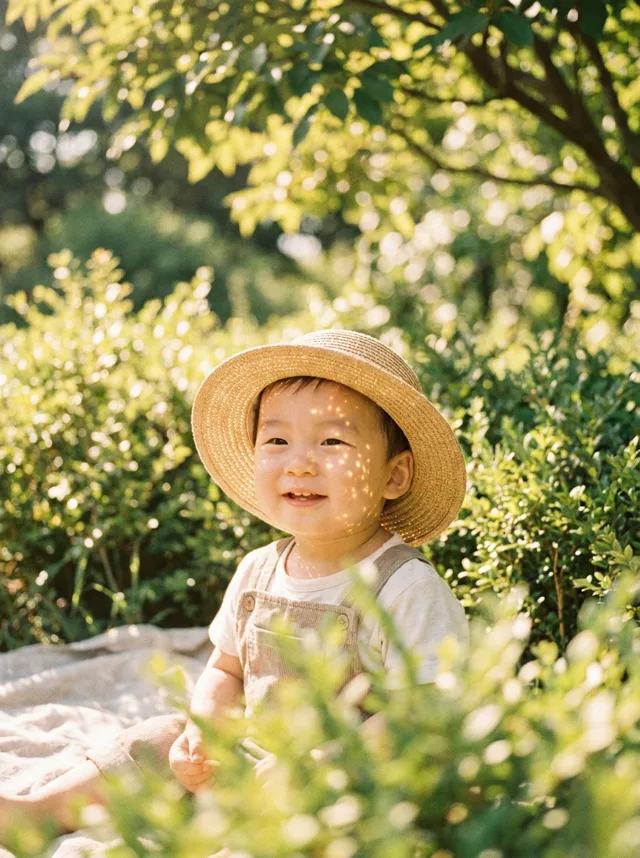
What happened when we tested it
Small faces drift more than adult ones — there is simply less detail for the model to hold on to — so start from a close, sharp photo where the face fills a good part of the frame. The hat is the other thing to watch: if the brim shades or covers the eyes, add 'hat pushed back, whole face visible and evenly lit'. Two rules come with every baby edit: only your own child, and label the result as AI when you share it.