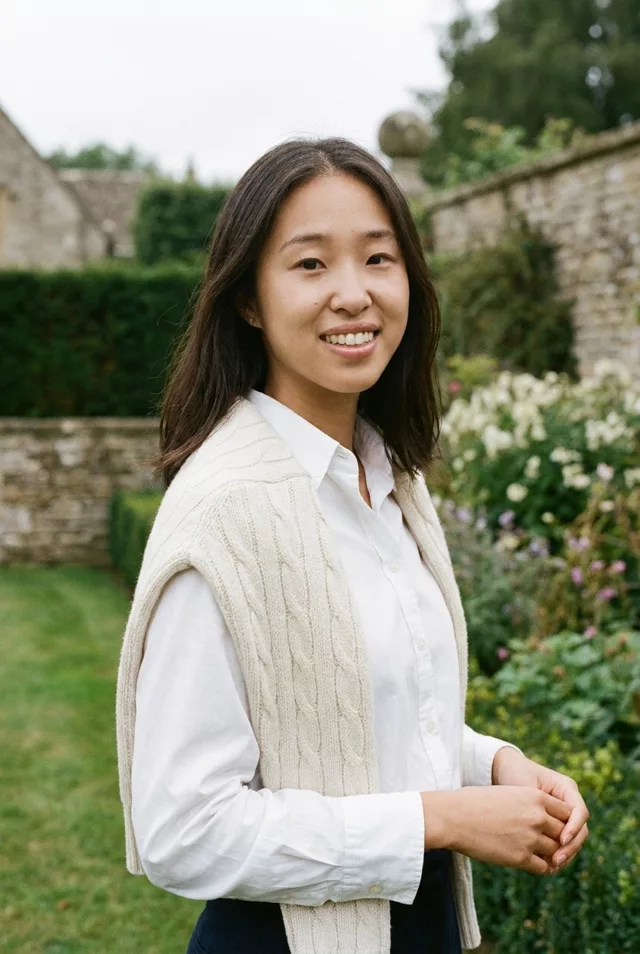
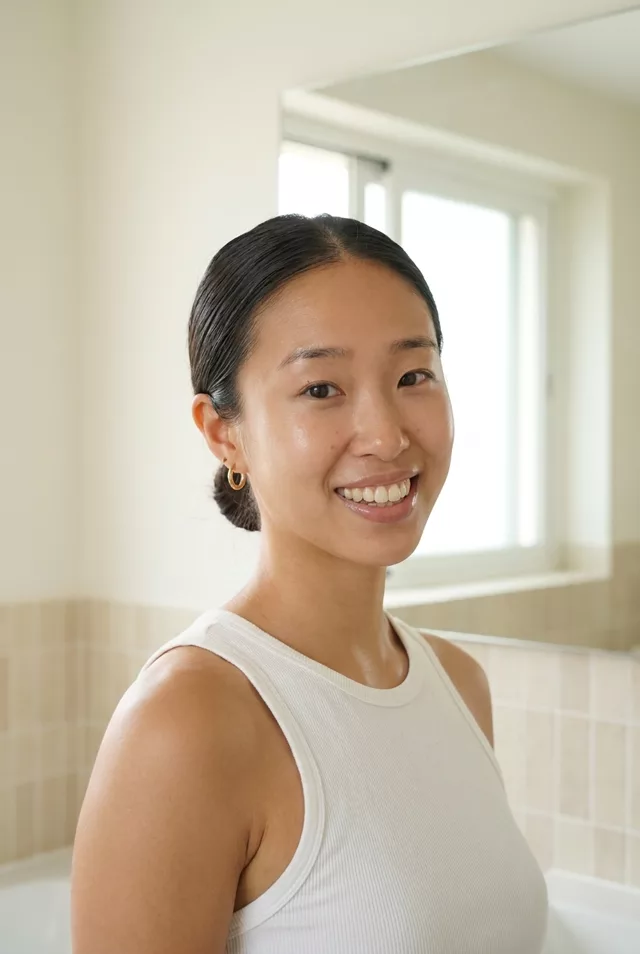
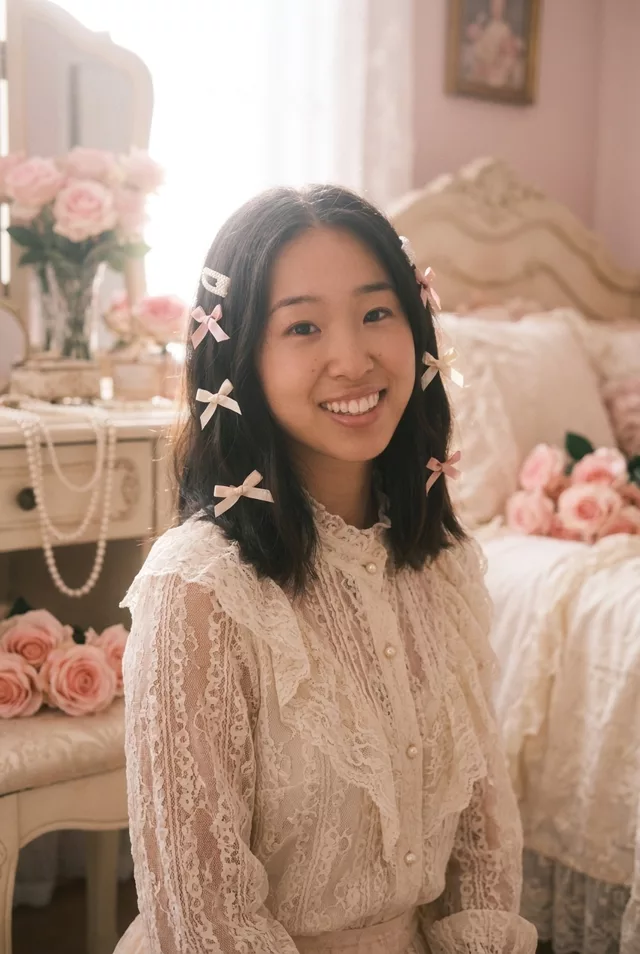
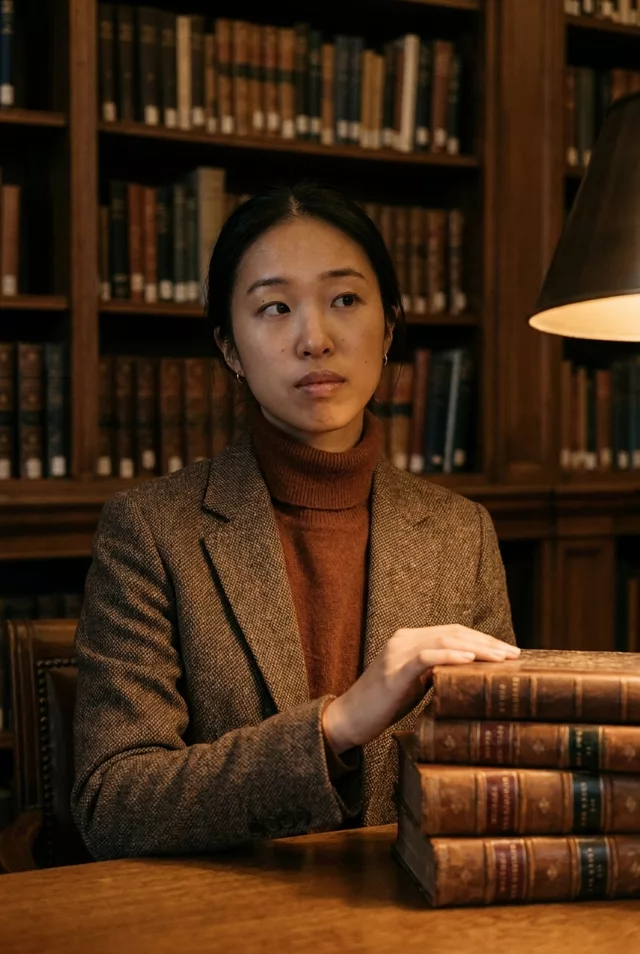
Step 1 · Photo → Aesthetic
Balletcore Studio
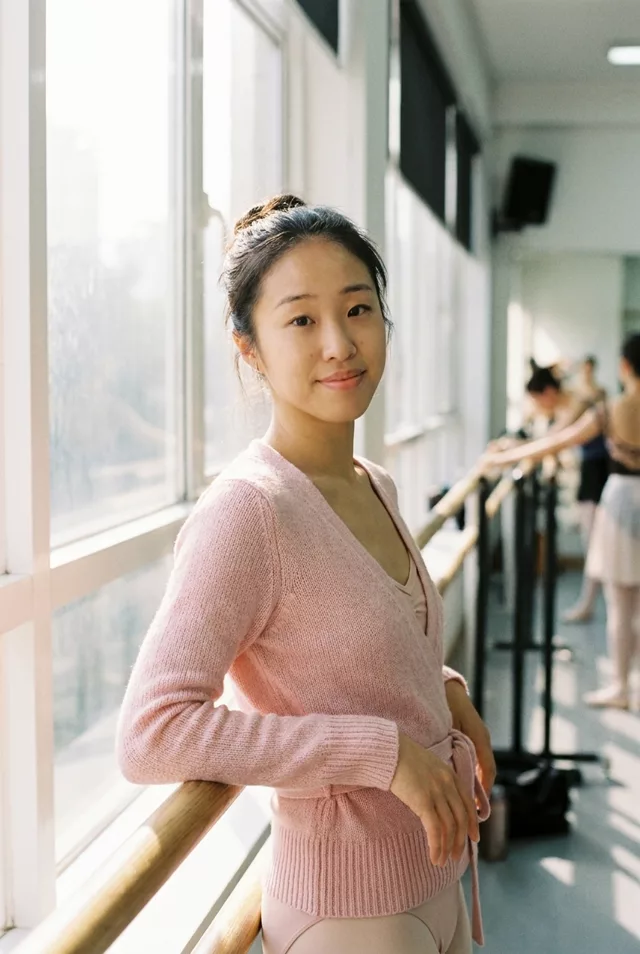
Airy dance-studio light, wrap knits and ballerina buns — the balletcore edit.
The prompt
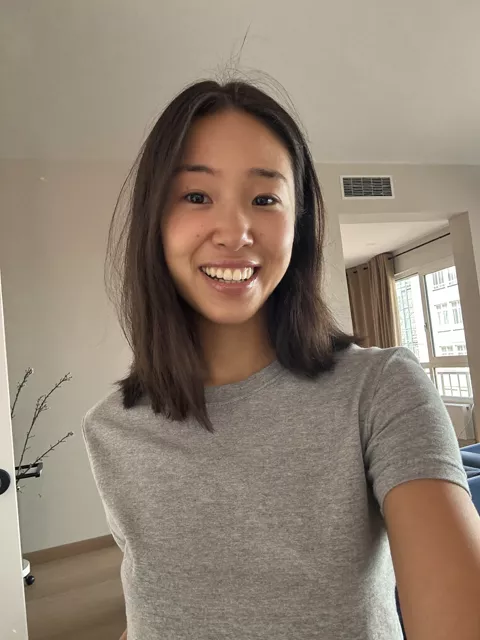
Transform this photo into a balletcore aesthetic portrait. Keep my exact facial features, do not change my face. Wrap cardigan, soft pink tones, hair in a loose ballerina bun, bright dance studio with large windows and a barre, gentle morning haze, graceful relaxed pose, airy film-like softness.
How to use it
Only edit photos you have permission to use, including permission from the people pictured.
- Pick a source whose pose and expression already suit the mood, so fewer changes to the person are needed.
- Attach the source in an AI image editor compatible with this prompt (Gemini · ChatGPT (any AI image editor)), then paste the prompt. Choose the wardrobe and setting before generating. Remove conflicting pose or expression requests if you want to keep those from the source.
- Check that the new light still leaves the face recognizable. Inspect hands near props and simplify the prop or pose if they are distorted.
- Save the accepted image separately from the original and label it as AI-edited when sharing. Use the saved edit as the source if you choose to animate it next.
What happened when we tested it
This is where the beautify pass shows hardest in our set. Ours came back slimmer in the jaw, larger in the eye and completely smoothed — recognisable, but prettified. Paste on the no-smoothing clause before you run it. Both hands also failed: the one on the barre merged into a paddle, the other fused with the cardigan tie. The wrap cardigan, bun, barre and window haze are all dependable.