Christmas Pajama Group Photo
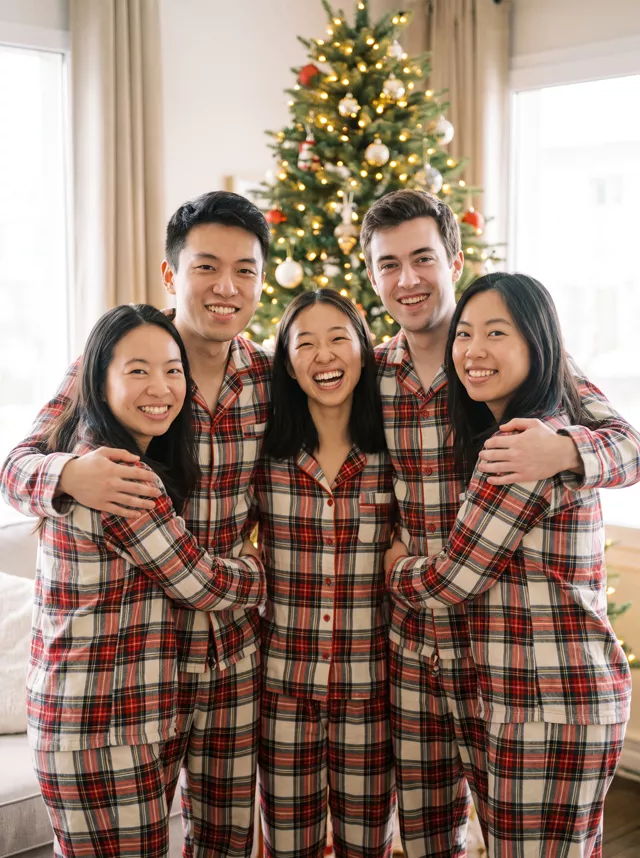
Matching plaid pajamas, a glowing tree and everyone looking at the camera — the family Christmas photo, every face kept.
Turn this group photo into a Christmas pajama portrait. Keep every person in this photo, in the same left-to-right order, and do not add or remove anyone. Keep everyone's exact facial features unchanged; every person must stay recognisably themselves. Everyone wears matching red-and-cream plaid flannel pajamas and stands close together in front of a glowing Christmas tree in a warm living room, arms around each other's shoulders. Everyone looking at the camera, faces fully visible, no one turned away. Warm tree-light glow with soft window light, gentle film grain. No text anywhere in the image.
How to use it
Only edit photos you have permission to use, including permission from the people pictured.
- Use a source where every person is visible and the faces are large enough to check separately.
- Attach the source in an AI image editor compatible with this prompt (Gemini · ChatGPT (any AI image editor)), then paste the prompt. Adjust the shared setting and clothing while keeping the instructions to preserve each person. Avoid adding extra people to the scene.
- Compare each face with the original, not just the nearest one. Inspect overlapping arms, hands, and the places where people touch.
- Save the accepted image separately from the original and label it as AI-edited when sharing. Use the saved edit as the source if you choose to animate it next.
What happened when we tested it
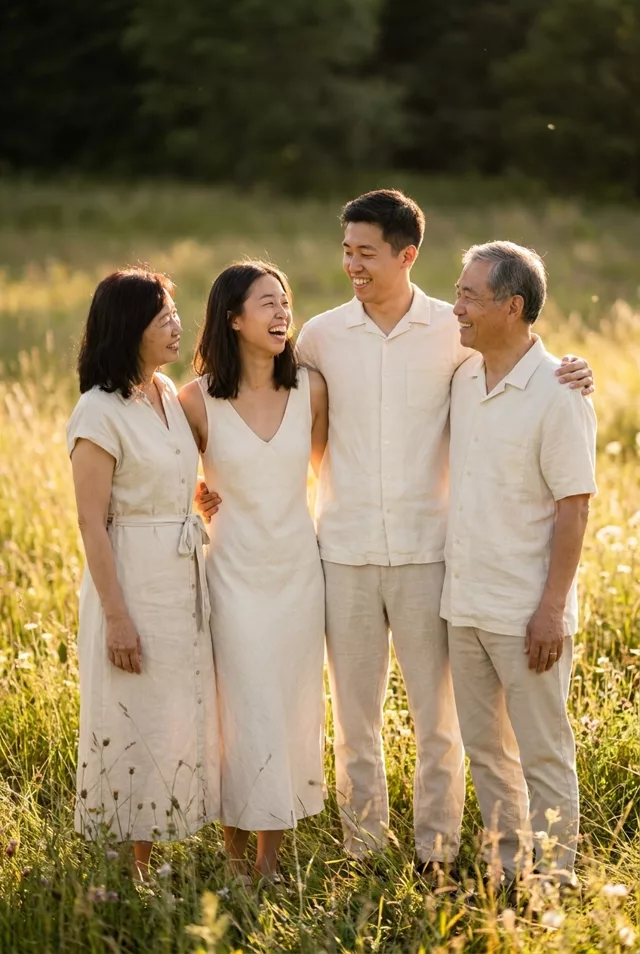
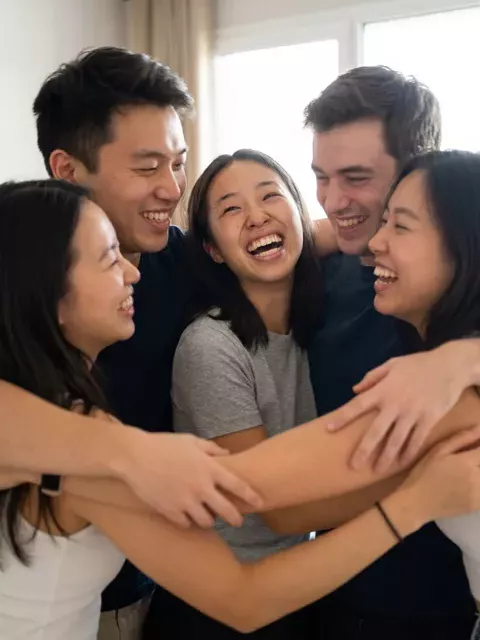
Our source was five friends in a tangled group hug, faces turned every way. The result put all five in the same left-to-right order, standing in a row, every one looking at the camera. Compare our linen family portrait, which asked for a laughing interaction and got four people looking at each other. The faces to check are the ones your source shows side-on: the edit turns them to face you, which means drawing the half of the face it never saw. Our run also opened with 'There are five people in this photo'; add that line with your own number.