 Photo Restoration
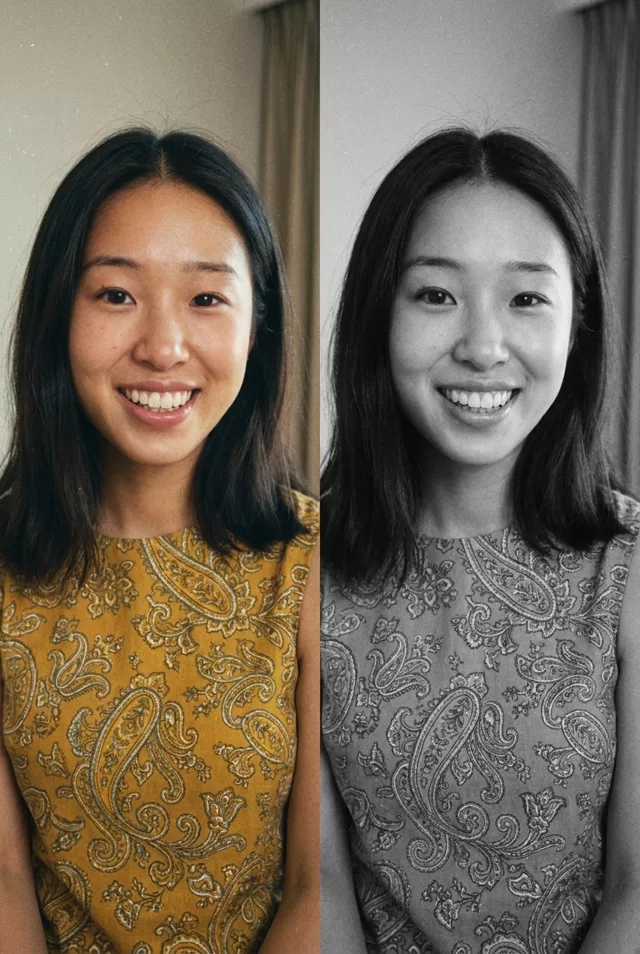
 Step 1 · Photo → Aesthetic
Colorize a Black & White Photo
Bring natural, era-appropriate color to black-and-white family photos.
Colorize this black-and-white photograph with realistic, historically appropriate colors. Keep every person's exact facial features unchanged. Natural skin tones, era-appropriate clothing colors, and a gentle color palette that suits the time period. Preserve the original grain and texture so it still feels like a photo from its era.
How to use it
- Open Gemini or ChatGPT and attach your photo.
- Paste the prompt below — tweak details like clothing or setting if you like.
- If the face drifts, add: 'Do not alter my facial features in any way.'
- Save the result — then animate it with a Step 2 prompt.
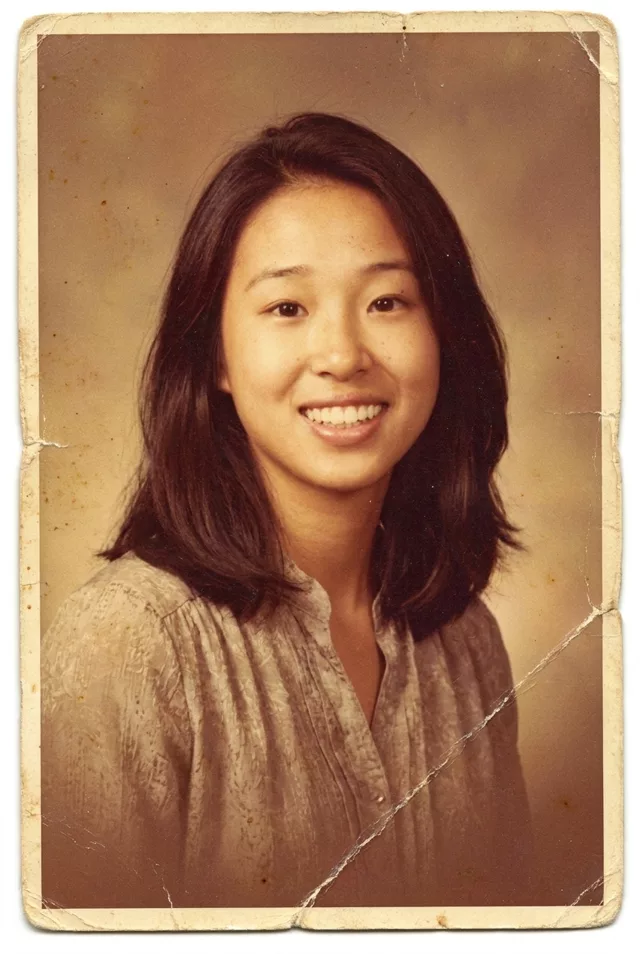 Photo Restoration
  Photo Restoration