Step 1 · Photo → Aesthetic
Hug Your Younger Self
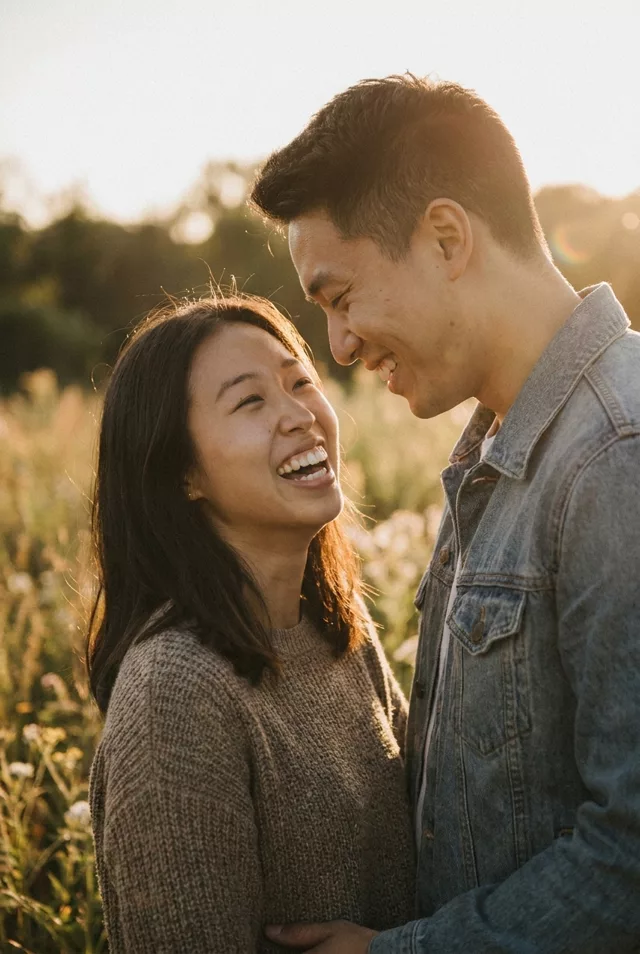
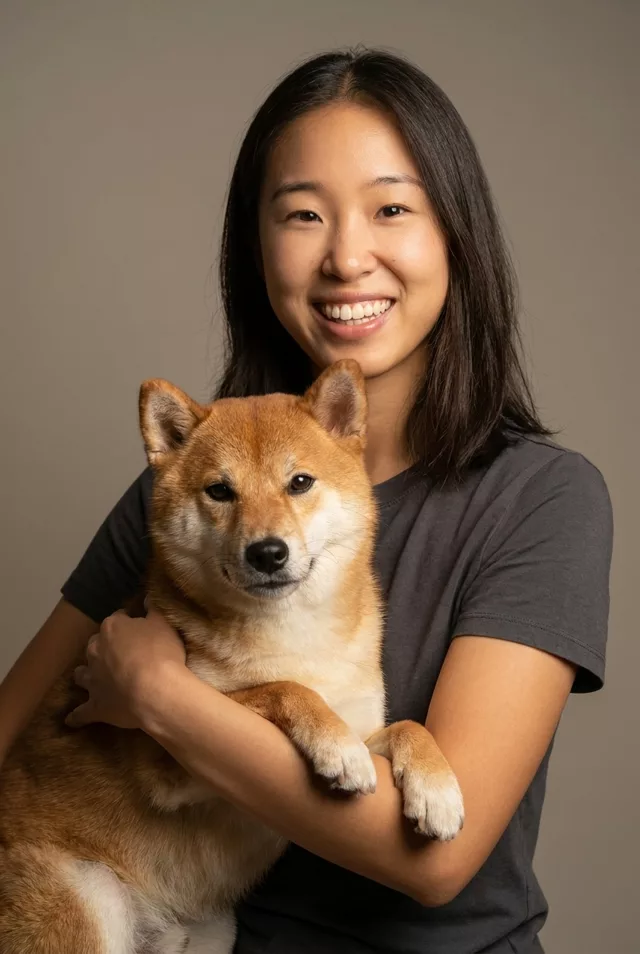
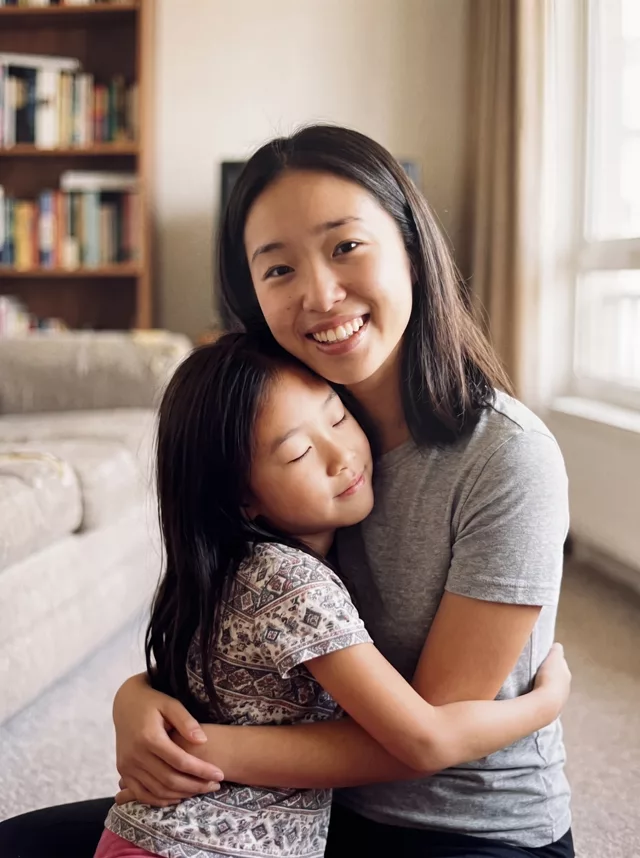
Put the you of today and the you of childhood in one photo, holding each other — from two real pictures, both faces kept.
The prompt
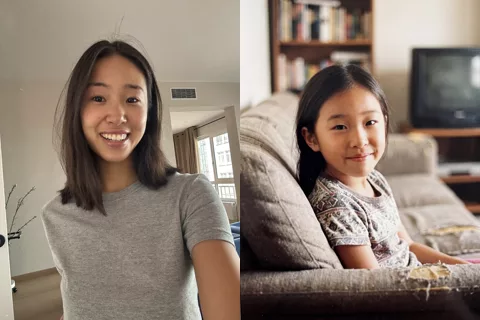
Combine these two photos of me into one single natural photograph. The first photo is me now; the second is me as a child. Place us together in the same room: adult me kneels down and holds child me in a gentle, warm hug, and the child leans into my shoulder with their eyes closed. Both faces must stay exactly as they are in their source photos — same features, same skin tone, unmistakably the same person at two ages. Soft indoor window light, shallow depth of field, warm neutral colours, the feel of a documentary family photograph. No text anywhere in the image.
How to use it
Only edit photos you have permission to use, including permission from the people pictured.
- Prepare two clear photos and identify which shows you now and which shows you as a child when you attach them.
- Attach both source photos in an image editor that accepts multiple references, then paste the prompt. Keep the two ages and the kneeling hug roles explicit.
- Compare each face with its own reference. Check that the ages have not swapped and inspect the arms where the adult holds the child.
- Save the accepted image separately from the original and label it as AI-edited when sharing. Use the saved edit as the source if you choose to animate it next.
What happened when we tested it
Two photos go in, so both matter: the childhood one decides how well the small face holds up, and a soft or tiny scan will drift far more than the adult shot. Say which photo is which — left as adult, right as child — or the ages can swap. The arms wrapping around the other person are the usual failure point, so zoom in on the hands before sharing.