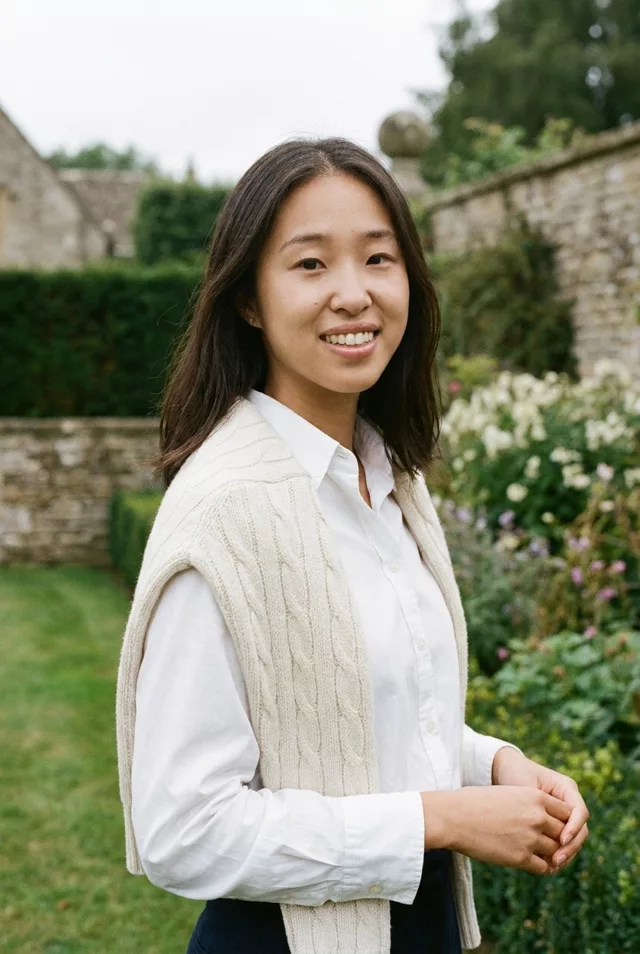
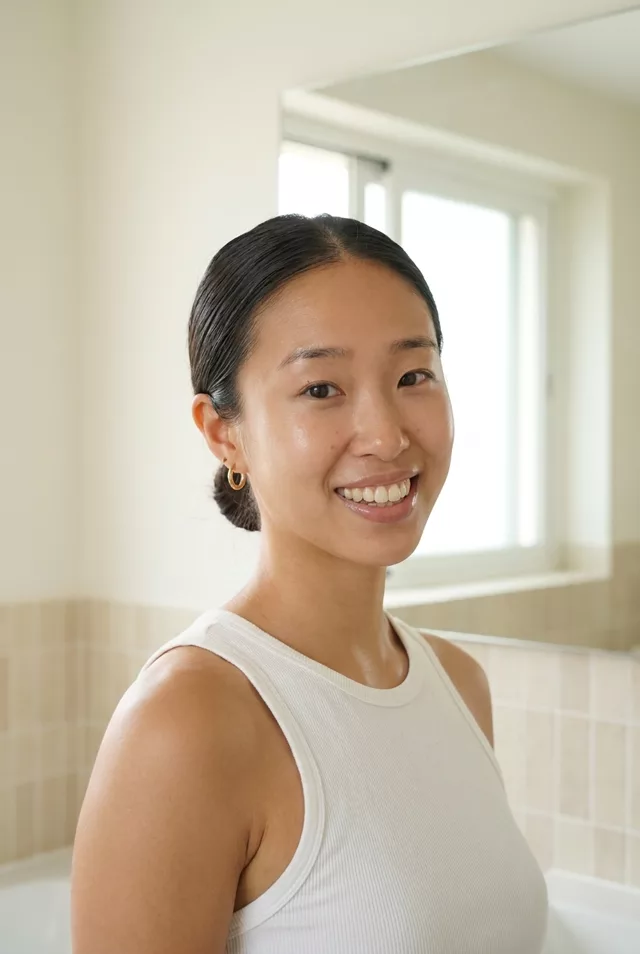
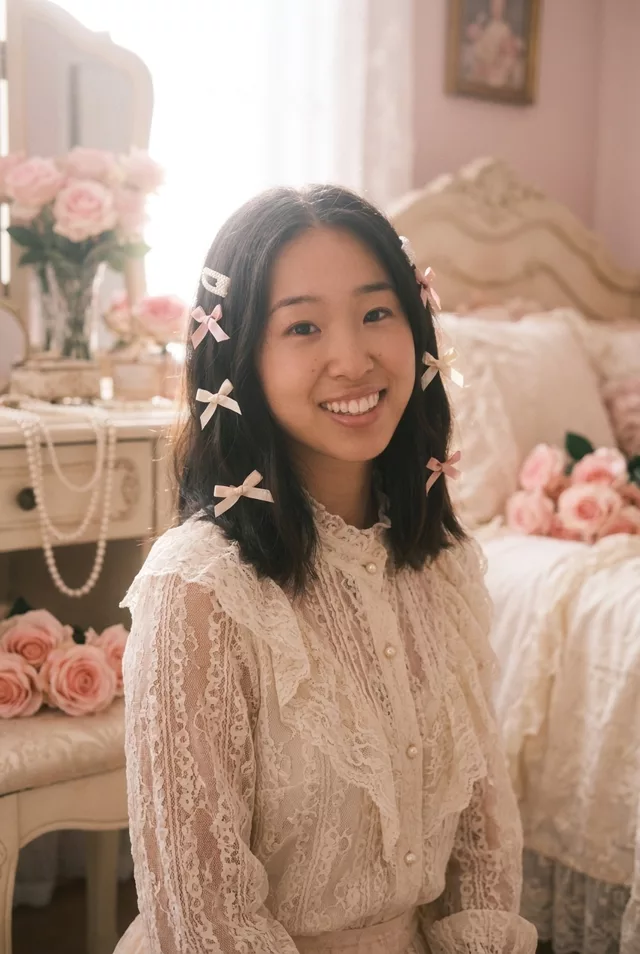
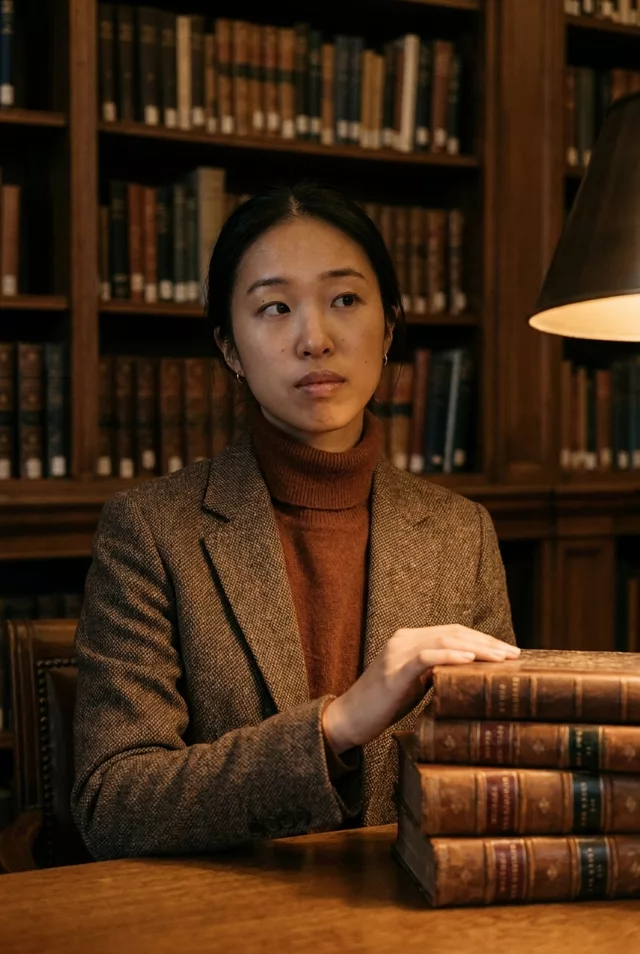
Step 1 · Photo → Aesthetic
Snowy Winter Street Portrait
Falling snow, a camel coat and warm shop-window glow at dusk — the winter street portrait, with your own face and smile kept.
The prompt
Transform this photo of me into a snowy winter portrait outdoors. I stand on a quiet city street at dusk in gently falling snow, wearing a camel wool coat and a chunky cream knit scarf, a few snowflakes on my hair, warm shop-window lights glowing softly out of focus behind me. Cool blue evening light with warm highlights on my face, fine film grain. Keep my exact facial features, face shape and my own smile from the photo, and my own hair colour, length and parting. Do not change my face or expression in any way.
How to use it
Only edit photos you have permission to use, including permission from the people pictured.
- Pick a source whose pose and expression already suit the mood, so fewer changes to the person are needed.
- Attach the source in an AI image editor compatible with this prompt (Gemini · ChatGPT (any AI image editor)), then paste the prompt. Choose the wardrobe and setting before generating. Remove conflicting pose or expression requests if you want to keep those from the source.
- Check that the new light still leaves the face recognizable. Inspect hands near props and simplify the prop or pose if they are distorted.
- Save the accepted image separately from the original and label it as AI-edited when sharing. Use the saved edit as the source if you choose to animate it next.
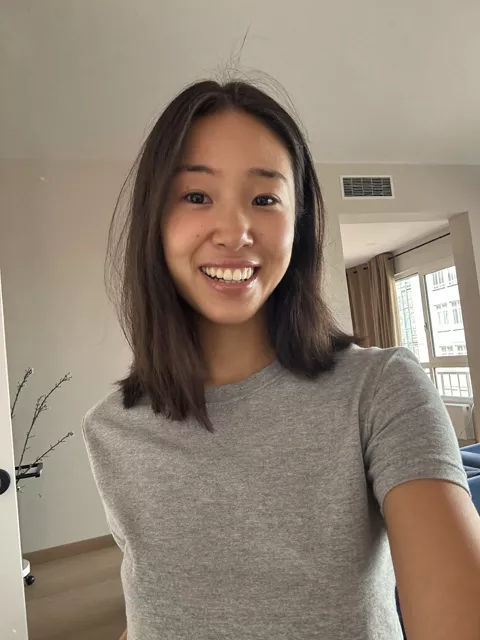
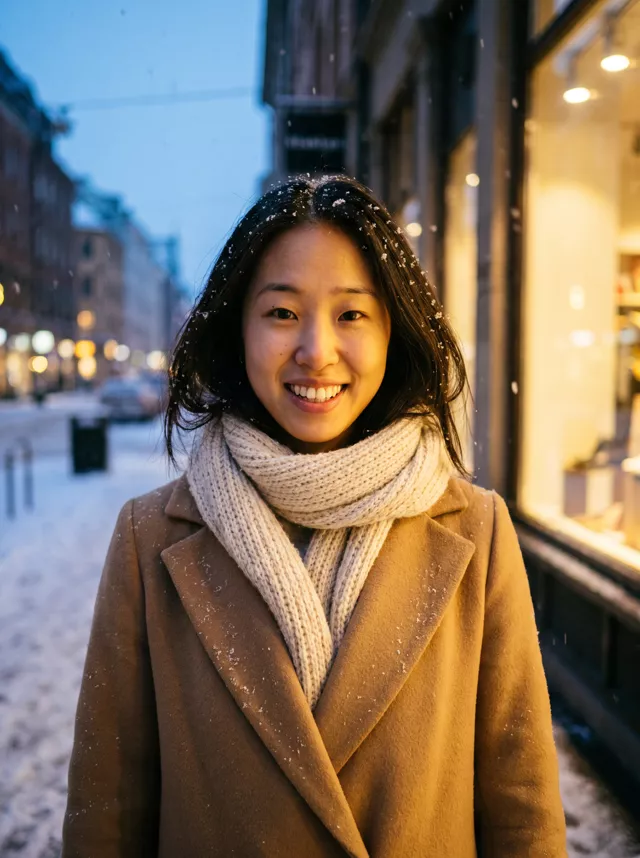
What happened when we tested it
We ran this twice. The first round rounded her face and turned her brown hair black and tousled — snow landing on the head seems to invite a new hairstyle. The published version names face shape and your own hair colour, length and parting; the face held far better, but the hair still came back darker than the source, so check it at full size. The snow, the knit scarf and the warm window bokeh came out right both times.