Step 2 · Photo → Video
Warm Reunion Hug
Animate two people in any photo into a gentle, emotional embrace.
The prompt
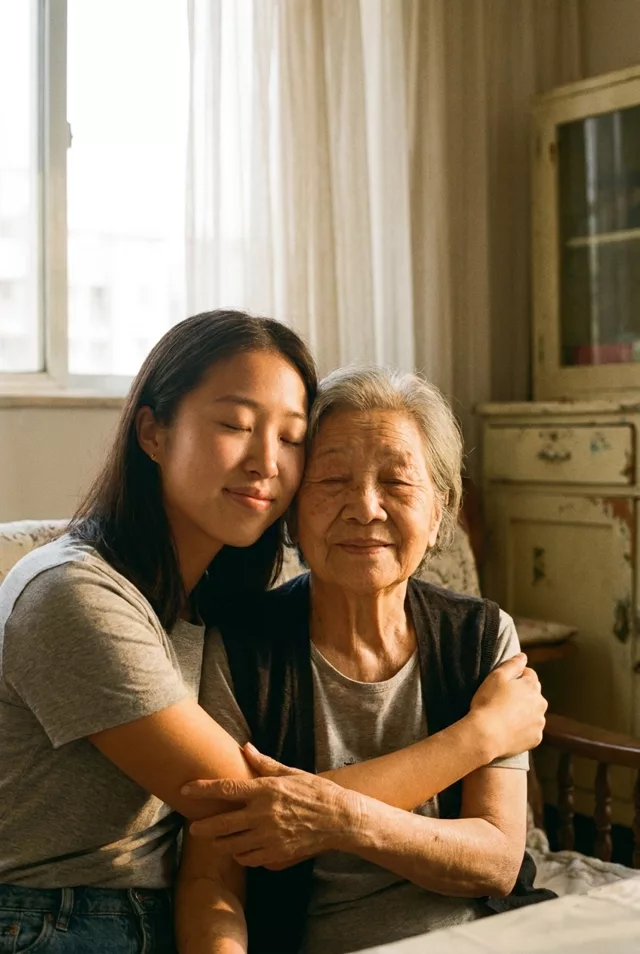
The two people in this photo turn toward each other and share a warm, gentle hug. Slow natural movement, soft smiles, eyes closing briefly with emotion. Keep both faces exactly as they appear in the photo. Subtle camera push-in, soft warm lighting, 5 seconds, realistic motion.
How to use it
Only edit photos you have permission to use, including permission from the people pictured.
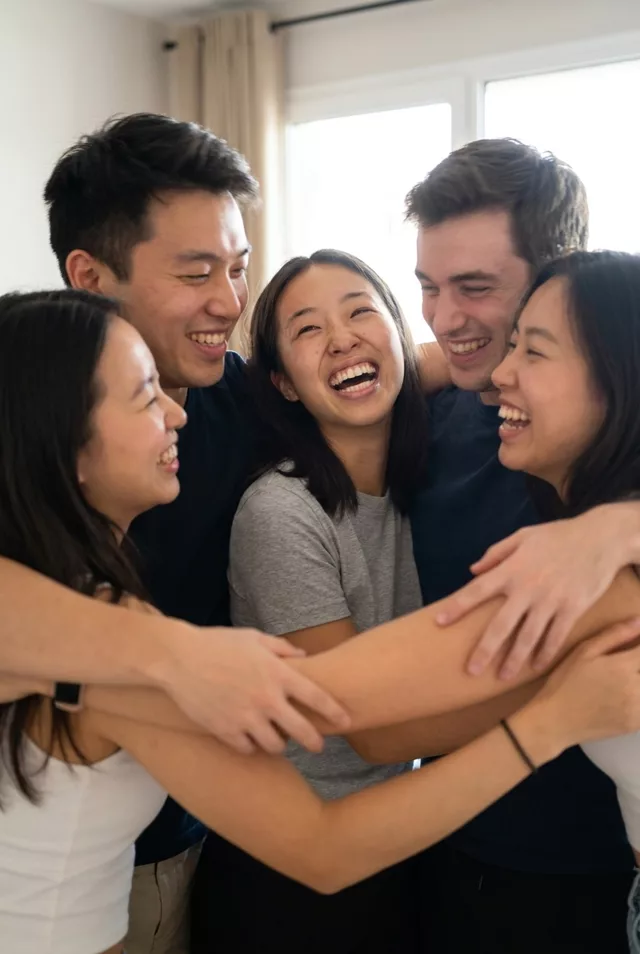
- Choose a source where the people are already close together and their arms are visible, with room to lean into the hug.
- Upload the source to an image-to-video tool compatible with this prompt (Kling / Veo (image-to-video)), then paste the prompt. Keep the embrace slow and remove extra gestures if the arms overlap too much. Request 5 seconds where the tool allows it; this is the requested clip length, not a generation-time estimate.
- Watch the approach, contact, and separation. Reject a take with merged hands or changing faces; simplify the embrace before another attempt.
- Download the accepted clip and label it as AI-made when sharing. Keep the source still so you can compare later revisions.
What happened when we tested it
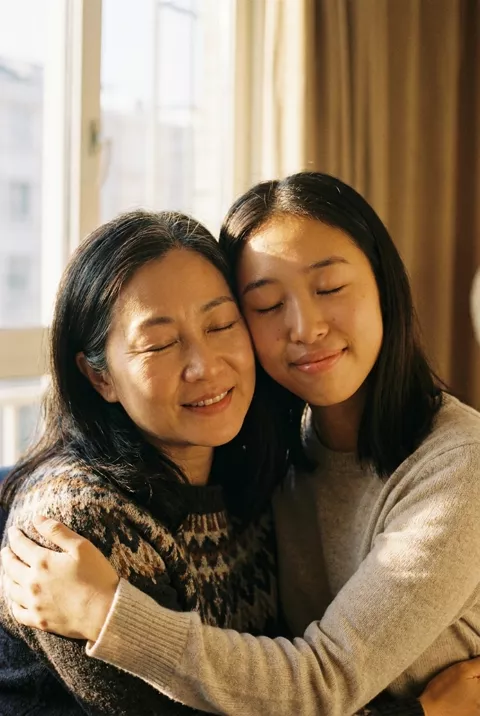
Whichever face is angled away is the one you lose. Ours held the younger woman across all five seconds — large and front-on — while the older woman's face, turned and pressed against her, drifted into a different jaw and nose by the final frame. The hand on the shoulder went the same way, distinct at the start and merged into the sleeve by the end. Watch the last second, not the thumbnail, and keep both faces as open to camera as your photo allows.