Aesthetic Pet Photos With AI: Prompts That Keep Your Pet Looking Like Your Pet
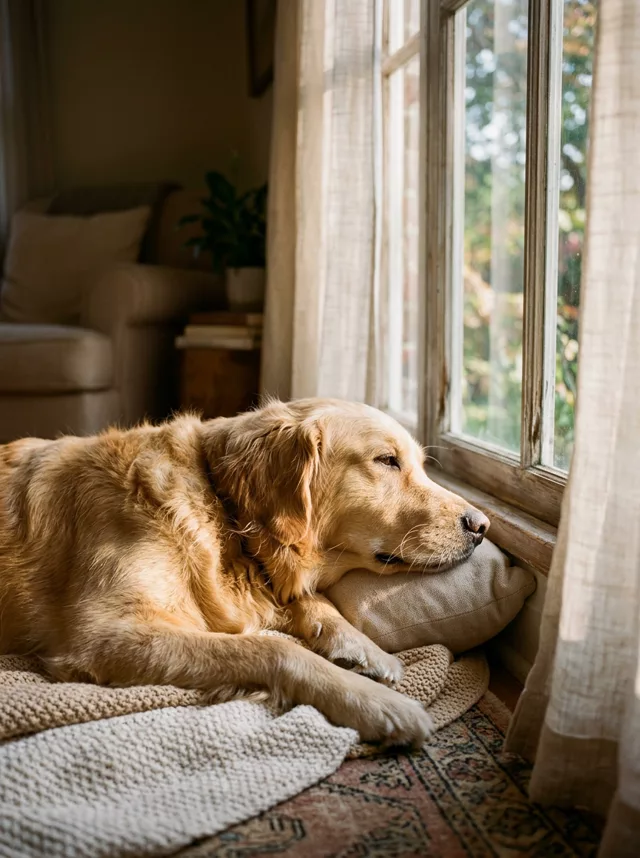
The pet corner of Instagram has its own aesthetic language: a kitten looking up at blossoms against a blue sky, a dog dozing in a stripe of window light, everything soft, pastel and shot-on-film. You don’t need a garden, a flowering tree or a patient cat to get these — you need a clear photo of your pet and the right prompt.
The catch is the same one people hit with their own selfies: AI editors love to “improve” your pet into a generic breed-standard animal. Your tabby’s crooked ear and the white sock on one paw are the whole point. Every prompt below ends with a markings clause for exactly that reason — keep it.
The summer film look — your photo, in better light
Most pet photos don’t need a new scene. The one you took on the sofa is already the photo you love; it just looks like a dim phone snapshot. This prompt keeps the scene and changes only the light and color — as if the same moment happened on a sunny summer afternoon:
Transform this photo of my pet into a bright summer film photograph while
keeping the exact original background, setting and pose from my photo. Do
not replace or redesign the scene — change only the light and color: fill
the room with soft warm afternoon sunlight as if golden light is streaming
in through a window, bright airy exposure, fresh pastel film tones, gentle
greens and creams, fine film grain and a lightly faded Kodak-summer finish.
Keep my pet's exact fur colors, markings and face completely unchanged.
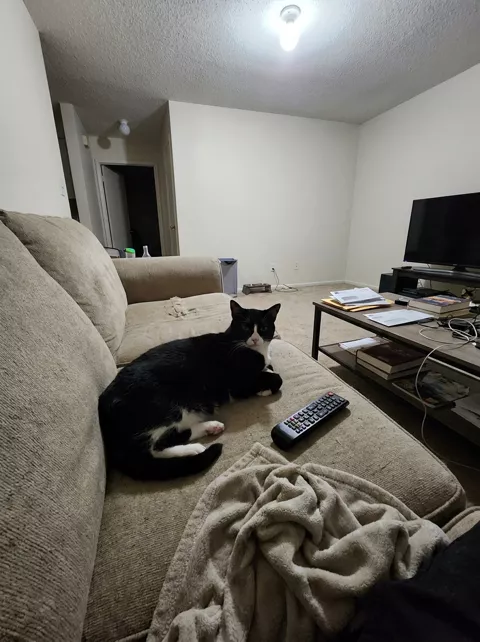
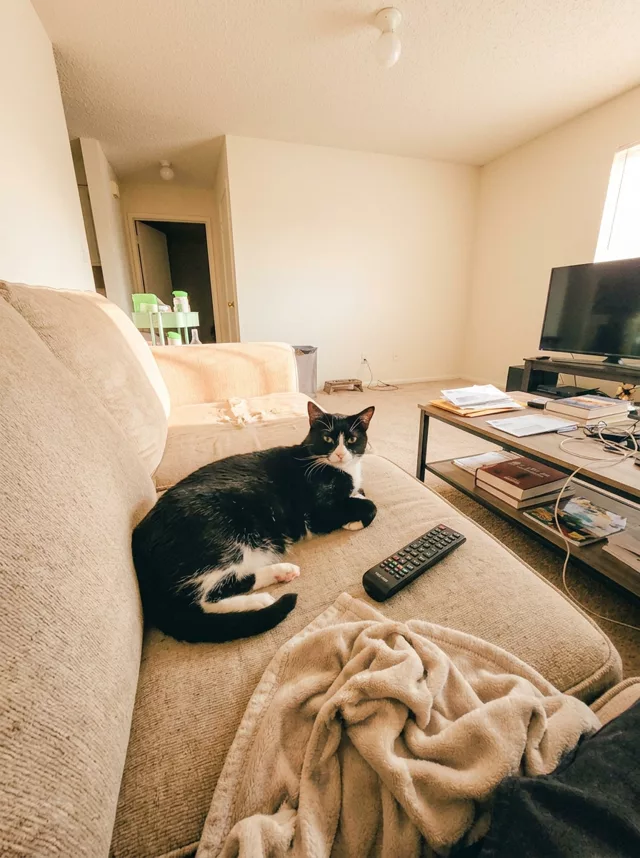
The “do not replace or redesign the scene” line is the important part — without it, image models love to relocate your cat to a garden you’ve never seen. With it, you get your own living room back, flooded with summer light.
The window light portrait
For a quieter, indoor mood:
Transform this photo of my pet into a quiet film-style portrait by a window.
Soft warm afternoon light falls across my pet through sheer curtains,
catching whiskers and fur in a gentle glow. Muted warm film colors, soft
shadows, fine grain, shallow depth of field — calm and intimate, like a
still from a slow Sunday morning. Keep my pet's exact fur colors, markings
and face completely unchanged.
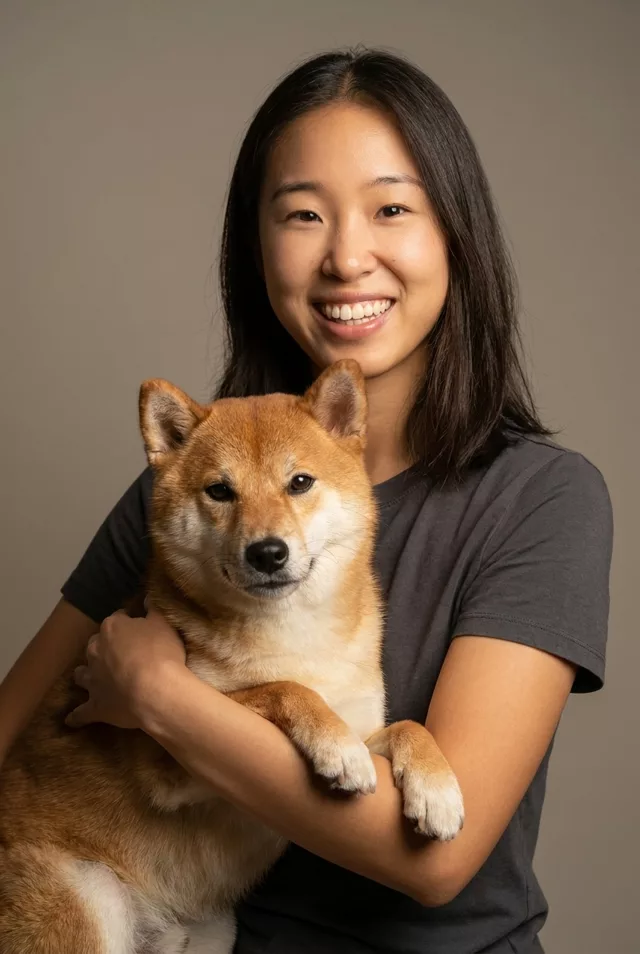
Both live in the library as Pet Film Photo Look and Pet in Window Light, alongside the Pet & Me studio prompt if you want to be in the frame together.
Getting a faithful result
- Start from a sharp, well-lit photo. Blurry input gives the model permission to guess, and it guesses a different animal.
- Name what must not change. If your dog has one floppy ear or a scar, say so: “keep the left ear folded exactly as in the photo.”
- Check the eyes. Eye color is the most common drift on pets. If it shifts, add the color explicitly (“keep the amber eyes exactly”).
- Regenerate once before rewording. The same prompt often lands on the second try; only edit if the same mistake repeats.
Then take the result further: the subtle motion prompts in the animate section — a blink, an ear twitch, blossoms drifting — turn a finished pet portrait into a short looping video.
FAQ
Does this work for animals other than cats and dogs? Yes — rabbits, birds, even reptiles. Swap “fur colors and markings” for what fits (“keep the exact feather pattern”).
My pet came back a different breed. What happened? The input photo was probably too dark or partly obscured. Use a photo where the face and body are clearly visible, and state the breed in the prompt (“my gray tabby cat”).
Can I build my own variation? The prompt generator lets you mix subject, mood and lighting — choose the pet subject and go from there.