Step 1 · Photo → Aesthetic
Pet Summer Film Look
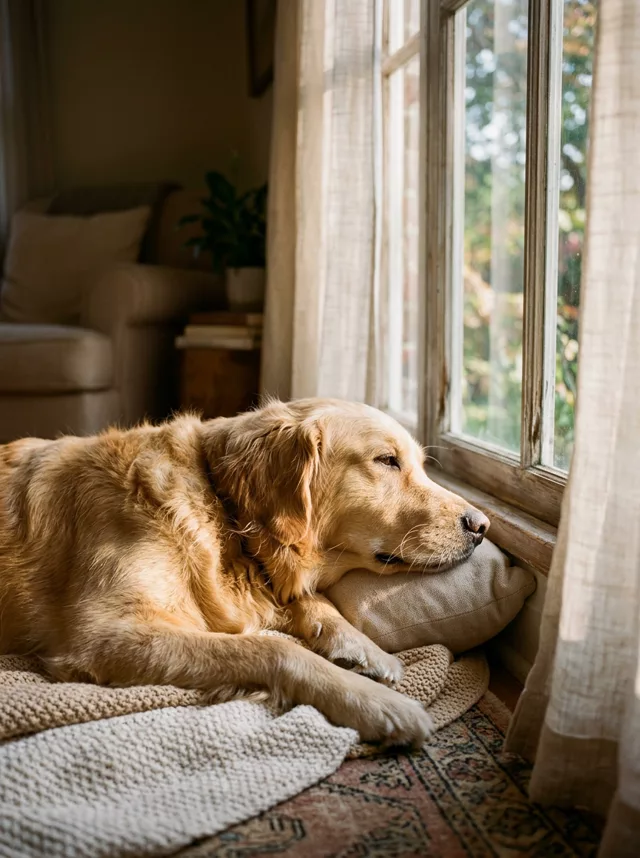
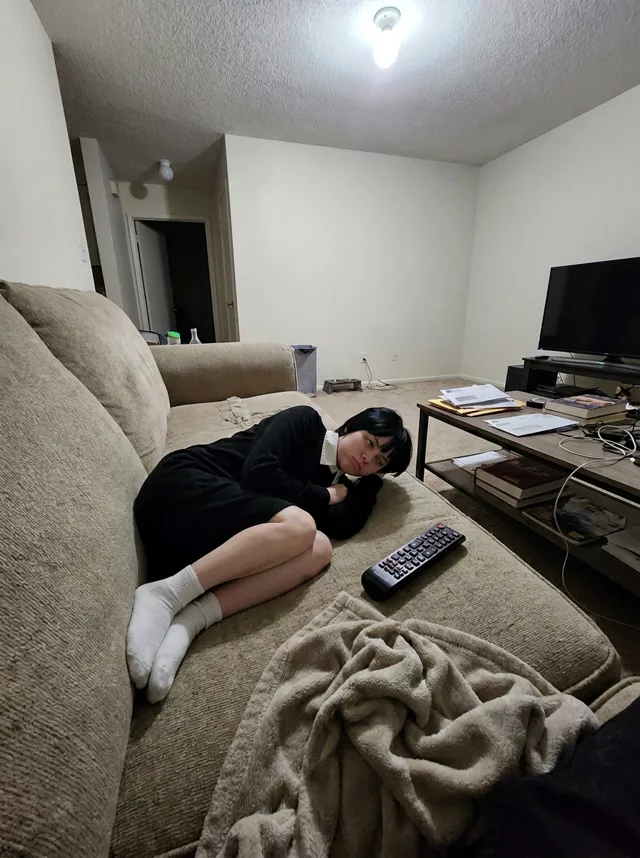
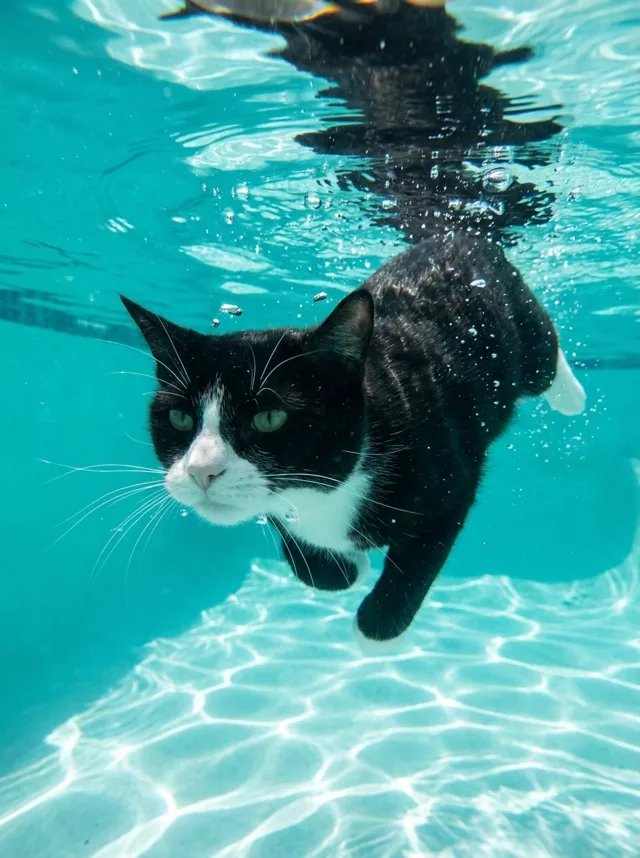
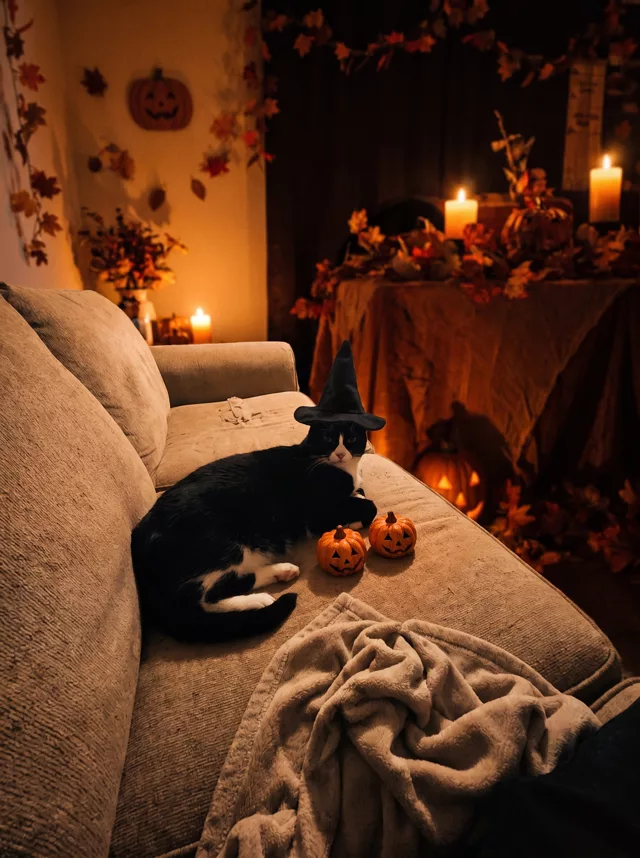
Same photo, same room, same pose — flooded with summer afternoon light and pastel film color. The everyday-photo upgrade.
The prompt
Transform this photo of my pet into a bright summer film photograph while keeping the exact original background, setting and pose from my photo. Do not replace or redesign the scene — change only the light and color: fill the room with soft warm afternoon sunlight as if golden light is streaming in through a window, bright airy exposure, fresh pastel film tones, gentle greens and creams, fine film grain and a lightly faded Kodak-summer finish. Keep my pet’s exact fur colors, markings and face completely unchanged.
How to use it
Only edit photos you have permission to use, including permission from the people pictured.
- Pick a source that clearly shows the markings, eyes, ears, and body shape you want preserved.
- Attach the source in an AI image editor compatible with this prompt (Gemini · ChatGPT (any AI image editor)), then paste the prompt. Decide which surroundings may change. Add an explicit instruction to keep the room if the selected prompt otherwise replaces it.
- Compare fur patches, eye color, ears, paws, and tail with the source. Fix changed markings before accepting the lighting or seasonal styling.
- Save the accepted image separately from the original and label it as AI-edited when sharing. Use the saved edit as the source if you choose to animate it next.
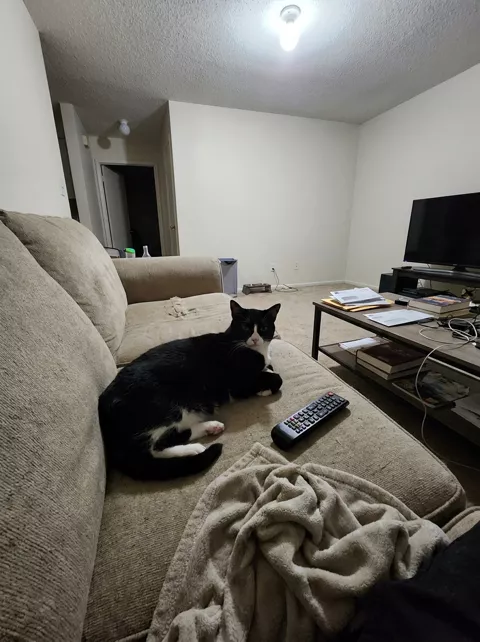
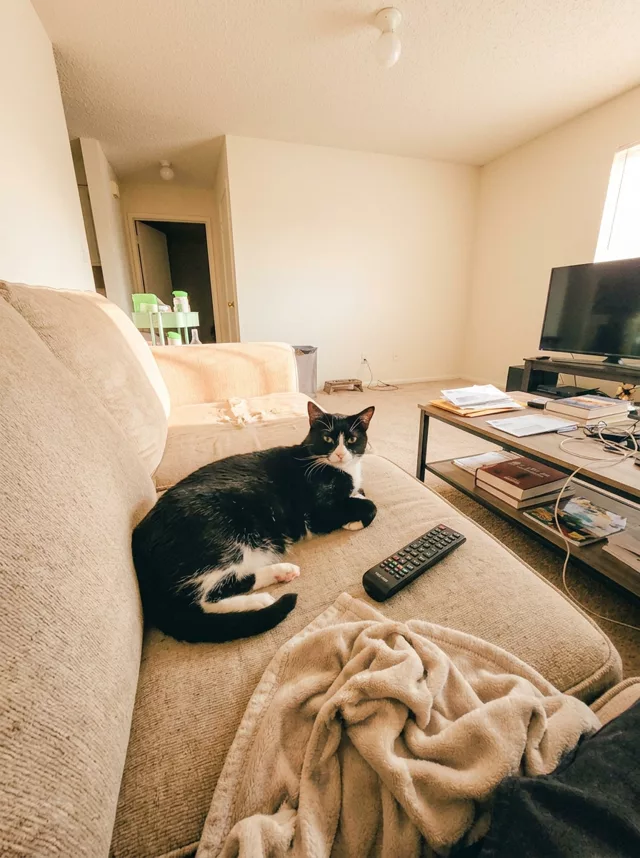
What happened when we tested it
The line that earns its place is 'do not replace or redesign the scene'. Without it the model relocates your cat to a garden you have never seen; with it you get your own sofa in better light. The trade-off is that a dim, noisy phone photo is still dim underneath, so if the result looks muddy rather than sunny, add 'bright airy exposure, lifted shadows'. Check the eyes as well — eye color takes on a new cast before anything else does.