Step 1 · Photo → Aesthetic
Pet in Window Light
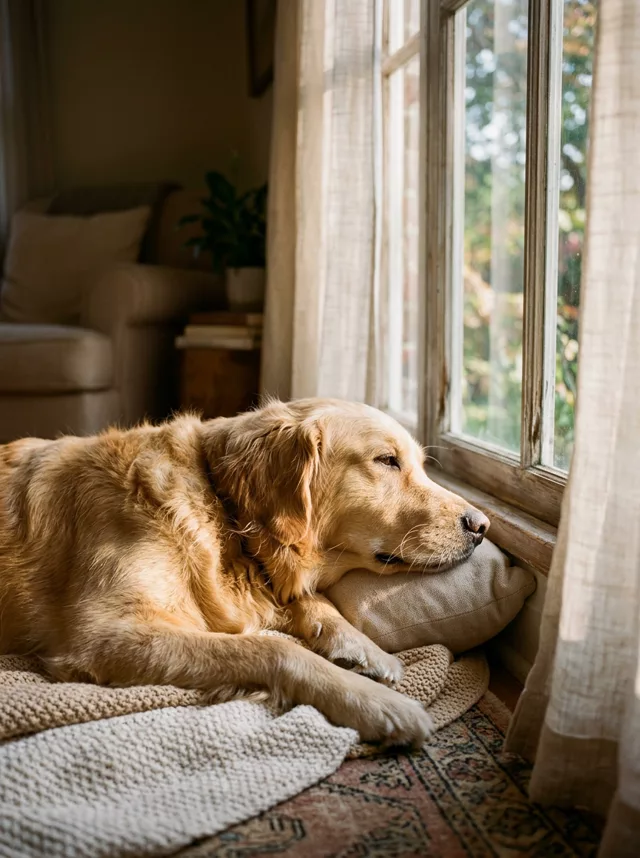
A calm window-light film portrait of your pet — warm glow, soft grain, every marking kept true.
The prompt
Transform this photo of my pet into a quiet film-style portrait by a window. Soft warm afternoon light falls across my pet through sheer curtains, catching whiskers and fur in a gentle glow. Muted warm film colors, soft shadows, fine grain, shallow depth of field — calm and intimate, like a still from a slow Sunday morning. Keep my pet’s exact fur colors, markings and face completely unchanged.
How to use it
Only edit photos you have permission to use, including permission from the people pictured.
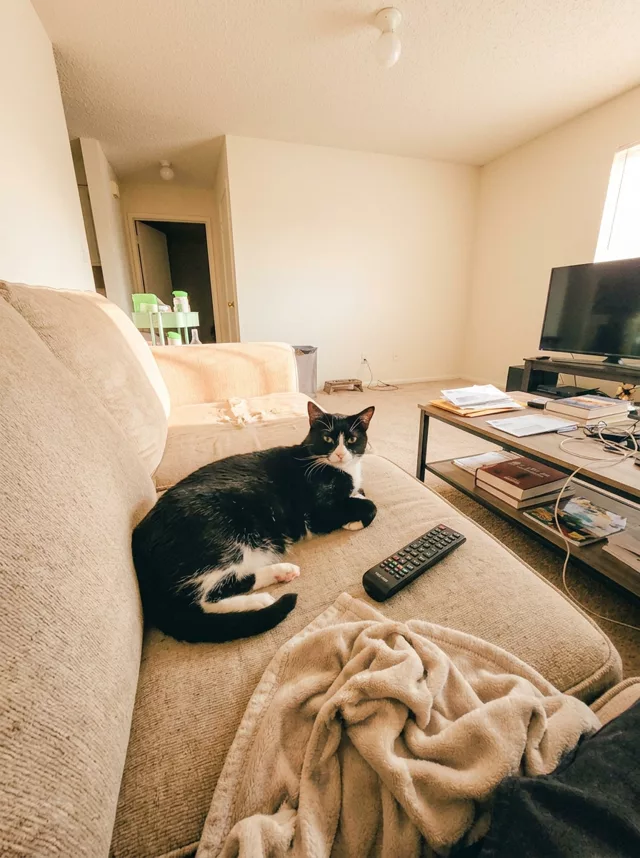
- Pick a source that clearly shows the markings, eyes, ears, and body shape you want preserved.
- Attach the source in an AI image editor compatible with this prompt (Gemini · ChatGPT (any AI image editor)), then paste the prompt. Decide which surroundings may change. Add an explicit instruction to keep the room if the selected prompt otherwise replaces it.
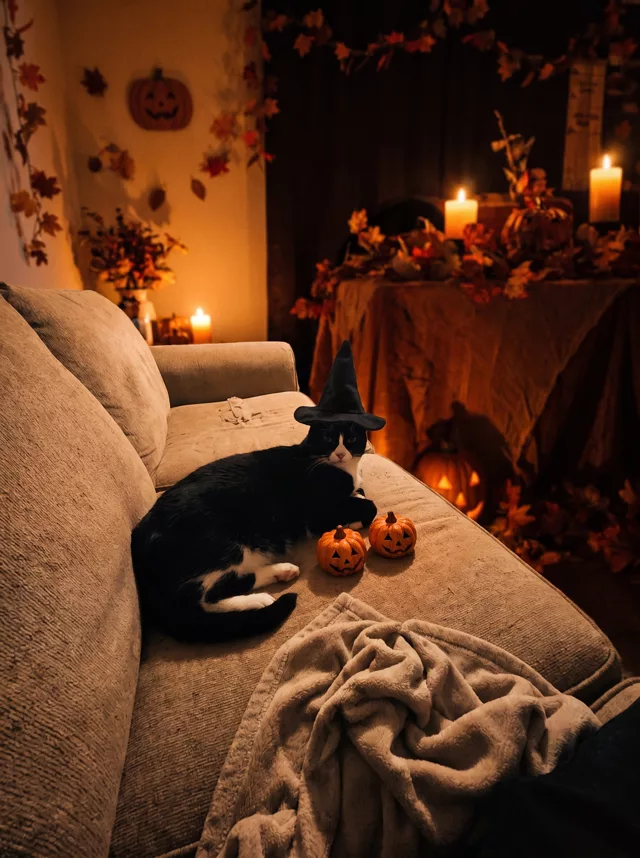
- Compare fur patches, eye color, ears, paws, and tail with the source. Fix changed markings before accepting the lighting or seasonal styling.
- Save the accepted image separately from the original and label it as AI-edited when sharing. Use the saved edit as the source if you choose to animate it next.
What happened when we tested it
Your pet will face the window, not you. The whole prompt points attention outward, so ours came back in profile with one eye visible — add 'looking toward the camera' if you want a face-on portrait. One caveat about the markings clause: ours was a solid golden coat, which is the case where drift is hardest to spot. On a patched or two-tone animal, check the patch edges against your original. Paws and whiskers rendered cleanly.