Step 1 · Photo → Aesthetic
70s Album Cover
Earthy tones, golden haze and print texture — a 70s record-sleeve portrait.
The prompt
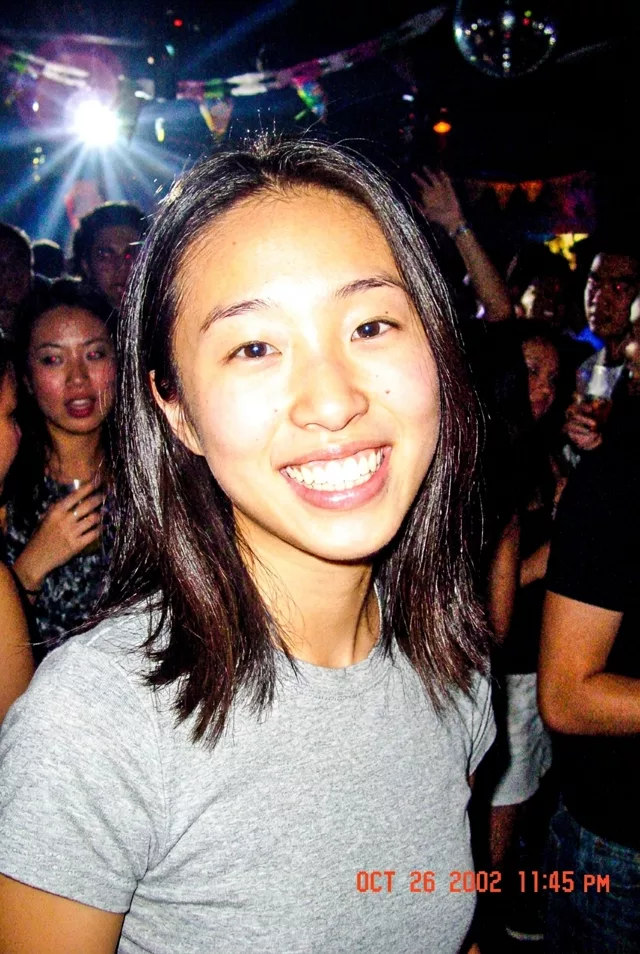
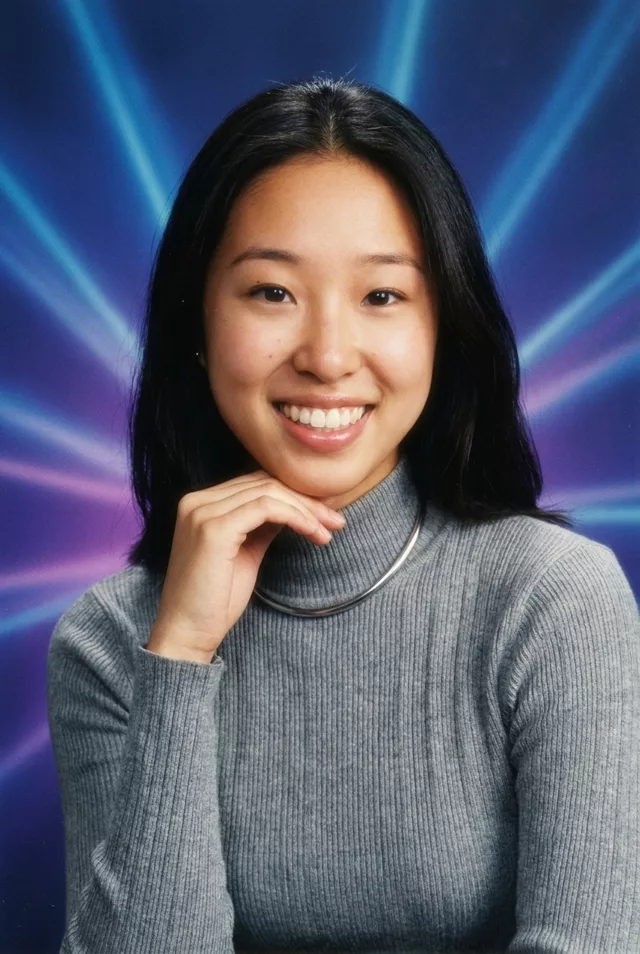
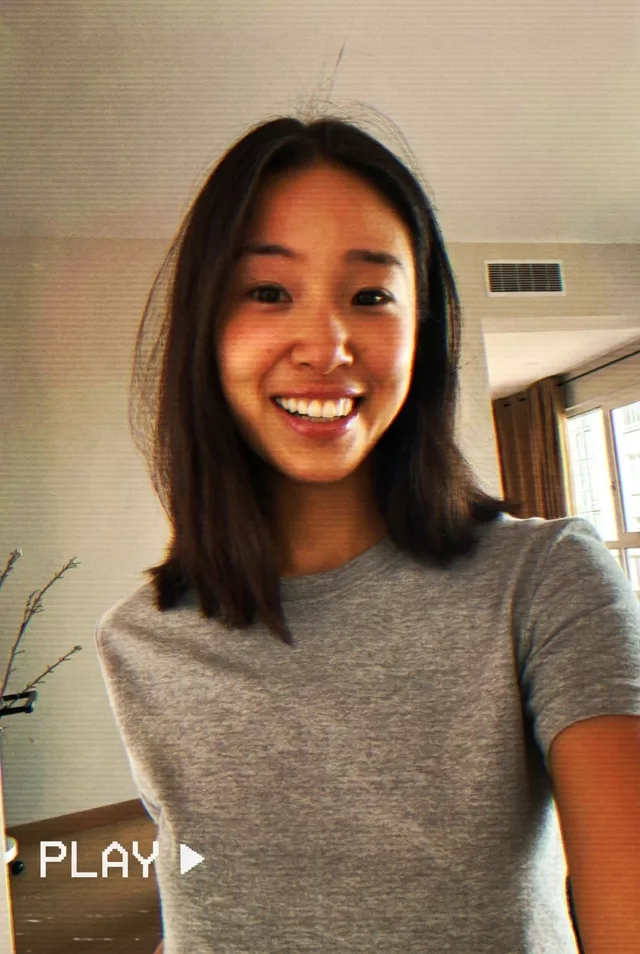
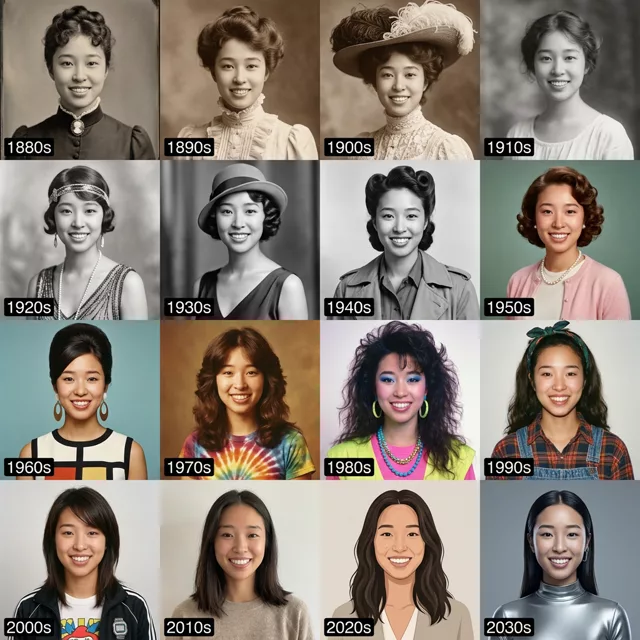
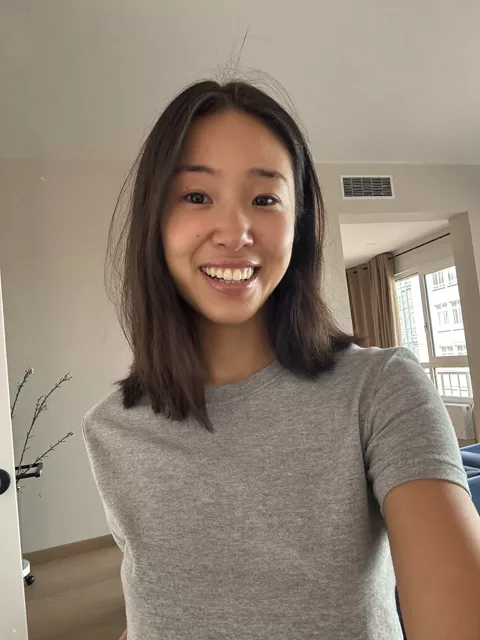
Transform this photo into a 1970s album cover portrait. Keep my exact facial features, do not change my face. Warm earthy oranges and browns, soft golden backlight with haze, subtle halftone print texture, retro serif typography space at the top left, styled like a folk record sleeve.
How to use it
Only edit photos you have permission to use, including permission from the people pictured.
- Start with a clear source rather than adding retro effects to an already heavily filtered image.
- Attach the source in an AI image editor compatible with this prompt (Gemini · ChatGPT (any AI image editor)), then paste the prompt. Keep the period or recording format in the prompt consistent. Specify any requested date or lettering, or remove the text request.
- Check facial detail beneath the noise, scan lines, or print texture. Read any labels and reduce effects that make the subject hard to recognize.
- Save the accepted image separately from the original and label it as AI-edited when sharing. Use the saved edit as the source if you choose to animate it next.

What happened when we tested it
'Folk record sleeve' invites props, and ours arrived holding a guitar nobody asked for. Both hands are on it and both are wrong — fingers that do not resolve, strings passing through them. Add 'no instruments, hands relaxed at my sides' unless you want it. What did work: the top-left corner came back genuinely empty and clean for your typography, and the halftone dot texture is visible across the sky.