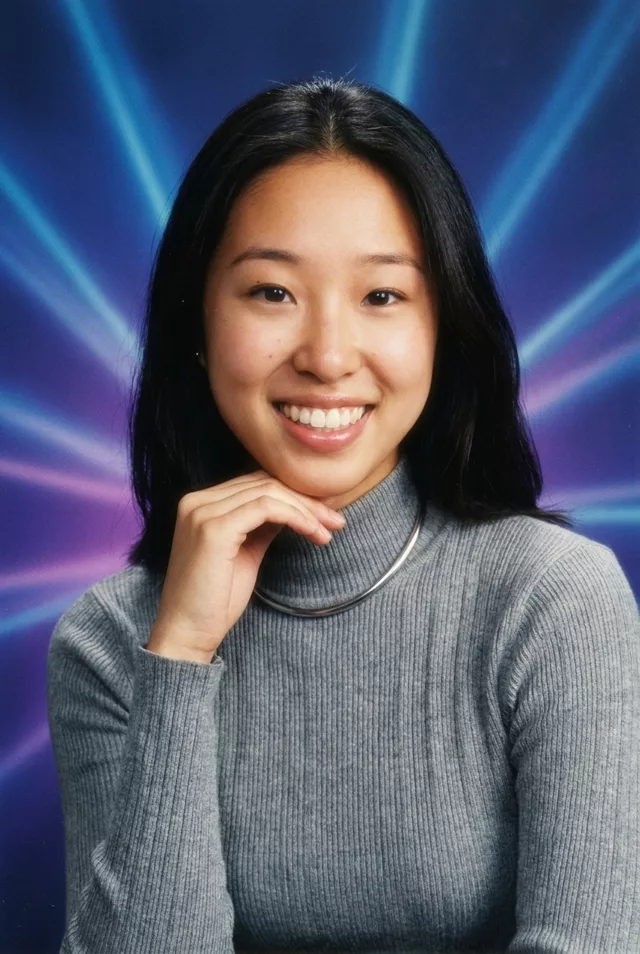
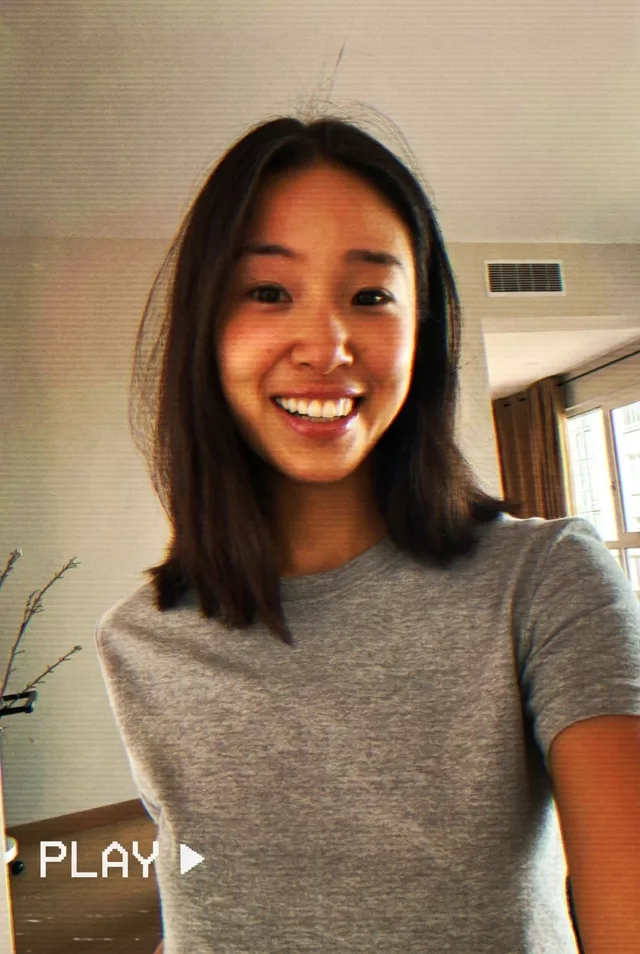
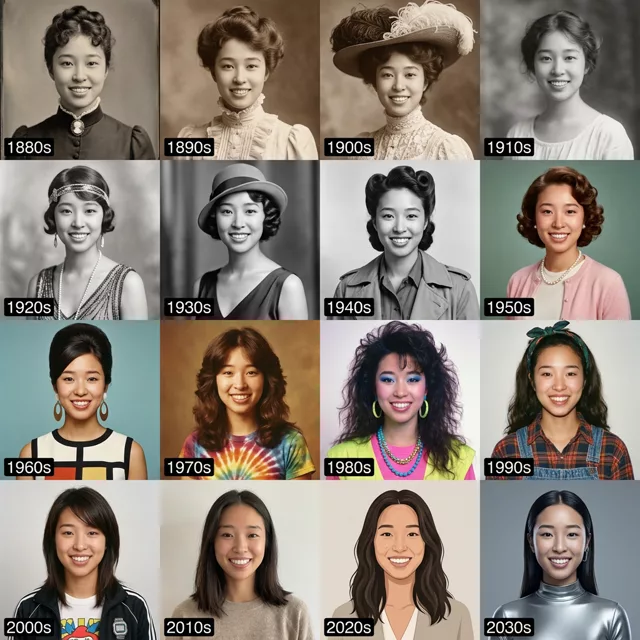
Step 1 · Photo → Aesthetic
Y2K Digicam Flash
Noisy, flashy, oversaturated — the Y2K digicam look that's everywhere again.
The prompt
Make this photo look like it was taken on an early-2000s digital camera with flash. Keep my exact facial features, do not change my face. Harsh direct flash, slightly noisy low-resolution texture, oversaturated colors, red-eye-reduction glow, a timestamp in the corner, candid party framing with a dark background.
How to use it
Only edit photos you have permission to use, including permission from the people pictured.
- Start with a clear source rather than adding retro effects to an already heavily filtered image.
- Attach the source in an AI image editor compatible with this prompt (Gemini · ChatGPT (any AI image editor)), then paste the prompt. Keep the period or recording format in the prompt consistent. Specify any requested date or lettering, or remove the text request.
- Check facial detail beneath the noise, scan lines, or print texture. Read any labels and reduce effects that make the subject hard to recognize.
- Save the accepted image separately from the original and label it as AI-edited when sharing. Use the saved edit as the source if you choose to animate it next.
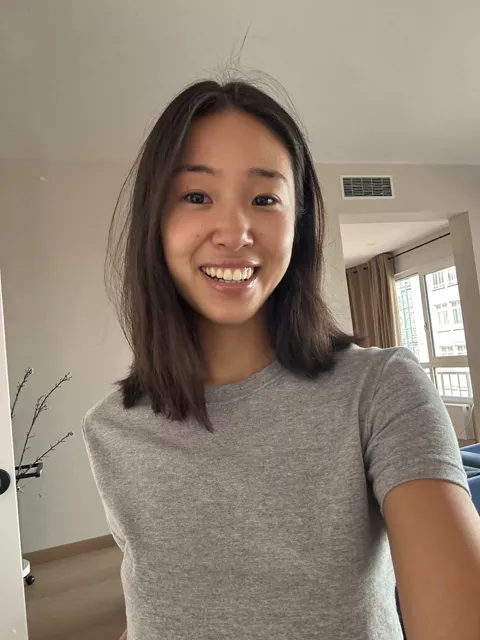
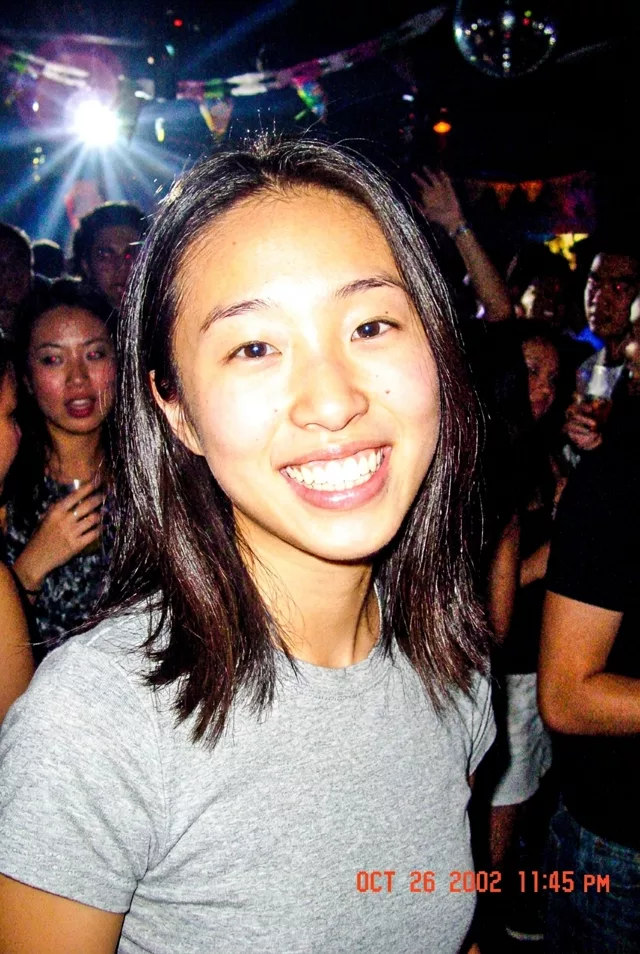
What happened when we tested it
Grain is the giveaway. If the result comes back with soft organic film grain, the model went analog on you — this is early digital, so ask for digital noise, oversharpened edges and blown highlights instead. The corner timestamp is the other thing to control: left vague, the digits come out as nonsense, so dictate one like '08 14 2003'. Flat, overexposed flash on whatever is nearest is correct here, not something to fix.