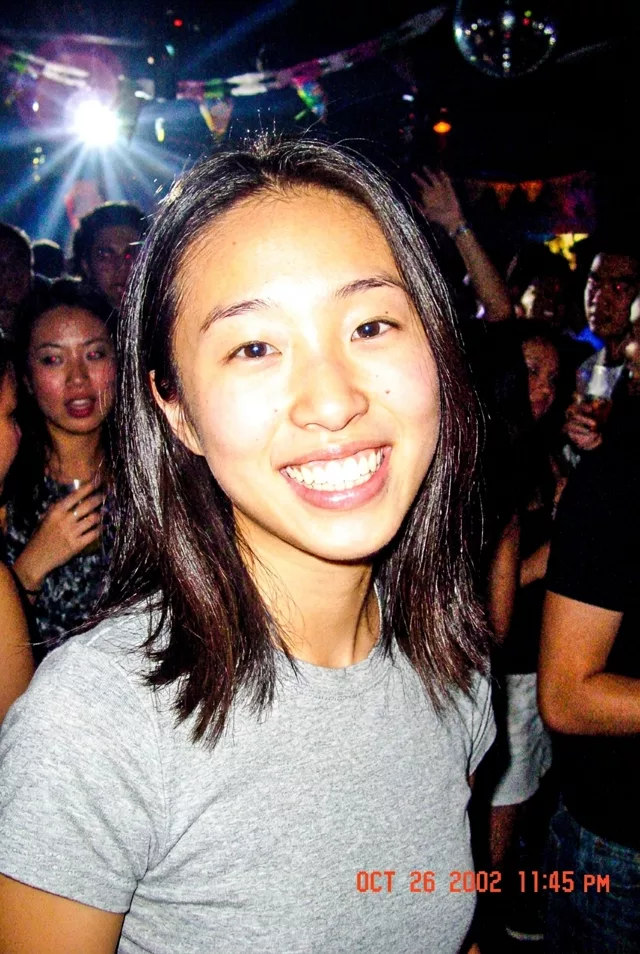
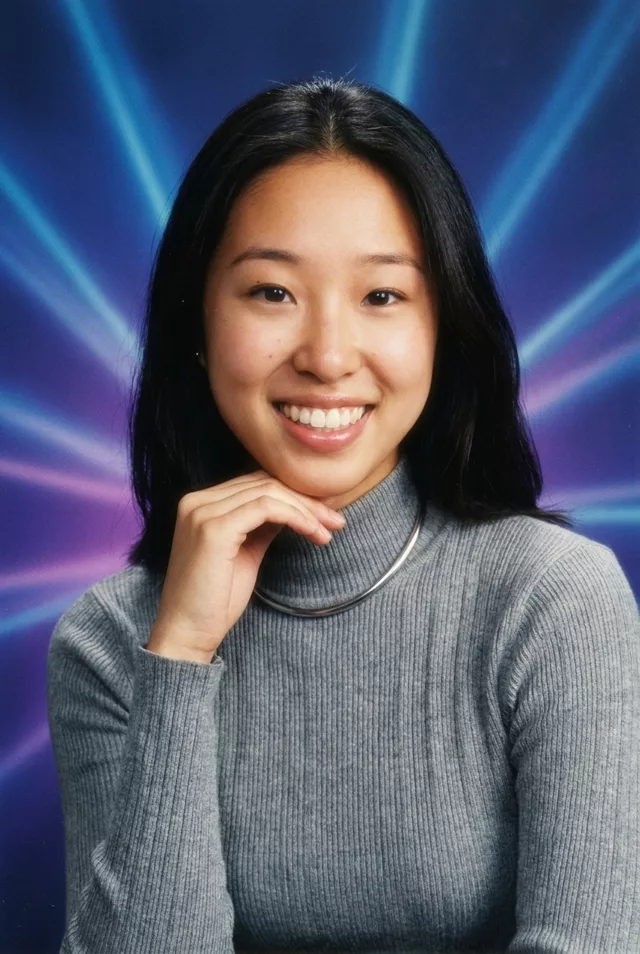
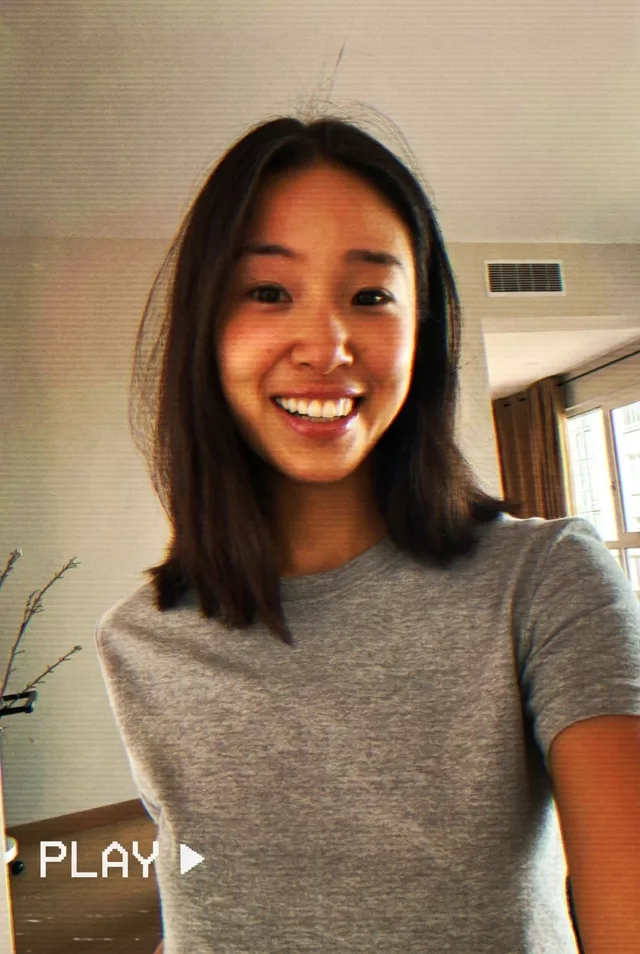
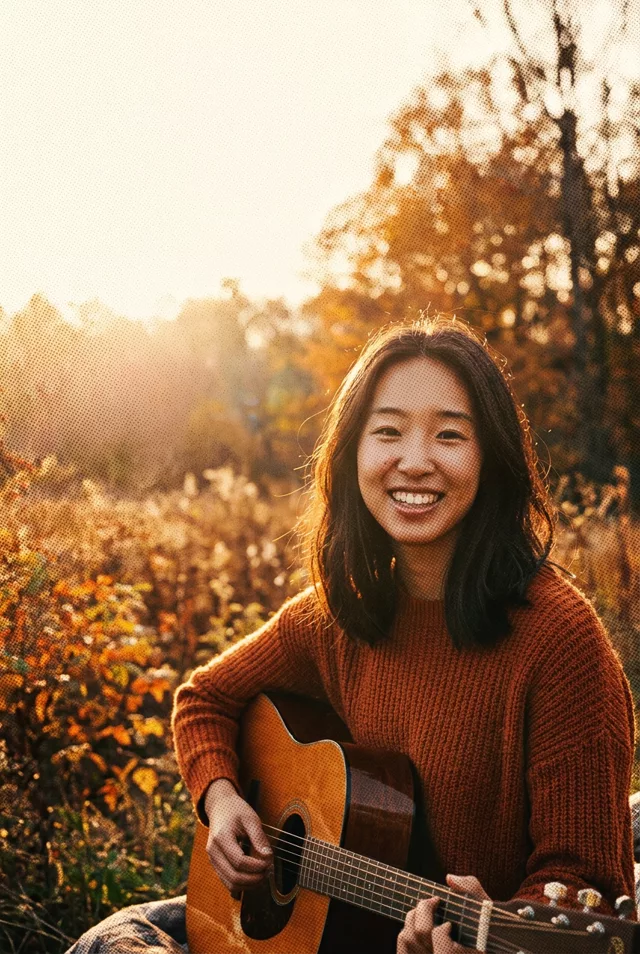
Step 1 · Photo → Aesthetic
Time-Travel Decades Grid
One selfie, sixteen decades: a 4×4 grid from 1880s tintype to future you — the Reels-favorite evolution format, face kept every time.
The prompt
Create a 4x4 grid of 16 portraits of me, one for each decade from the 1880s to the 2030s, in chronological order. Keep my exact facial features unchanged in every single portrait — do not alter my face. Change only the hairstyle, clothing, accessories and photographic style to match each era: 1880s tintype, 1900s sepia studio portrait, 1920s silver-gelatin glamour, 1940s wartime print, 1950s Kodachrome, 1960s mod color, 1970s warm film, 1980s studio flash, 1990s point-and-shoot, 2000s digicam, 2010s smartphone HDR, 2020s clean portrait, and beyond. Even lighting, consistent framing, label each cell with its decade only in small type — no names or other text.
How to use it
Only edit photos you have permission to use, including permission from the people pictured.
- Start with a clear source rather than adding retro effects to an already heavily filtered image.
- Attach the source in an AI image editor compatible with this prompt (Gemini · ChatGPT (any AI image editor)), then paste the prompt. List the sixteen decade labels explicitly in chronological order, one per cell, and retain the four-by-four layout.
- Count the sixteen cells, read every decade label, and compare likeness across the grid. Correct missing or repeated decades rather than accepting the layout alone.
- Save the accepted image separately from the original and label it as AI-edited when sharing. Use the saved edit as the source if you choose to animate it next.
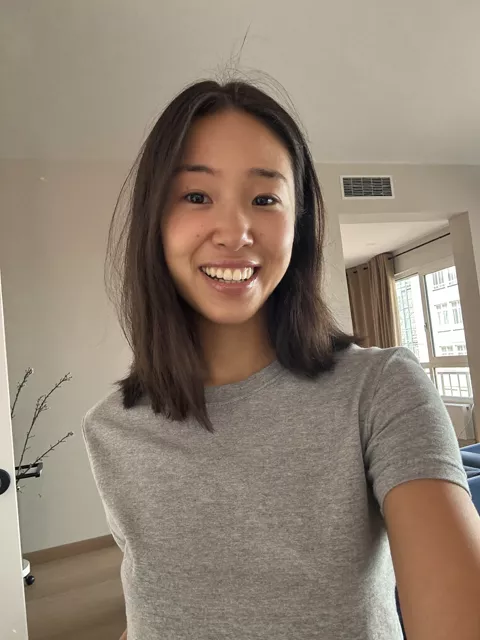
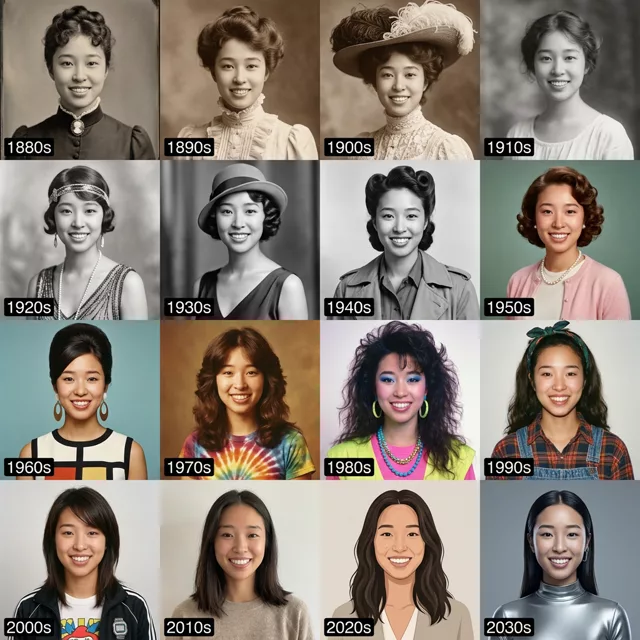
What happened when we tested it
Sixteen cells means sixteen chances to drift, and ours held the likeness in maybe half of them — the 2000s and 2010s cells look like her, the 1880s and 1980s cells look like relatives. Run a 2x2 or 3x3 with only the decades you actually want if likeness matters more than spread. The decade labels rendered correctly, which is unusual for text; short numbers survive where words do not. One cell came back as an illustration rather than a photo.