Step 1 · Photo → Aesthetic
90s Mall Studio Portrait
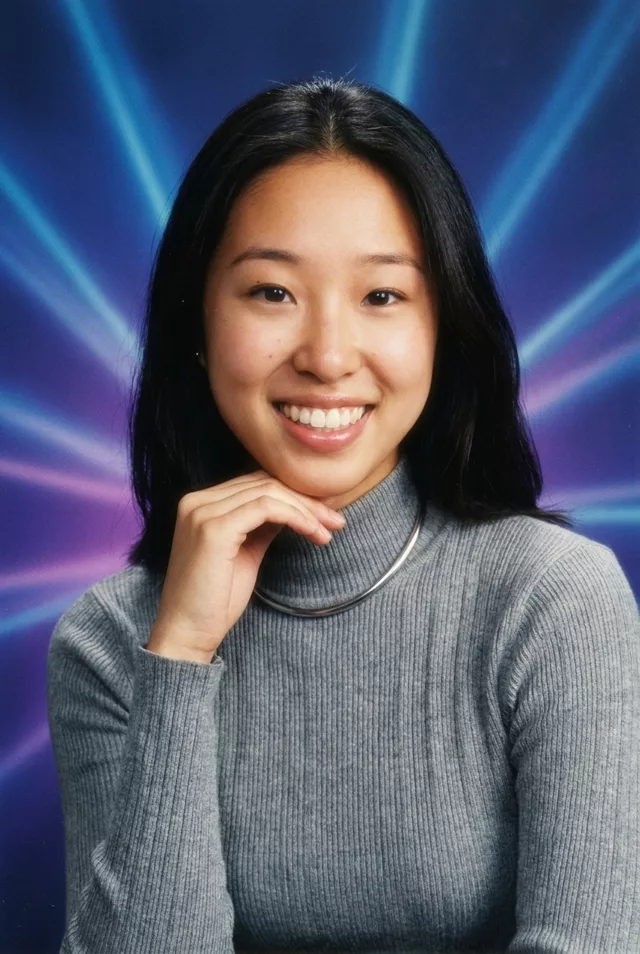
Laser backgrounds and glamour glow — the gloriously cheesy 90s mall studio portrait.
The prompt
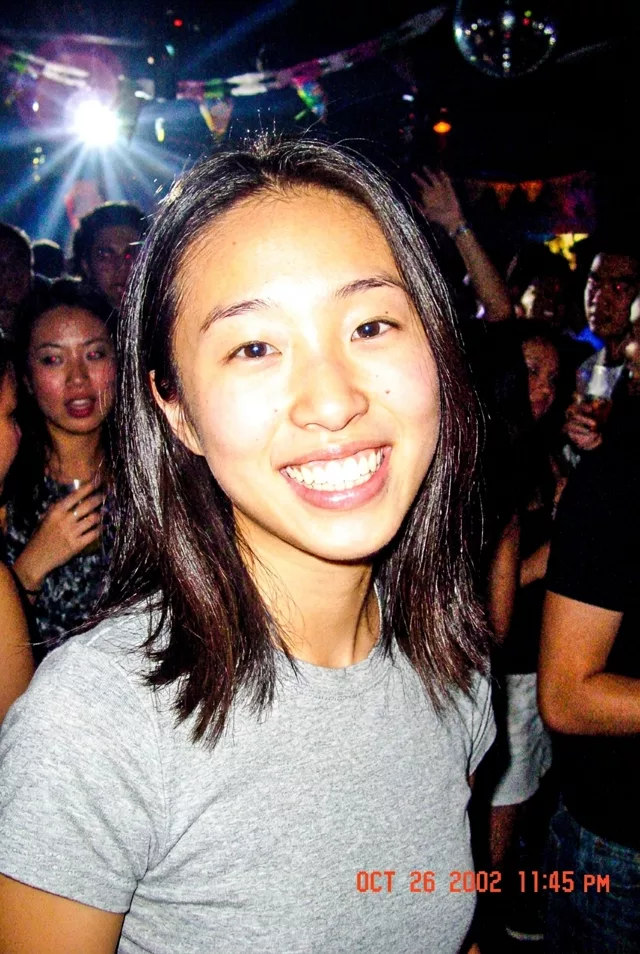
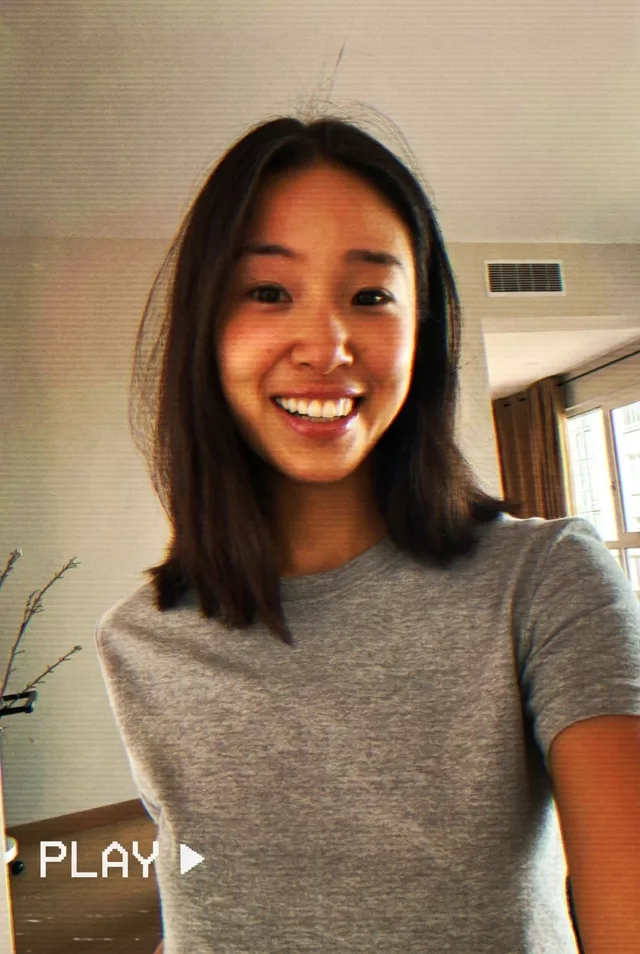
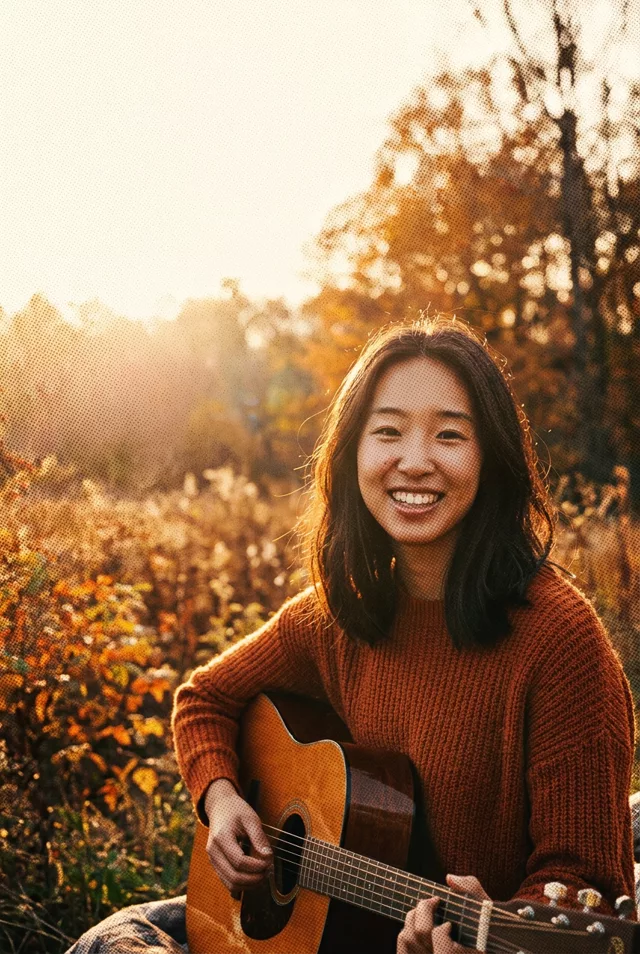
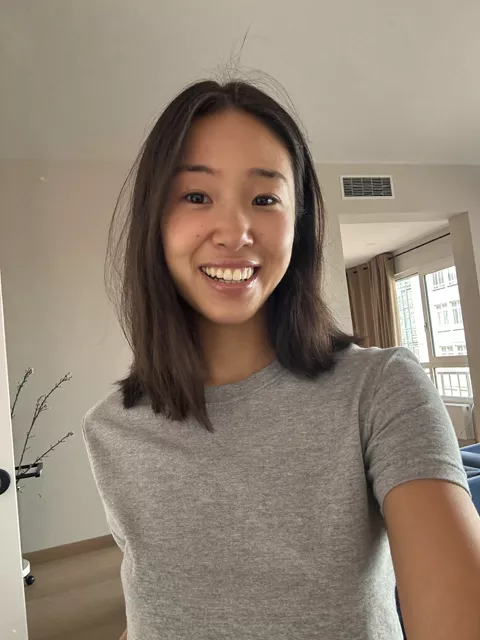
Turn this photo into a 1990s mall photo-studio portrait. Keep my exact facial features, do not change my face. Laser-beam blue-and-purple airbrushed background, soft glamour lighting with gentle glow filter, slightly cheesy posed composition, film texture, colors like a printed photo from a family album.
How to use it
Only edit photos you have permission to use, including permission from the people pictured.
- Start with a clear source rather than adding retro effects to an already heavily filtered image.
- Attach the source in an AI image editor compatible with this prompt (Gemini · ChatGPT (any AI image editor)), then paste the prompt. Keep the period or recording format in the prompt consistent. Specify any requested date or lettering, or remove the text request.
- Check facial detail beneath the noise, scan lines, or print texture. Read any labels and reduce effects that make the subject hard to recognize.
- Save the accepted image separately from the original and label it as AI-edited when sharing. Use the saved edit as the source if you choose to animate it next.
What happened when we tested it
'Slightly cheesy posed composition' is doing more than you think — ours produced the classic hand-under-chin pose, and the hand is the weak point: at full size the fingers merge and the knuckles lose definition. Either add a hands clause or ask for 'hands out of frame, shoulders only'. The laser background is the most reliable part of this prompt. It also added a period choker nobody asked for, which we kept.