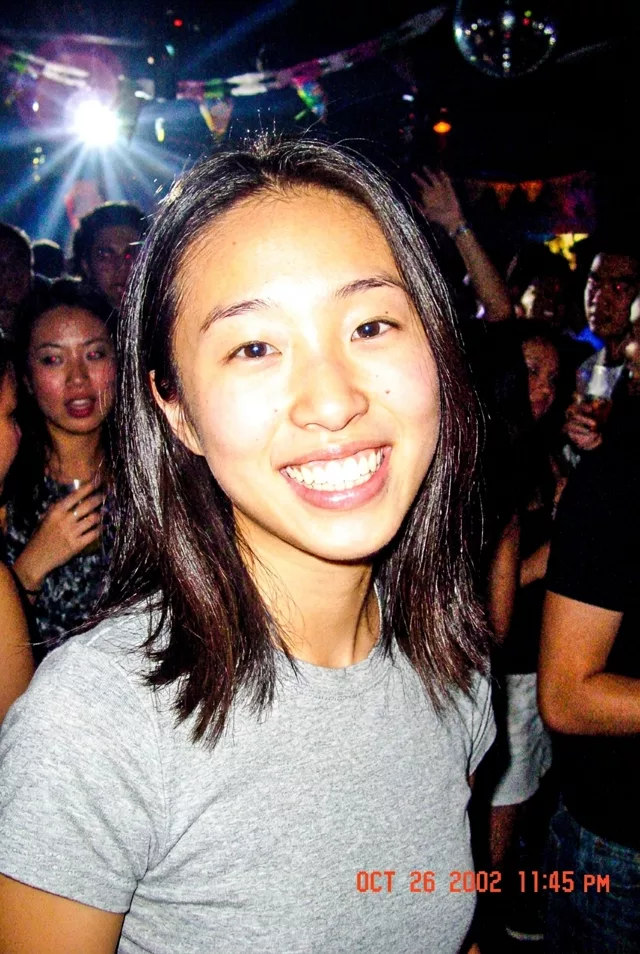
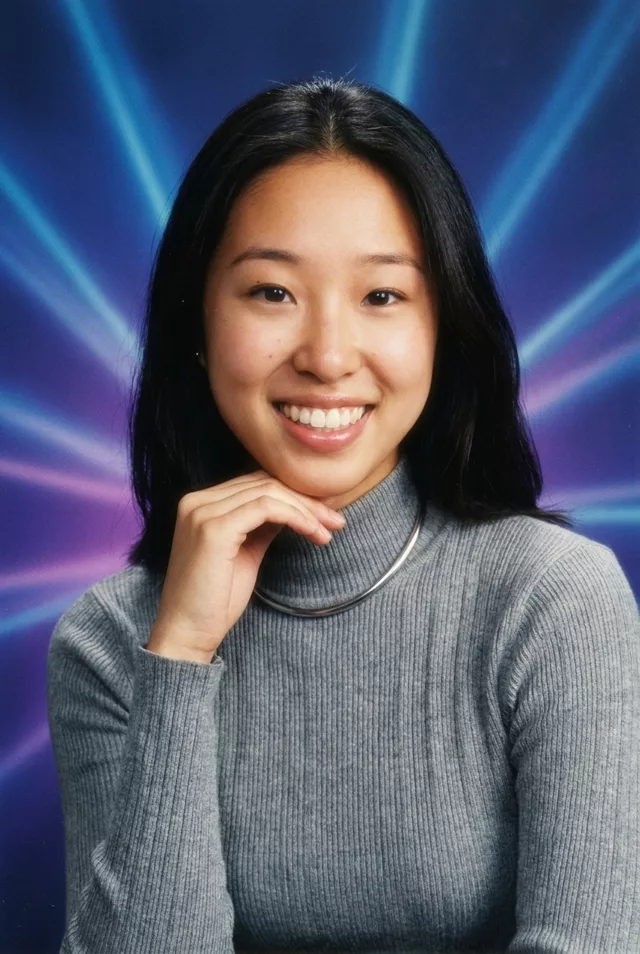
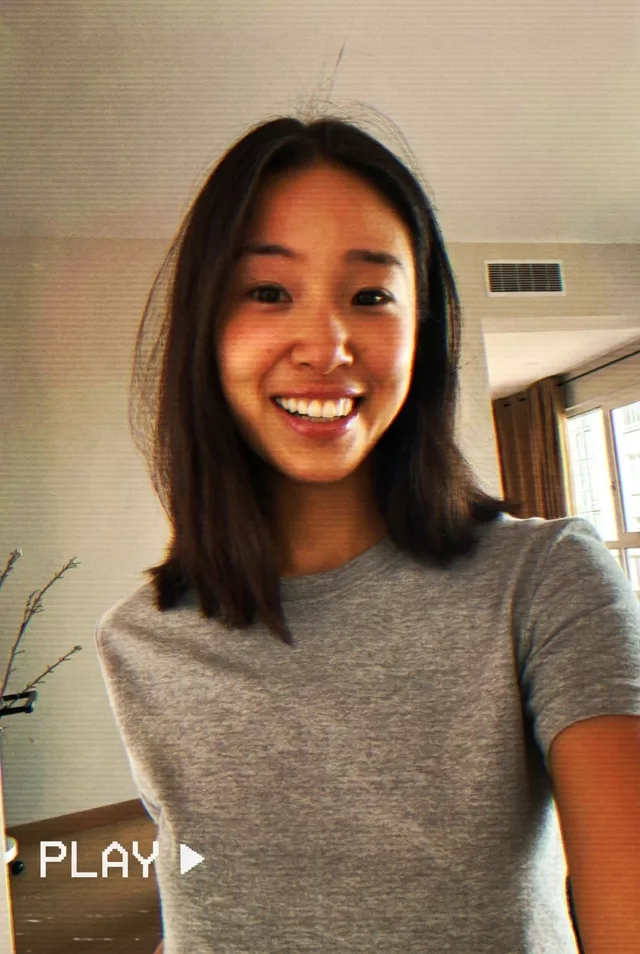
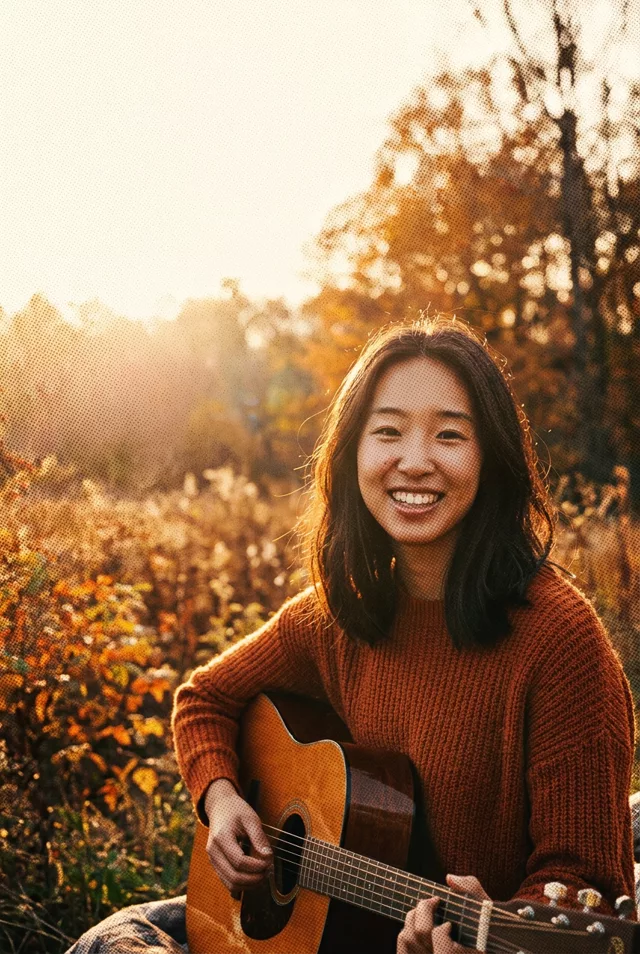
Step 1 · Photo → Aesthetic
90s Christmas Morning
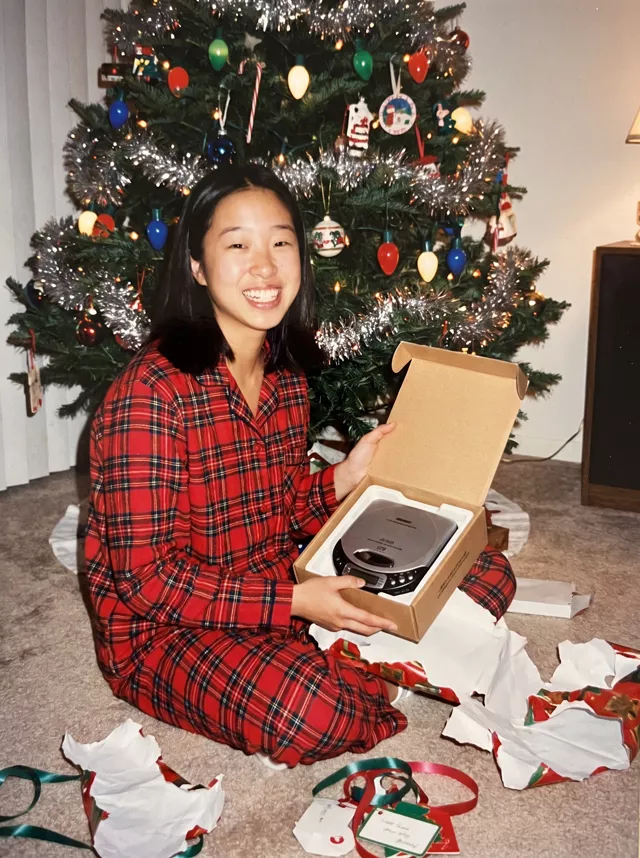
Plaid pyjamas, torn wrapping paper and a tinsel tree under a direct flash — Christmas morning as a 1990s family-album print.
The prompt
Transform this photo of me into a 1990s Christmas morning snapshot. I sit on a living-room carpet in red plaid flannel pyjamas, surrounded by torn wrapping paper and ribbon, a tinsel-covered Christmas tree with big coloured bulbs behind me, holding a just-opened present. Direct on-camera flash with natural skin tones, slightly warm faded colours, soft grain, like a 4x6 print from a family album. No date stamp or text anywhere in the image. Keep my exact facial features, my current age, and my own hair colour and length, do not change my face in any way.
How to use it
Only edit photos you have permission to use, including permission from the people pictured.
- Start with a clear source rather than adding retro effects to an already heavily filtered image.
- Attach the source in an AI image editor compatible with this prompt (Gemini · ChatGPT (any AI image editor)), then paste the prompt. Keep the period or recording format in the prompt consistent. Specify any requested date or lettering, or remove the text request.
- Check facial detail beneath the noise, scan lines, or print texture. Read any labels and reduce effects that make the subject hard to recognize.
- Save the accepted image separately from the original and label it as AI-edited when sharing. Use the saved edit as the source if you choose to animate it next.
What happened when we tested it
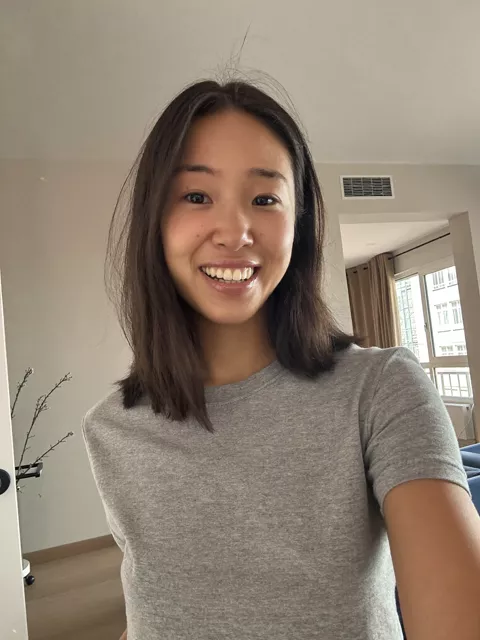
This one makes you younger. Both of our runs turned an adult into someone who reads as a teenager and darkened her brown hair to black — the second time with 'keep my current age and hair colour' in the prompt. The family-album framing seems to pull the face toward a kid opening presents. The period detail is the strong part: tinsel, big bulbs, and a portable CD player nobody asked for. 'No text' did not fully hold either; scribbled gift tags appeared on the carpet.