Step 2 · Photo → Video
Felt Scene Comes Alive
Bring a felt craft scene to life — drifting stitched clouds and softly swaying felt flowers in a cozy stop-motion loop.
The prompt
Animate this felt craft scene like a gentle handmade stop-motion. The stitched clouds drift slowly across the felt sky, felt flowers and small elements sway softly as if nudged by hand, embroidered stars twinkle as they catch the light. Everything keeps its fuzzy felt texture and stitched edges — no element changes shape or color. Calm cozy rhythm, seamless loop, 5 seconds.
How to use it
Only edit photos you have permission to use, including permission from the people pictured.
- Start with a felt-style image containing the clouds, flowers, or stitched details you want to animate.
- Upload the source to an image-to-video tool compatible with this prompt (Kling / Veo (image-to-video)), then paste the prompt. Name only elements present in your scene and keep the instructions to preserve fuzzy texture, stitched edges, shape, and color. Request 5 seconds where the tool allows it; this is the requested clip length, not a generation-time estimate.
- Watch for melting seams, changed shapes, or the scene drifting outward. Compare the first and last frames before using it as a loop.
- Download the accepted clip and label it as AI-made when sharing. Keep the source still so you can compare later revisions.
What happened when we tested it
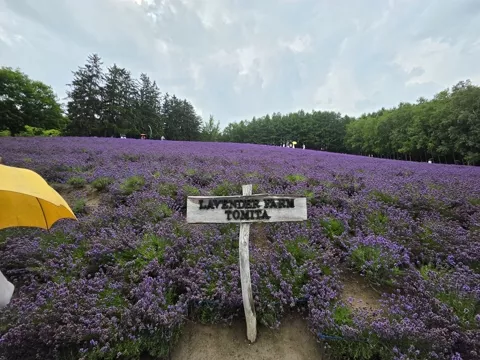
The only animate prompt here with no identity to lose, which makes it the most reliable in the set. Ours also held its sign lettering legible and stable across every frame, which video rarely manages. One flaw: the camera drifted outward over the five seconds even though nothing asked it to, so the first and last frames do not match and the seamless loop does not close. Add 'locked-off camera, no zoom' if you intend to loop it.