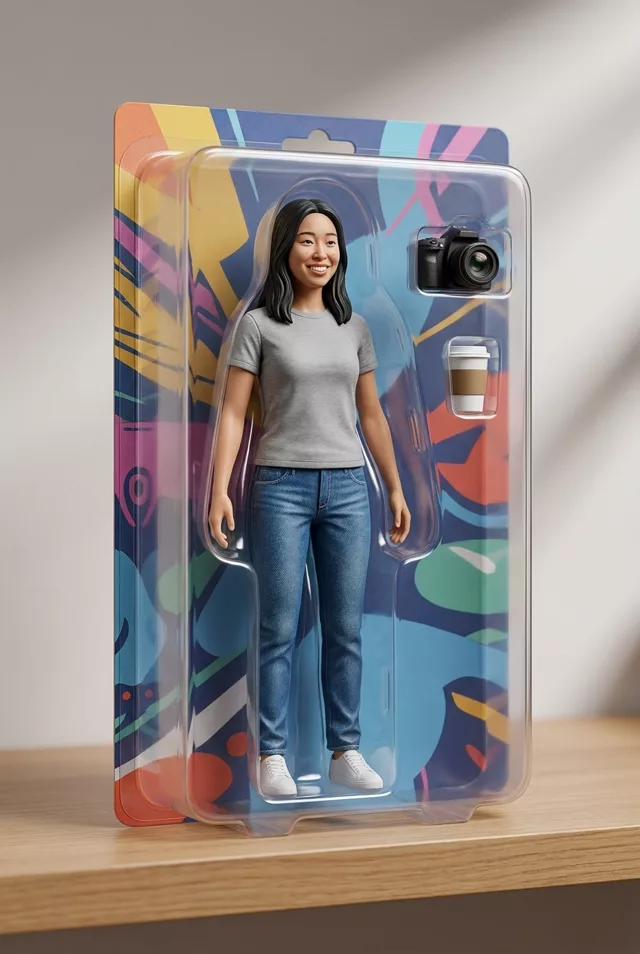
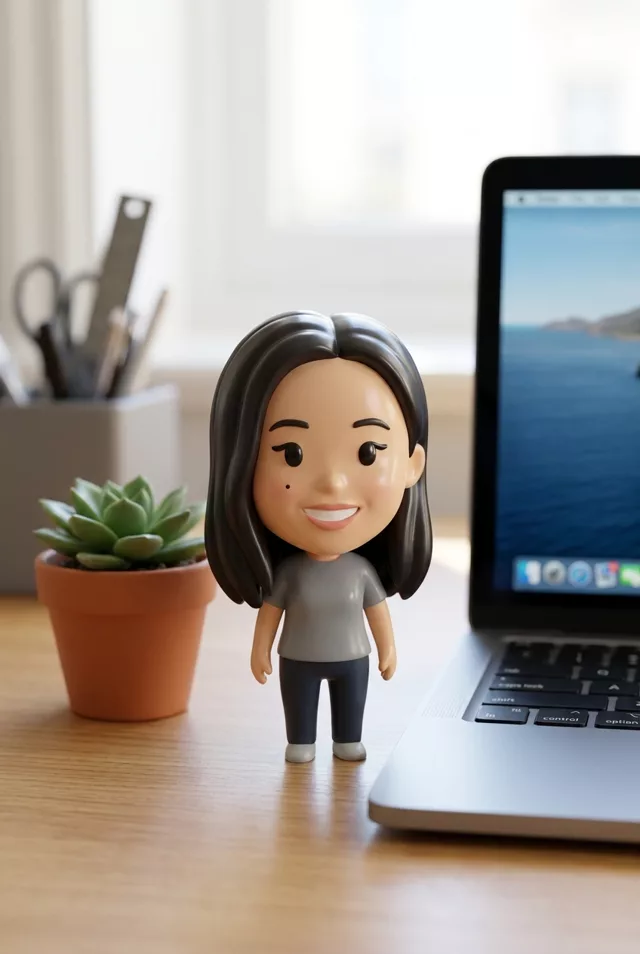
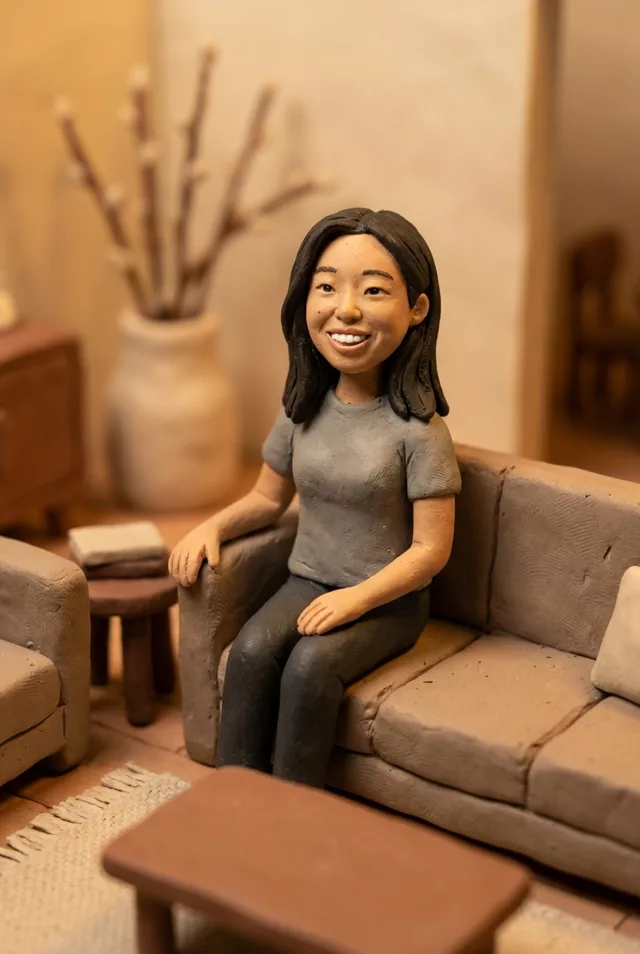
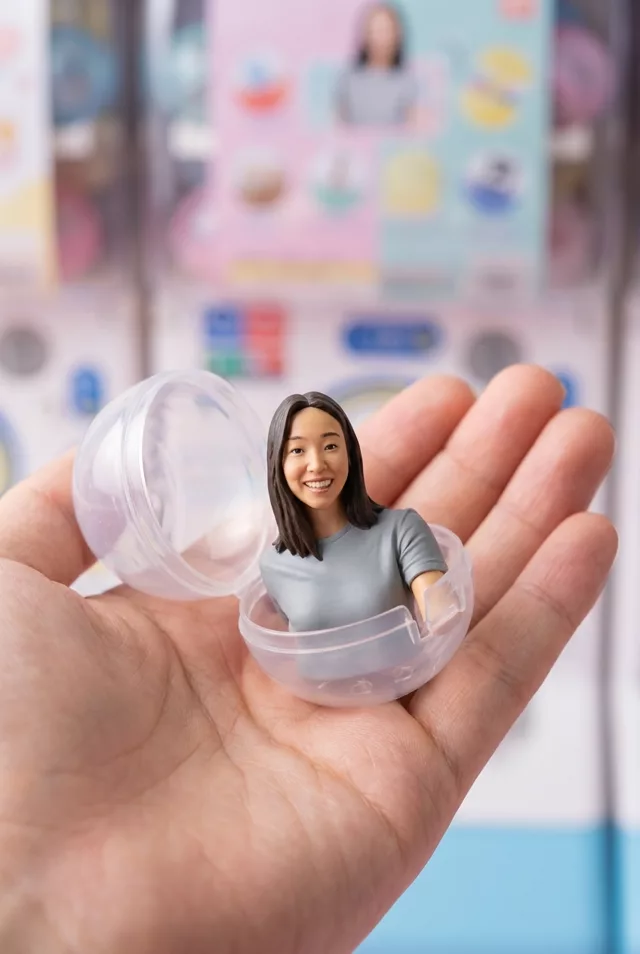
Step 1 · Photo → Aesthetic
My Mini-Me
A knee-high cartoon you joins your photo — same hair, same outfit, same bench. Everything else stays exactly as shot.
The prompt
Edit this photo: add a small chibi-style mini-me version of myself right next to me — a cute cartoon character about knee height, with my exact hairstyle, hair color and the same outfit in miniature, rendered in a soft 3D-animation style with big expressive eyes. The mini-me copies my pose or interacts naturally with me. Keep me, my pose and the entire background completely unchanged and photorealistic — only the mini-me is added, matched to the photo’s lighting and shadows so it sits naturally in the scene. Keep my exact facial features, do not change my face.
How to use it
Only edit photos you have permission to use, including permission from the people pictured.
- Pick a photo with visible floor or a surface beside you so the added character has somewhere to stand.
- Attach the source in an AI image editor compatible with this prompt (Gemini · ChatGPT (any AI image editor)), then paste the prompt. Specify which side the mini-me should stand on and ask for its whole body to remain inside the frame. Retain the instructions to keep the original person and background.
- Compare the full-size person and room with the original, then check the mini-me’s outfit, feet, scale, and contact shadow.
- Save the accepted image separately from the original and label it as AI-edited when sharing. Use the saved edit as the source if you choose to animate it next.
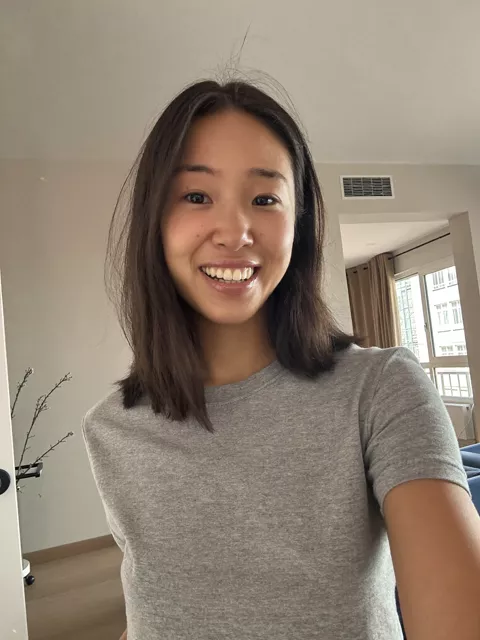
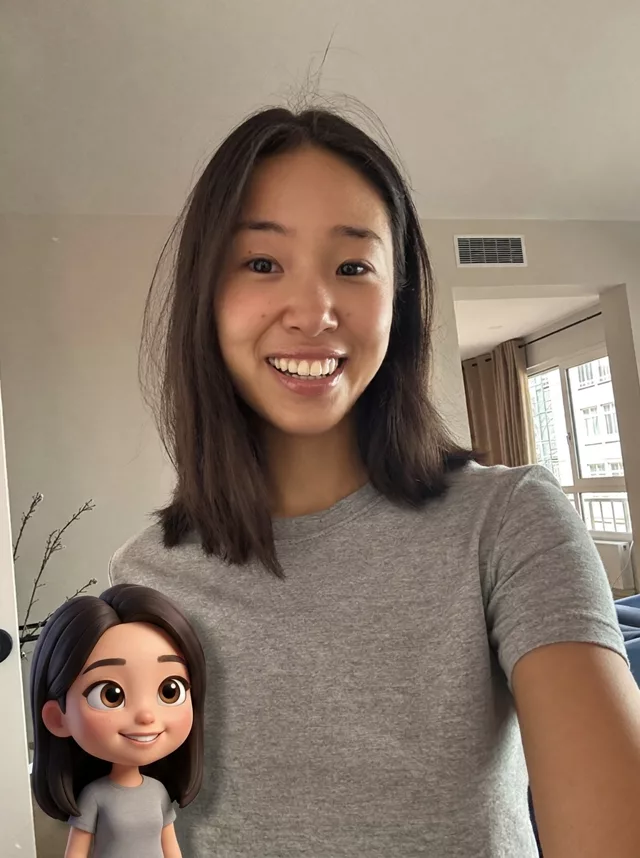
What happened when we tested it
In our test the mini-me landed in the bottom corner with half of it outside the frame — charming, but not what was asked for. Add 'standing fully inside the frame beside me, feet visible' when you want the whole character. The other giveaway is lighting: a cartoon dropped into a photo only convinces if it picks up the room's shadows, so keep that clause. Photos with visible floor or a surface nearby give it somewhere to stand.