Step 1 · Photo → Aesthetic
Golden Hour Polaroid
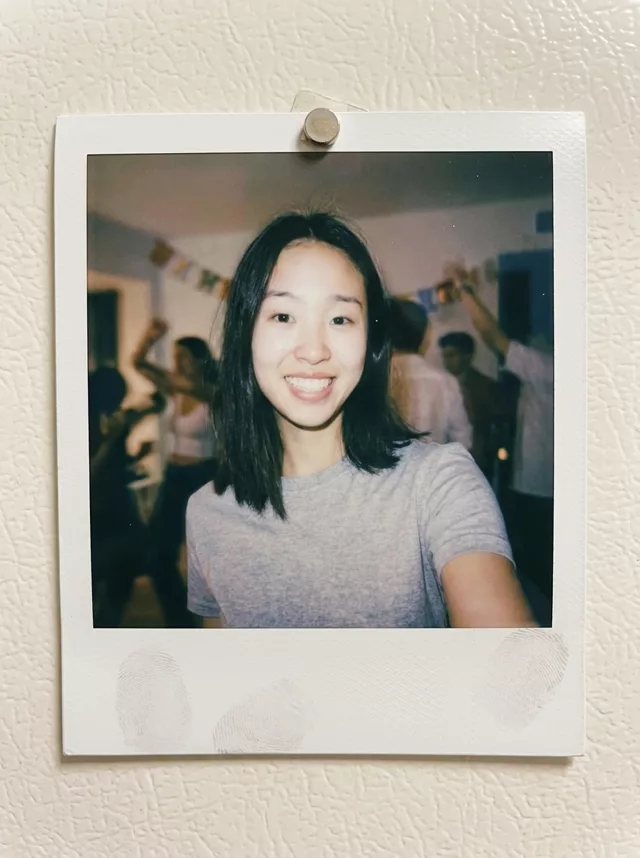
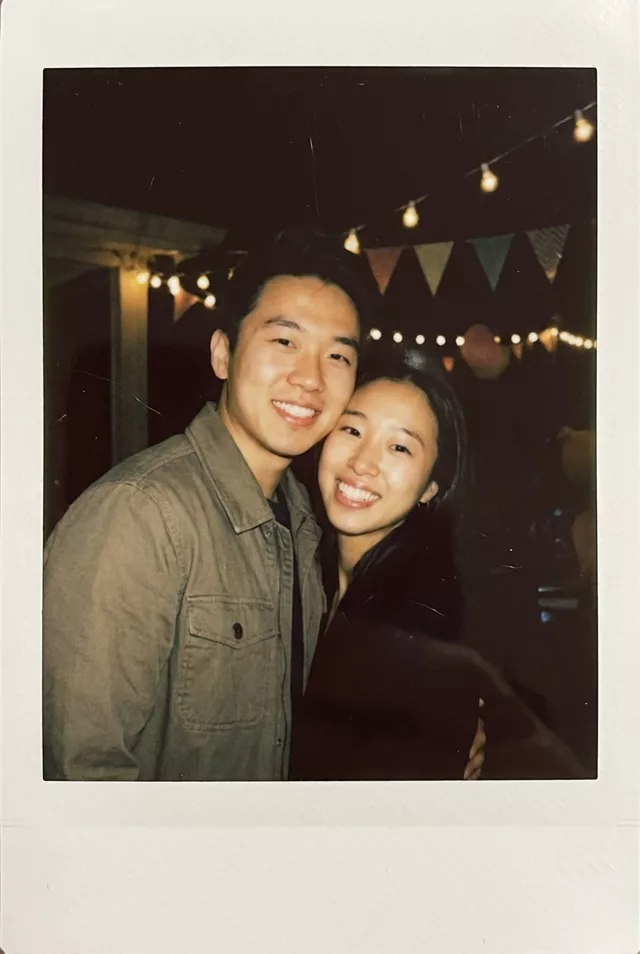
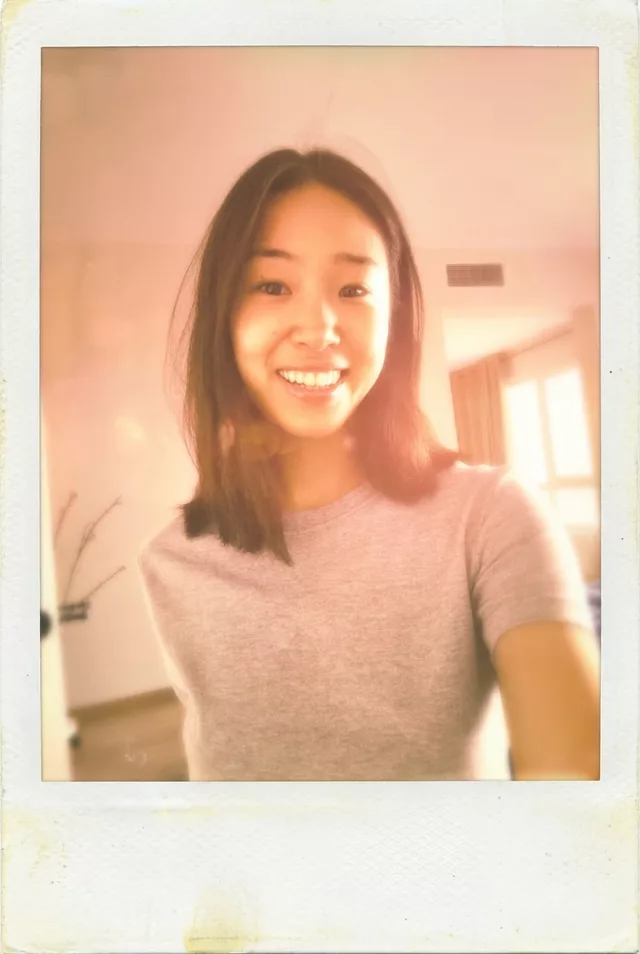
A sun-faded, golden-hour Polaroid edit with lens flare and shoebox-aged colors.
The prompt
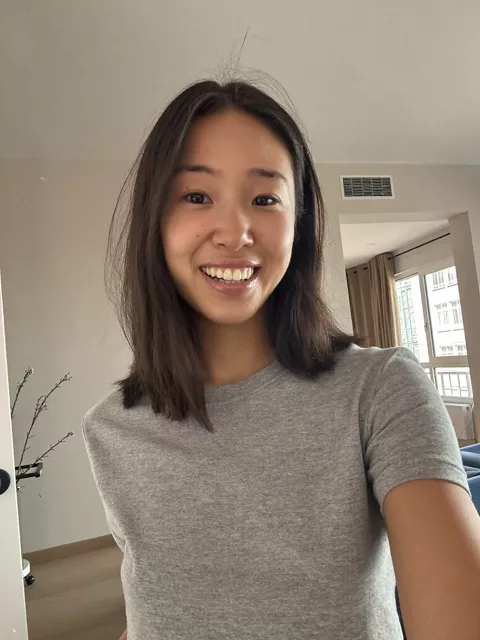
Transform this photo into a sun-faded Polaroid taken during golden hour. Keep my exact facial features, do not change my face. Warm orange-pink sunset light with gentle lens flare, white instant-film border, slightly overexposed highlights, dreamy soft focus at the edges, and colors faded like the photo sat in a shoebox for twenty years.
How to use it
Only edit photos you have permission to use, including permission from the people pictured.
- Choose a sharp source with the faces large enough to compare after the edit.
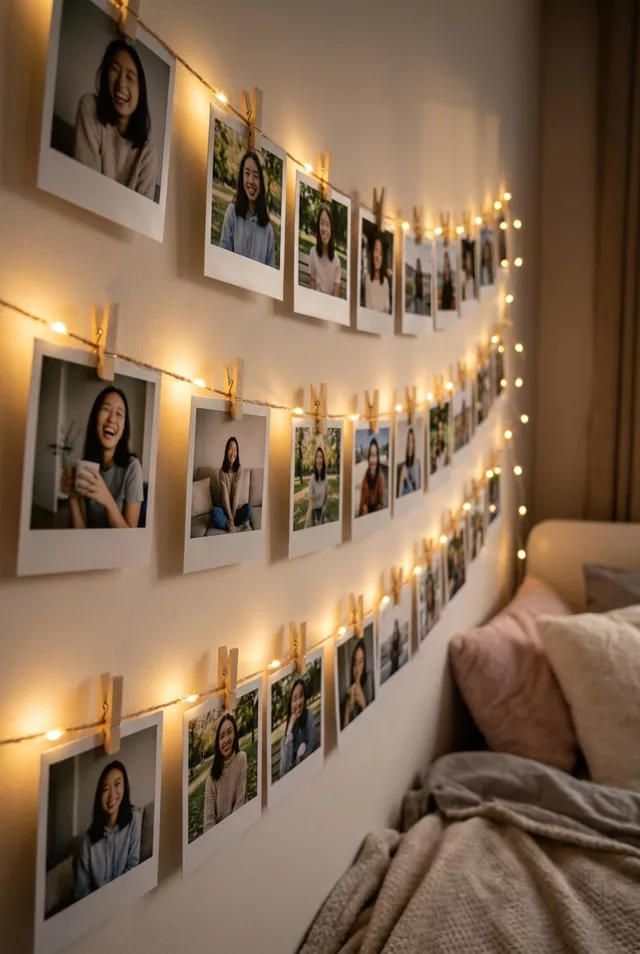
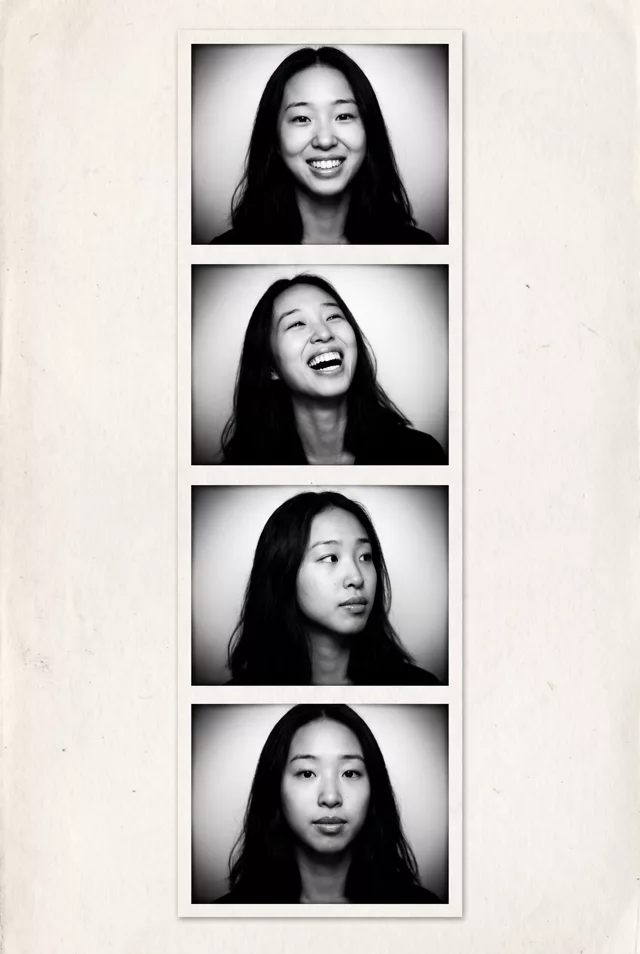
- Attach the source in an AI image editor compatible with this prompt (Gemini · ChatGPT (any AI image editor)), then paste the prompt. Decide whether you want a single print, a strip, or a wall display; keep only the scene details you want around the photo.
- Inspect the white borders and every visible face. If fading hides facial detail, reduce the fading or grain before generating again.
- Save the accepted image separately from the original and label it as AI-edited when sharing. Use the saved edit as the source if you choose to animate it next.
What happened when we tested it
This is a colour grade, not a scene change. Ours kept the original hallway — air vent and all — and simply washed it in sunset light, so do not expect to be moved outdoors. The three fading clauses stack hard: overexposed highlights plus soft edges plus twenty-years-in-a-shoebox left almost no contrast. If yours comes back that pale, delete one of them rather than all three. The aged stain on the bottom border is a nice touch it adds unasked.