Step 1 · Photo → Aesthetic
Photobooth Strip
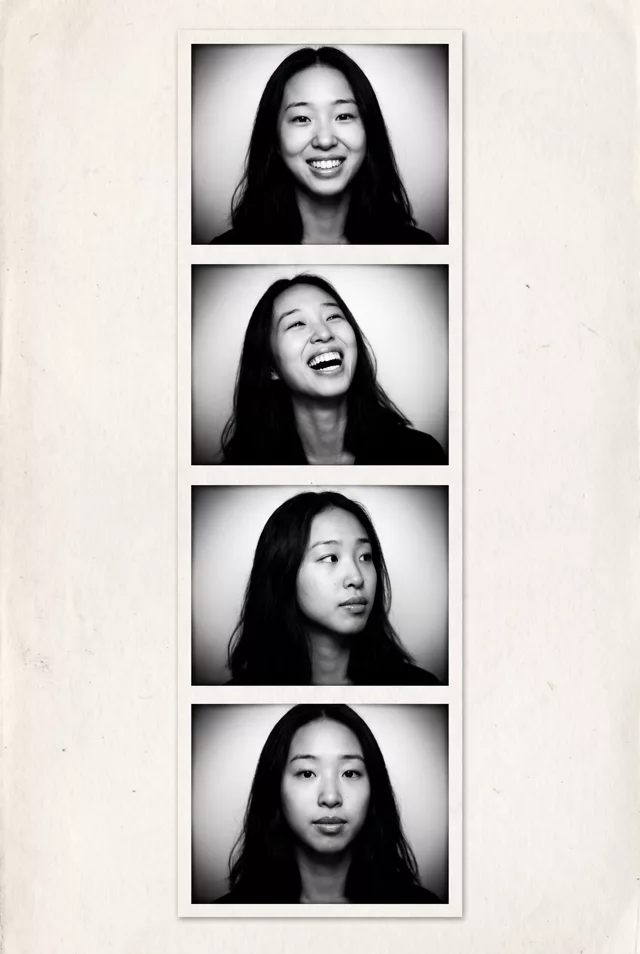
A four-frame vintage photobooth strip from one selfie — different expressions, classic black-and-white.
The prompt
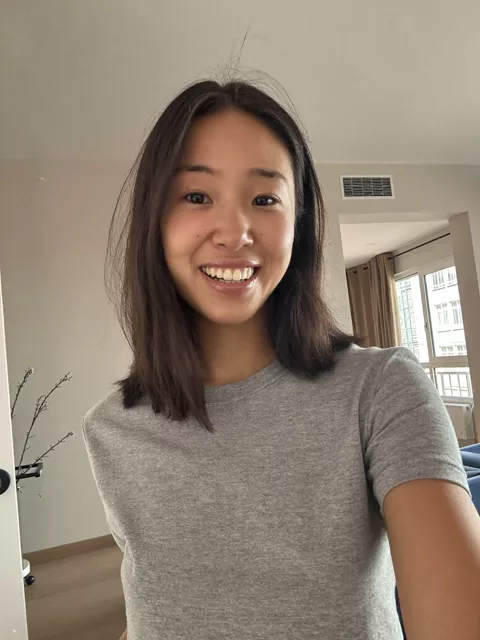
Turn this photo into a vertical black-and-white photobooth strip of four frames. Keep my exact facial features in every frame, do not change my face. In each frame give me a slightly different natural expression: smiling, laughing, looking away, and a calm look. High-contrast monochrome, soft vignetting, authentic photobooth paper texture with a thin white border around the strip.
How to use it
Only edit photos you have permission to use, including permission from the people pictured.
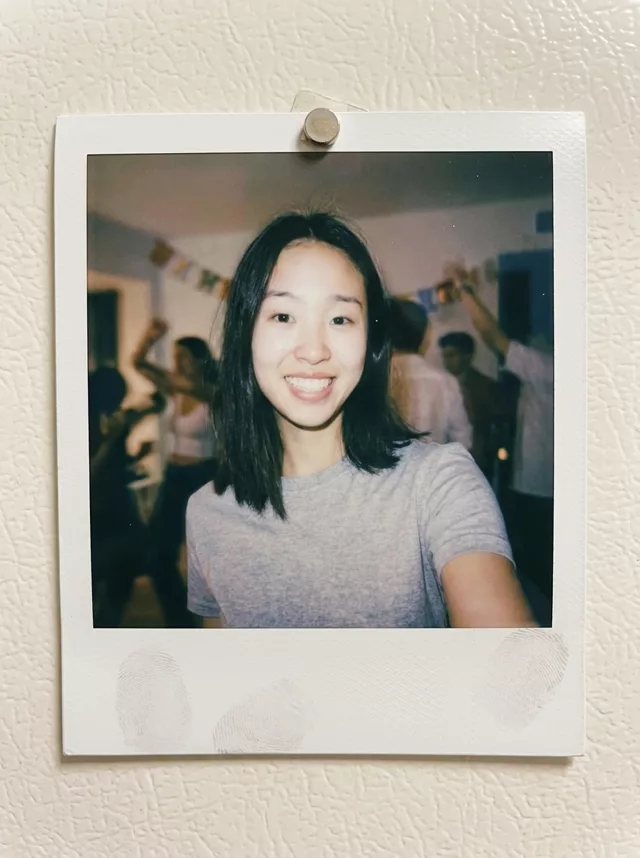
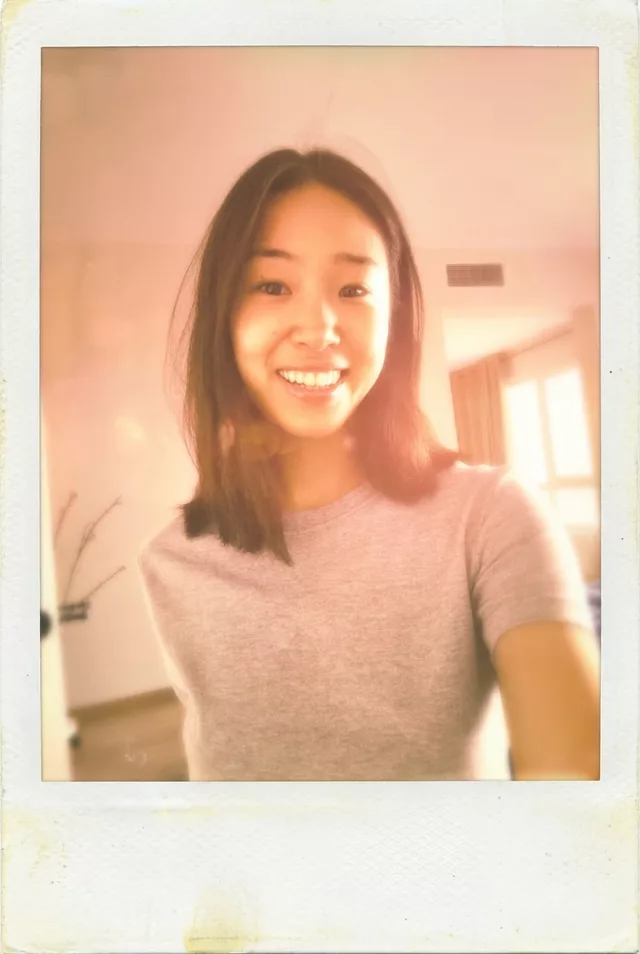
- Choose a sharp source with the faces large enough to compare after the edit.
- Attach the source in an AI image editor compatible with this prompt (Gemini · ChatGPT (any AI image editor)), then paste the prompt. Keep the four-frame layout and choose the expressions you want. Replace a large look-away turn with a smaller expression change if likeness matters more.
- Count exactly four frames and compare the face in each one, especially the look-away frame. Check the strip border and spacing before saving.
- Save the accepted image separately from the original and label it as AI-edited when sharing. Use the saved edit as the source if you choose to animate it next.
What happened when we tested it
Count the frames before you save — strips often come back with three or five instead of four, and repeating the number in the prompt is the fix. The 'looking away' frame is where likeness slips first, because the model has the least of your face to work from; if it stops being you, swap that expression for a closed-mouth smile. Works best from a straight-on selfie with even light and hair off your face.