The Summer Kodak Film Look: AI Prompts That Nail It
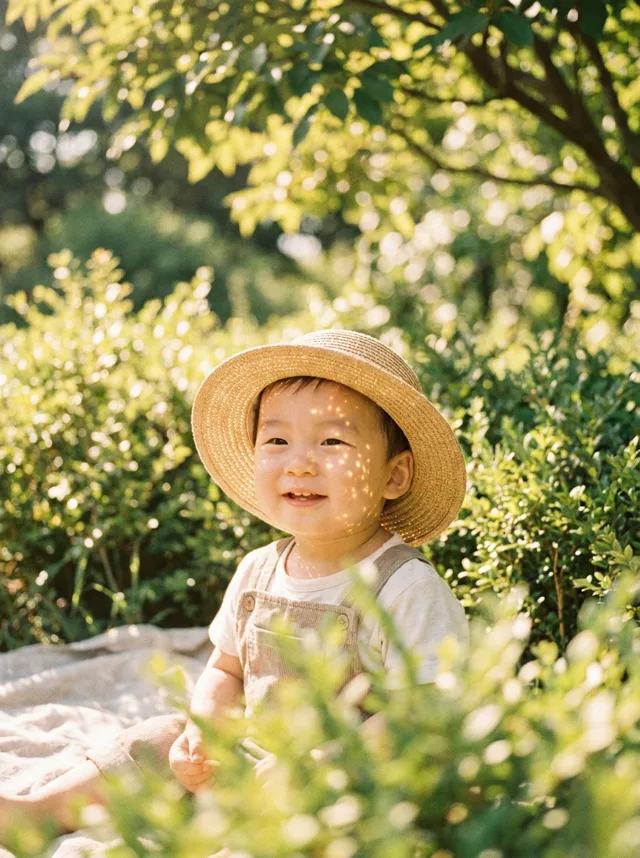
Scroll Instagram this summer and you keep seeing the same photo: a straw hat, sunlight breaking through leaves into little sparkles across a face, warm faded colors that look like Kodak film from a shoebox. It reads as effortless, but the accounts posting it are following a very specific recipe — and it’s one an AI image editor can reproduce from a photo you already have.
Here’s the recipe, and the prompts.
What actually makes the look
Four ingredients do all the work:
- Dappled light. Sunlight filtered through leaves, casting soft bright patches on skin and clothing. This is the single most recognizable element.
- A straw hat. Optional, but it sells the summer story instantly and gives the light something to play across.
- Green depth. Sunlit foliage behind the subject, blurred into bokeh.
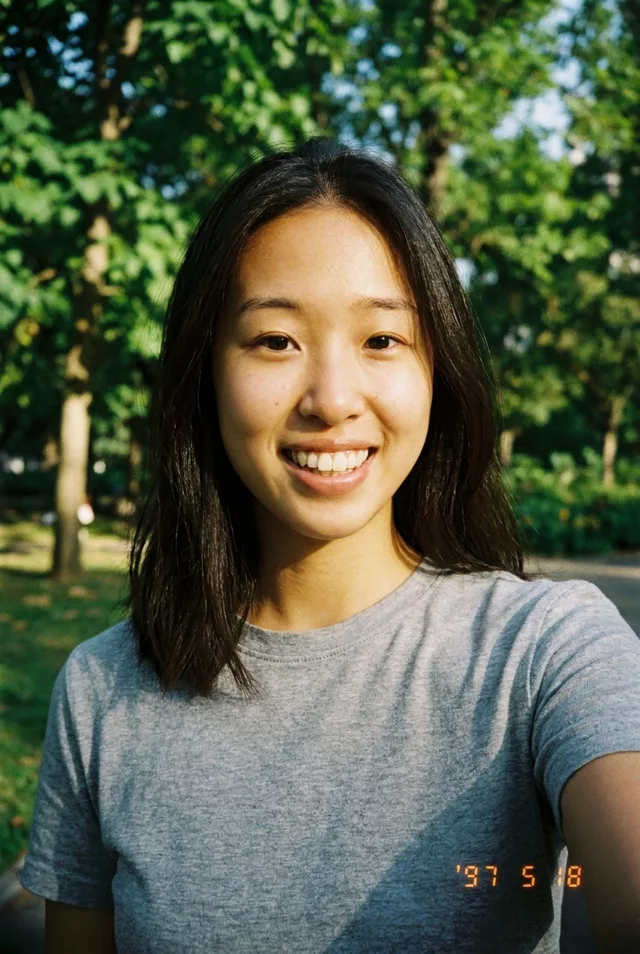
- Kodak warmth. Golden highlights, gentle greens, fine grain, slightly faded — warm film, not a saturated phone filter.
If a result comes back looking like a crisp modern photo with a hat on, the model skipped the film part. Regenerate and lean on the words faded, grain and film.
The prompt (portrait version)
Attach a clear photo of yourself and paste:
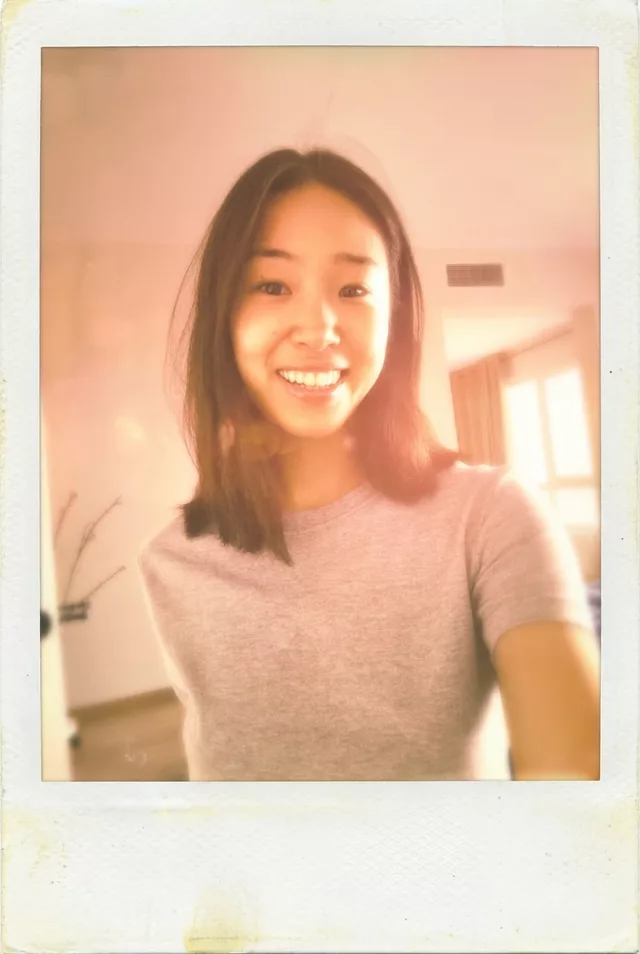
Transform this photo of me into a vintage Polaroid with a warm summer Kodak
film aesthetic. Classic white Polaroid frame with a slightly wider bottom
border. I am wearing a woven straw sun hat, with dappled sunlight filtering
through leaves casting soft light patterns across my face. Background of
sunlit green foliage with dreamy bokeh. Warm Kodak film colors — golden
highlights, soft greens, gentle film grain, slightly faded like a photo kept
in a summer album. Keep my exact facial features, do not change my face in
any way.
Don’t want the hat? Delete the straw-hat sentence — the dappled light carries the look on its own. And keep that last line about your face exactly as written; it’s what stops the model from handing you back a stranger.
It works without a person, too
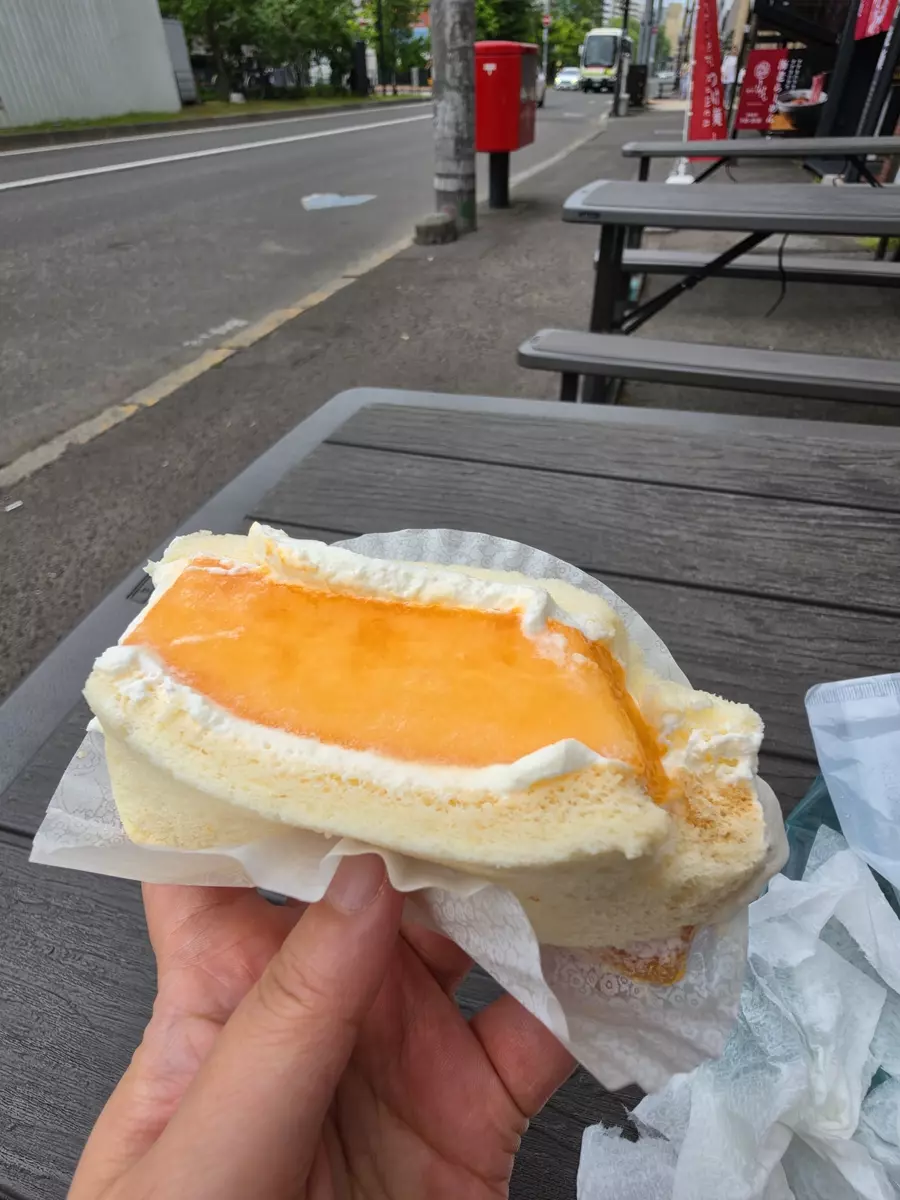
We tested the same prompt on an ordinary snapshot — a pastry held up on a street bench. Here’s the actual phone photo it started from:
And one prompt later — frame, warmth and faded colors, nothing else touched:
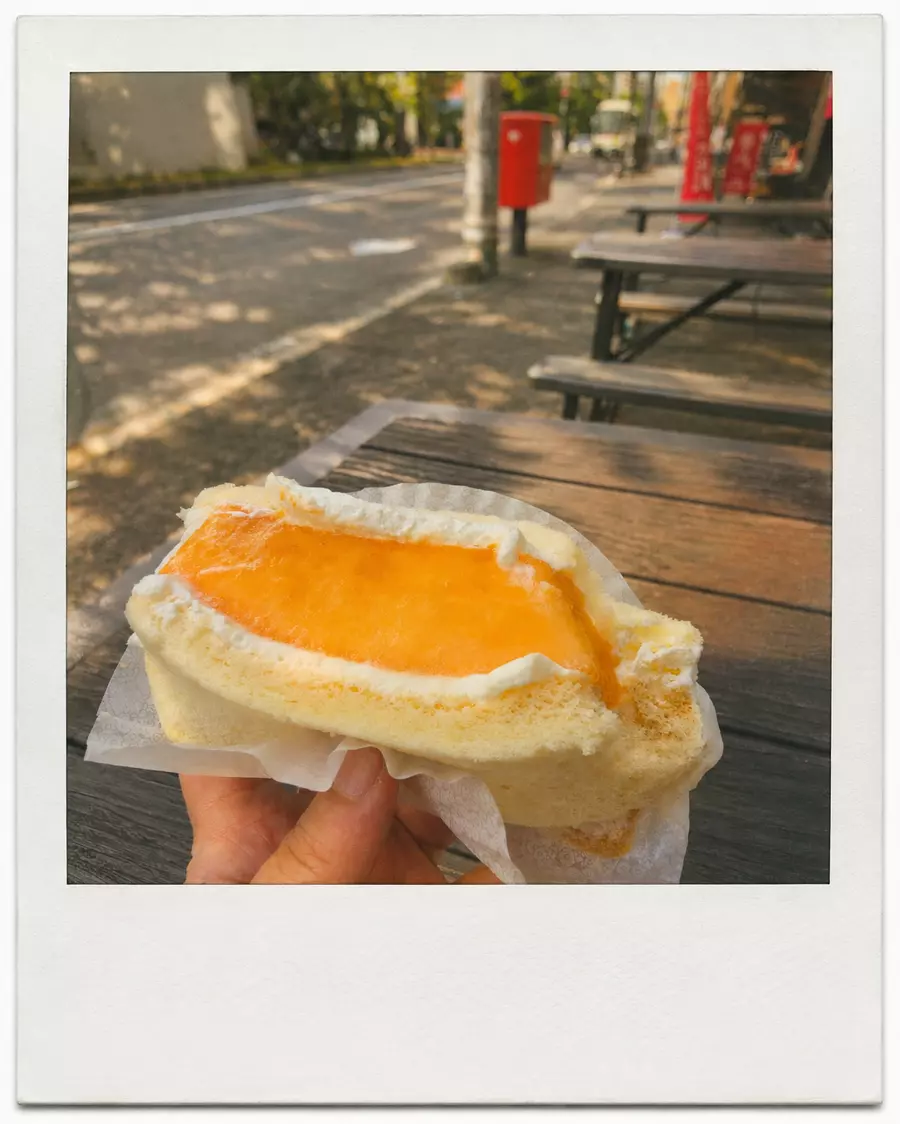
That makes this one of the most flexible prompts on the site: portraits, food, travel snaps, your dog in the park. For anything without a face, just drop the final sentence.
The baby version
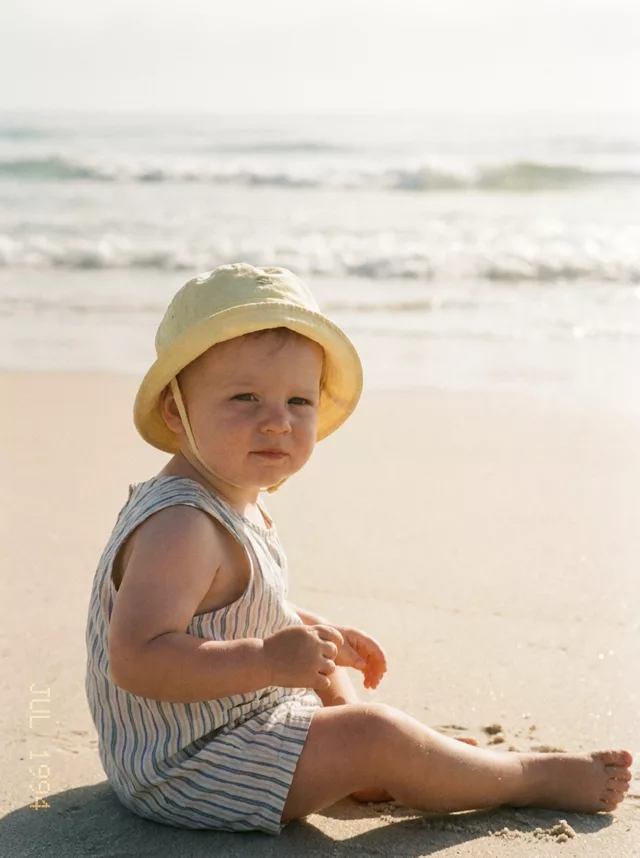
This trend is biggest with parents, and baby photos deserve one extra guardrail: the identity clause matters even more, because small faces drift more easily. Use the wording from our Baby Summer Straw Hat prompt — it pins the face and puts the hat and light to work around it. There’s a beach film variant as well.
Two reminders that apply to every baby edit: only edit photos of your own child (or with the parents’ clear permission), and label the result as AI-edited when you share it.
FAQ
The light patches land on the eyes and look strange. Add “keep the face evenly lit, dappled light on the hat and shoulders only” to the prompt. Dappled light looks best on fabric and background, not across the eyes.
Can I get this look without the Polaroid frame? Yes — remove the first two sentences and ask for “a warm summer Kodak film photograph” instead. The Golden Hour Polaroid and 90s Film Camera Look pages cover nearby styles.
Which tools does this work in? Any image editor that accepts a photo plus a text instruction — Gemini and ChatGPT both handle it well. Build your own variation in the prompt generator, or browse the full prompt library.