Step 1 · Photo → Aesthetic
Summer Kodak Polaroid
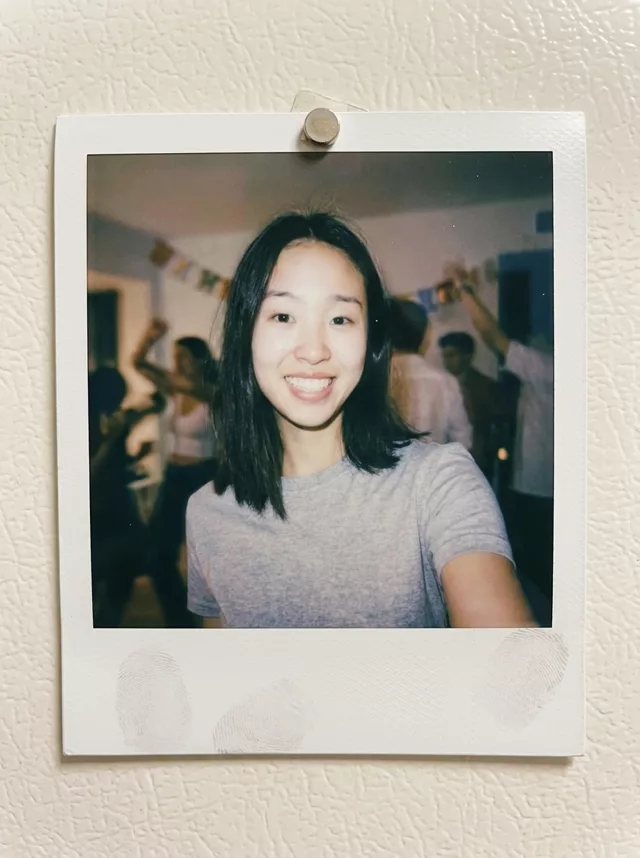
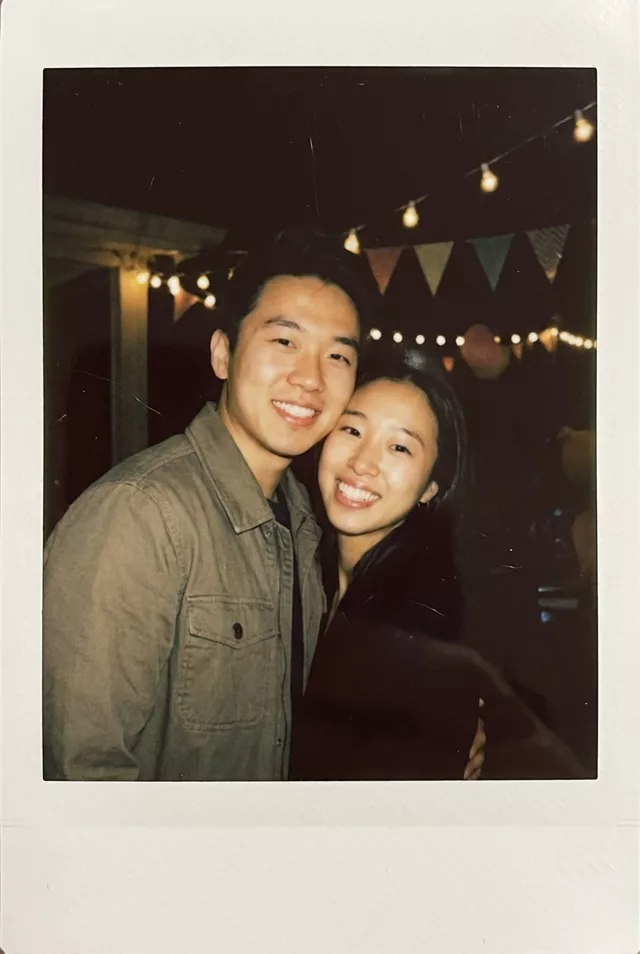
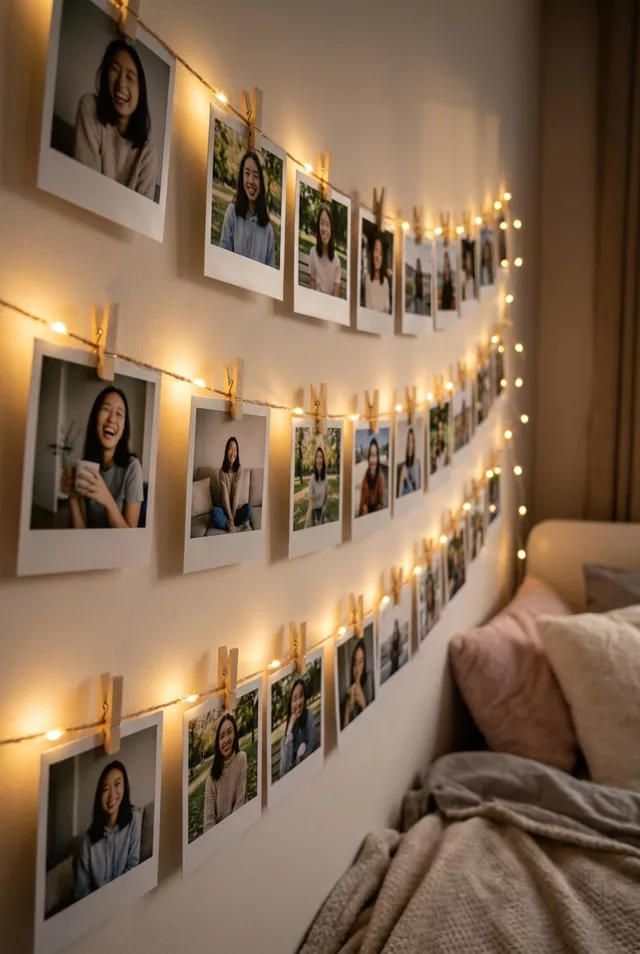
The dappled-sunlight summer film look in a Polaroid frame — field-tested, works on portraits and everyday snapshots alike.
The prompt
Transform this photo of me into a vintage Polaroid with a warm summer Kodak film aesthetic. Classic white Polaroid frame with a slightly wider bottom border. Dappled sunlight filtering through leaves casts soft light patterns across the scene. Background of sunlit green foliage with dreamy bokeh. Warm Kodak film colors — golden highlights, soft greens, gentle film grain, slightly faded like a photo kept in a summer album. Keep my exact facial features, do not change my face in any way.
How to use it
Only edit photos you have permission to use, including permission from the people pictured.
- Choose a sharp source with the faces large enough to compare after the edit.
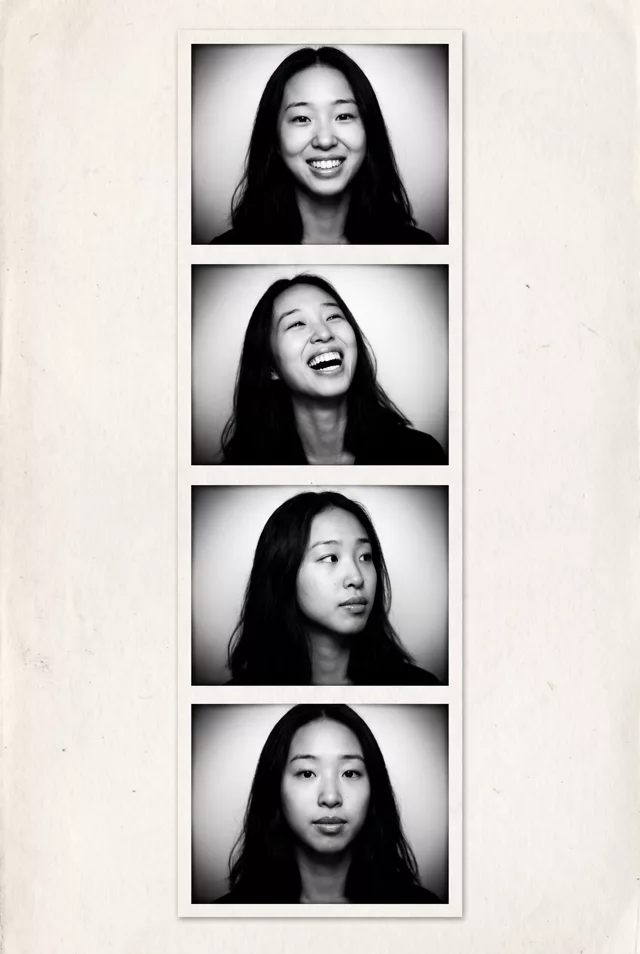
- Attach the source in an AI image editor compatible with this prompt (Gemini · ChatGPT (any AI image editor)), then paste the prompt. Decide whether you want a single print, a strip, or a wall display; keep only the scene details you want around the photo.
- Inspect the white borders and every visible face. If fading hides facial detail, reduce the fading or grain before generating again.
- Save the accepted image separately from the original and label it as AI-edited when sharing. Use the saved edit as the source if you choose to animate it next.
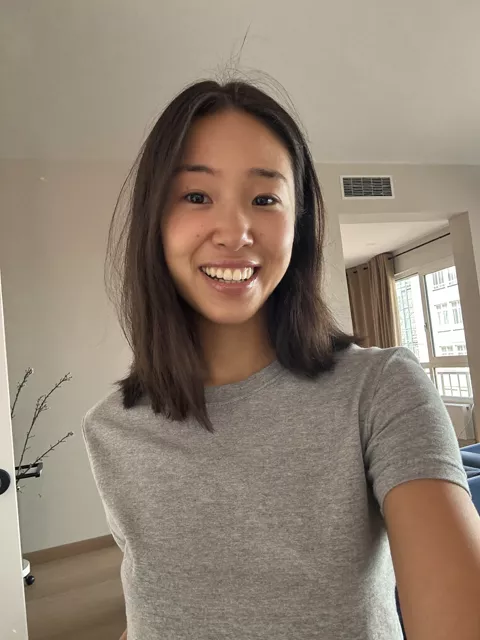
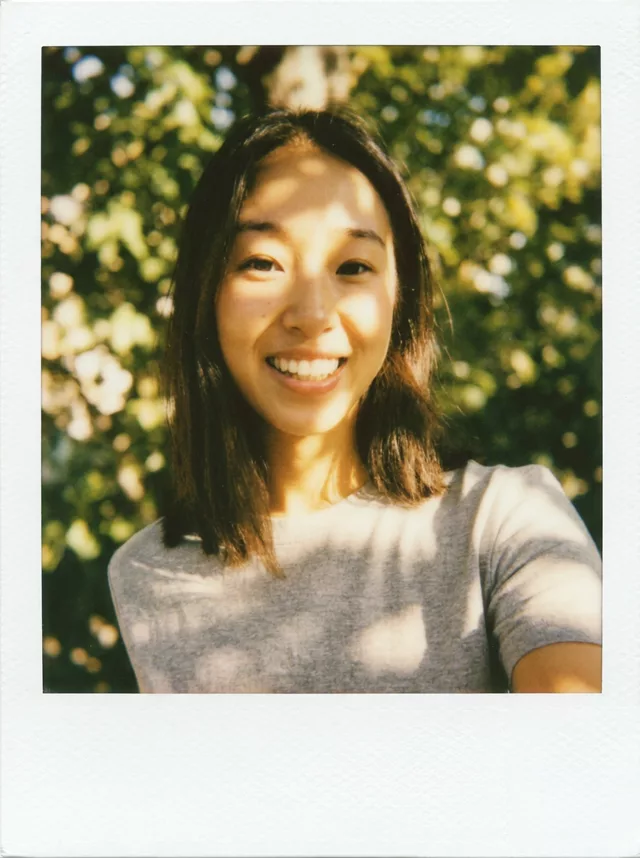
What happened when we tested it
Dappled light is the whole look and also the problem: the bright patches like to land across the eyes, where they read as a skin blotch. 'Keep the face evenly lit, dappled light on the shoulders and background only' sorts it out. If you get a sharp modern photo with nice bokeh, the film half was skipped — lean on 'faded', 'grain' and 'film'. It works on objects too; we tested it on a pastry. Drop the face line for those.