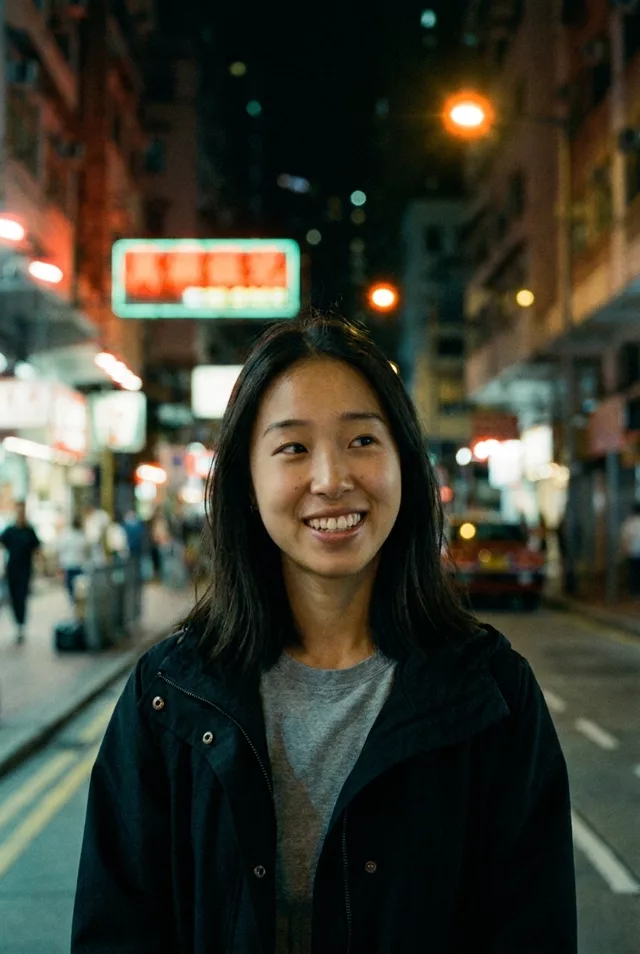
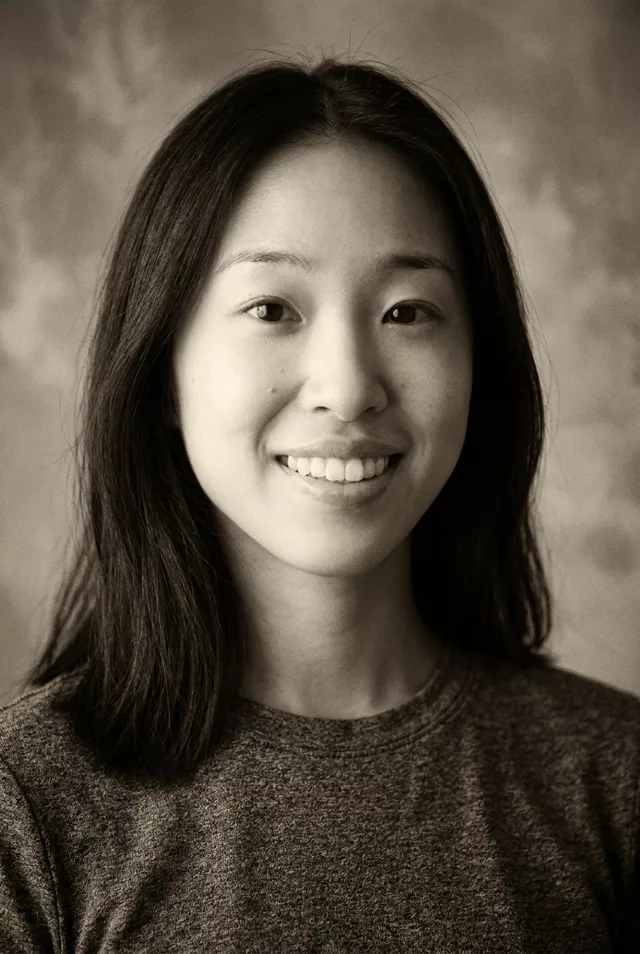
Step 1 · Photo → Aesthetic
90s Point-and-Shoot Film
The candid 90s film camera look: grain, muted colors and the iconic orange date stamp.
The prompt
Edit this photo to look like it was shot on a 1990s point-and-shoot film camera. Keep my exact facial features, do not change my face. Visible film grain, slightly muted greens and warm skin tones, mild vignetting, on-camera flash look, a thin date stamp in orange digits in the bottom right corner, and the composition slightly imperfect like a candid snapshot.
How to use it
Only edit photos you have permission to use, including permission from the people pictured.
- Use the original file rather than a compressed screenshot, so the film texture has detail to work over.
- Attach the source in an AI image editor compatible with this prompt (Gemini · ChatGPT (any AI image editor)), then paste the prompt. Adjust the grain, light leak, or color grade one at a time. If you keep a date stamp, specify the actual date.
- Compare skin tone and facial detail with the source. Reduce grain or halation if it obscures features; inspect any generated sign or date digits.
- Save the accepted image separately from the original and label it as AI-edited when sharing. Use the saved edit as the source if you choose to animate it next.
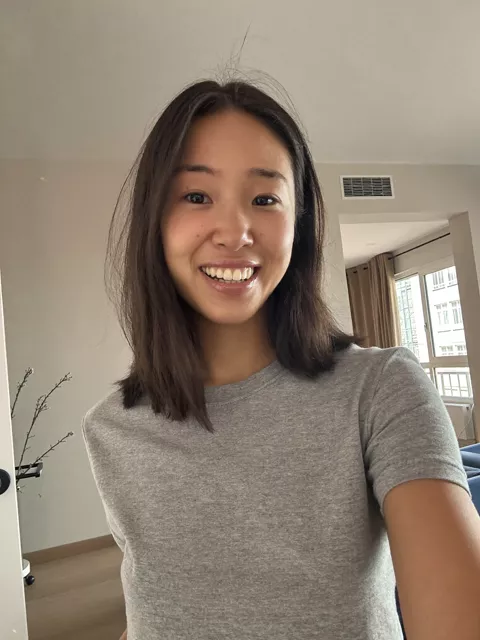
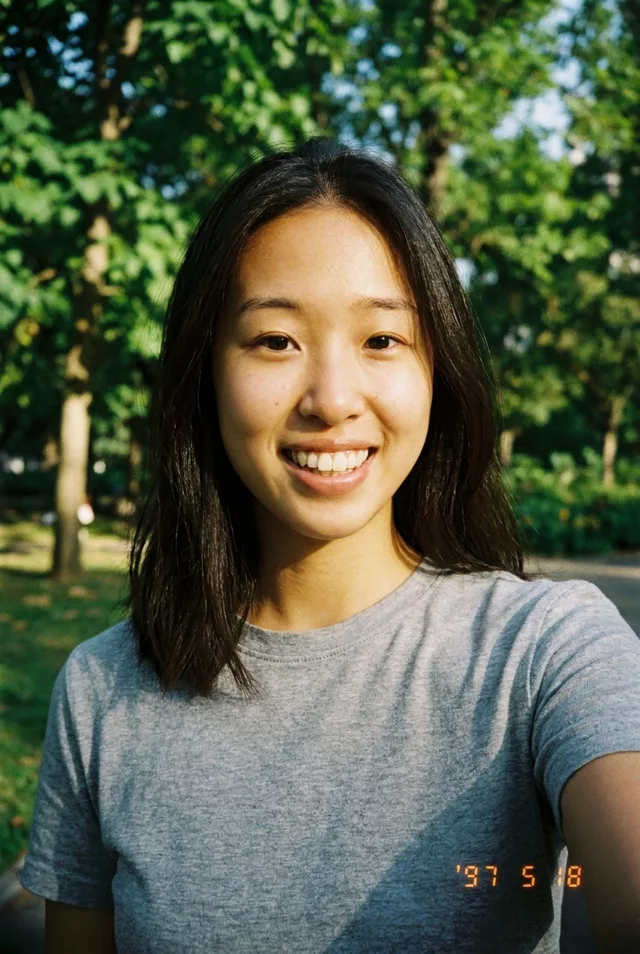
What happened when we tested it
Two words to avoid: 'old photo'. Models hear damage and hand back scratches, creases and stains nobody asked for — this look is a fresh 90s print, not a ruined one. The date stamp needs an actual date you type out ('03 08 97'), otherwise the digits arrive as nonsense. And go easy on the grain; when it's cranked up, fine facial detail goes with it and your likeness follows it out the door.