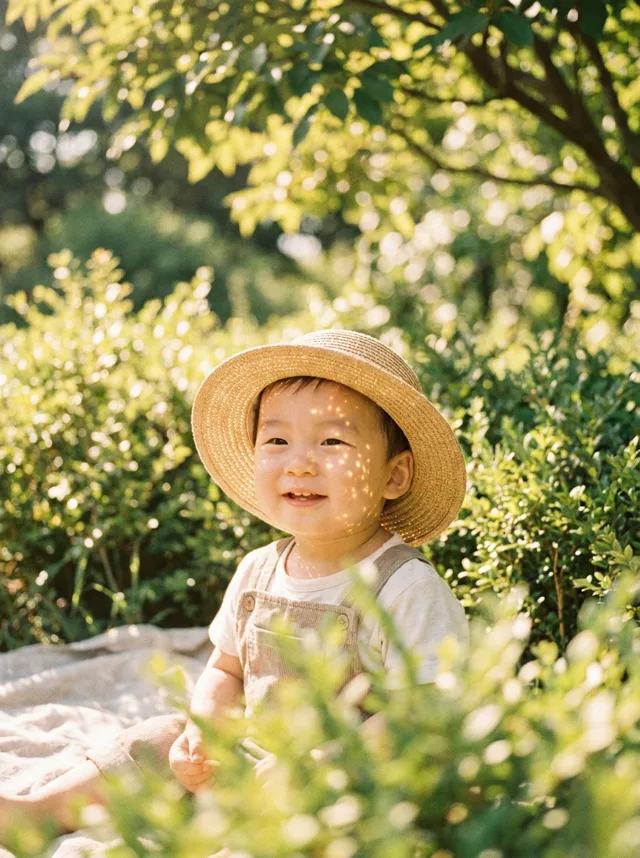
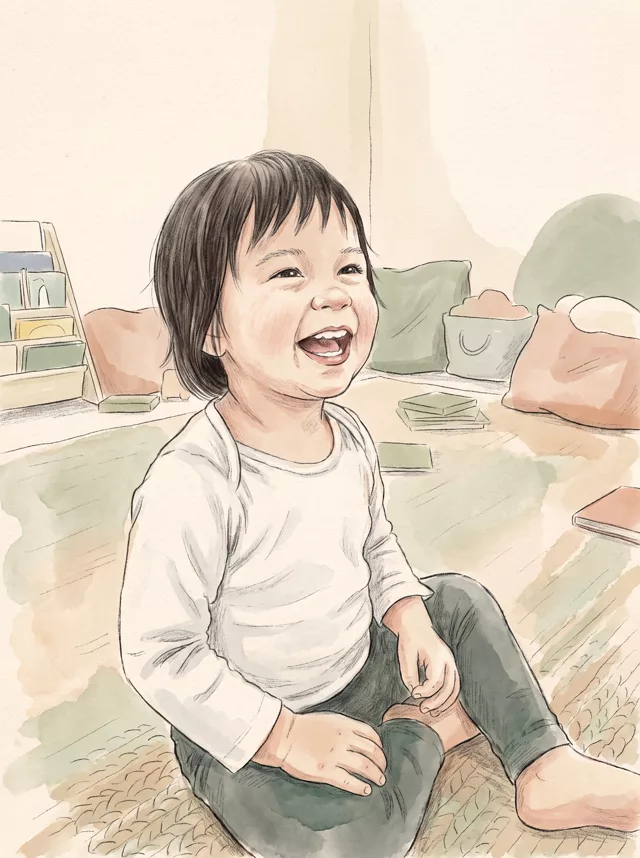
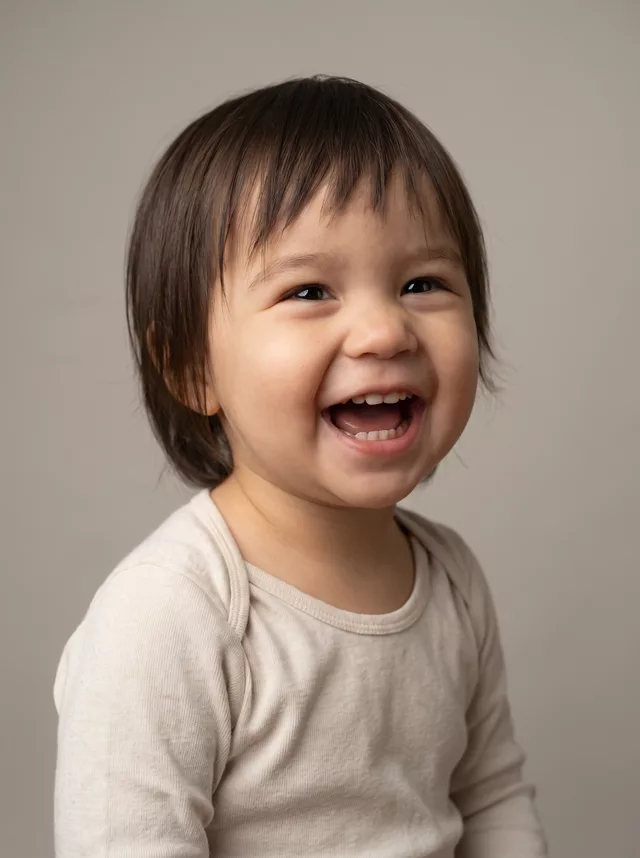
Step 1 · Photo → Aesthetic
Baby Beach Film Photo
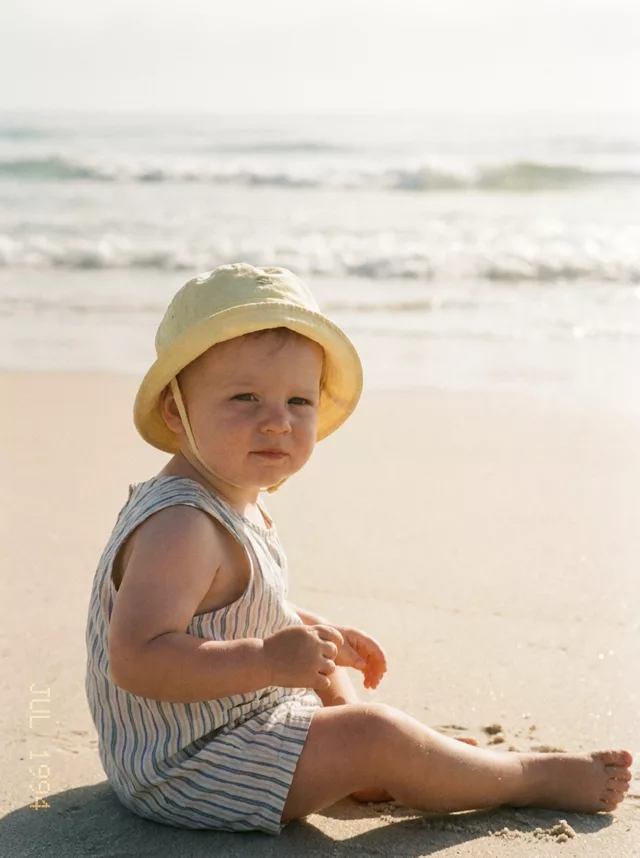
A sun-washed 90s beach film edit for baby photos — creamy faded colors and album-worthy warmth, face untouched.
The prompt
Transform this photo of my baby into a sun-washed summer beach film photo. Soft morning beach light, pale sand and gentle waves blurred in the background, a light cotton sun outfit. Slightly overexposed highlights, creamy faded film colors, fine grain — like a beach photo from a family album shot on Kodak film in the 1990s. Keep my baby’s exact facial features completely unchanged, do not alter their face in any way.
How to use it
Only edit photos you have permission to use, including permission from the people pictured.
- Choose a photo with an unobstructed face and a simple hand position. Use the source expression as your reference.
- Attach the source in an AI image editor compatible with this prompt (Gemini · ChatGPT (any AI image editor)), then paste the prompt. Adjust the scene or illustration style while retaining the instructions about your child. Keep any skin-texture or timestamp instructions you need.
- Check the eyes, skin tone, hands, and expression against the source. For an illustration, assess recognizability without expecting photographic detail.
- Save the accepted image separately from the original and label it as AI-edited when sharing. Use the saved edit as the source if you choose to animate it next.
What happened when we tested it
It adds a date stamp you did not ask for. Ours arrived with 'JUL 1994' running vertically up the left edge — the 1990s family-album line is enough to summon one, and it lands in an odd place. Name the date and the corner you want, or ban it outright. Watch the hands: at this age they are small and close to the body, and ours lost finger definition on both. The sun hat, striped romper and blown highlights are reliable.