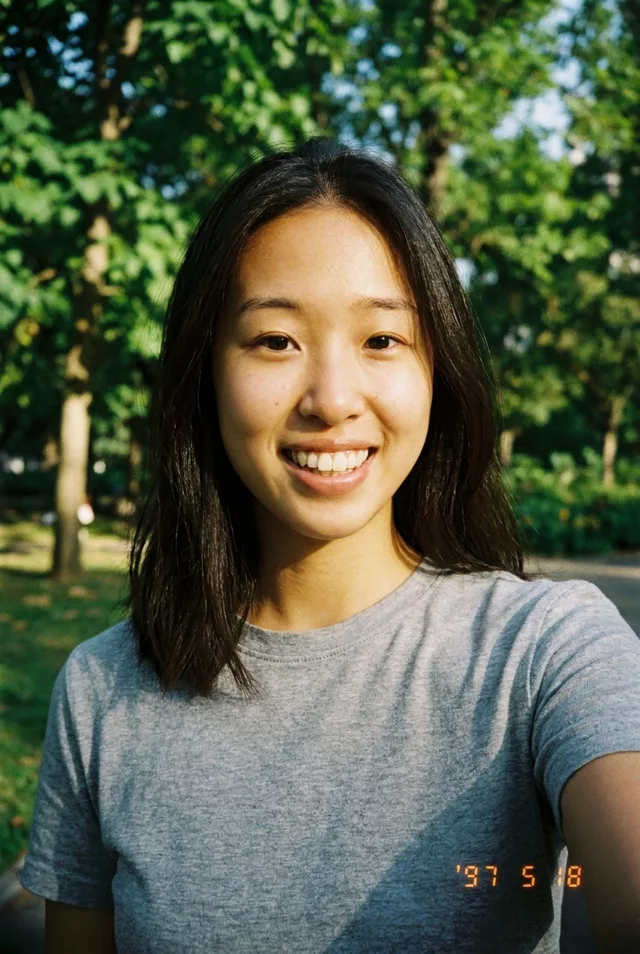
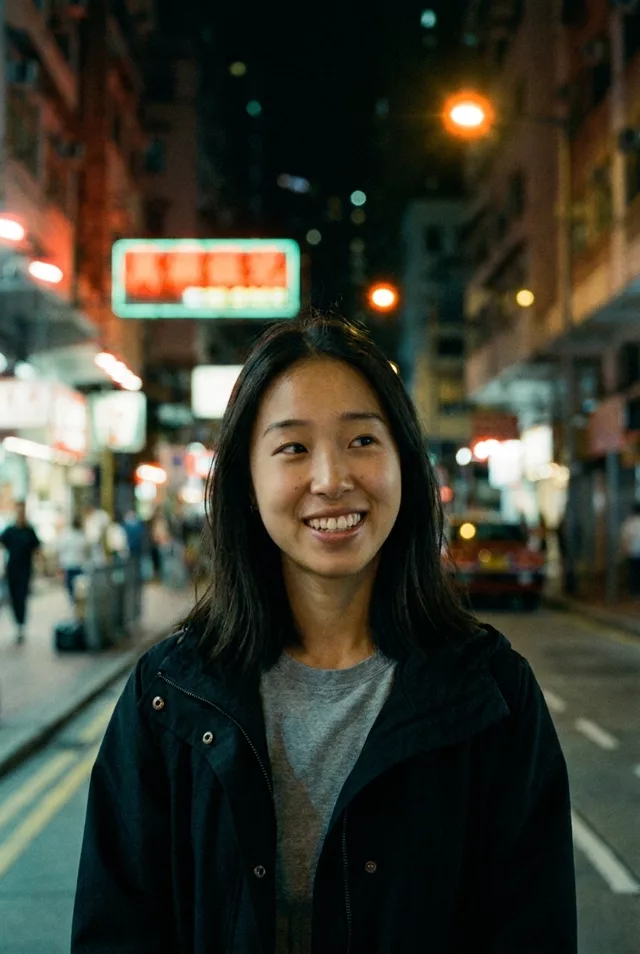
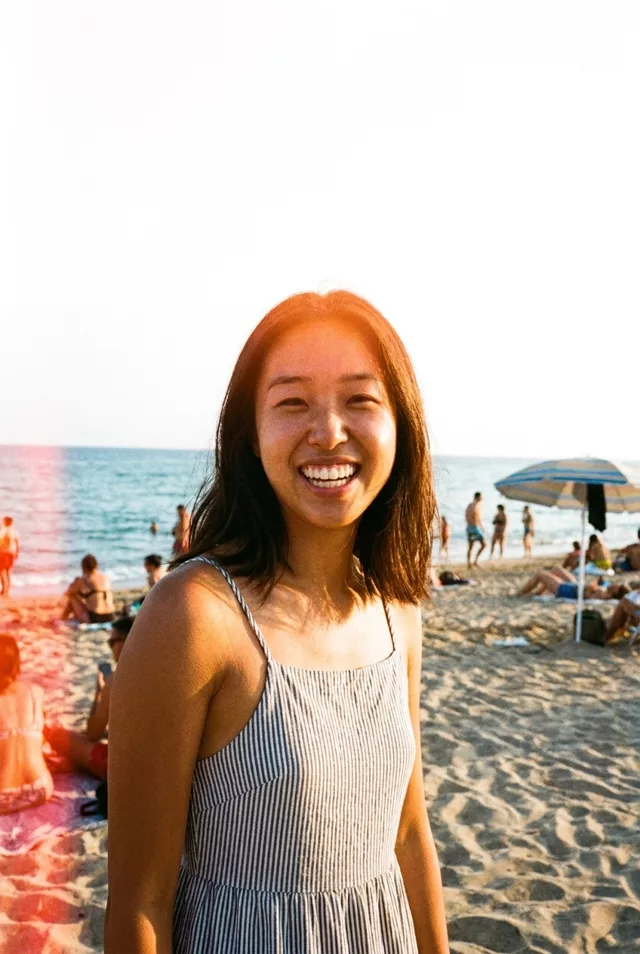
Step 1 · Photo → Aesthetic
Warm Sepia Film Portrait
A timeless sepia studio-portrait edit with soft window light and fine grain.
The prompt
Turn this photo into a warm sepia-toned film portrait. Keep my exact facial features, do not change my face. Soft window light from one side, creamy sepia and brown tones, fine film grain, gentle contrast, and a timeless composition like a portrait taken in a small photography studio decades ago.
How to use it
Only edit photos you have permission to use, including permission from the people pictured.
- Use the original file rather than a compressed screenshot, so the film texture has detail to work over.
- Attach the source in an AI image editor compatible with this prompt (Gemini · ChatGPT (any AI image editor)), then paste the prompt. Adjust the grain, light leak, or color grade one at a time. If you keep a date stamp, specify the actual date.
- Compare skin tone and facial detail with the source. Reduce grain or halation if it obscures features; inspect any generated sign or date digits.
- Save the accepted image separately from the original and label it as AI-edited when sharing. Use the saved edit as the source if you choose to animate it next.
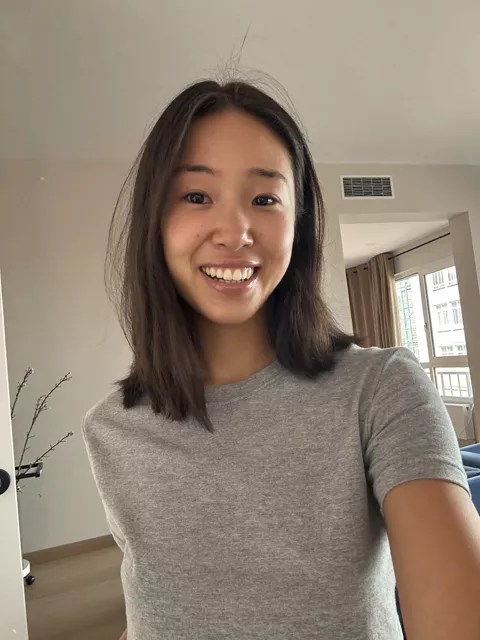
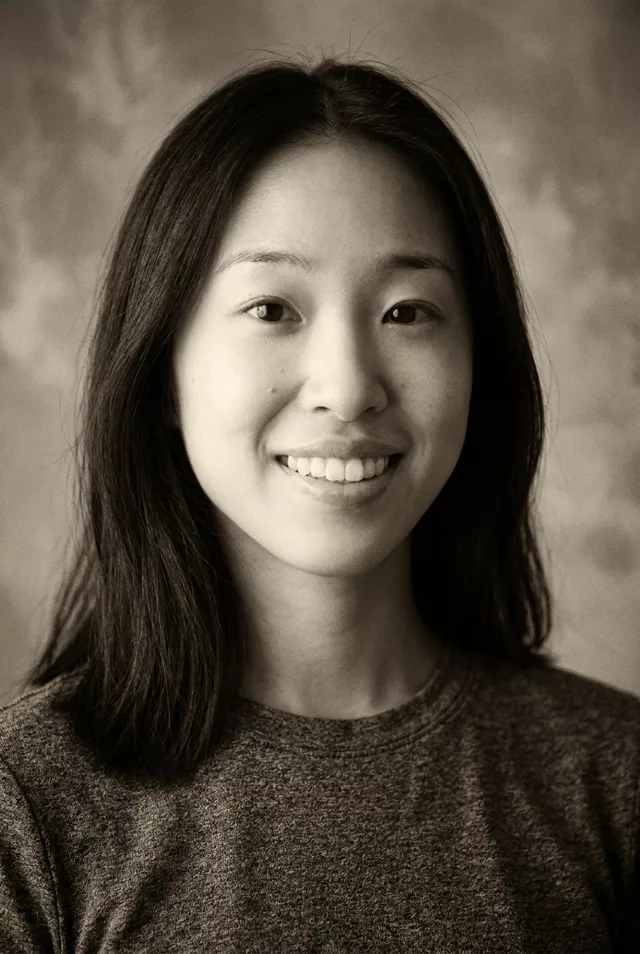
What happened when we tested it
Two drifts to watch. The tone comes back closer to warm black and white than to creamy sepia — add 'strong sepia, visible brown in the shadows' if you want more colour in it. And with no scene to distract it, this is where the beautify pass shows most: ours polished the skin texture flat. Paste on 'do not smooth or retouch my skin, keep freckles and texture'. The mottled painted backdrop is invented from 'old studio' and is period-correct.