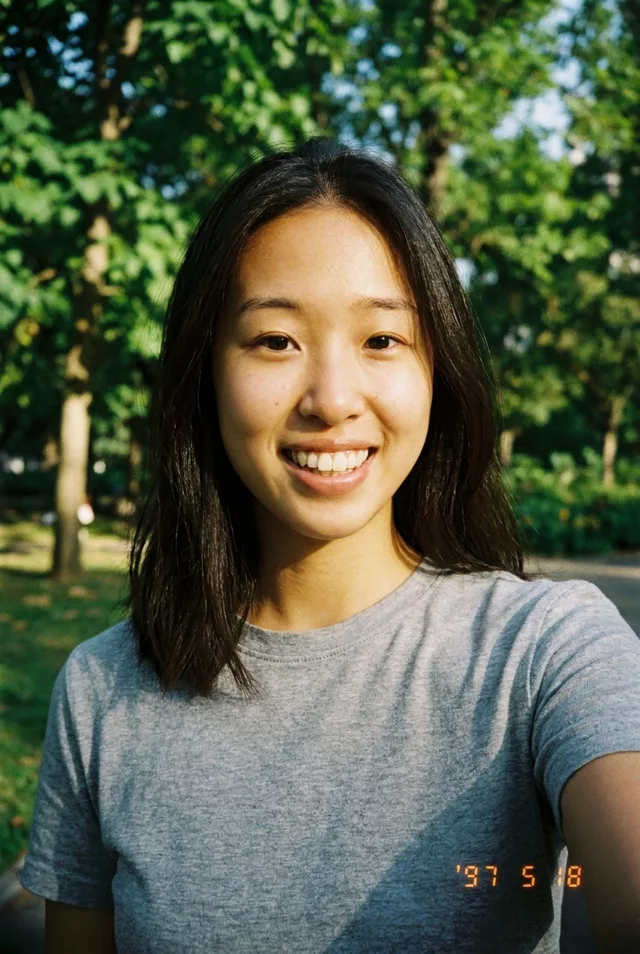
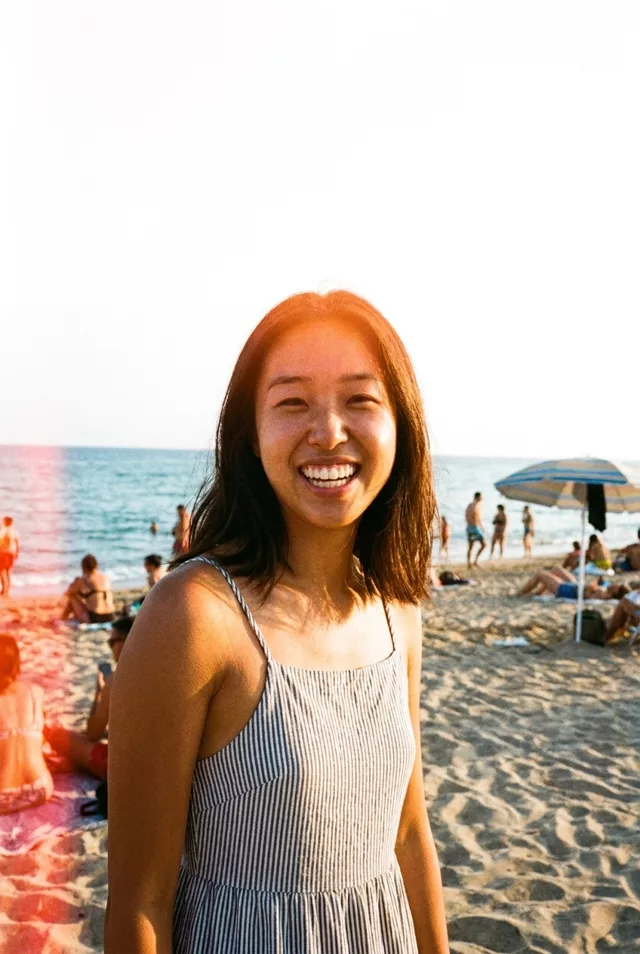
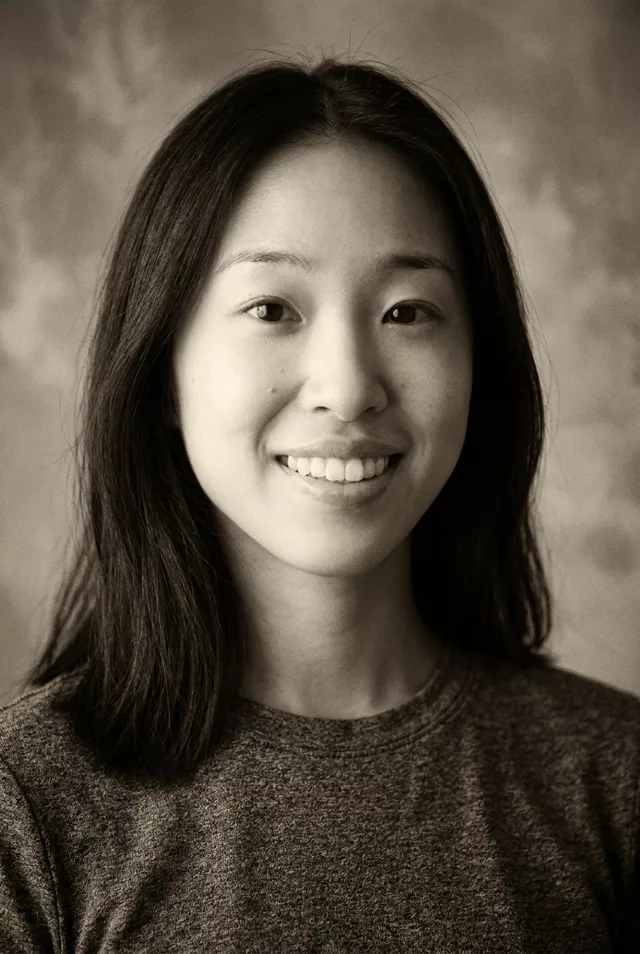
Step 1 · Photo → Aesthetic
Neon Night Film Portrait
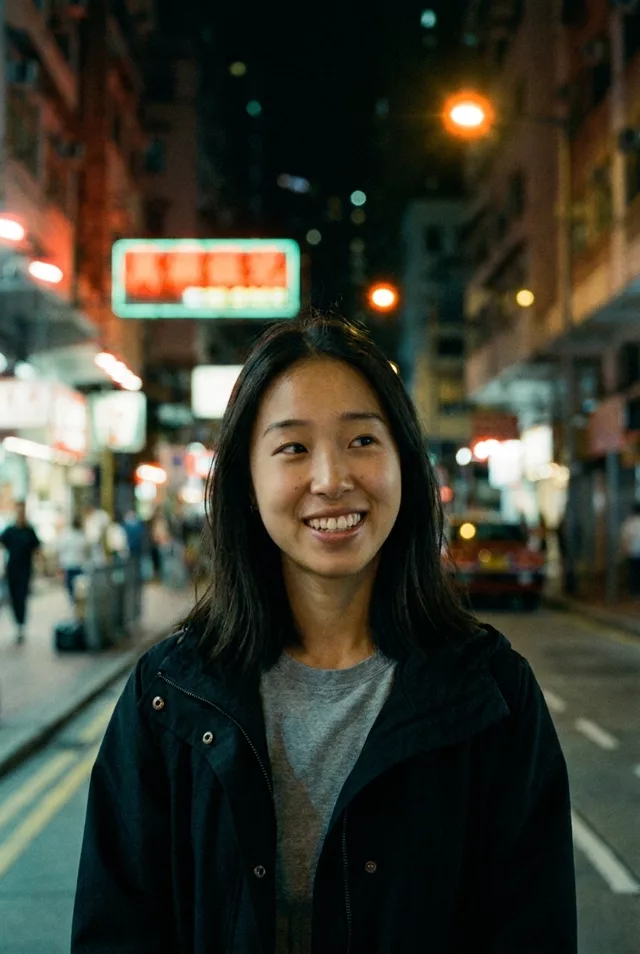
Moody neon-lit night portrait with film halation — the look night-film photographers chase.
The prompt
Transform this photo into a night-time film portrait in a city. Keep my exact facial features, do not change my face. Cinematic film look with visible grain and red-orange halation around neon signs and street lights, teal-and-amber color palette, shallow depth of field, moody atmosphere like a still from an art-house film shot on high-speed tungsten film.
How to use it
Only edit photos you have permission to use, including permission from the people pictured.
- Use the original file rather than a compressed screenshot, so the film texture has detail to work over.
- Attach the source in an AI image editor compatible with this prompt (Gemini · ChatGPT (any AI image editor)), then paste the prompt. Adjust the grain, light leak, or color grade one at a time. If you keep a date stamp, specify the actual date.
- Compare skin tone and facial detail with the source. Reduce grain or halation if it obscures features; inspect any generated sign or date digits.
- Save the accepted image separately from the original and label it as AI-edited when sharing. Use the saved edit as the source if you choose to animate it next.
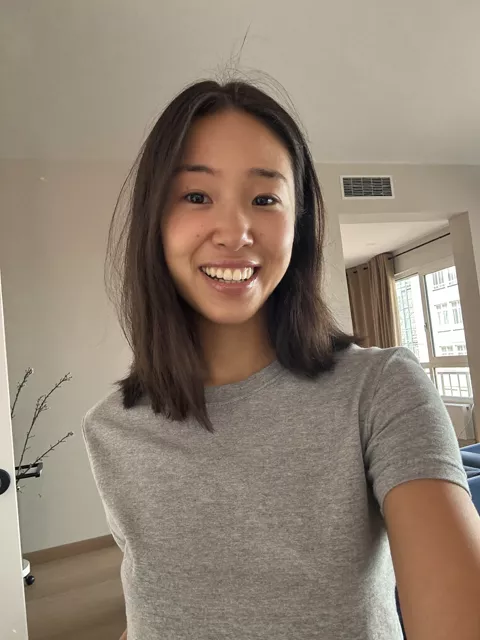
What happened when we tested it
The neon is where it falls apart — ours rendered a large sign whose characters are pure invention, readable as writing but meaning nothing. Crop it out, or ask for signs to stay out of focus. Halation arrives as a warm bloom around the street lamps rather than the heavy red glow the real film gives; push it with 'strong red halation'. Your face will be the brightest thing in a night scene, so start from a source where it is already large.