Step 2 · Photo → Video
Figurine Orbit Showcase
Turn your AI figurine photo into a rotating product showcase — the camera orbits while the figure stays perfectly still.
Animate this figurine scene: the camera slowly orbits halfway around the figurine on its base, revealing the diorama details behind and beside it. Warm light glints off the glossy figure as the camera moves. The figurine stays perfectly still like a real collectible. Keep the face exactly as in the photo. Cozy warm lighting, shallow depth of field, 5 seconds.
How to use it
- Pick the photo you want to animate (a transformed aesthetic photo works great).
- Open an image-to-video tool — Kling / Veo (image-to-video) or similar — and upload the photo.
- Paste the prompt below and generate. Regenerate once or twice for the best take.
- Download the clip and label it as AI-made when you share it.
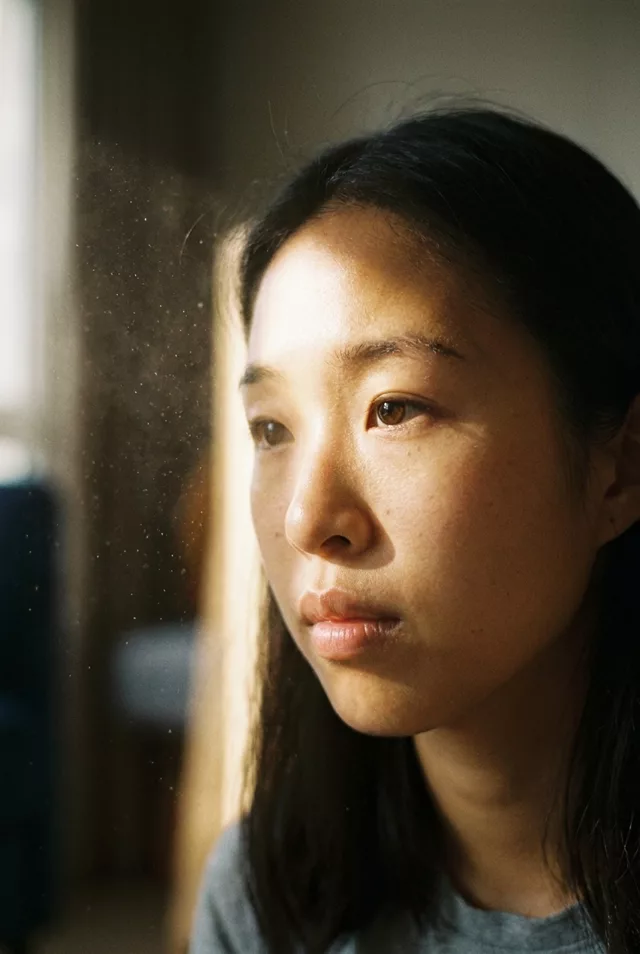 Cinematic
 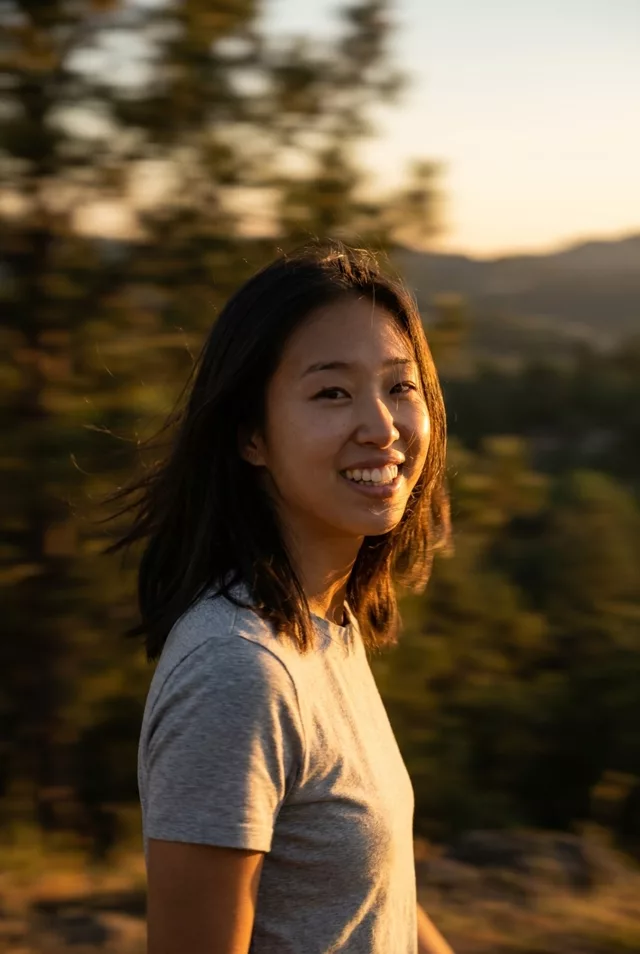 Cinematic
  Cinematic
 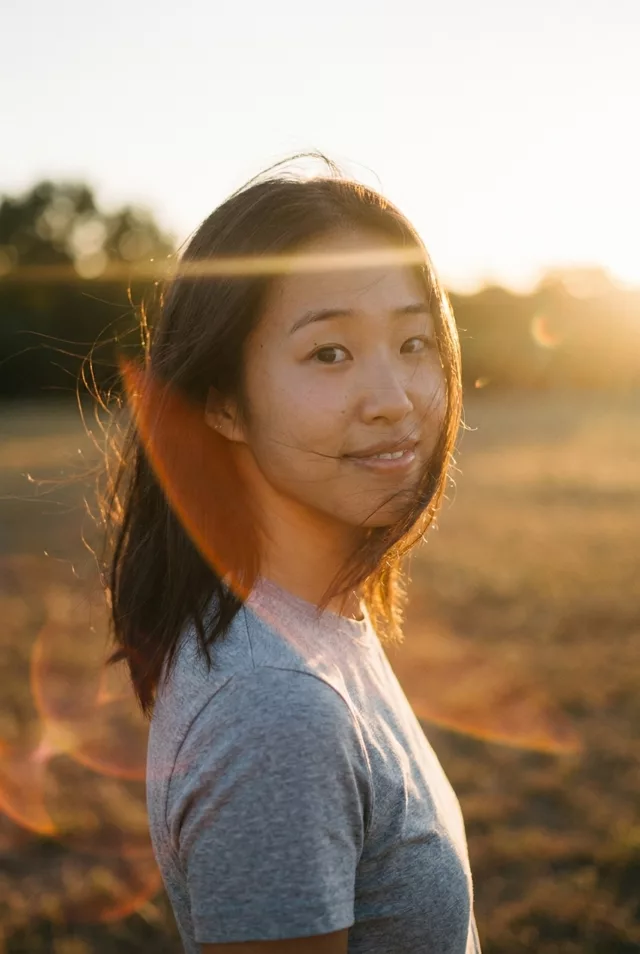 Cinematic