Step 2 · Photo → Video
Orbit Reveal
A smooth orbiting camera that turns one photo into a scene with depth.
The prompt
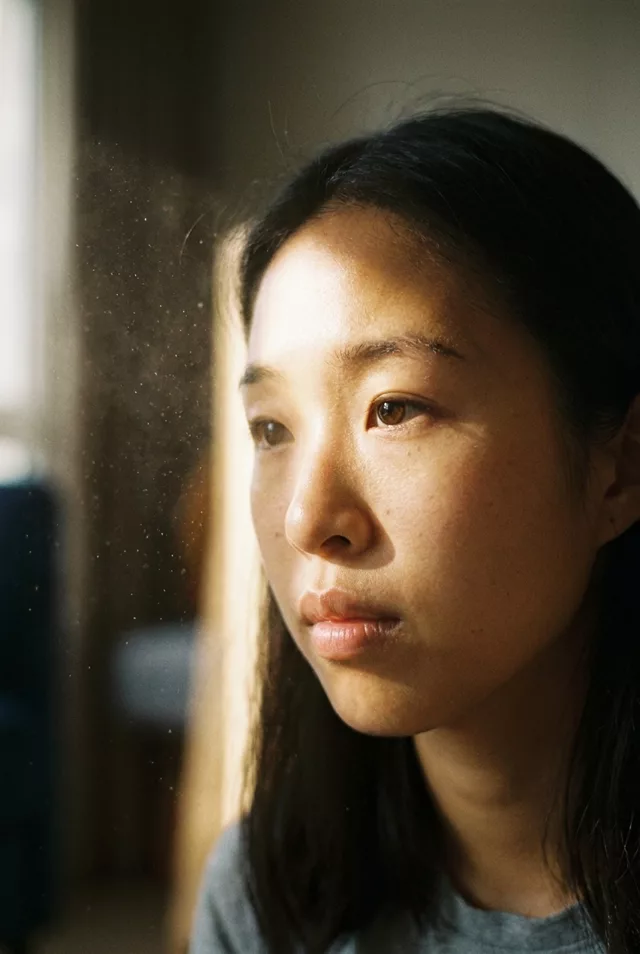
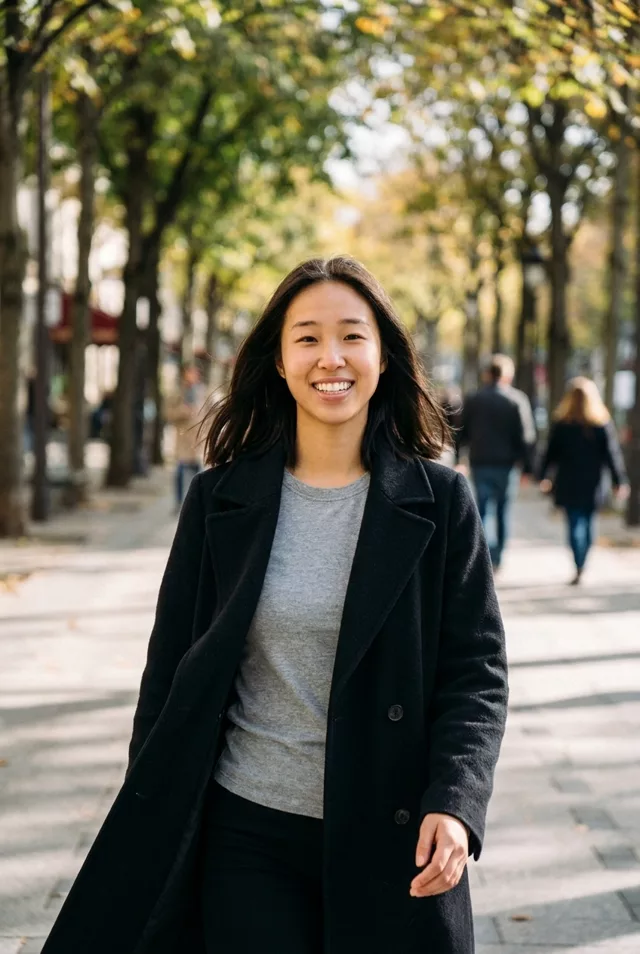
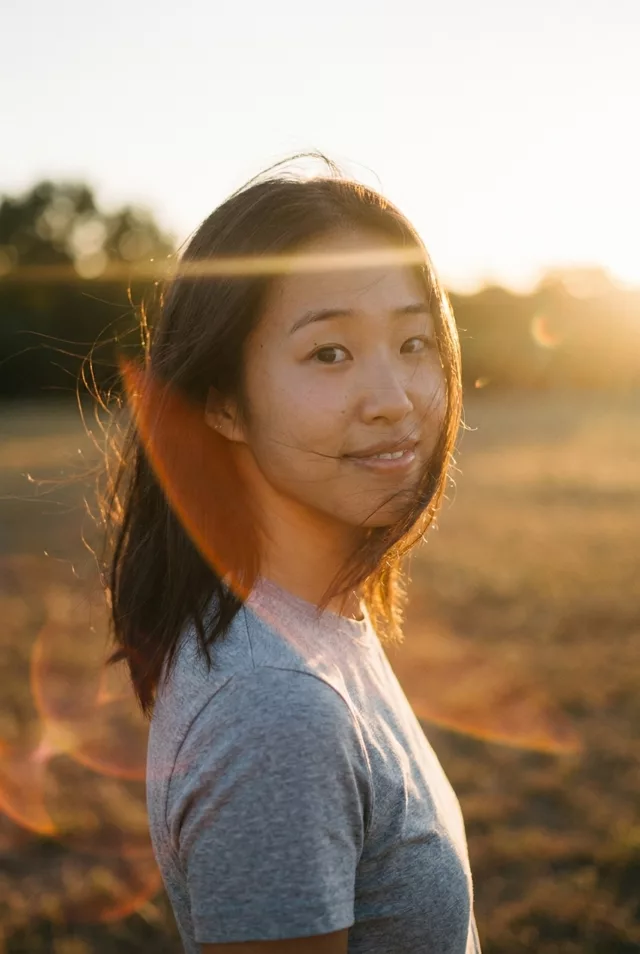
Animate this photo with a smooth half-orbit camera move around the person, revealing the scene behind them. Natural parallax between the person and background, hair and clothing move slightly with the motion. Keep the face exactly as in the photo. Golden light, cinematic color grade, 5 seconds.
How to use it
Only edit photos you have permission to use, including permission from the people pictured.
- Choose a source with visible space around the subject; use a wider view if the prompt asks for walking or an orbit.
- Upload the source to an image-to-video tool compatible with this prompt (Kling / Veo (image-to-video)), then paste the prompt. Retain the intended camera move and avoid adding a second one. Shorten the movement if it demands too much unseen detail. Request 5 seconds where the tool allows it; this is the requested clip length, not a generation-time estimate.
- Watch the subject and background throughout the move. Reject changing proportions or invented edges, and reduce the turn or camera travel before retrying.
- Download the accepted clip and label it as AI-made when sharing. Keep the source still so you can compare later revisions.
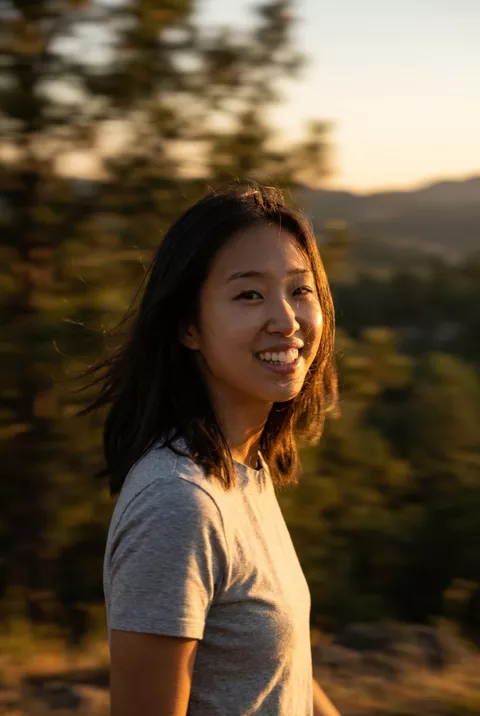
What happened when we tested it
A half-orbit sounds risky and is not, for a specific reason: the subject turns with the camera, so the same side of the face stays toward the lens throughout and nothing new has to be invented. Ours held the likeness across all five seconds. What does get invented is the background — a whole valley and road appeared behind her that were not in the source. Fine for a mood shot, wrong if the location is a real place you want recognised.