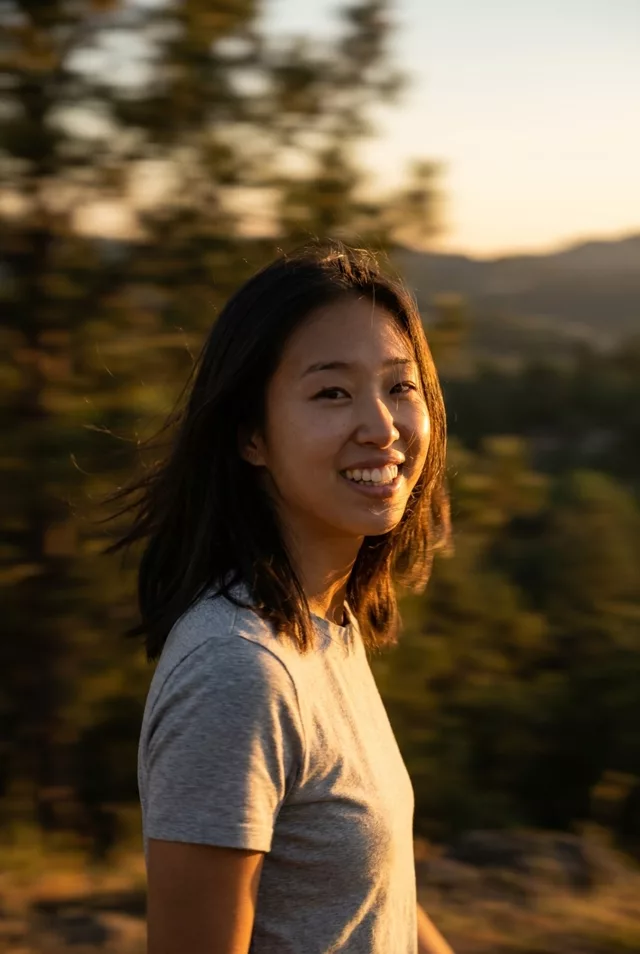
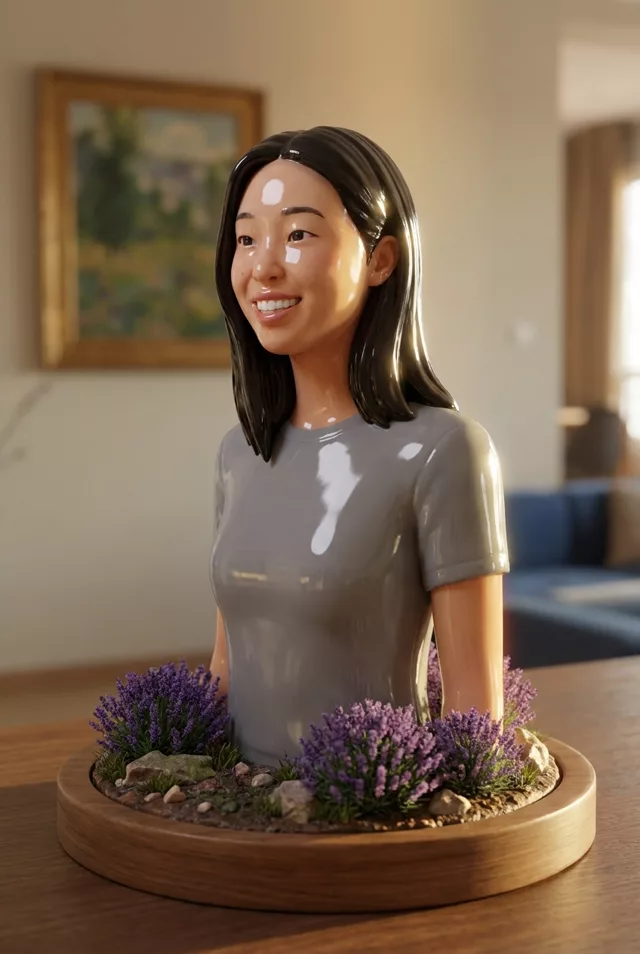
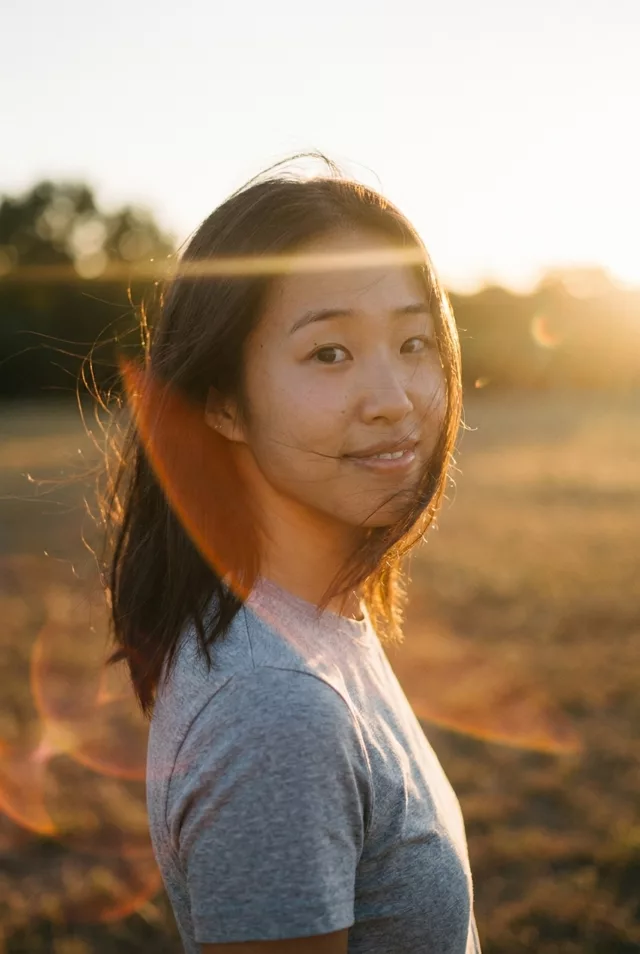
Step 2 · Photo → Video
Cinematic Push-In
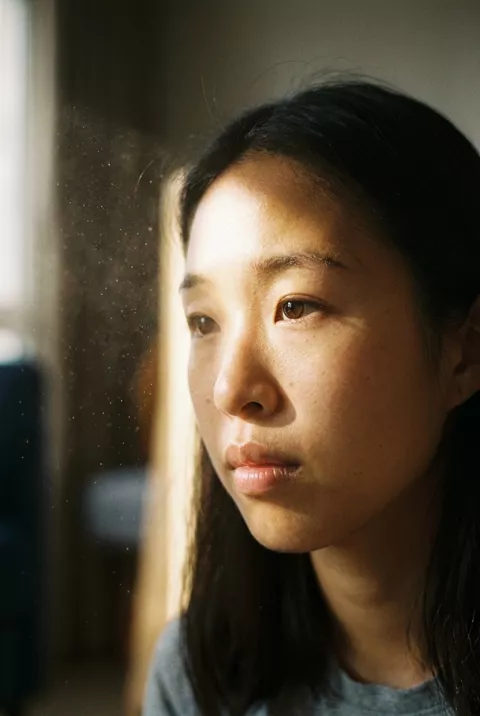
A slow push-in with drifting dust in the light — instant film-scene gravity.
The prompt
Animate this portrait with a slow cinematic camera push-in toward the face while dust particles drift through a beam of window light. The person holds a calm, steady gaze and breathes naturally. Keep the face exactly as in the photo. Shallow depth of field, film grain, dramatic quiet mood, 5 seconds.
How to use it
Only edit photos you have permission to use, including permission from the people pictured.
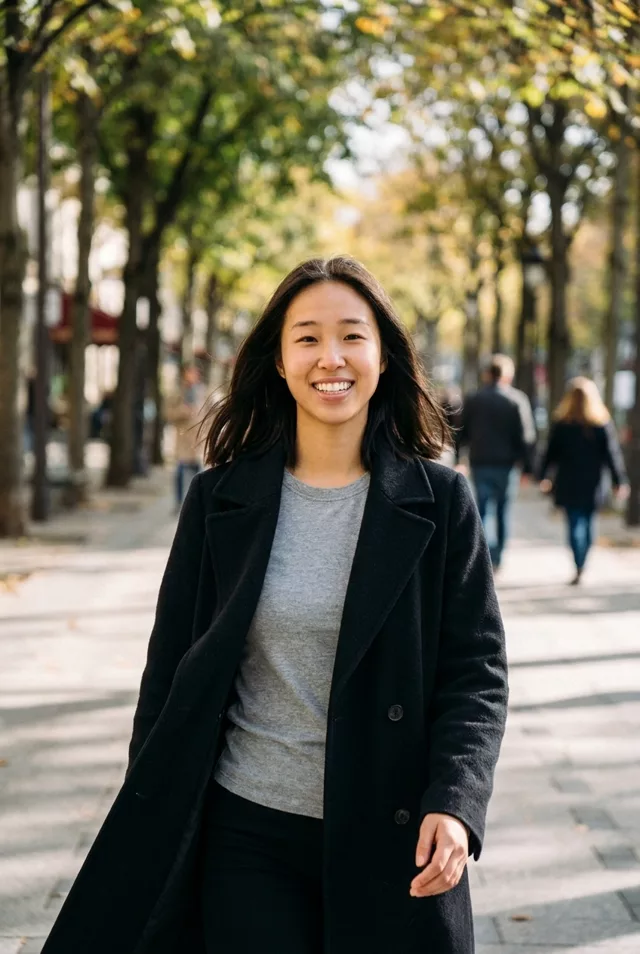
- Choose a source with visible space around the subject; use a wider view if the prompt asks for walking or an orbit.
- Upload the source to an image-to-video tool compatible with this prompt (Kling / Veo (image-to-video)), then paste the prompt. Retain the intended camera move and avoid adding a second one. Shorten the movement if it demands too much unseen detail. Request 5 seconds where the tool allows it; this is the requested clip length, not a generation-time estimate.
- Watch the subject and background throughout the move. Reject changing proportions or invented edges, and reduce the turn or camera travel before retrying.
- Download the accepted clip and label it as AI-made when sharing. Keep the source still so you can compare later revisions.
What happened when we tested it
The best likeness result in our animate set, and the reason is worth taking away: the subject does not move at all, only the camera. No new angle of the face has to be invented, so ours stayed the same person from the first frame to the last, with skin detail improving as the crop tightened. Leave headroom in your source — the push-in ends tight enough to clip the top of the head. Reach for this one when the face is the point.