Step 2 · Photo → Video
Golden Hour Turn
A slow turn into golden light, ending on a smile — pure cinema in four seconds.
The prompt
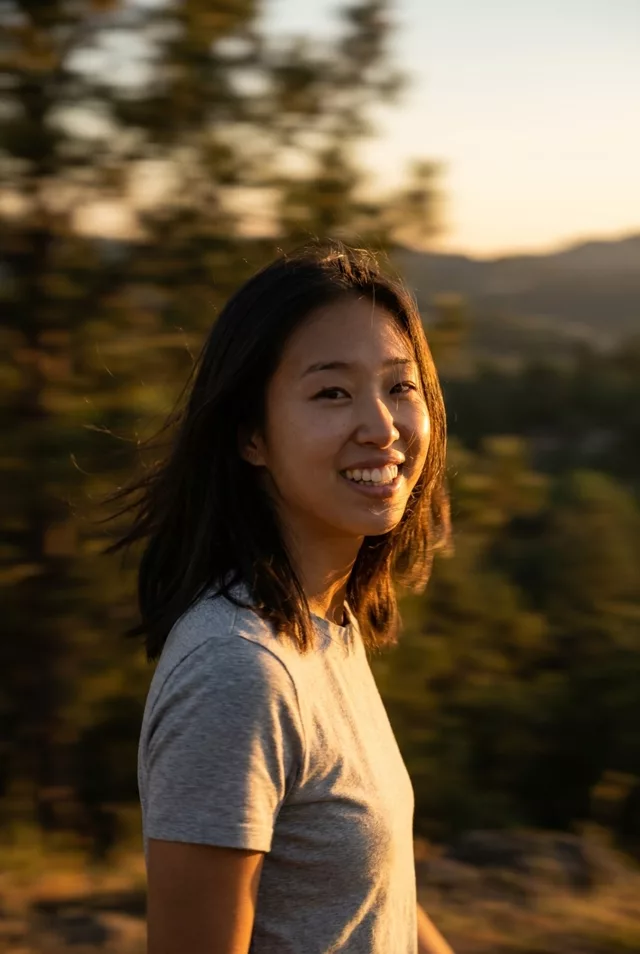
Animate this photo: the person turns their head slowly toward the camera as golden sunset light flares across the lens. A soft wind moves their hair, and they smile just as the flare peaks. Keep the face exactly as in the photo. Warm cinematic grade, anamorphic-style lens flare, 4 seconds.
How to use it
Only edit photos you have permission to use, including permission from the people pictured.
- Choose a source with visible space around the subject; use a wider view if the prompt asks for walking or an orbit.
- Upload the source to an image-to-video tool compatible with this prompt (Kling / Veo (image-to-video)), then paste the prompt. Retain the intended camera move and avoid adding a second one. Shorten the movement if it demands too much unseen detail. Request 4 seconds where the tool allows it; this is the requested clip length, not a generation-time estimate.
- Watch the subject and background throughout the move. Reject changing proportions or invented edges, and reduce the turn or camera travel before retrying.
- Download the accepted clip and label it as AI-made when sharing. Keep the source still so you can compare later revisions.
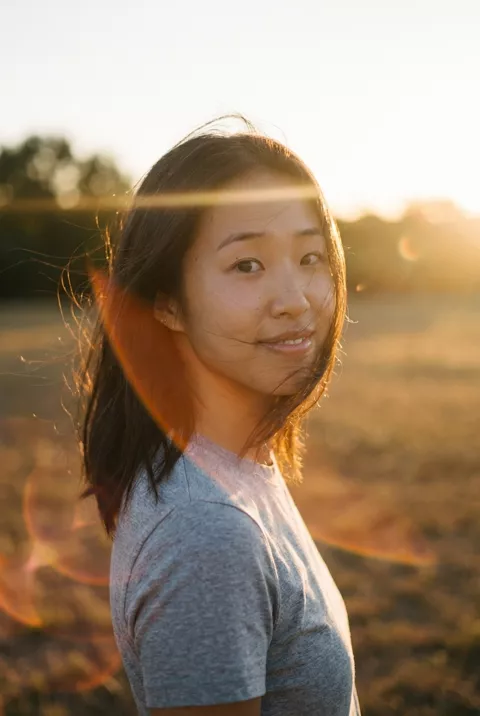
What happened when we tested it
The flare lands on the eyes. Ours put the anamorphic streak straight across the eye line for the whole clip, which is exactly where you want detail — ask for 'lens flare in the upper corner, away from the face'. The turn plus the smile means two rebuilt things at once, and the face came back fuller at the end than at the start. At four seconds this is the shortest animate we publish, and the brevity is doing real work.