Step 2 · Photo → Video
Walk Toward the Camera
A confident slow walk straight out of a title sequence.
The prompt
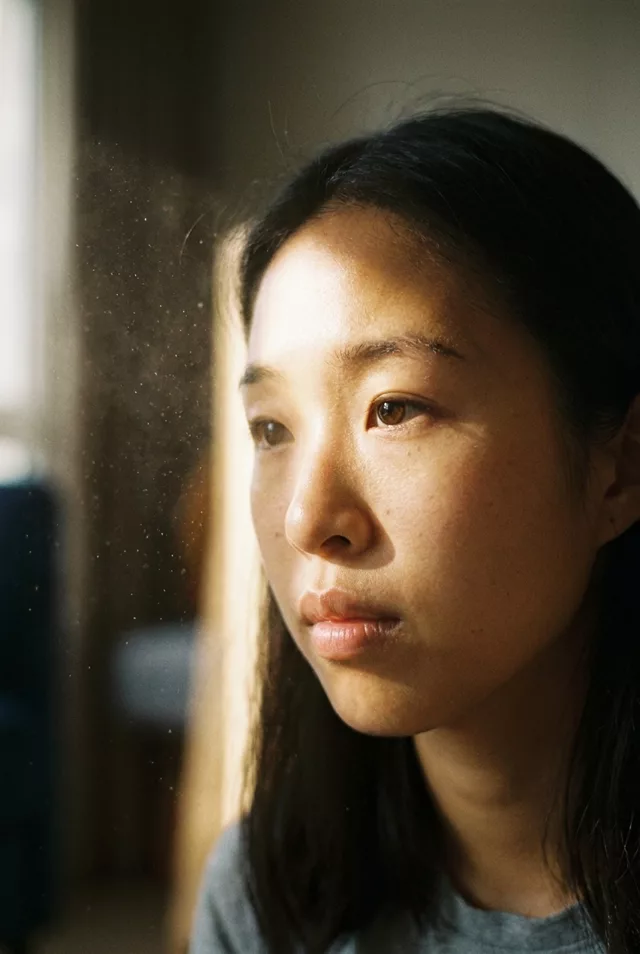
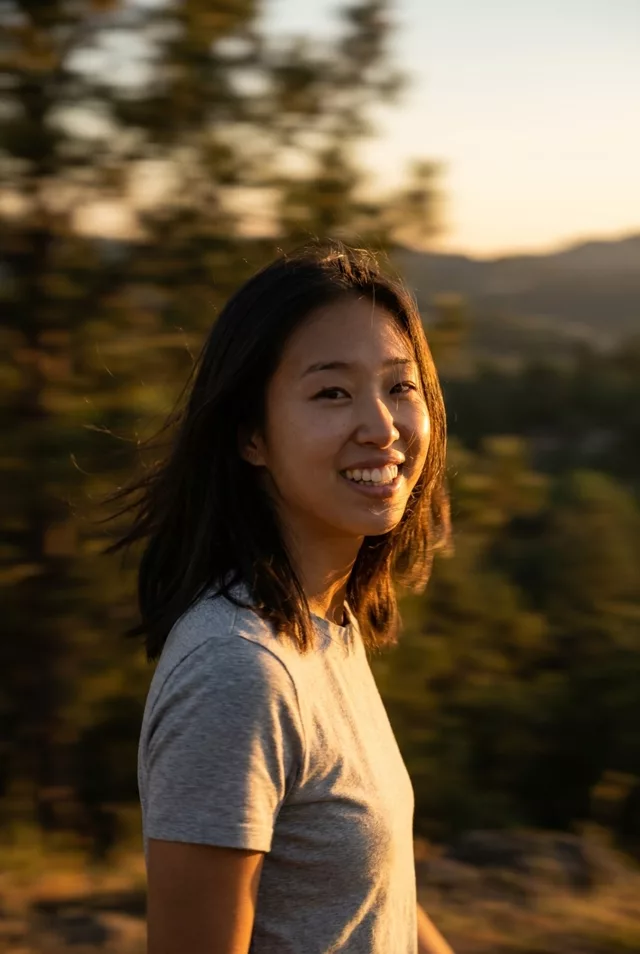
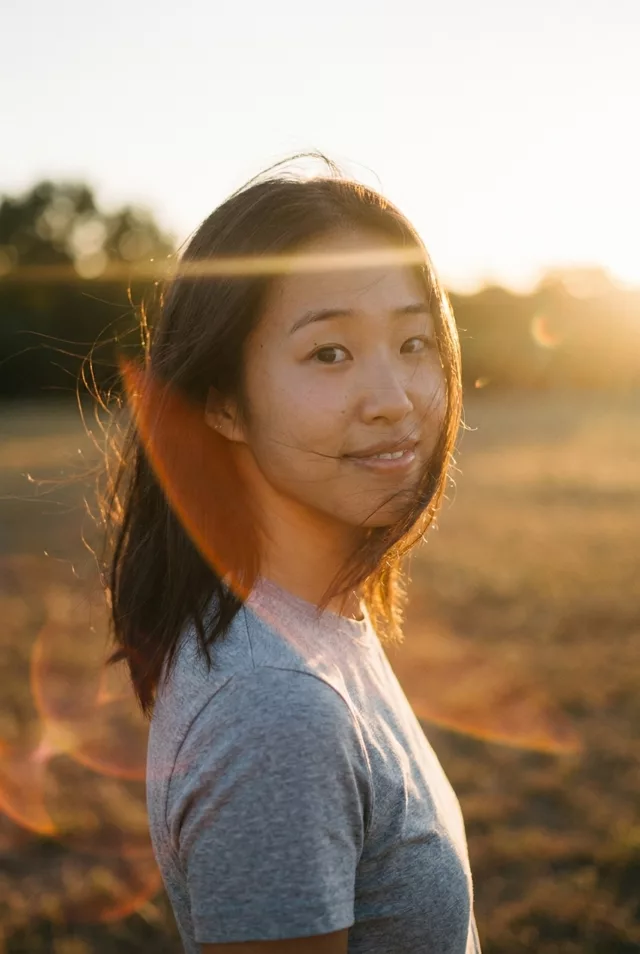
The person in this photo starts walking slowly toward the camera with a confident, relaxed stride while the camera pulls back to keep them in frame. Coat or hair moves naturally with each step. Keep the face exactly as in the photo. Cinematic street or landscape background with soft motion blur, 5 seconds.
How to use it
Only edit photos you have permission to use, including permission from the people pictured.
- Use a source with the legs and walking space visible rather than a tight headshot.
- Upload the source to an image-to-video tool compatible with this prompt (Kling / Veo (image-to-video)), then paste the prompt. Retain the intended camera move and avoid adding a second one. Shorten the movement if it demands too much unseen detail. Request 5 seconds where the tool allows it; this is the requested clip length, not a generation-time estimate.
- Inspect foot contact, stride, and the camera pullback. Reject sliding feet or changing leg lengths; reduce the walk if the body will not hold together.
- Download the accepted clip and label it as AI-made when sharing. Keep the source still so you can compare later revisions.
What happened when we tested it
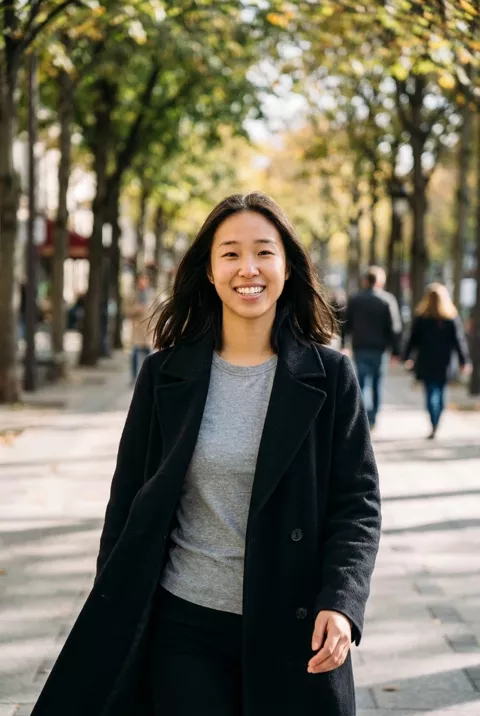
Walking swings the arms, and swinging hands are the hardest thing to track. Ours held the face the whole way, but in several frames a sleeve ends with no hand in it, and by the final frame part of the black coat's lower front has turned a light grey tweed. If hands matter, write them out of the shot — 'hands in coat pockets while walking' removes the problem rather than fighting it. Background pedestrians are invented and change between frames.