Step 1 · Photo → Aesthetic
Pet as a Human
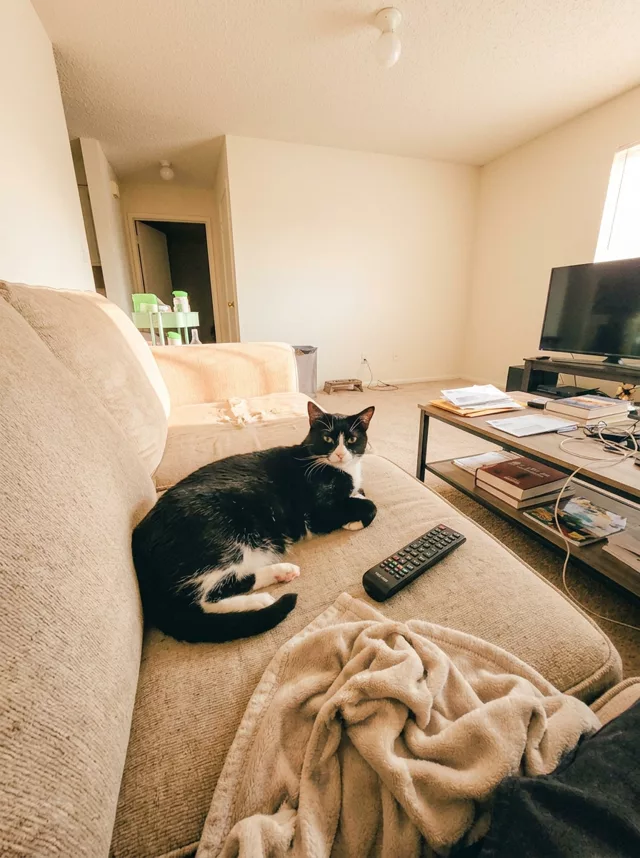
The viral flip: your cat or dog as the person they clearly are — fur colors matched to hair and outfit, same pose, same room.
The prompt
Edit this photo: remove my pet completely and in its exact place put a human person in the same pose and with the same expression. There must be no animal anywhere in the output image — only the person. Match my pet’s fur colors and markings in the person’s hair color, hairstyle and outfit, and carry my pet’s personality into the person’s attitude and body language. Keep the background, lighting and camera angle from my photo completely unchanged, so it reads as the same photo with my pet swapped for their human self. Realistic photographic style matching the source photo.
How to use it
Only edit photos you have permission to use, including permission from the people pictured.
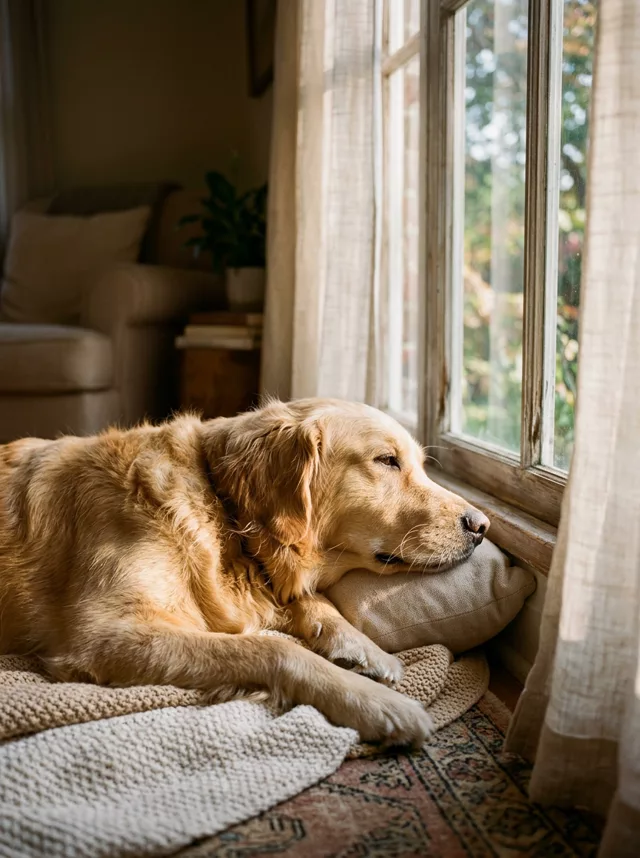
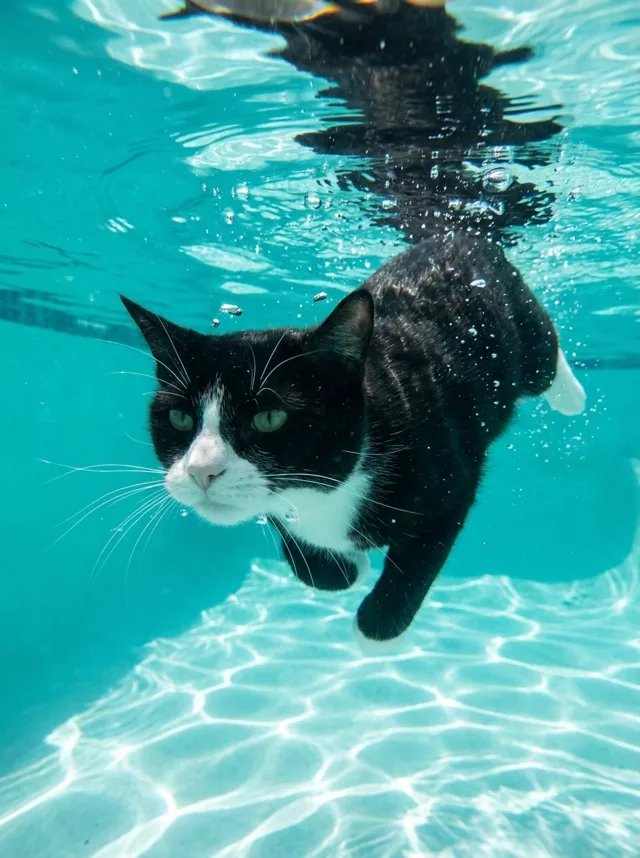
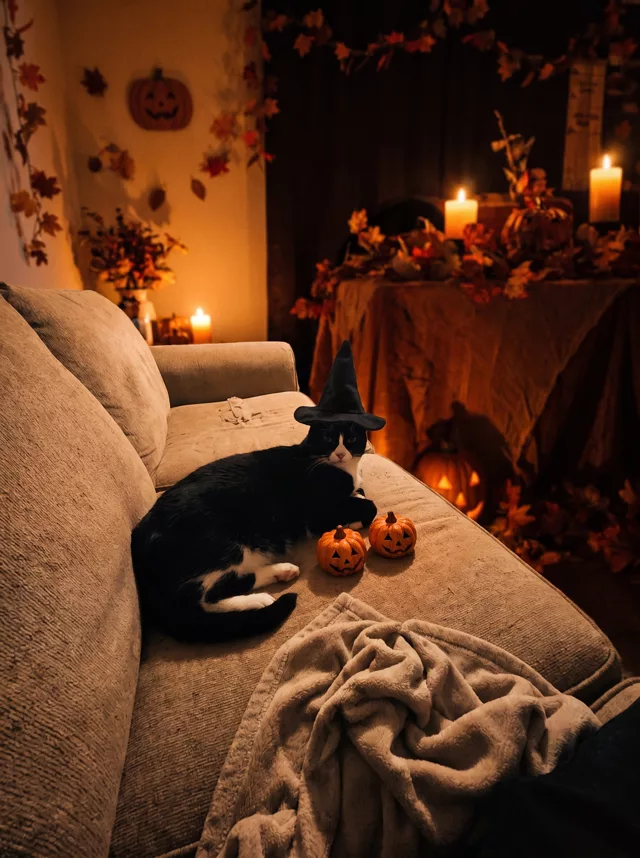
- Pick a source that clearly shows the markings, eyes, ears, and body shape you want preserved.
- Attach the source in an AI image editor compatible with this prompt (Gemini · ChatGPT (any AI image editor)), then paste the prompt. Keep the instructions to replace the pet with a person in the same position. Specify how the fur colors should translate into hair and clothing.
- Check that the pet has been replaced completely, with no animal ears, paws, or tail left on the person. Compare the pose, room, and lighting with the source.
- Save the accepted image separately from the original and label it as AI-edited when sharing. Use the saved edit as the source if you choose to animate it next.
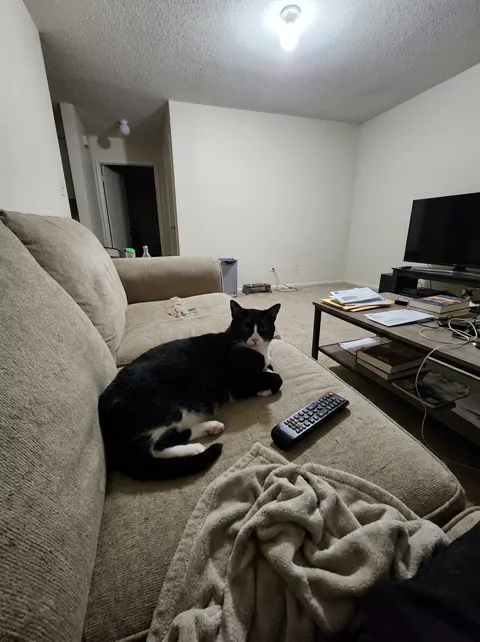
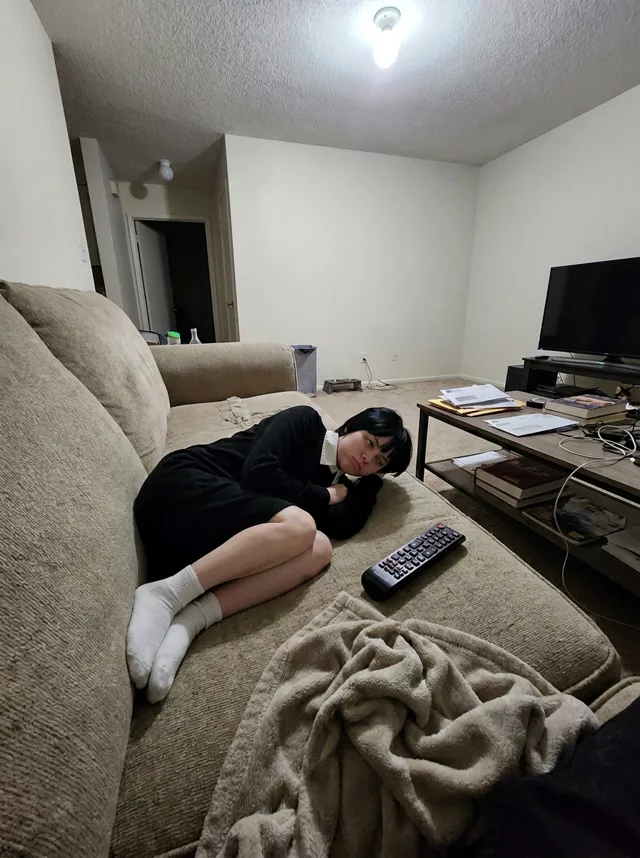
What happened when we tested it
If your pet is still sitting in the output next to a stranger, the removal line got softened — 'remove my pet completely' and 'no animal anywhere in the output' both have to survive your edits. The background clause is the second load-bearing part, because the joke only works when it's your living room. Then add one personality phrase ('dignified and mildly annoyed') and one fur-to-clothing hint ('her white chest becomes a white shirt').