Step 1 · Photo → Aesthetic
Underwater Pet Dive
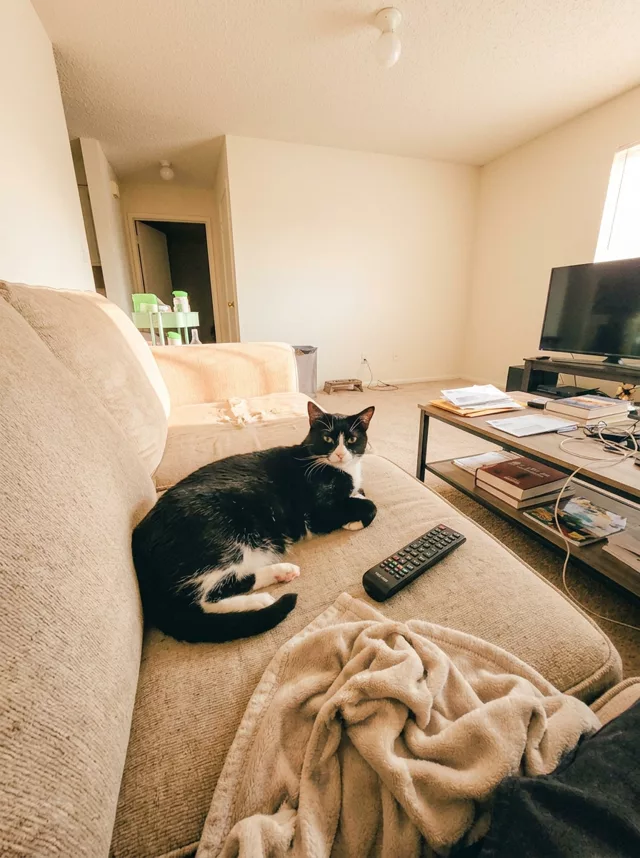
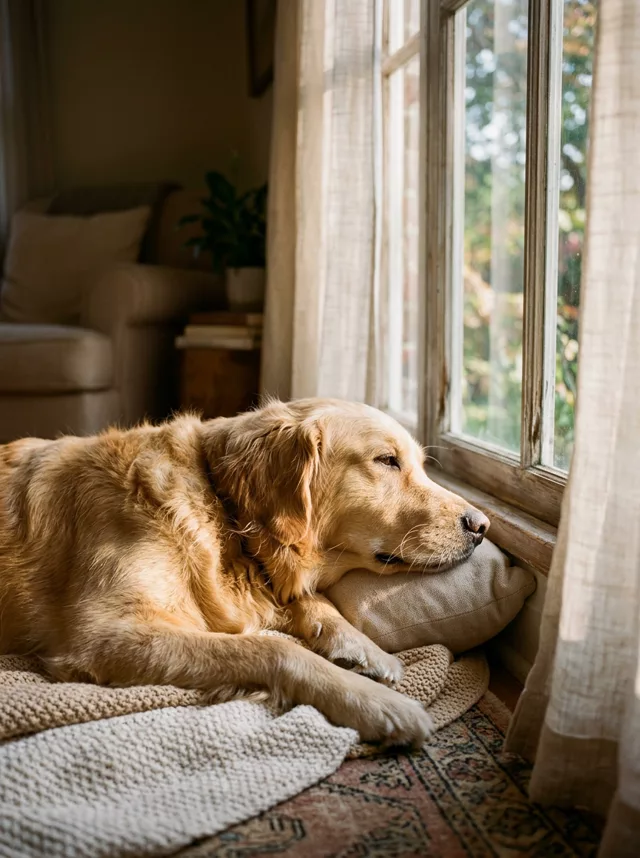
Your cat or dog mid-dive in crystal turquoise water — bubbles, rippling light, every marking kept true. The summer showstopper.
The prompt
Transform this photo of my pet into a playful underwater photograph. My pet swims just below the surface of crystal-clear sunlit water, a trail of tiny bubbles rising past its whiskers, sunlight rippling in bright caustic patterns across the pool floor below. Sharp focus on the face, vivid turquoise water, sparkling refracted light. Keep my pet’s exact fur colors, markings, eye color and face completely unchanged.
How to use it
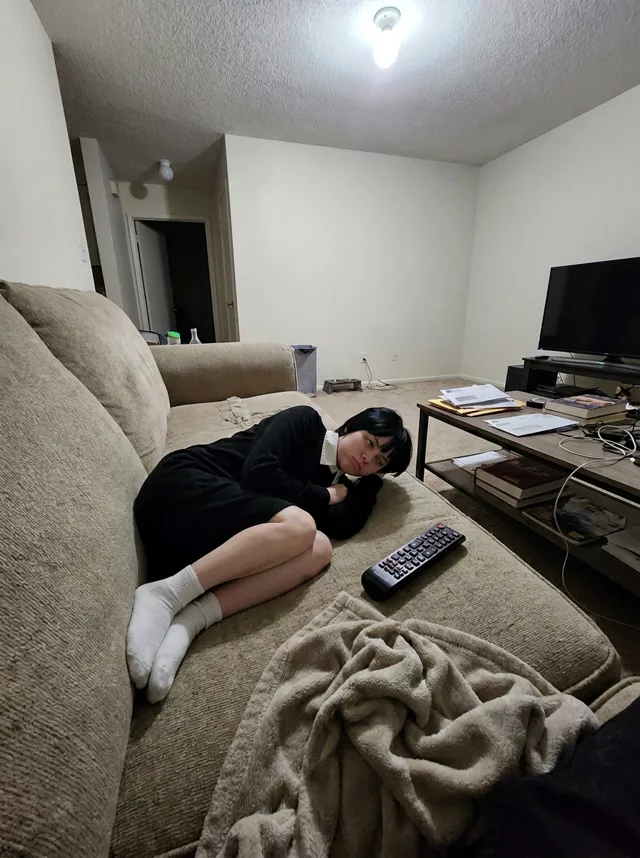
Only edit photos you have permission to use, including permission from the people pictured.
- Pick a source that clearly shows the markings, eyes, ears, and body shape you want preserved.
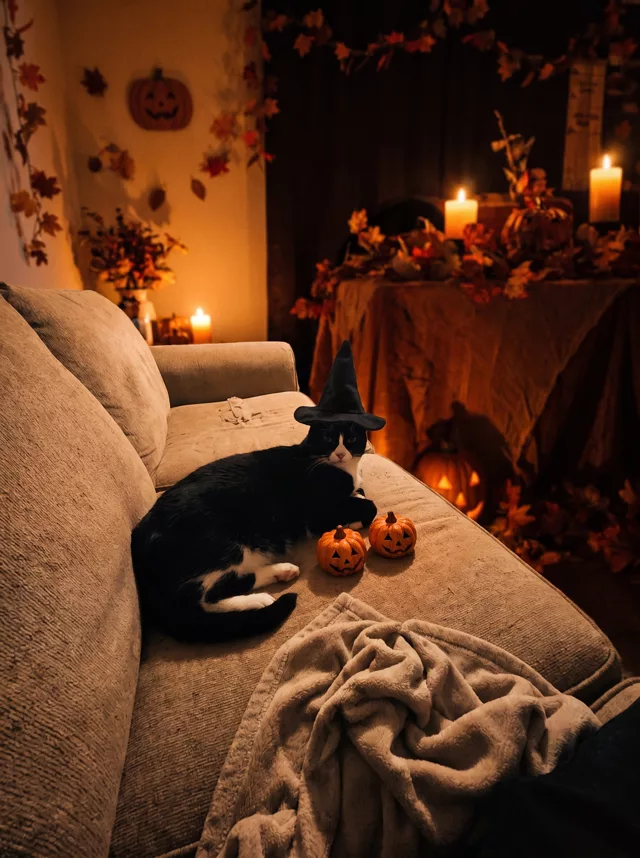
- Attach the source in an AI image editor compatible with this prompt (Gemini · ChatGPT (any AI image editor)), then paste the prompt. Decide which surroundings may change. Add an explicit instruction to keep the room if the selected prompt otherwise replaces it.
- Compare fur patches, eye color, ears, paws, and tail with the source. Fix changed markings before accepting the lighting or seasonal styling.
- Save the accepted image separately from the original and label it as AI-edited when sharing. Use the saved edit as the source if you choose to animate it next.
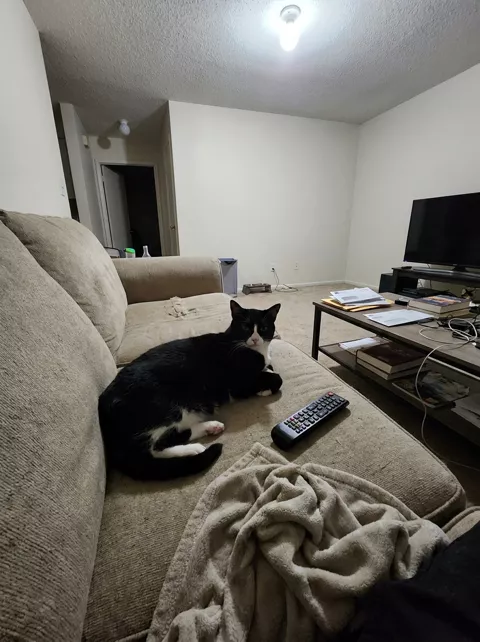
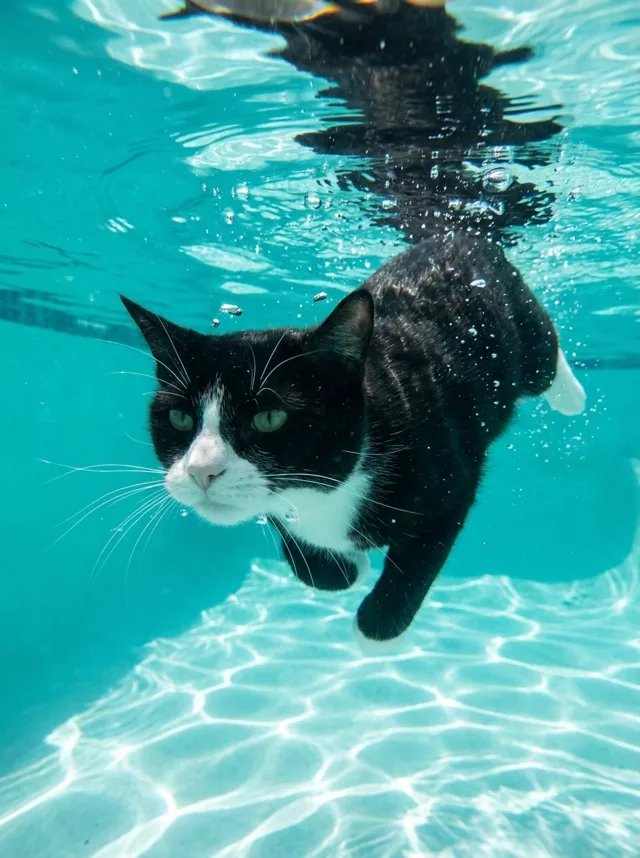
What happened when we tested it
Eye color is what breaks here: the water's blue-green bleeds straight into the iris, and an amber-eyed cat comes back aquamarine. Name the color — 'keep the amber eyes exactly' — and regenerate. Two smaller ones: if the frame turns into a jacuzzi, ask for 'only a few small bubbles', and specify a closed mouth, since open-mouthed underwater animals drift toward cartoon. Start from a sharp, front-lit photo; water distortion is an excuse to redraw the face.