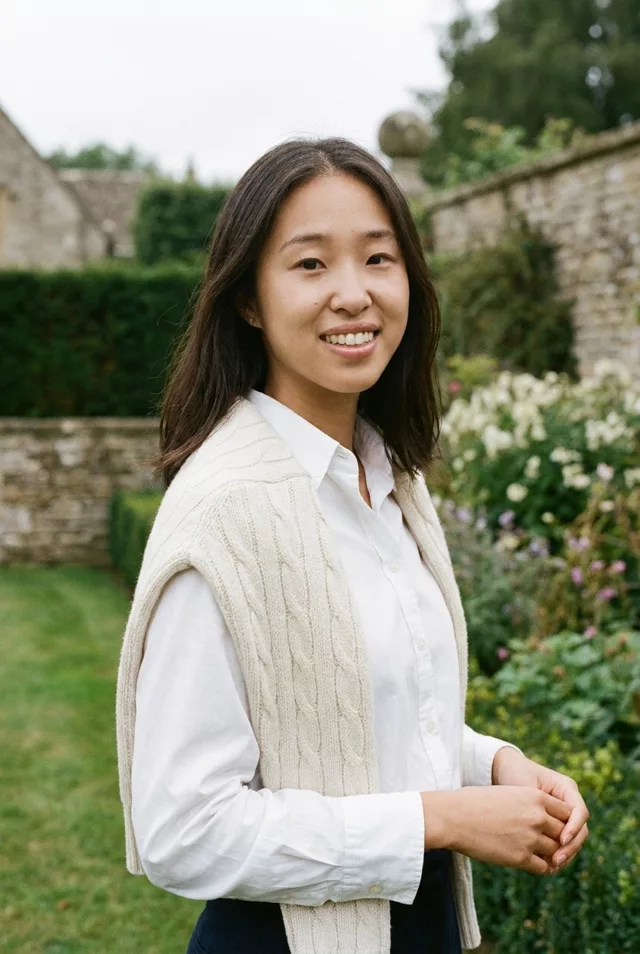
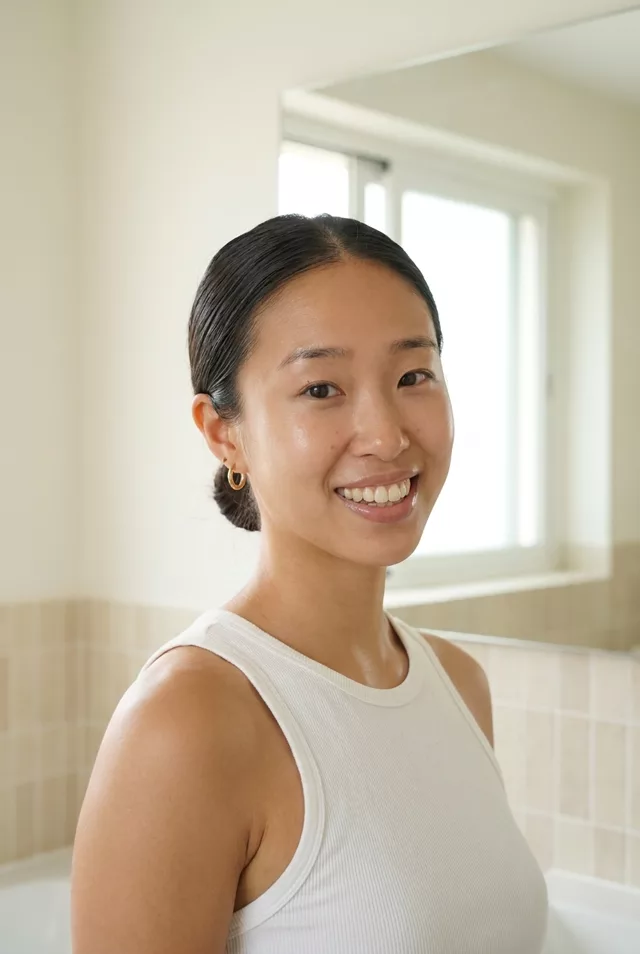
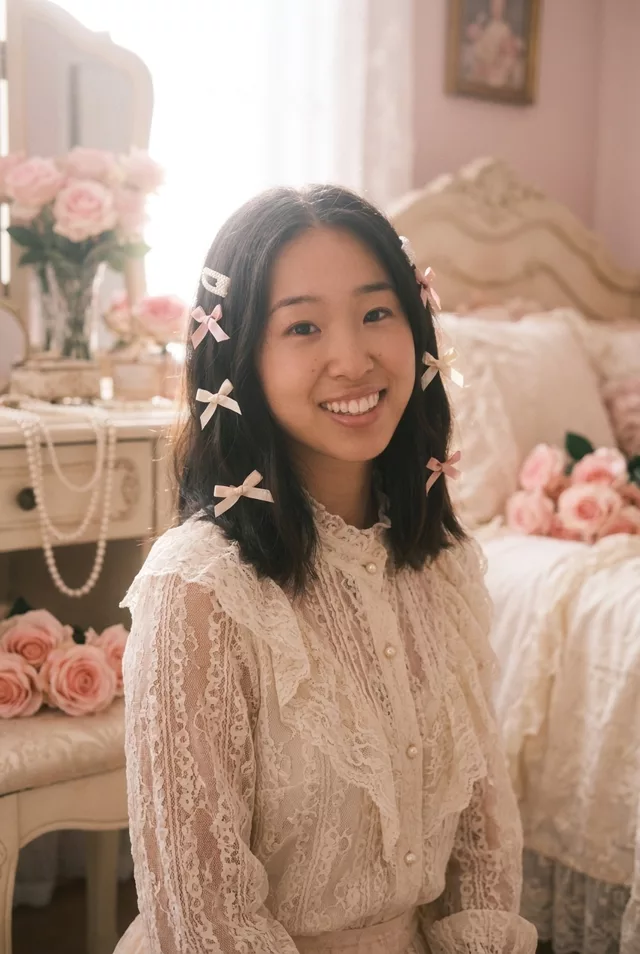
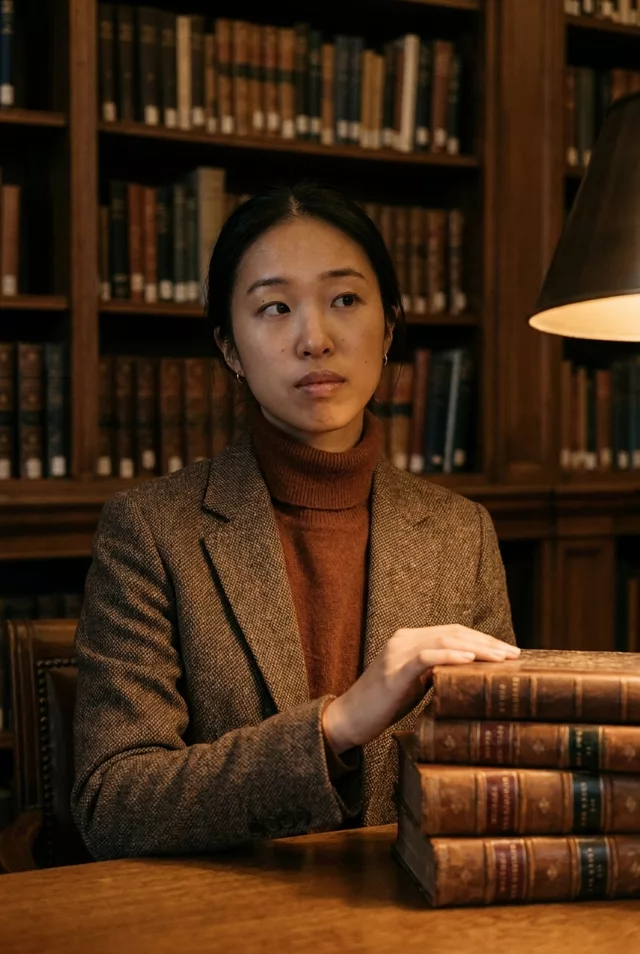
Step 1 · Photo → Aesthetic
Underwater Summer Portrait
Float beneath sunlit turquoise water — hair fanned out, sunbeams and bubbles all around, your face exactly yours.
The prompt
Transform this photo of me into a dreamy underwater summer portrait. I float just beneath the surface of crystal-clear turquoise water, my hair fanning out softly, sunbeams refracting down around me and tiny bubbles catching the light. Calm serene expression, natural skin tones, bright airy summer feel with a gentle film-like grade. Keep my exact facial features, do not change my face in any way.
How to use it
Only edit photos you have permission to use, including permission from the people pictured.
- Pick a source whose pose and expression already suit the mood, so fewer changes to the person are needed.
- Attach the source in an AI image editor compatible with this prompt (Gemini · ChatGPT (any AI image editor)), then paste the prompt. Choose the wardrobe and setting before generating. Remove conflicting pose or expression requests if you want to keep those from the source.
- Check that the new light still leaves the face recognizable. Inspect hands near props and simplify the prop or pose if they are distorted.
- Save the accepted image separately from the original and label it as AI-edited when sharing. Use the saved edit as the source if you choose to animate it next.
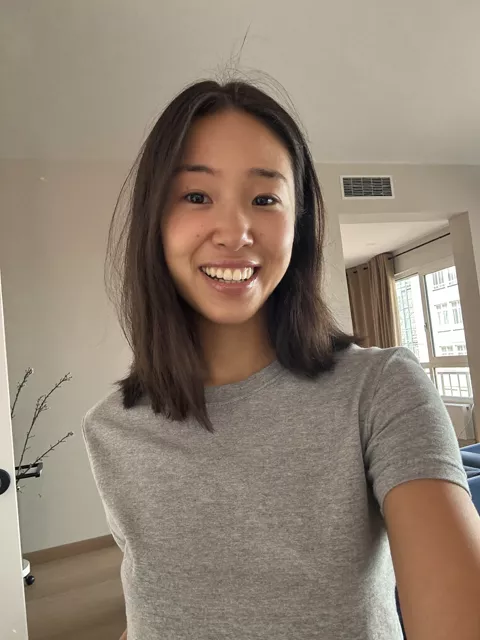
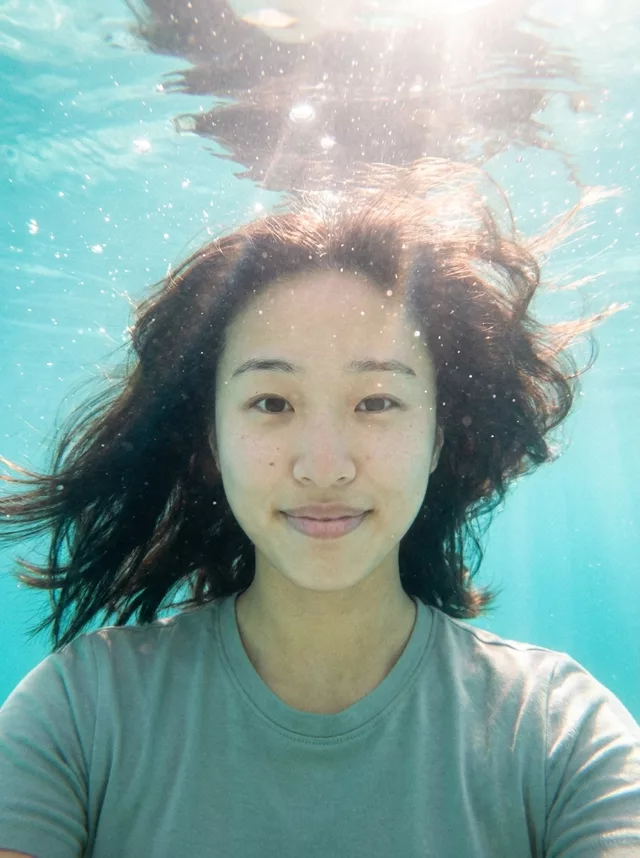
What happened when we tested it
Name what you are wearing. The prompt says nothing about clothing, so ours kept the grey t-shirt from the source photo, which reads oddly for a dreamy underwater shot — 'a flowing white dress' or 'a simple swimsuit' fixes it. Skin texture survived here better than in most of our soft prompts, freckles included, because the water cast gives the beautify pass less to correct. Hair fanning, bubbles and sunbeams are all dependable.