Step 2 · Photo → Video
Walk Toward the Camera
A confident slow walk straight out of a title sequence.
The person in this photo starts walking slowly toward the camera with a confident, relaxed stride while the camera pulls back to keep them in frame. Coat or hair moves naturally with each step. Keep the face exactly as in the photo. Cinematic street or landscape background with soft motion blur, 5 seconds.
How to use it
- Pick the photo you want to animate (a transformed aesthetic photo works great).
- Open an image-to-video tool — Kling / Veo (image-to-video) or similar — and upload the photo.
- Paste the prompt below and generate. Regenerate once or twice for the best take.
- Download the clip and label it as AI-made when you share it.
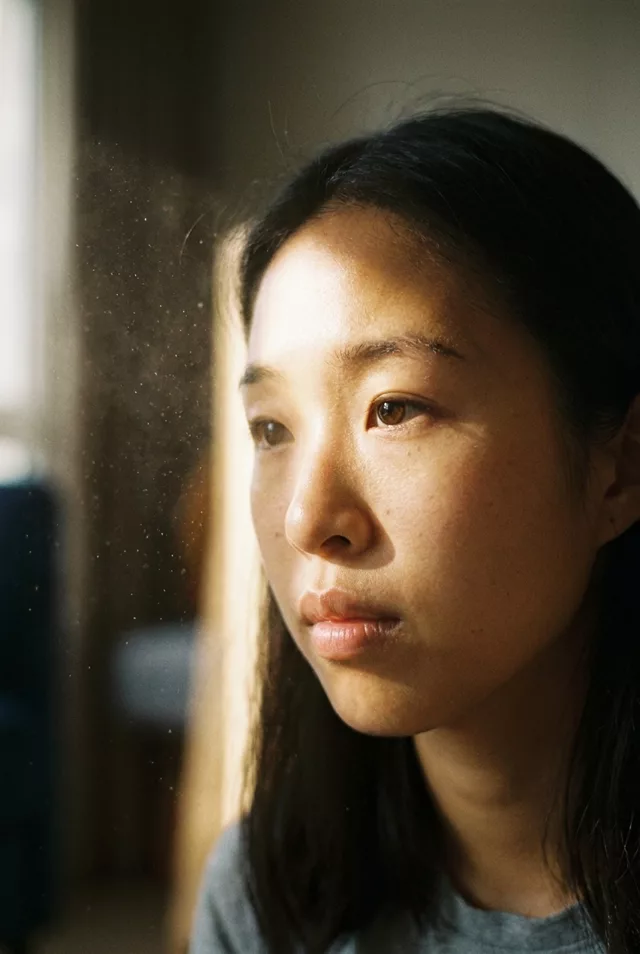 Cinematic
 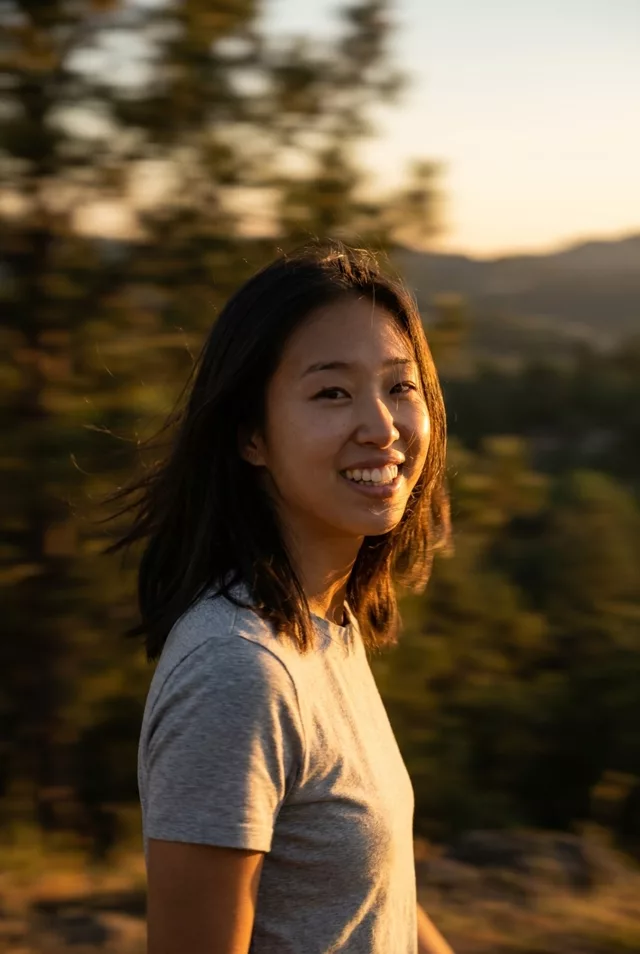 Cinematic
 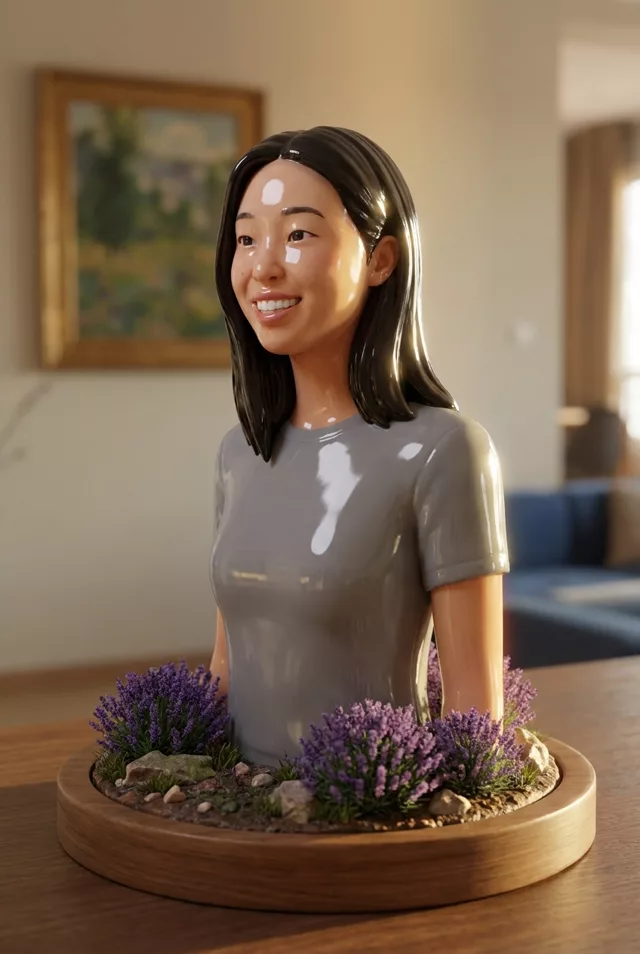 Cinematic
 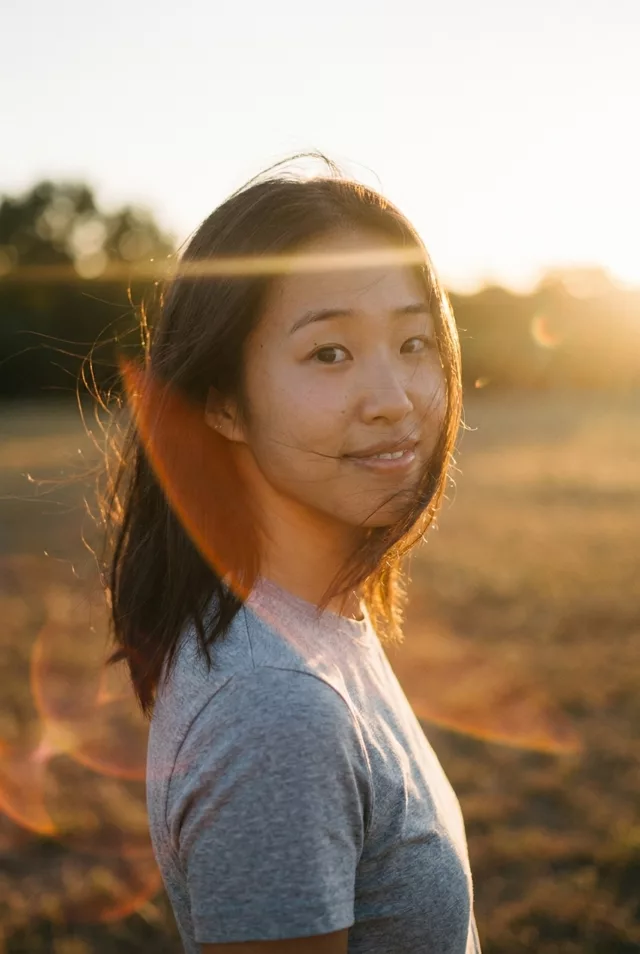 Cinematic