Step 1 · Photo → Aesthetic
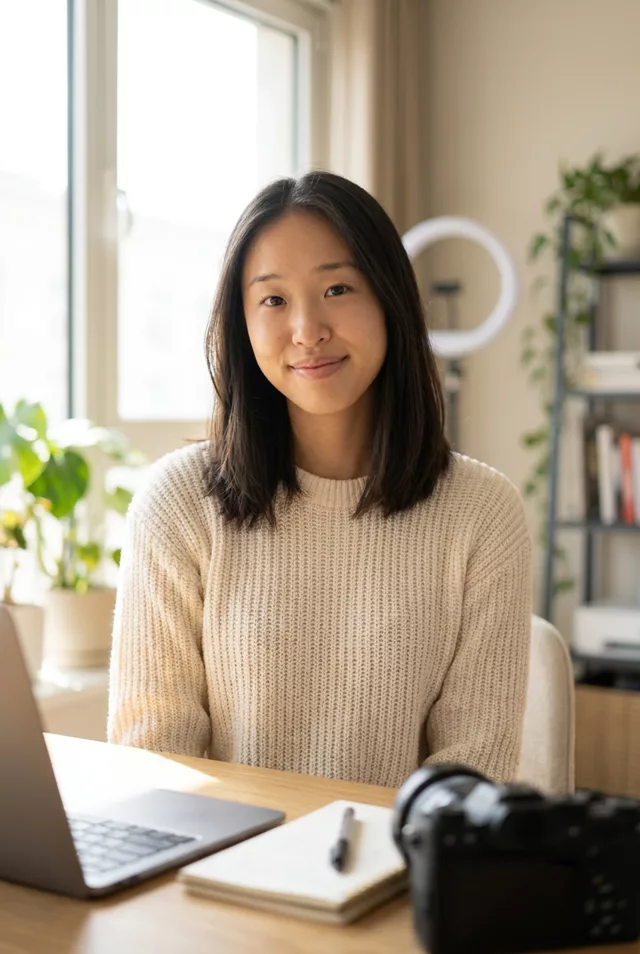
Author Book Jacket Photo
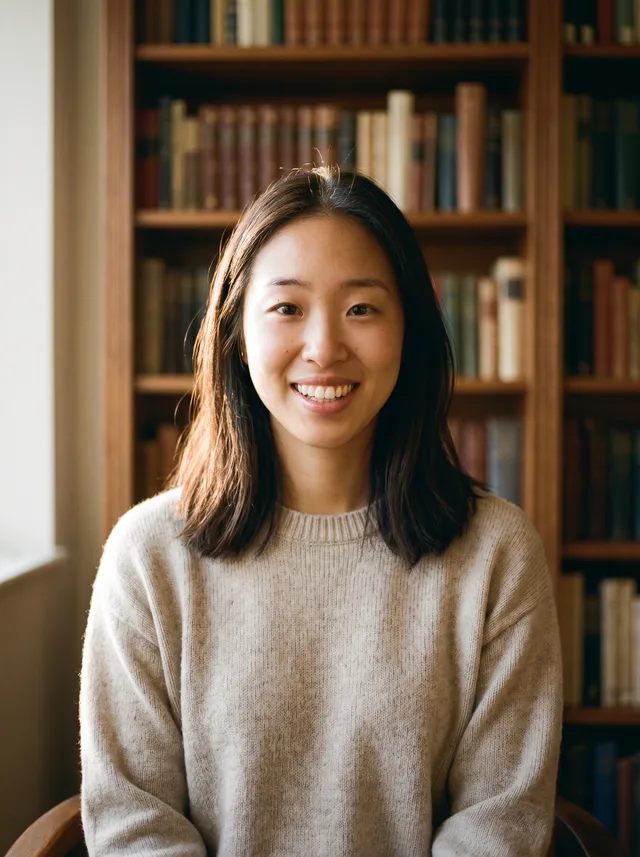
A quiet book-jacket portrait in front of a wall of books, in soft side light and warm muted colour — for an author page or a byline.
The prompt
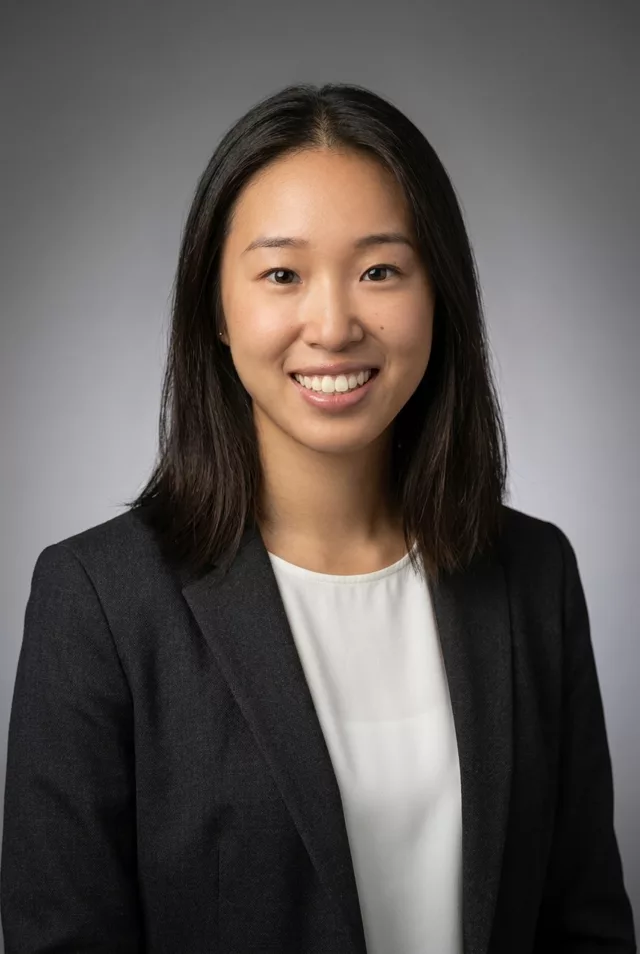
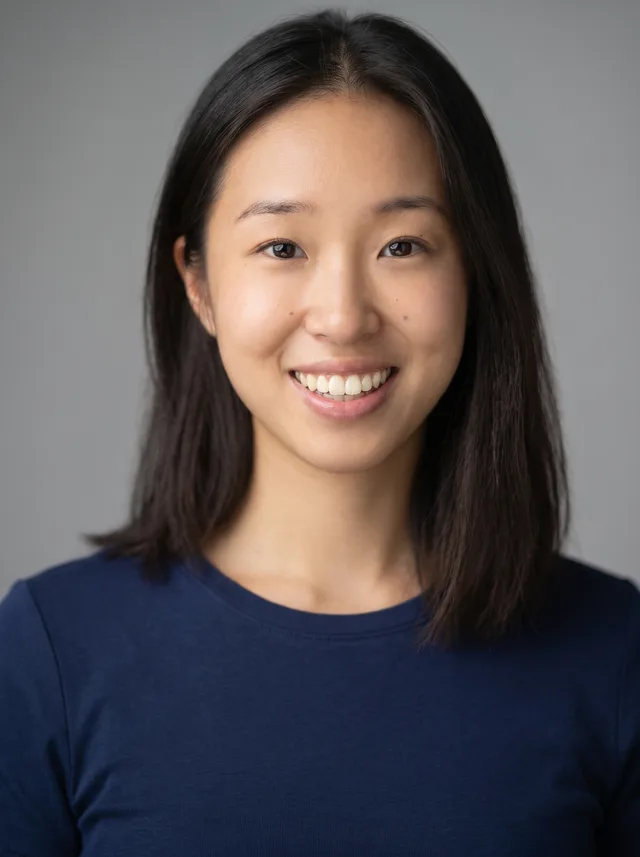
Turn this photo into a book-jacket author portrait. Keep my exact facial features, face shape, skin tone and age unchanged; do not beautify or slim my face. Keep my own smile from the photo. I wear a soft oatmeal knit sweater and sit in a quiet study in front of a tall wooden bookshelf, softly out of focus behind me. Soft late-afternoon window light from one side, warm muted colours, gentle film grain. Framed from the chest up, camera at eye level, hands out of frame. No text anywhere in the image.
How to use it
Only edit photos you have permission to use, including permission from the people pictured.
- Choose an eye-level portrait with visible eyes and enough room for the final shoulder or waist crop.
- Attach the source in an AI image editor compatible with this prompt (Gemini · ChatGPT (any AI image editor)), then paste the prompt. Set the clothing, lighting, and crop for the profile where you will use the image; name a side if you need room for text.
- Compare age, skin texture, and facial proportions with the source, then preview the intended profile crop. Correct unwanted retouching before export.
- Save the accepted image separately from the original and label it as AI-edited when sharing. Use the saved edit as the source if you choose to animate it next.
What happened when we tested it
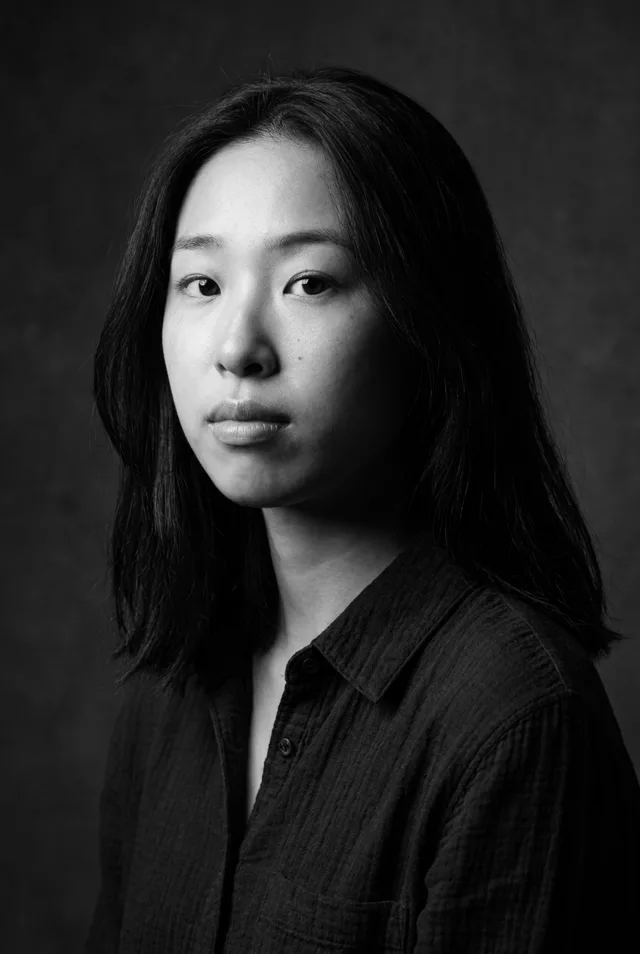
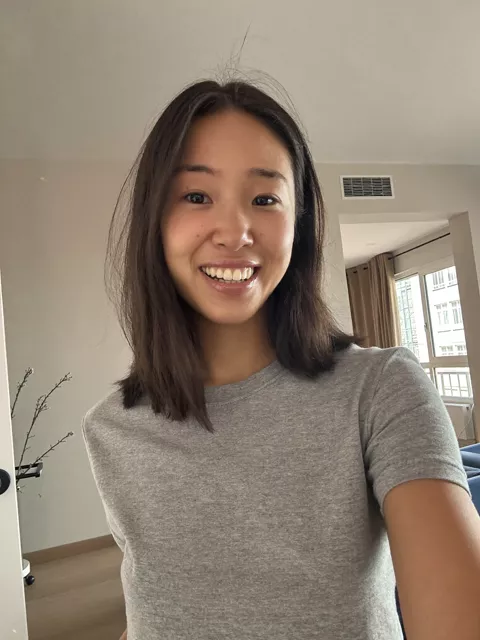
One run. Likeness held well, including the freckled skin texture and the small marks on her cheek that some of our colour prompts polish flat. 'Hands out of frame' worked: no hands anywhere. Two misses. We asked for chest-up framing and got a looser shot of her sitting in a chair, from about the waist up, so her face is smaller in the frame than a jacket photo usually wants — crop it tighter afterwards. And, as with our actor headshot, the smile came back smaller than the open grin in the source.