Step 1 · Photo → Aesthetic
Clean Professional Headshot
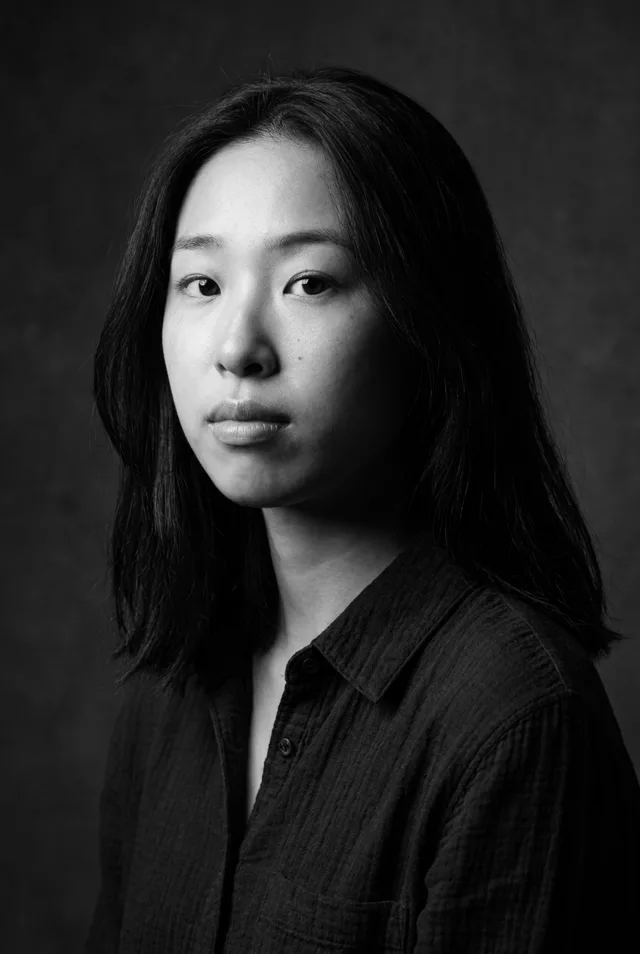
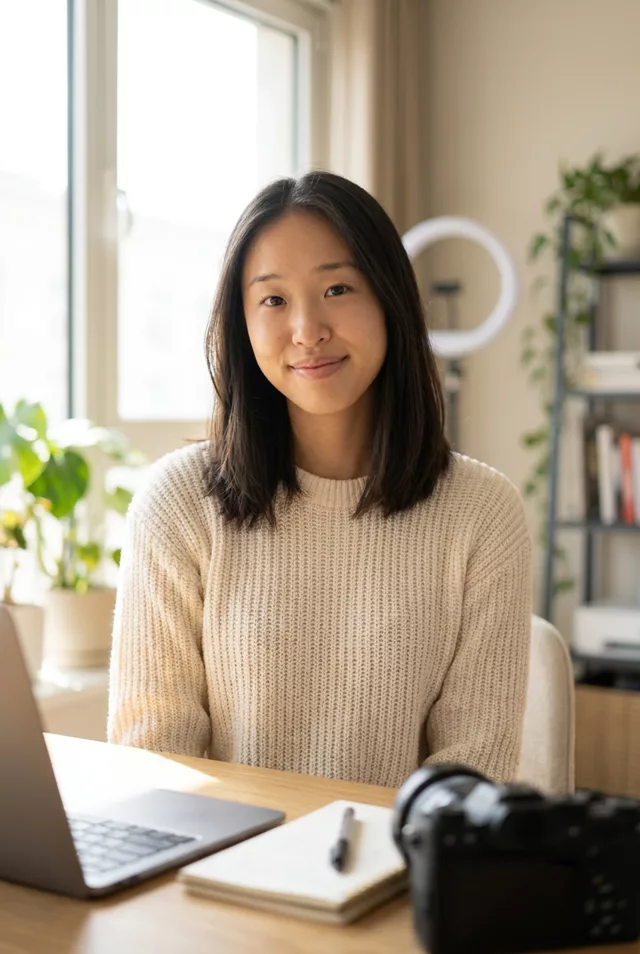
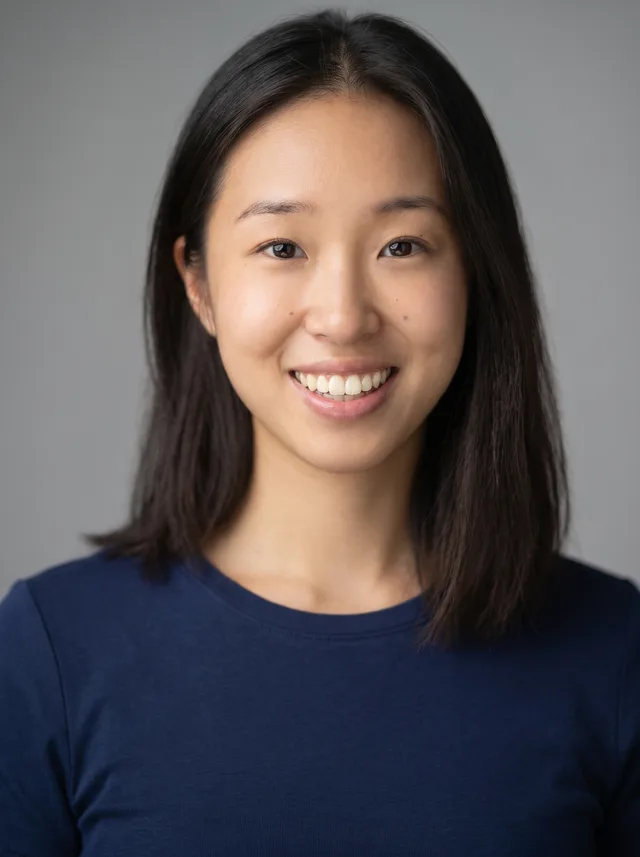
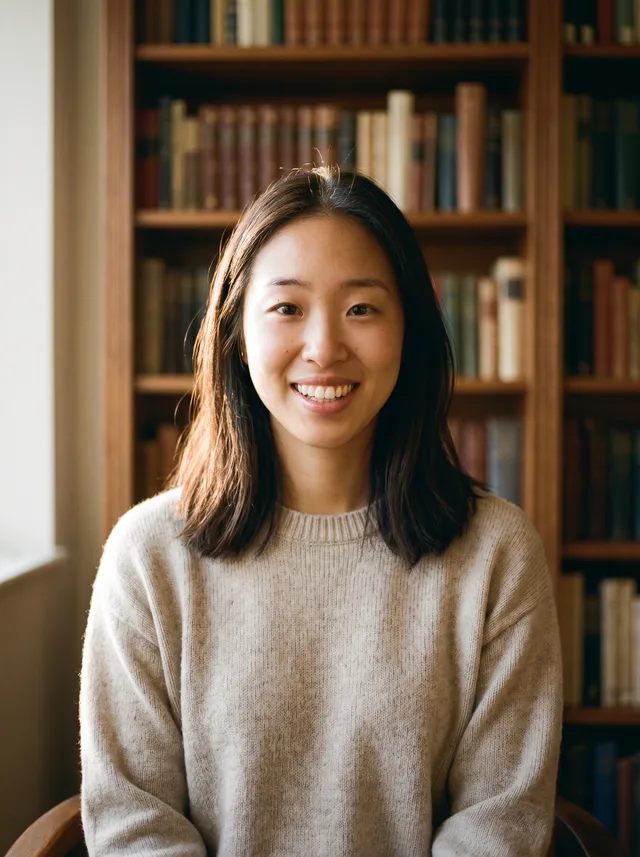
From casual selfie to polished business headshot — no photographer, no studio.
The prompt
Turn this casual photo into a professional business headshot. Keep my exact facial features, do not change my face, skin texture or age. Dress me in a well-fitted dark blazer over a simple top, neutral studio background with soft gradient, flattering three-point lighting, sharp focus on the eyes, natural confident expression. Framing from chest up, suitable for a professional profile.
How to use it
Only edit photos you have permission to use, including permission from the people pictured.
- Choose an eye-level portrait with visible eyes and enough room for the final shoulder or waist crop.
- Attach the source in an AI image editor compatible with this prompt (Gemini · ChatGPT (any AI image editor)), then paste the prompt. Set the clothing, lighting, and crop for the profile where you will use the image; name a side if you need room for text.
- Compare age, skin texture, and facial proportions with the source, then preview the intended profile crop. Correct unwanted retouching before export.
- Save the accepted image separately from the original and label it as AI-edited when sharing. Use the saved edit as the source if you choose to animate it next.
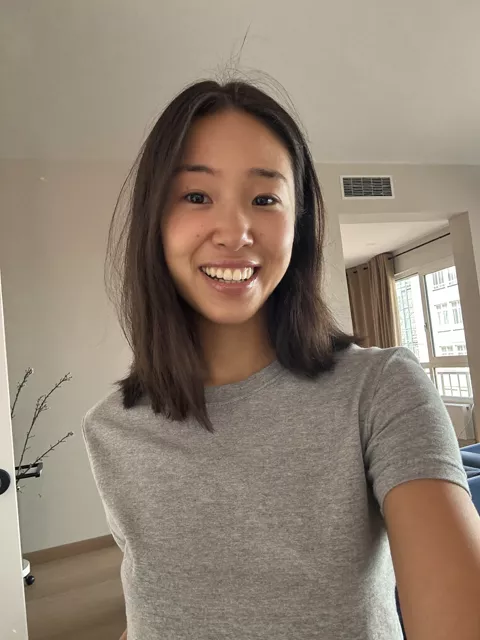
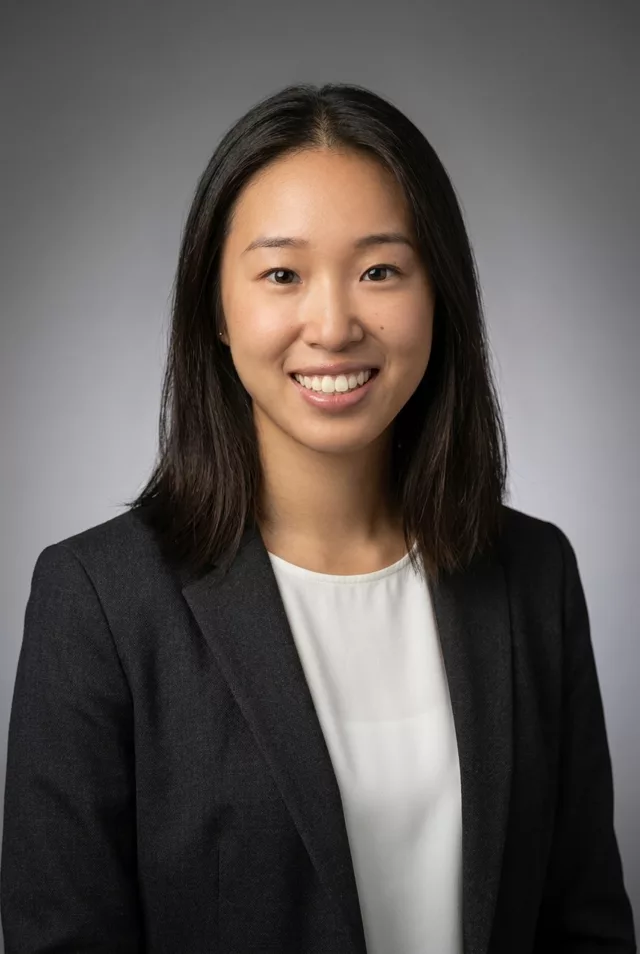
What happened when we tested it
This is the one edit where looking better than yourself is a problem, because people meet you afterwards. The prompt already blocks age and skin changes; if the result still looks airbrushed, add 'do not slim my face or beautify me' and run it again. Shoot the source at eye level — a low phone angle carries straight through into the final crop. If the blazer collar looks fused to your neck, regenerate rather than reword.