Step 1 · Photo → Aesthetic
Editorial B&W Portrait
A dramatic monochrome editorial portrait with sculpted side lighting.
The prompt
Transform this photo into a black-and-white editorial portrait. Keep my exact facial features, do not change my face. Dramatic single-source side lighting with deep shadows, rich monochrome tones, fine detail in skin and hair, dark background, composed like a magazine profile portrait of an artist.
How to use it
Only edit photos you have permission to use, including permission from the people pictured.
- Choose an eye-level portrait with visible eyes and enough room for the final shoulder or waist crop.
- Attach the source in an AI image editor compatible with this prompt (Gemini · ChatGPT (any AI image editor)), then paste the prompt. Set the clothing, lighting, and crop for the profile where you will use the image; name a side if you need room for text.
- Compare age, skin texture, and facial proportions with the source, then preview the intended profile crop. Correct unwanted retouching before export.
- Save the accepted image separately from the original and label it as AI-edited when sharing. Use the saved edit as the source if you choose to animate it next.
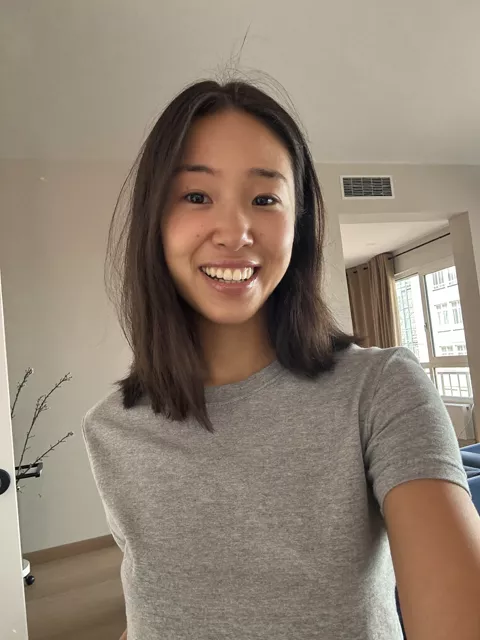
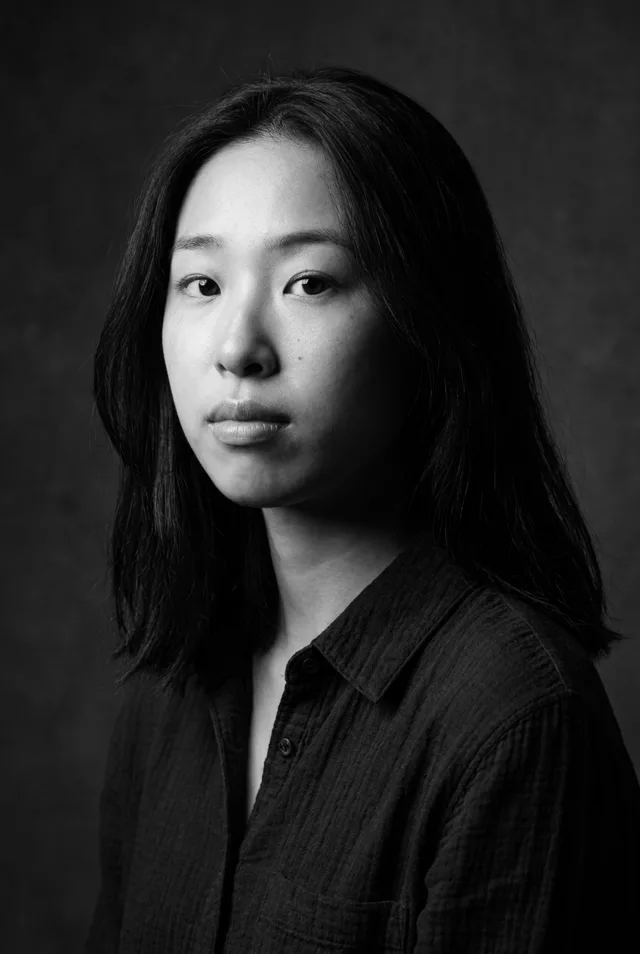
What happened when we tested it
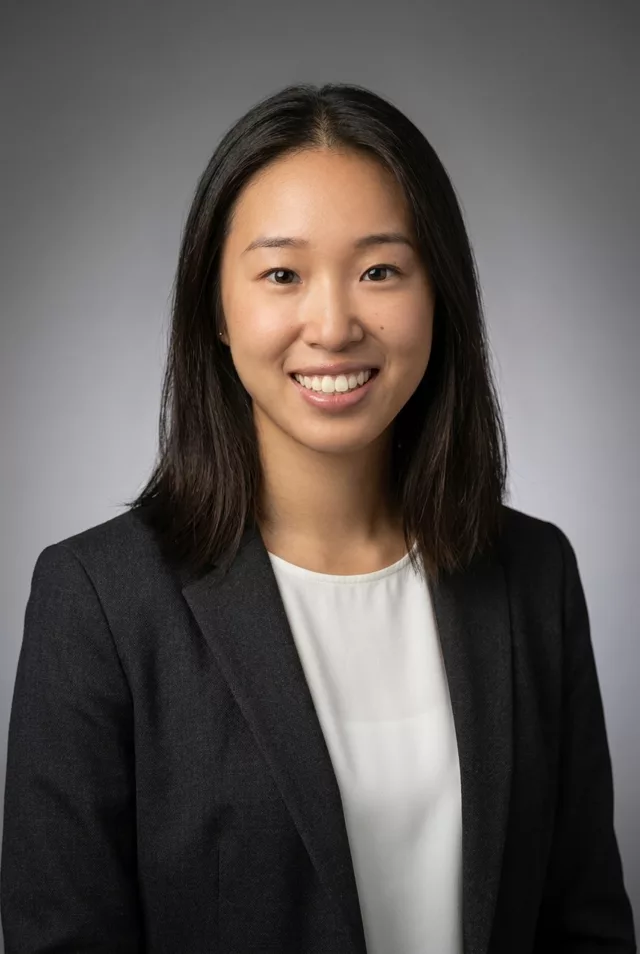
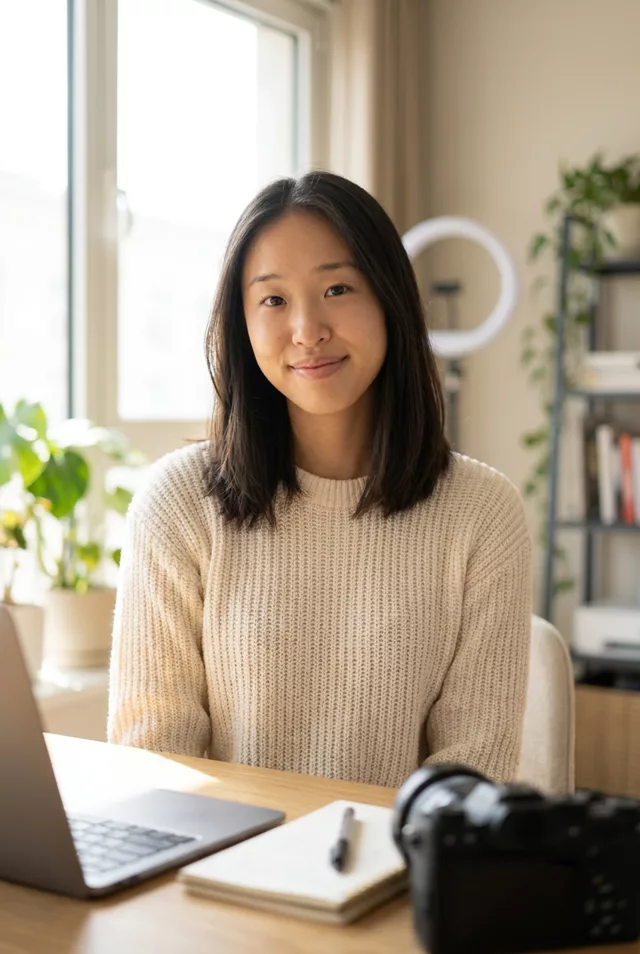
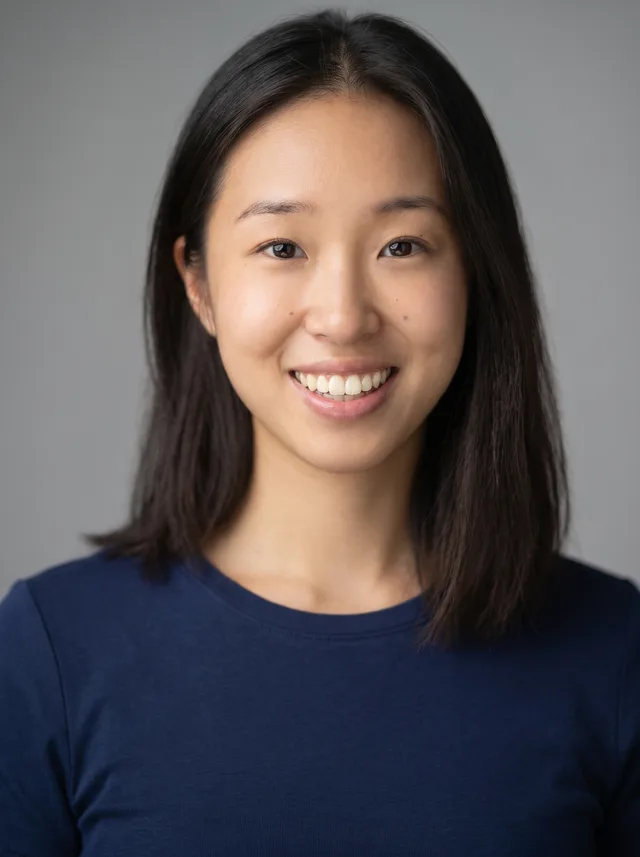
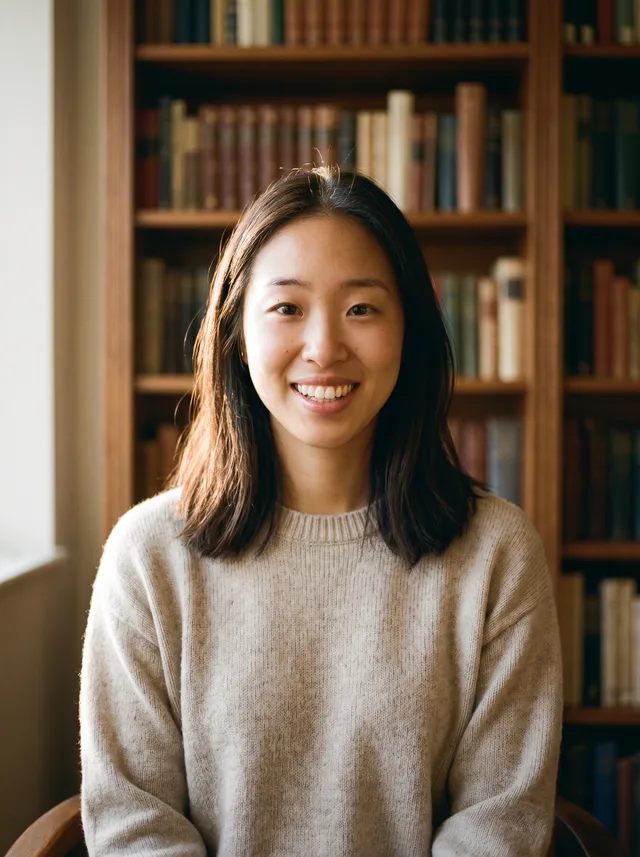
Black and white is the safest style in our set for skin texture — pores and small marks survived here where our colour prompts polished them flat, because the beautify pass has no skin tone to 'correct'. The cost is the expression: 'composed like a magazine profile' rebuilt a broad grin into a serious, unsmiling look. If you want your own smile, say so explicitly. The single-source side light lands as asked, with real falloff across one cheek.