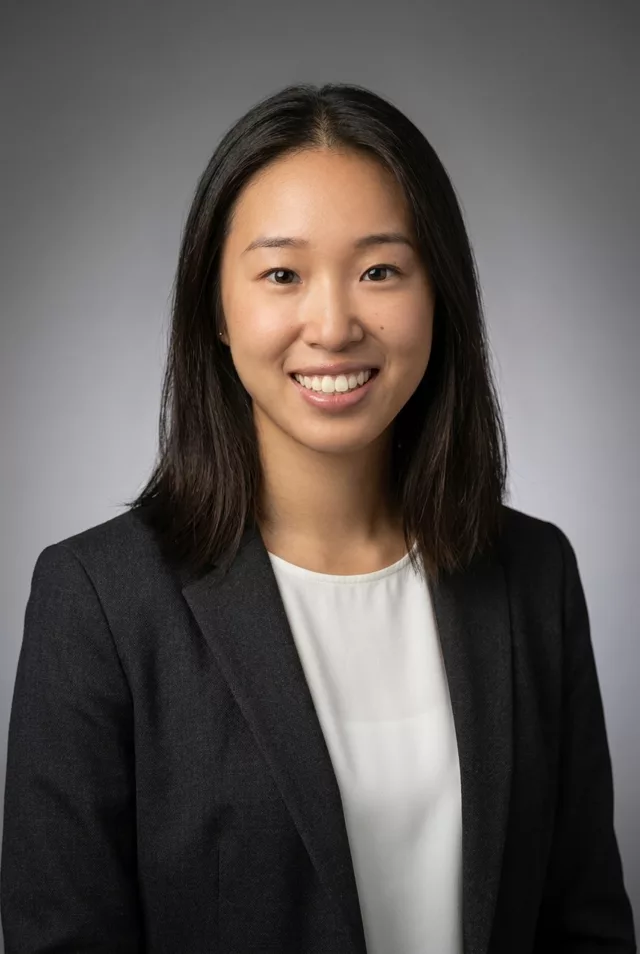
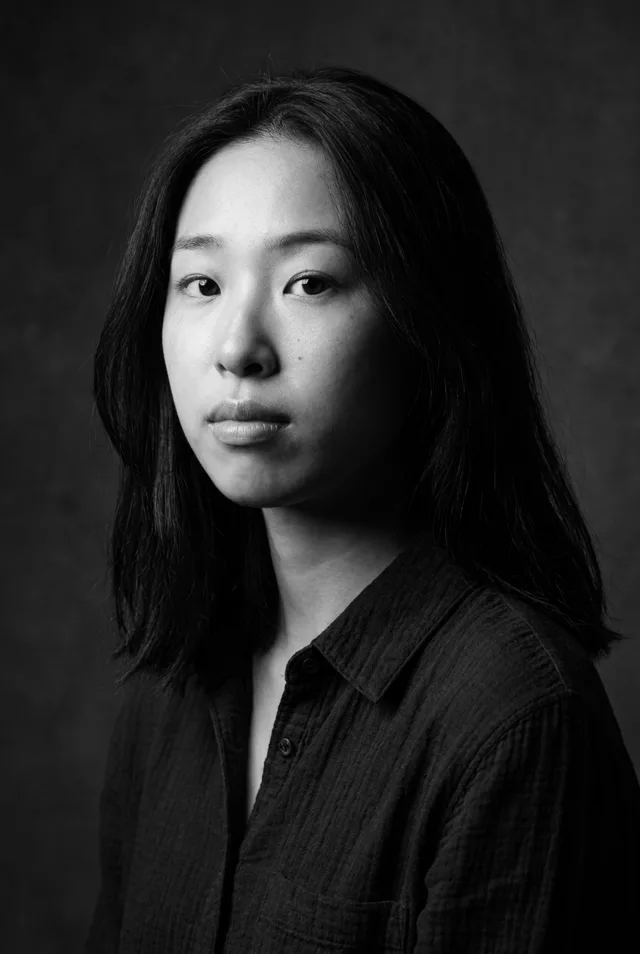
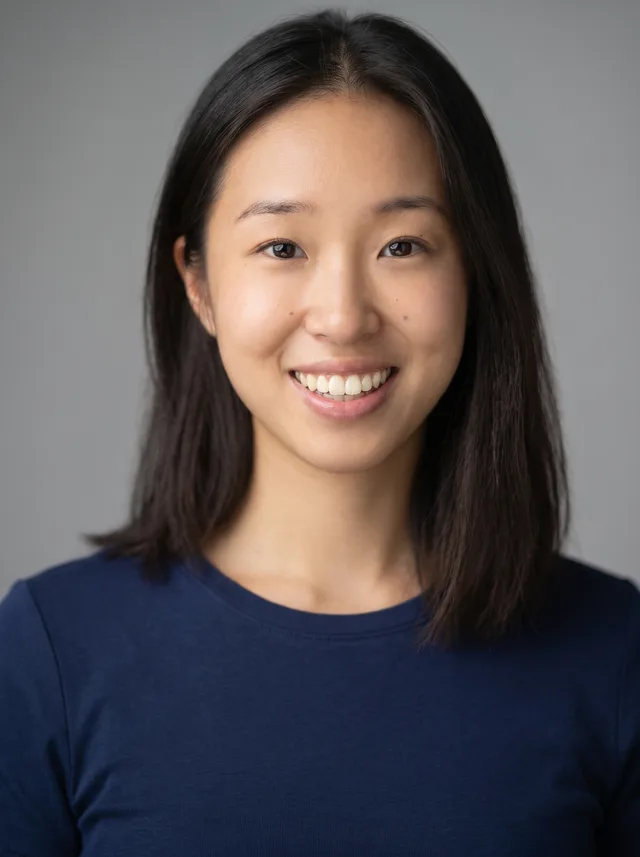
Step 1 · Photo → Aesthetic
Creator Branding Portrait
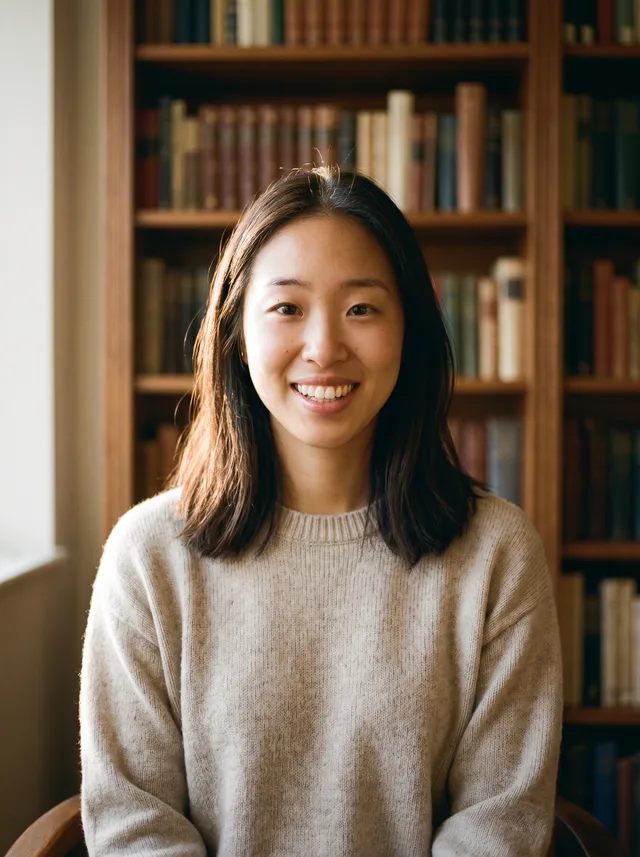
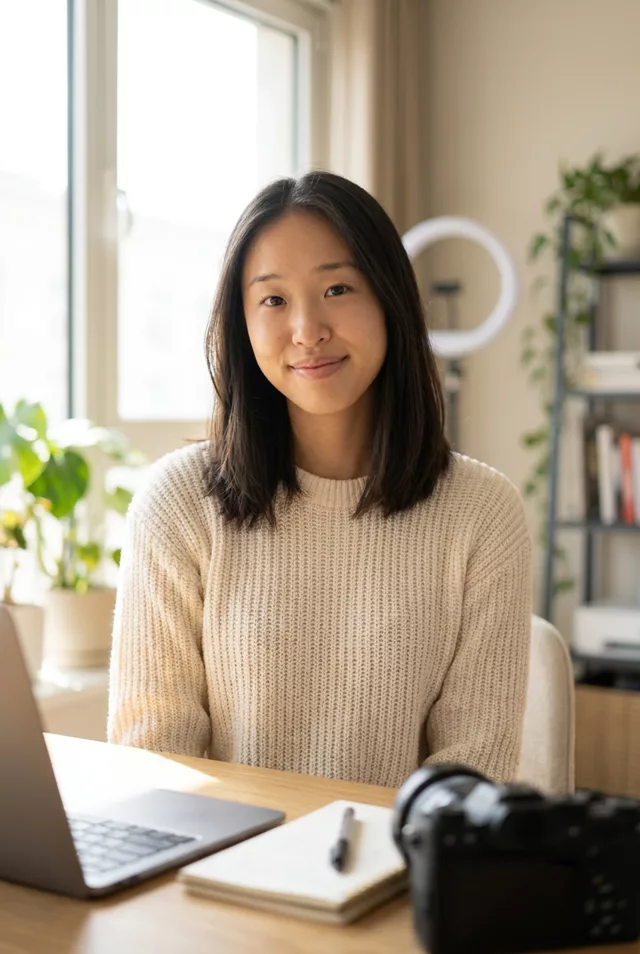
A bright, approachable branding portrait with copy space — ideal for channel art and link-in-bio pages.
The prompt
Turn this photo into a warm personal-branding portrait for a content creator. Keep my exact facial features, do not change my face. Bright airy workspace background softly blurred, natural window light, genuine relaxed smile, cream and warm-neutral color palette, crisp focus, framed from the waist up with space beside me for text.
How to use it
Only edit photos you have permission to use, including permission from the people pictured.
- Choose an eye-level portrait with visible eyes and enough room for the final shoulder or waist crop.
- Attach the source in an AI image editor compatible with this prompt (Gemini · ChatGPT (any AI image editor)), then paste the prompt. Set the clothing, lighting, and crop for the profile where you will use the image; name a side if you need room for text.
- Compare age, skin texture, and facial proportions with the source, then preview the intended profile crop. Correct unwanted retouching before export.
- Save the accepted image separately from the original and label it as AI-edited when sharing. Use the saved edit as the source if you choose to animate it next.
What happened when we tested it
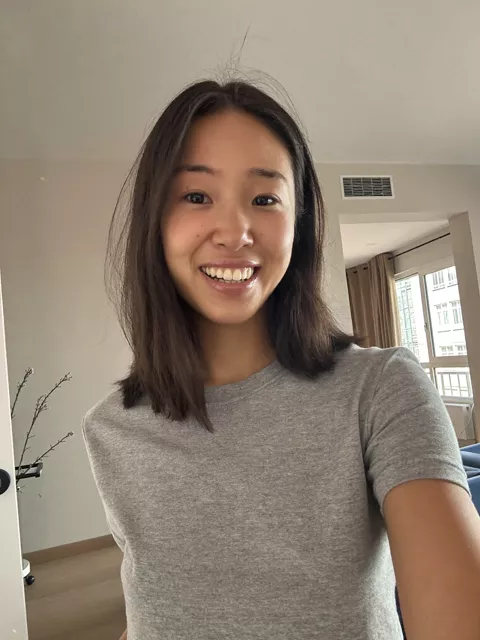
Two misses. 'Space beside me for text' did not land — ours came back centred with props filling both sides, so there is nowhere clean to put your name. Ask for 'subject on the left third, plain wall on the right'. And 'genuine relaxed smile' overrode the open grin in the source with a closed, restrained one. This is also the prompt where our skin came back lightest and smoothest, so the no-beautify clause earns its place here.