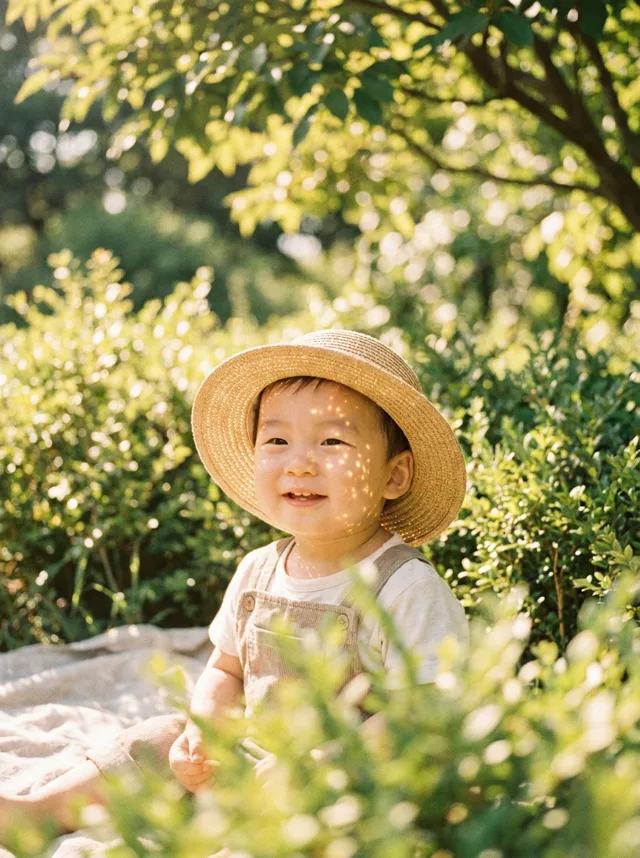
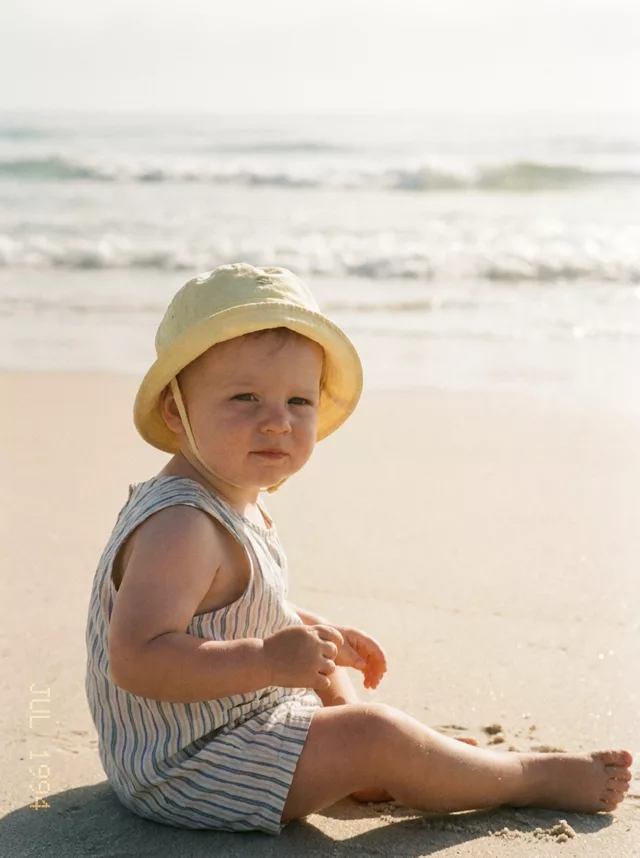
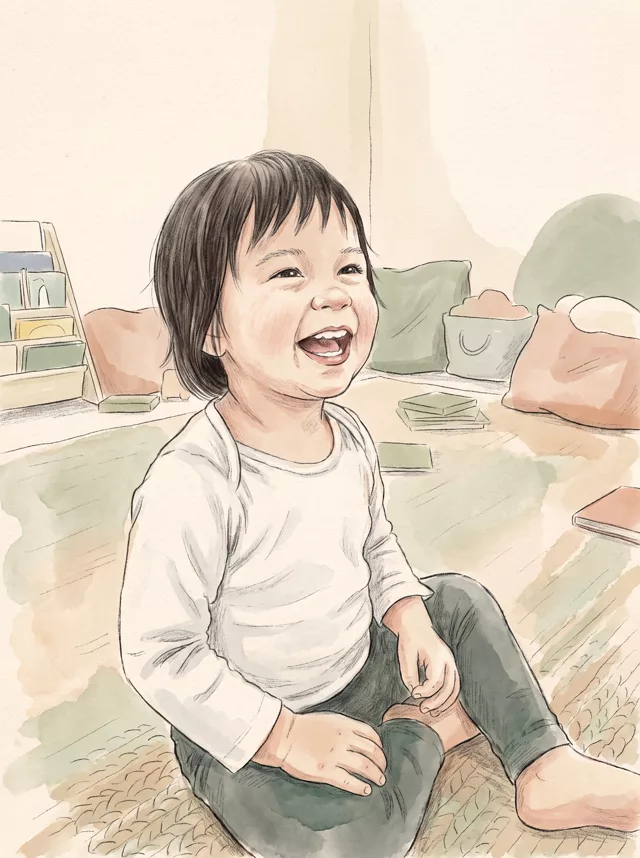
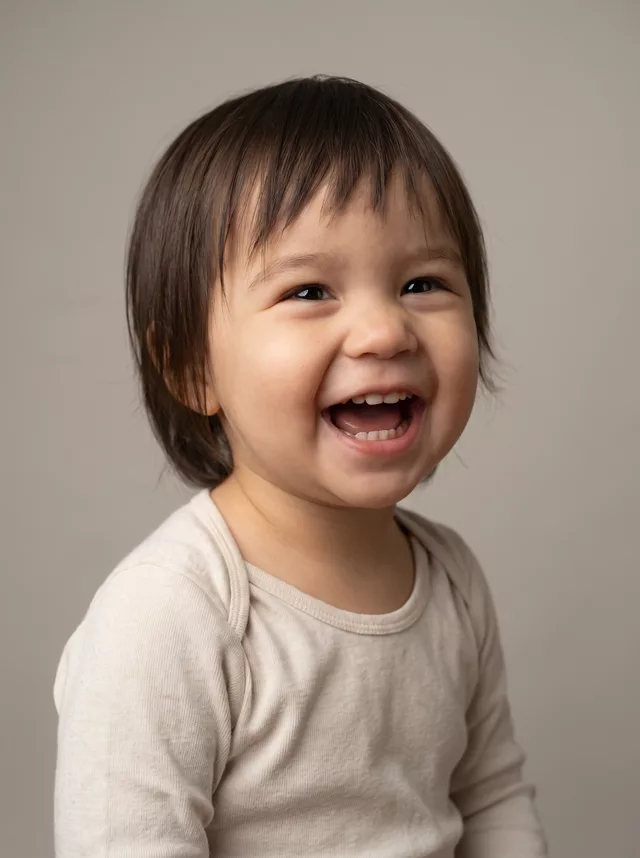
Step 1 · Photo → Aesthetic
Autumn Leaves Baby Portrait
Turn an indoor snapshot of your child into a golden autumn park portrait — same pose, same face, new season.
The prompt
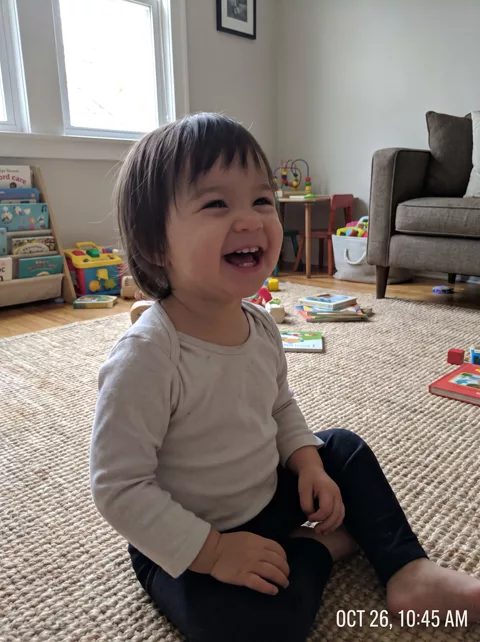
Transform this photo of my child into a warm autumn portrait. Keep my child exactly where they are sitting, in the same pose, with the same clothes. Replace the indoor room with an outdoor autumn scene: fallen amber and rust leaves scattered across the ground, soft blurred trees behind, low golden late-afternoon sunlight coming from the side. Rich warm fall colour grade with gentle film grain. Keep my child’s exact facial features, expression and skin tone completely unchanged. Remove any timestamp or date text from the photo.
How to use it
Only edit photos you have permission to use, including permission from the people pictured.
- Choose a photo with an unobstructed face and a simple hand position. Use the source expression as your reference.
- Attach the source in an AI image editor compatible with this prompt (Gemini · ChatGPT (any AI image editor)), then paste the prompt. Adjust the scene or illustration style while retaining the instructions about your child. Keep any skin-texture or timestamp instructions you need.
- Check the eyes, skin tone, hands, and expression against the source. For an illustration, assess recognizability without expecting photographic detail.
- Save the accepted image separately from the original and label it as AI-edited when sharing. Use the saved edit as the source if you choose to animate it next.

What happened when we tested it
This one keeps the original pose and clothing intact, stains and creases included, which is what makes it read as a real photo rather than a generated one. Phone shots often carry a burnt-in date stamp, and it survives the edit unless you tell it to go — the line about removing timestamp text is there for that. Backlight is the risk: if the face goes dark, add “keep the face evenly lit”.