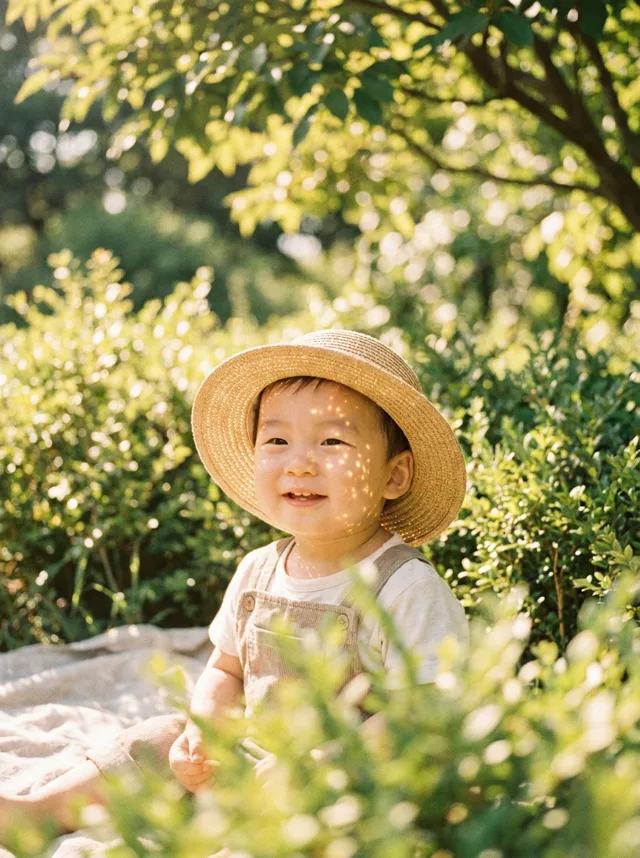
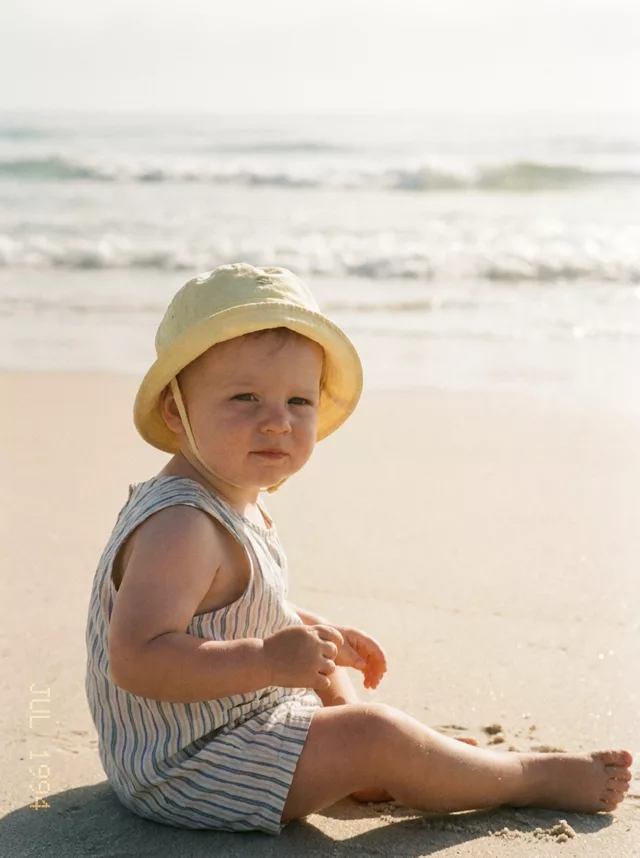
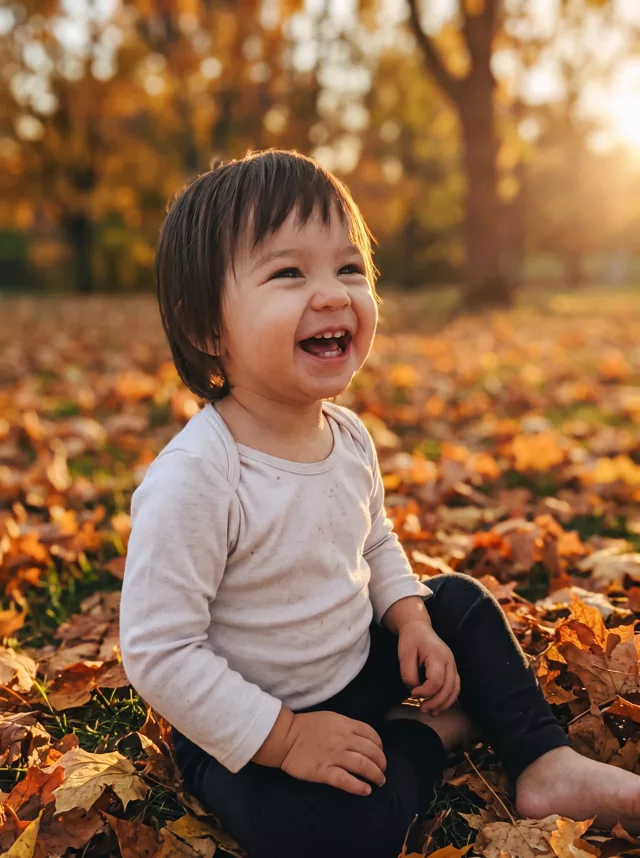
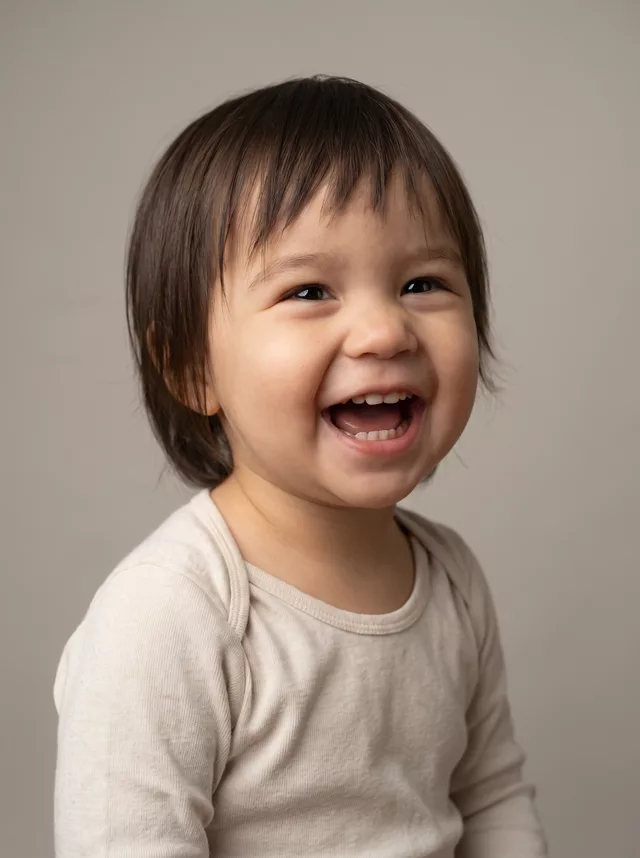
Step 1 · Photo → Aesthetic
Storybook Illustration
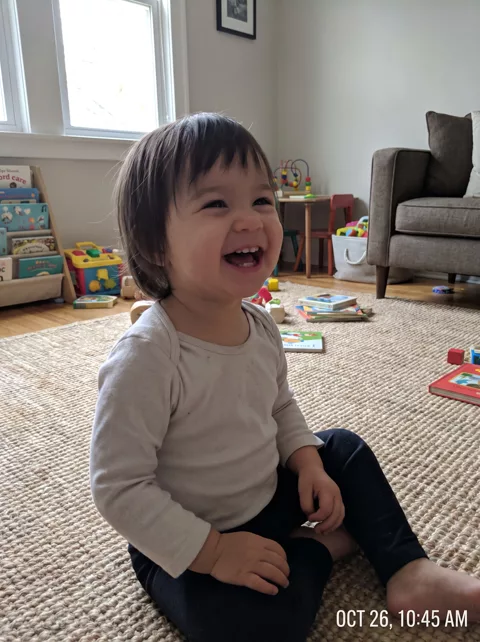
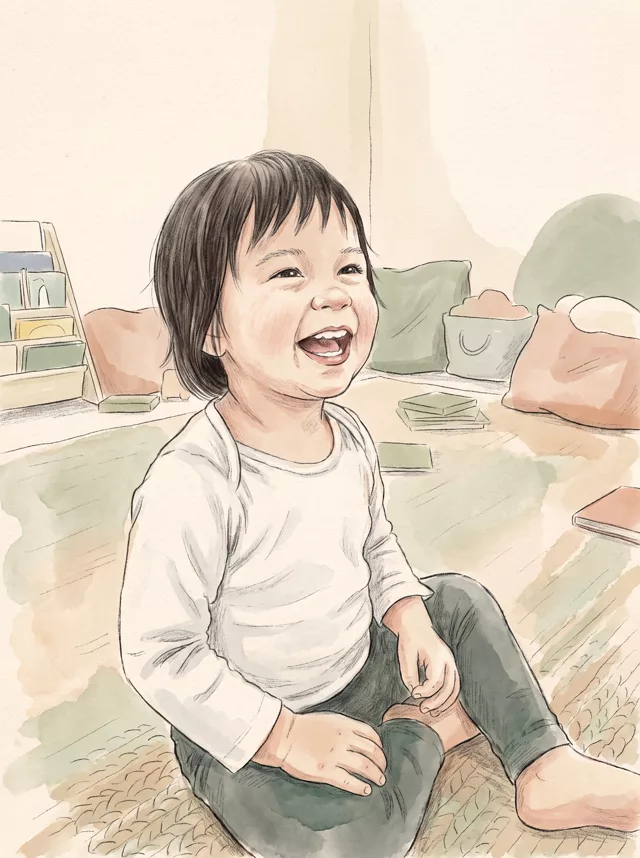
Your child’s photo redrawn as a watercolour storybook page — the same laugh, in ink and paper texture.
The prompt
Turn this photo of my child into a hand-painted storybook illustration. Soft watercolour and coloured-pencil texture on warm paper, gentle washes, visible paper grain, delicate ink outlines. Keep my child’s pose, expression and recognisable face, rendered as an illustration rather than a photograph. Simplify the room around them into a cosy nursery scene with a few books and soft shapes. Muted nursery palette of cream, sage and dusty peach. No text anywhere in the image.
How to use it
Only edit photos you have permission to use, including permission from the people pictured.
- Choose a photo with an unobstructed face and a simple hand position. Use the source expression as your reference.
- Attach the source in an AI image editor compatible with this prompt (Gemini · ChatGPT (any AI image editor)), then paste the prompt. Adjust the scene or illustration style while retaining the instructions about your child. Keep any skin-texture or timestamp instructions you need.
- Check the eyes, skin tone, hands, and expression against the source. For an illustration, assess recognizability without expecting photographic detail.
- Save the accepted image separately from the original and label it as AI-edited when sharing. Use the saved edit as the source if you choose to animate it next.
What happened when we tested it
Illustration styles loosen the likeness more than photo styles do, so expect a recognisable child rather than an exact one — that is the trade for the look. Hands came back the weakest part in our test, with fingers blurring into one shape, which is easier to spot in clean line work than in a photograph. Pick a source where the hands are simple or out of frame.